Translations:Where to change my info/9/nl: Difference between revisions

From SimplyBook.me
No edit summary
No edit summary
 
(One intermediate revision by the same user not shown)
Line 1: Line 1:
= Teksten en taal =
= Teksten en taal =
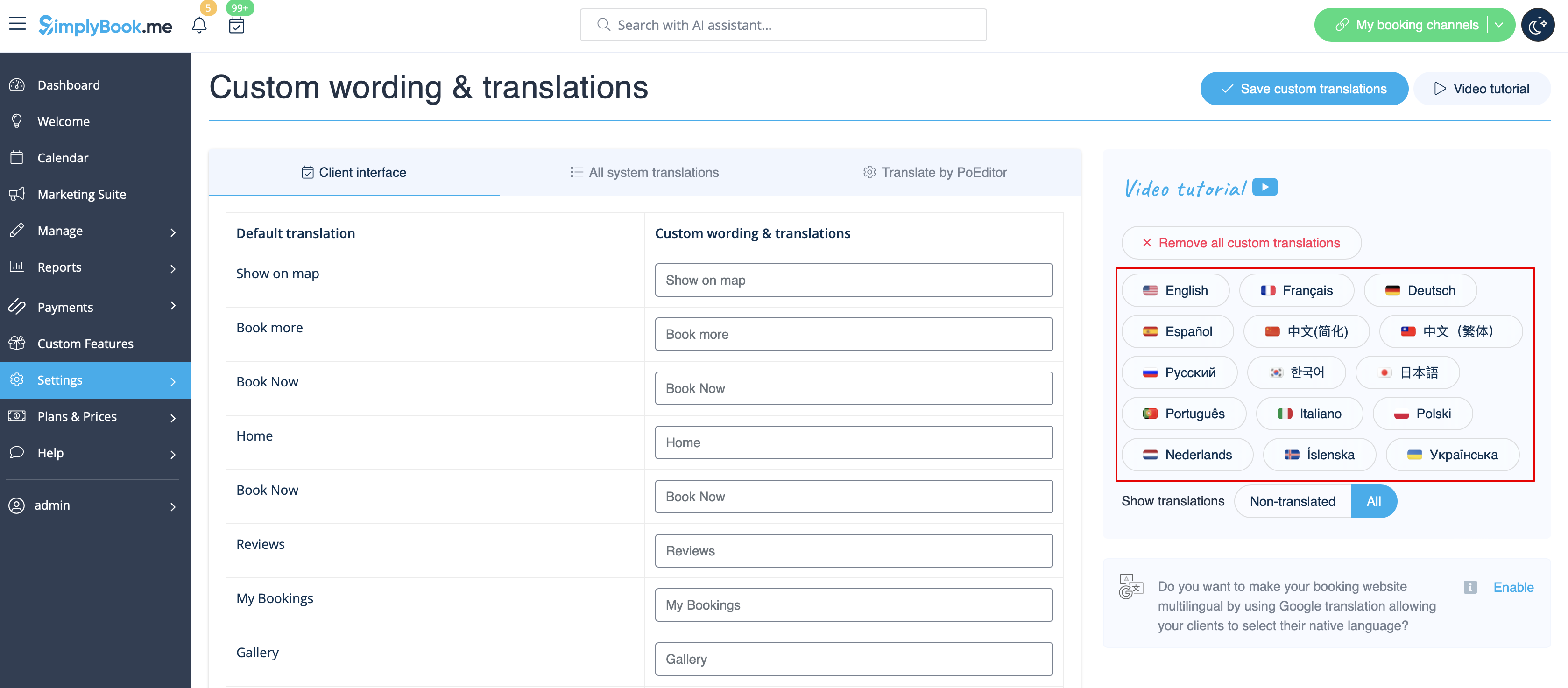
Als u teksten op uw boekingspagina wilt aanpassen (bijvoorbeeld Werknemer wijzigen in Therapeut, Coach of Kamer), kunt u dit doen via Instellingen // Aangepaste teksten & vertalingen.  
Als je teksten op je boekingspagina wilt aanpassen (bijvoorbeeld Werknemer wijzigen in Therapeut, Coach of Kamer), kun je dit doen via Instellingen // Aangepaste teksten & vertalingen.  
&lt;a href= "index.php?url =RmlsZTpDdXN0b20gdHJhbnNsYXRpb25zIHBhdGggcmVkZXNpZ25lZC5wbmc= "&gt;1200px| midden|link =https://help.simplybook.me/images/9/91/Custom_translations_path_redesigned.png </a>
[[File:Custom translations path redesigned.png|1200px| center|link=https://help.simplybook.me/images/9/91/Custom_translations_path_redesigned.png]]
<br/><br/>
<br/><br/>
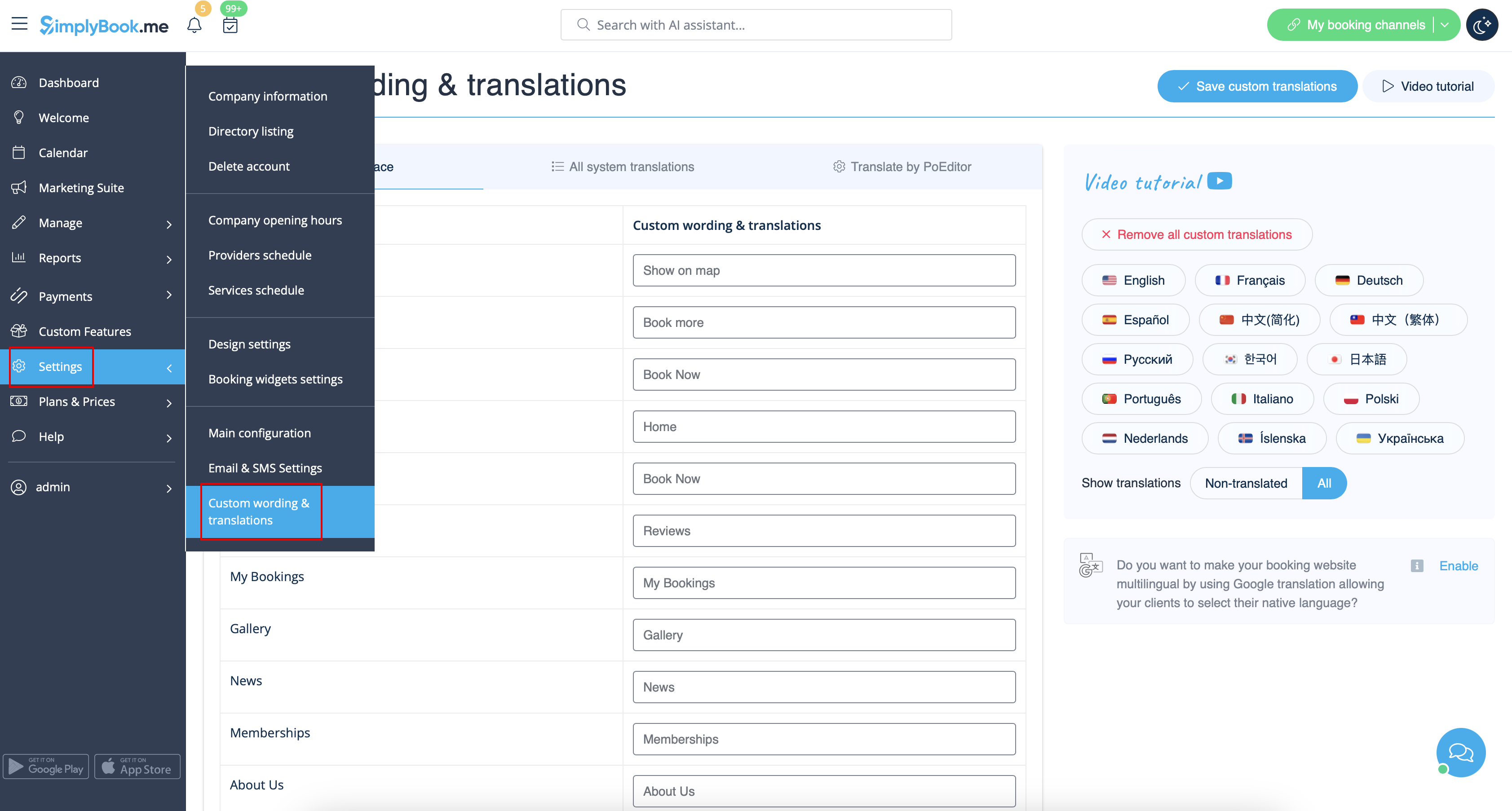
Daar kun je ook de taal van je boekingspagina wijzigen door op de betreffende vlag te klikken en op "Aangepaste vertalingen opslaan" te drukken. Als uw taal niet in de lijst staat, kunt u het systeem zelf vertalen.
Daar kunt u ook de taal van uw boekingspagina wijzigen door op de betreffende vlag te klikken en op "Save custom translations" te drukken. Als uw taal niet in de lijst voorkomt, kunt u het systeem zelf vertalen.
&lt;a href= "index.php?url =RmlsZTpDdXN0b20gdHJhbnNhbHRpb25zIGxhbmd1YWdlcyByZWRlc2lnbmVkLnBuZw=  ="&gt;1200px| midden|link=https://help.simplybook.me/images/4/49/Custom_transaltions_languages_redesigned.png </a>
[[File:Custom transaltions languages redesigned.png|1200px| center|link=https://help.simplybook.me/images/4/49/Custom_transaltions_languages_redesigned.png]]
<br/><br/>
<br/><br/>

Latest revision as of 07:29, 15 May 2025

Information about message (contribute)
This message has no documentation. If you know where or how this message is used, you can help other translators by adding documentation to this message.
Message definition (Where to change my info)
=Texts and language=
If you need to adjust any texts on your booking page (for example change Employee to Therapist, Coach or Room), you can do it in Settings // Custom Wording & Translations. 
[[File:Custom translations path redesigned.png|1200px| center|link=https://help.simplybook.me/images/9/91/Custom_translations_path_redesigned.png ]]
<br/><br/>
There, you can also change language of your booking page by clicking on the corresponding flag and pressing "Save custom translations". If your language is not in the list you can translate the system yourself.
[[File:Custom transaltions languages redesigned.png|1200px| center|link=https://help.simplybook.me/images/4/49/Custom_transaltions_languages_redesigned.png ]]
<br/><br/>

Teksten en taal

Als je teksten op je boekingspagina wilt aanpassen (bijvoorbeeld Werknemer wijzigen in Therapeut, Coach of Kamer), kun je dit doen via Instellingen // Aangepaste teksten & vertalingen.


Daar kunt u ook de taal van uw boekingspagina wijzigen door op de betreffende vlag te klikken en op "Save custom translations" te drukken. Als uw taal niet in de lijst voorkomt, kunt u het systeem zelf vertalen.