Translations:Adjust your terminology/language/3/uk: Difference between revisions

From SimplyBook.me
Created page with "== Зміна мови/формулювання для всієї системи (без шаблонів сповіщень) == <span style="background-color:#d4f8e5; padding:5px; border-radius:5px;">Налаштування</span> -> <span style="background-color:#d4f8e5; padding:5px; border-radius:5px;">Користувацькі формулювання та переклади</span> також дозволяють налаштувати мову всієї сис..."
 
(No difference)

Latest revision as of 08:56, 15 May 2025

Information about message (contribute)
This message has no documentation. If you know where or how this message is used, you can help other translators by adding documentation to this message.
Message definition (Adjust your terminology/language)
==Changing language/wording for the whole system (without notifications templates)==
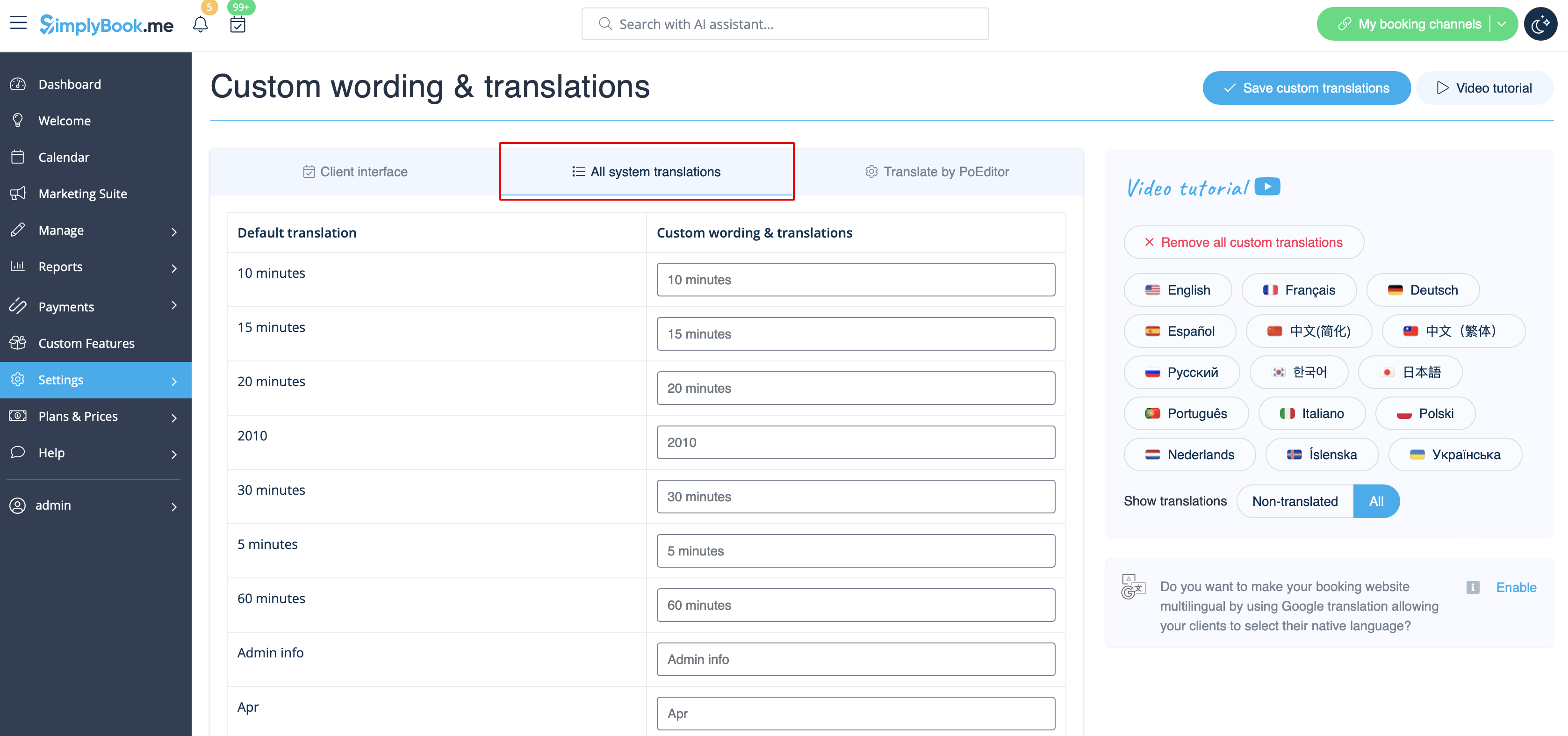
<span style="background-color:#d4f8e5; padding:5px; border-radius:5px;">Settings</span> -> <span style="background-color:#d4f8e5; padding:5px; border-radius:5px;">Custom wording & translations</span> also allows you to adjust the language of the whole system. Please select <span style="background-color:#d4f8e5; padding:5px; border-radius:5px;">All system translations</span> tab to change all system wording.<br>
'''Please note!''' It is not possible to have fully separate languages for admin and client sides as some of the texts are used for both sides. So you may have client side fully translated to one language and have admin side in a different one, but with some words form the client side language.
[[File:All system translations path redesigned.png|1200px| border| center|link=https://help.simplybook.me/images/0/0d/All_system_translations_path_redesigned.png]]
<br><br>
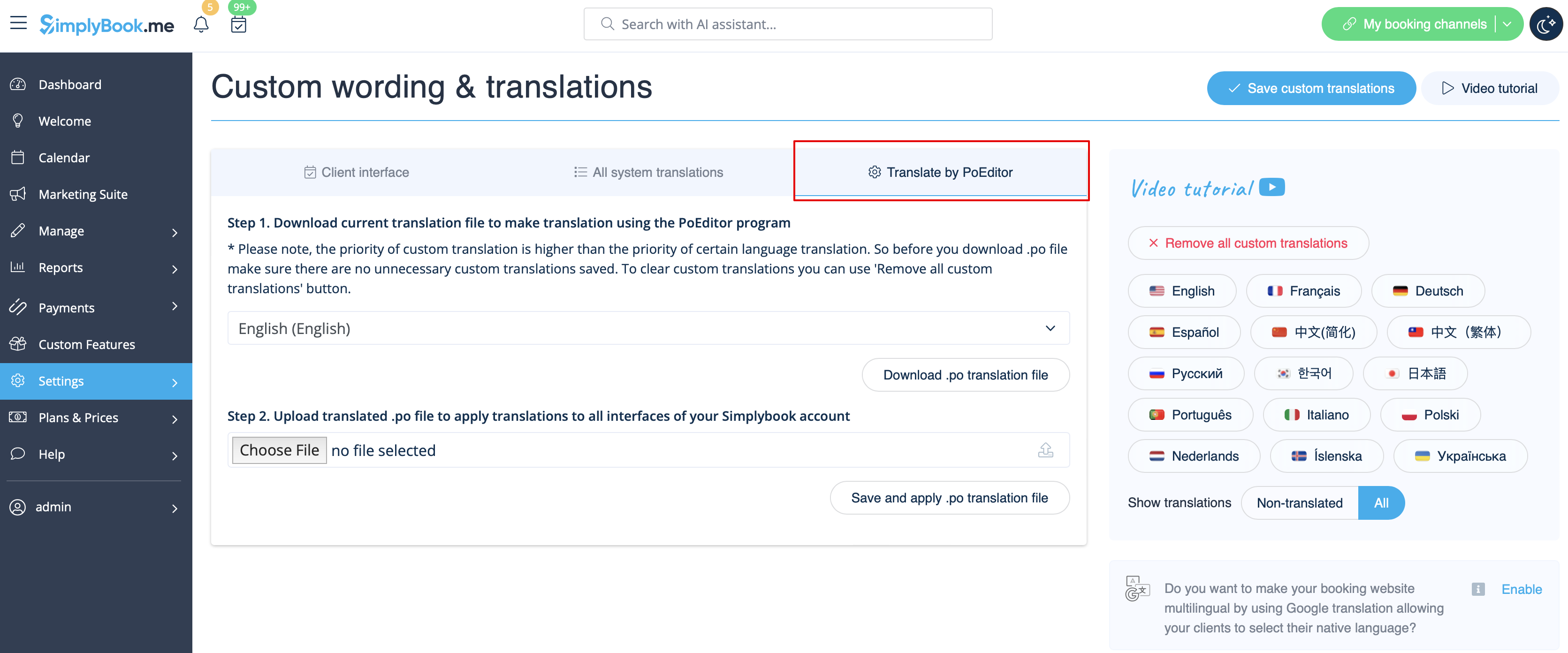
The system as well allows to download .po file, translate it with PoEditor software, upload the texts and apply to your system.
[[File:Translate by po editor path redesigned.png|1200px | border| center|link=https://help.simplybook.me/images/e/e8/Translate_by_po_editor_path_redesigned.png]]
<br><br>

Зміна мови/формулювання для всієї системи (без шаблонів сповіщень)

Налаштування -> Користувацькі формулювання та переклади також дозволяють налаштувати мову всієї системи. Будь ласка, виберіть вкладку Всі системні переклади, щоб змінити всі системні формулювання.
Зверніть увагу! Неможливо мати повністю окремі мови для адміністративної та клієнтської частин, оскільки деякі тексти використовуються для обох частин. Таким чином, ви можете мати клієнтську частину повністю перекладену на одну мову, а адміністративну частину на іншу, але з деякими словами з мови клієнтської частини.


Система також дозволяє завантажити .po файл, перекласти його за допомогою програми PoEditor, завантажити тексти і застосувати до вашої системи.