From SimplyBook.me
Created page with "1. Gå til siden <span style="background-color:#d4f8e5; padding:5px; border-radius:5px;">Custom Features</span> (Tilpassede funktioner) i din SBPay.me-grænseflade, og klik på knappen <span style="background-color:#d4f8e5; padding:5px; border-radius:5px;">Enable (Aktiver</span> ) ved siden af Xero. 1200px|center|link=https://help.simplybook.me/images/1/16/Xero_enable_path.png" |
No edit summary |
||
| Line 1: | Line 1: | ||
1. Gå til siden <span style="background-color:#d4f8e5; padding:5px; border-radius:5px;">Custom Features</span> (Tilpassede funktioner) i din SBPay.me-grænseflade, og klik på knappen <span style="background-color:#d4f8e5; padding:5px; border-radius:5px;">Enable (Aktiver</span> ) | 1. Gå til siden <span style="background-color:#d4f8e5; padding:5px; border-radius:5px;">Custom Features</span> (Tilpassede funktioner) i din SBPay.me-grænseflade, og klik på knappen <span style="background-color:#d4f8e5; padding:5px; border-radius:5px;">Enable (Aktiver</span> ) ud for Xero. | ||
[[File:Xero enable path.png|1200px|center|link=https://help.simplybook.me/images/1/16/Xero_enable_path.png]] | [[File:Xero enable path.png|1200px|center|link=https://help.simplybook.me/images/1/16/Xero_enable_path.png]] | ||
Latest revision as of 17:38, 15 May 2025
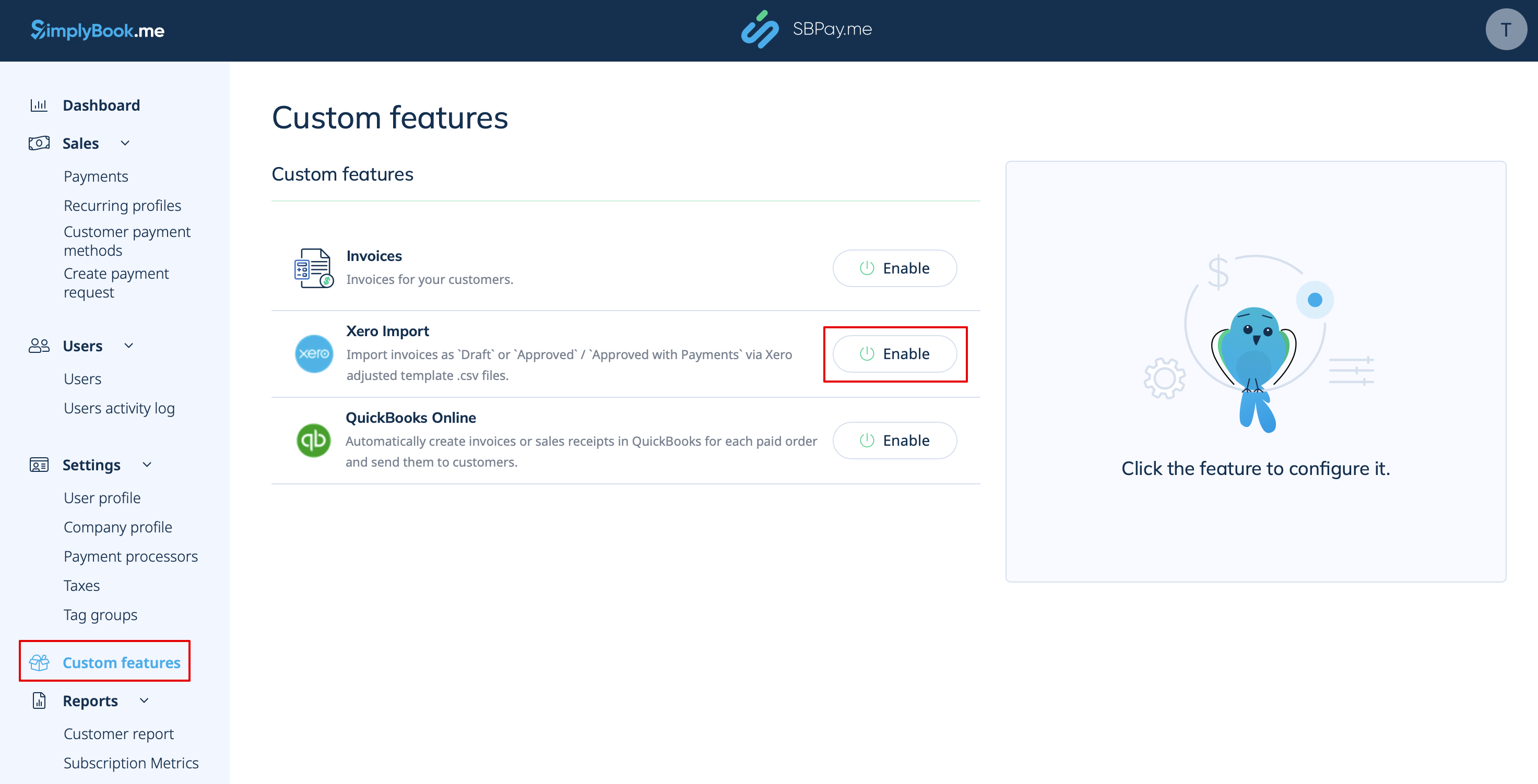
1. Gå til siden Custom Features (Tilpassede funktioner) i din SBPay.me-grænseflade, og klik på knappen Enable (Aktiver ) ud for Xero.