Tags: Mobile edit Mobile web edit |
(No difference)
|
Latest revision as of 09:16, 16 May 2025
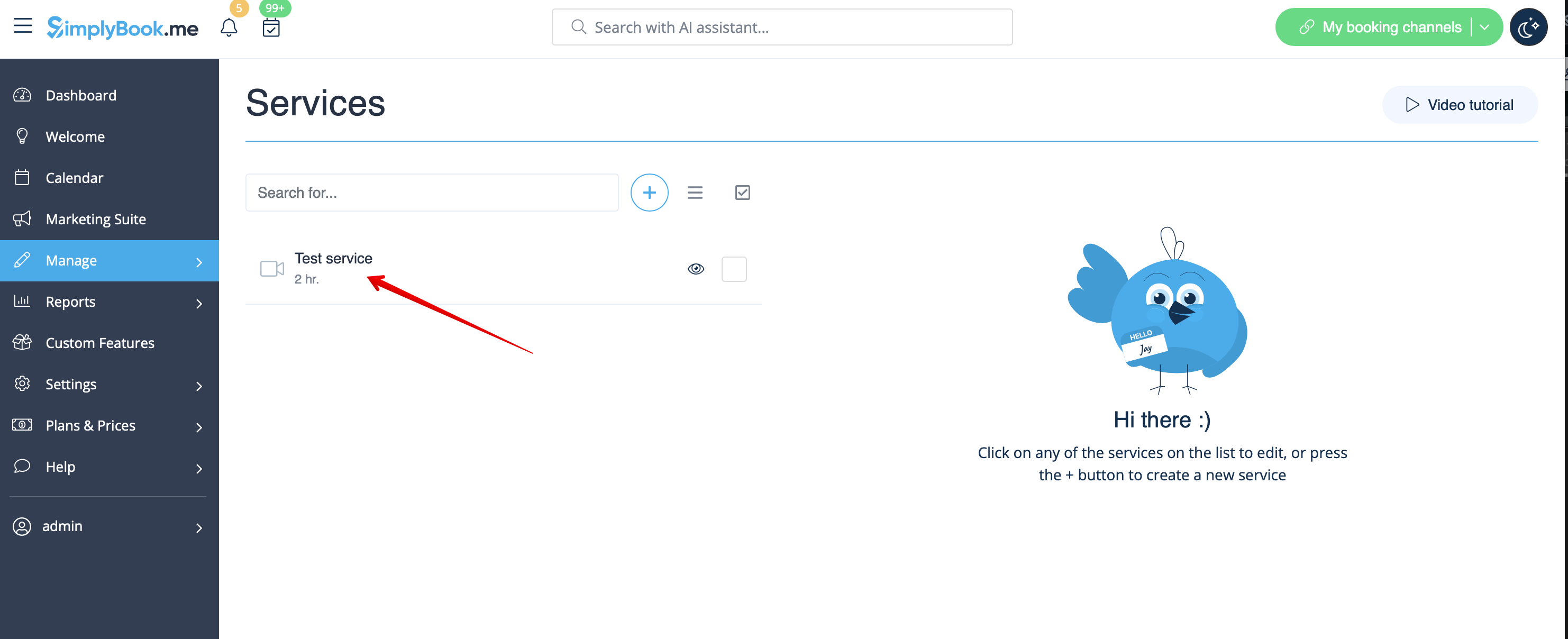
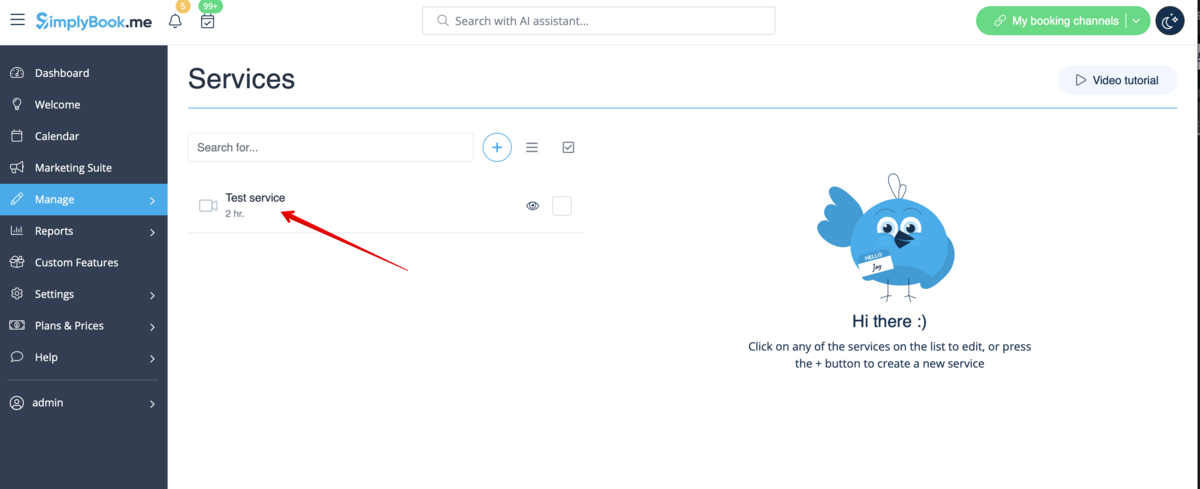
1. Go to Manage // Services or Manage//Classes depending on the option you need to edit and click on service/class name to select it.
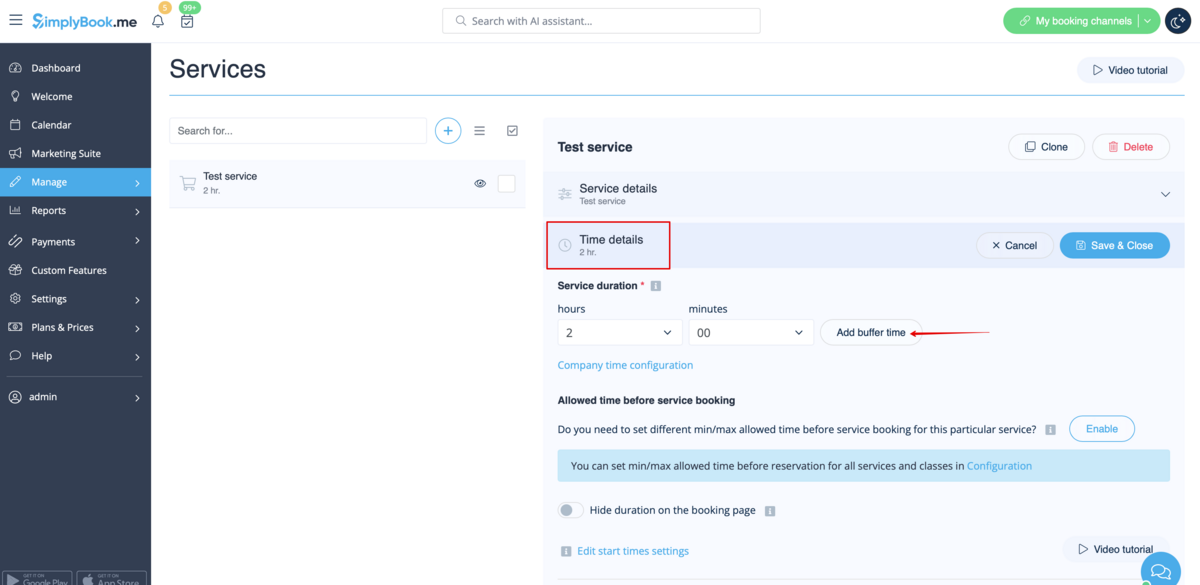
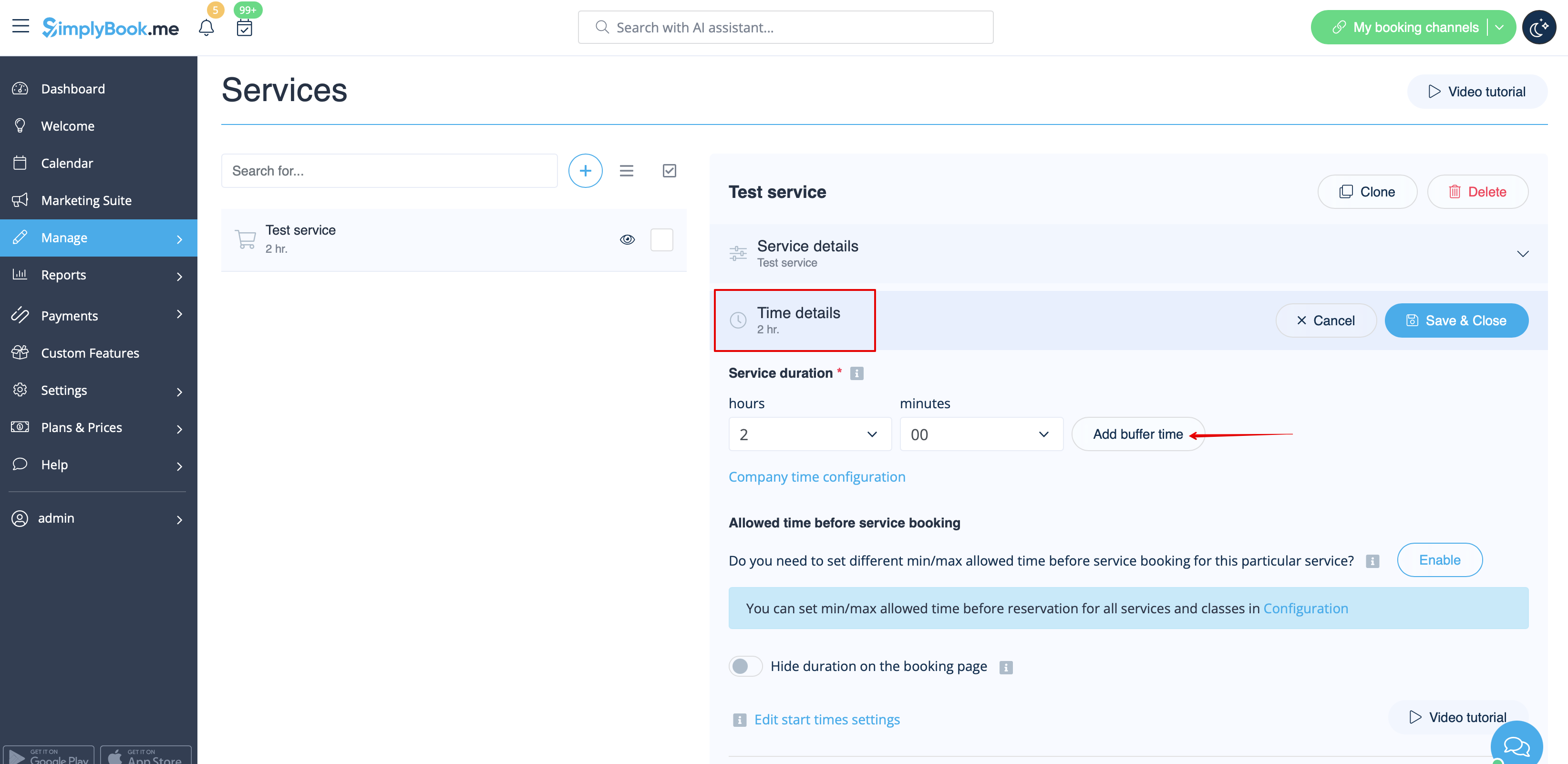
2. Choose “Time details” tab and click on “Add buffer time” button.