Translations:Adding services, providers and availability(new interface)/20/fr: Difference between revisions
From SimplyBook.me
Created page with "1200px | center|link=https://help.simplybook.me/images/a/a1/Provider_special_days_path.png <br><br> Pour rendre une date ouvrée/non ouvrée, cliquez sur la date et utilisez le bouton <span style="background-color:#d4f8e5; padding:5px; border-radius:5px;">« Jour ouvré ? »</span> situé à côté du planning qui apparaît dans la fenêtre contextuelle.<br> File:Is working day popup redesigned.png|800px | center|link=https://hel..." |
(No difference)
|
Latest revision as of 09:38, 16 May 2025
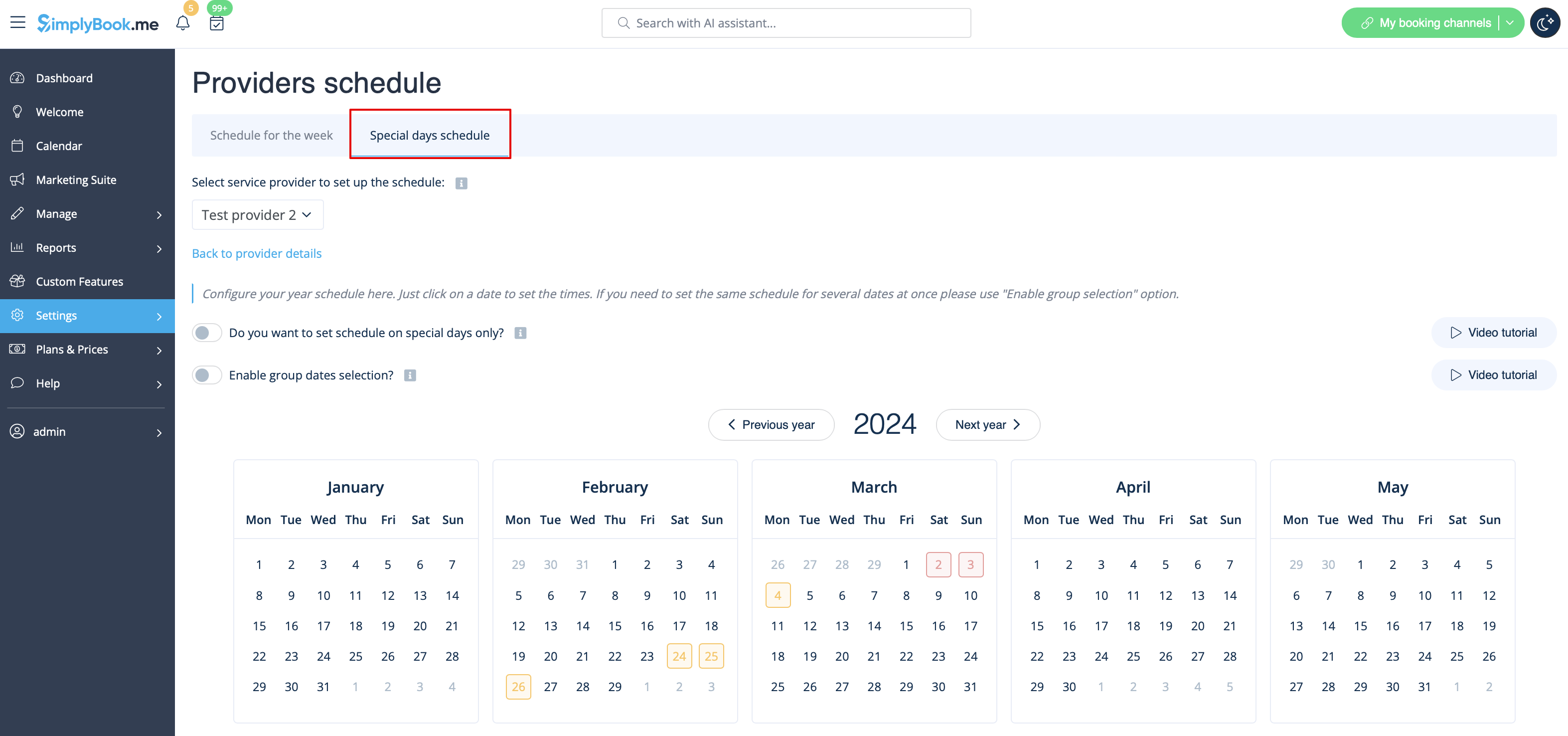
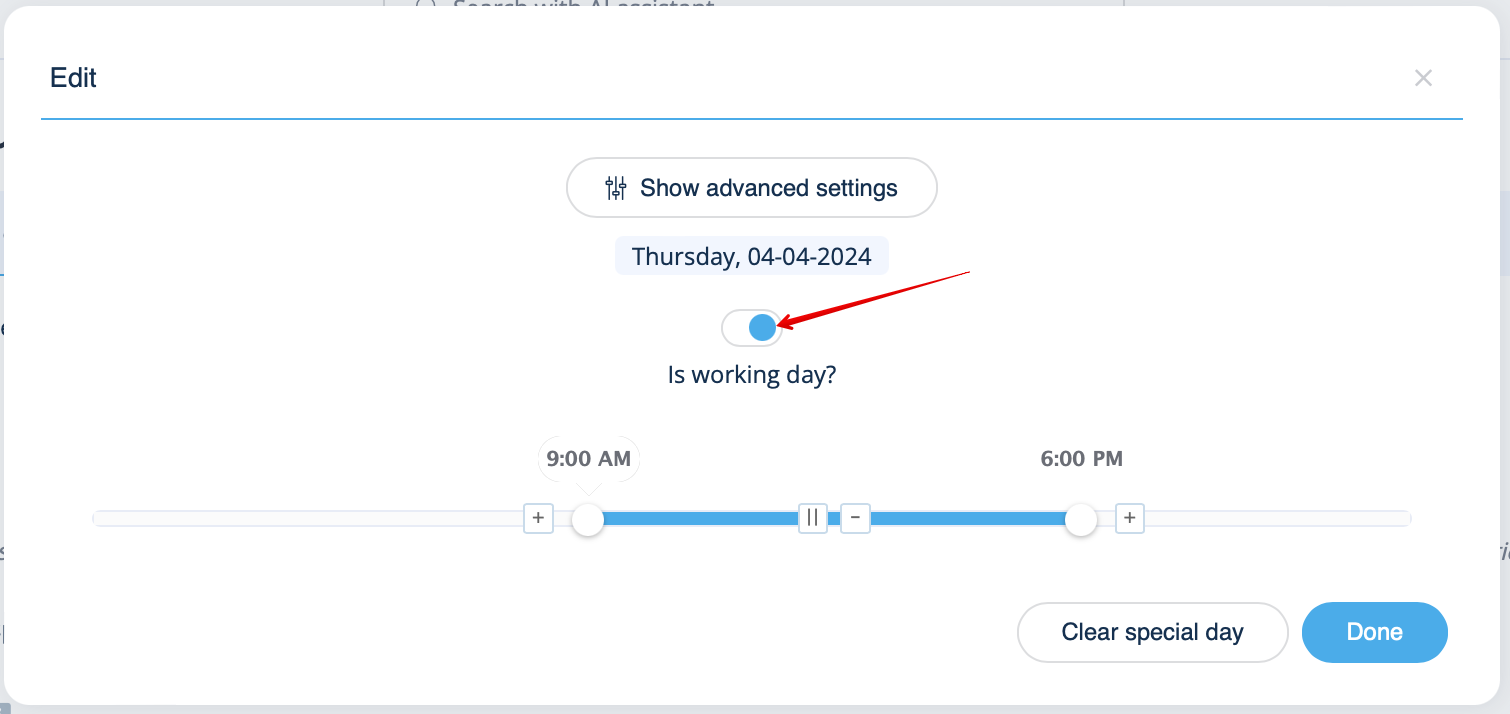
Pour rendre une date ouvrée/non ouvrée, cliquez sur la date et utilisez le bouton « Jour ouvré ? » situé à côté du planning qui apparaît dans la fenêtre contextuelle.