From SimplyBook.me
Created page with "4. Vous verrez alors s'afficher une page indiquant que la réactivation a été effectuée avec succès. 1200px|center|link=https://help.simplybook.me/images/c/ca/Unblock_success.png <br><br> Si le bouton <span style="background-color:#d4f8e5; padding:5px; border-radius:5px;">« Resend » (Renvoyer)</span> n'est pas disponible, cliquez sur le bouton « <span style="background-color:#d4f8e5; padding:5px; border-radius:5px;">Live Chat</span> »..." |
(No difference)
|
Latest revision as of 12:39, 16 May 2025
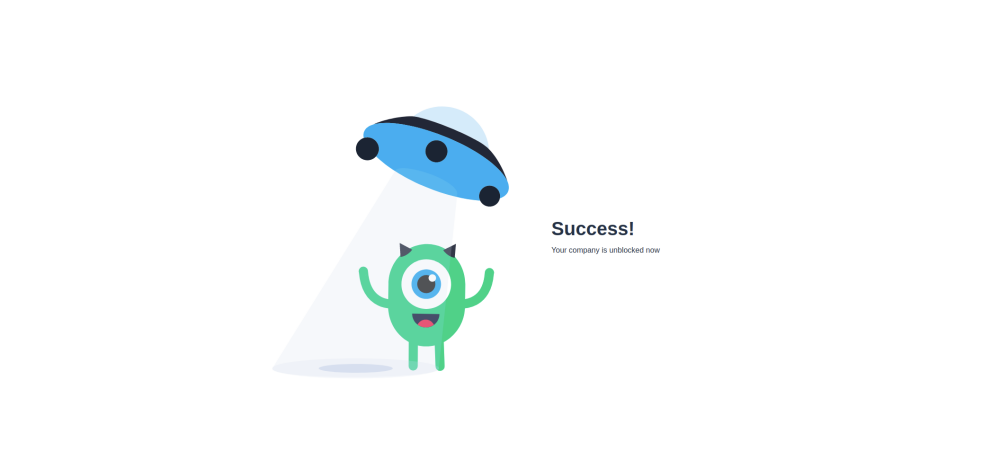
4. Vous verrez alors s'afficher une page indiquant que la réactivation a été effectuée avec succès.
Si le bouton « Resend » (Renvoyer) n'est pas disponible, cliquez sur le bouton « Live Chat » (Chat en direct) et notre équipe d'assistance vous aidera à débloquer votre compte.

