From SimplyBook.me
Created page with "= Widget voor boekingen en contact = <br><br> :1. Schakel <span style="background-color:#cdeffc; padding:5px; border-radius:5px;">de contactwidget</span> in via <span style="background-color:#d4f8e5; padding:5px; border-radius:5px;">Aangepaste functies</span> -> <span style="background-color:#d4f8e5; padding:5px; border-radius:5px;">Voor ontwikkeling</span>. File:Contact widget enable path redesigned.png|1200px| center|link=https:..." |
(No difference)
|
Revision as of 12:25, 19 May 2025
Widget voor boekingen en contact
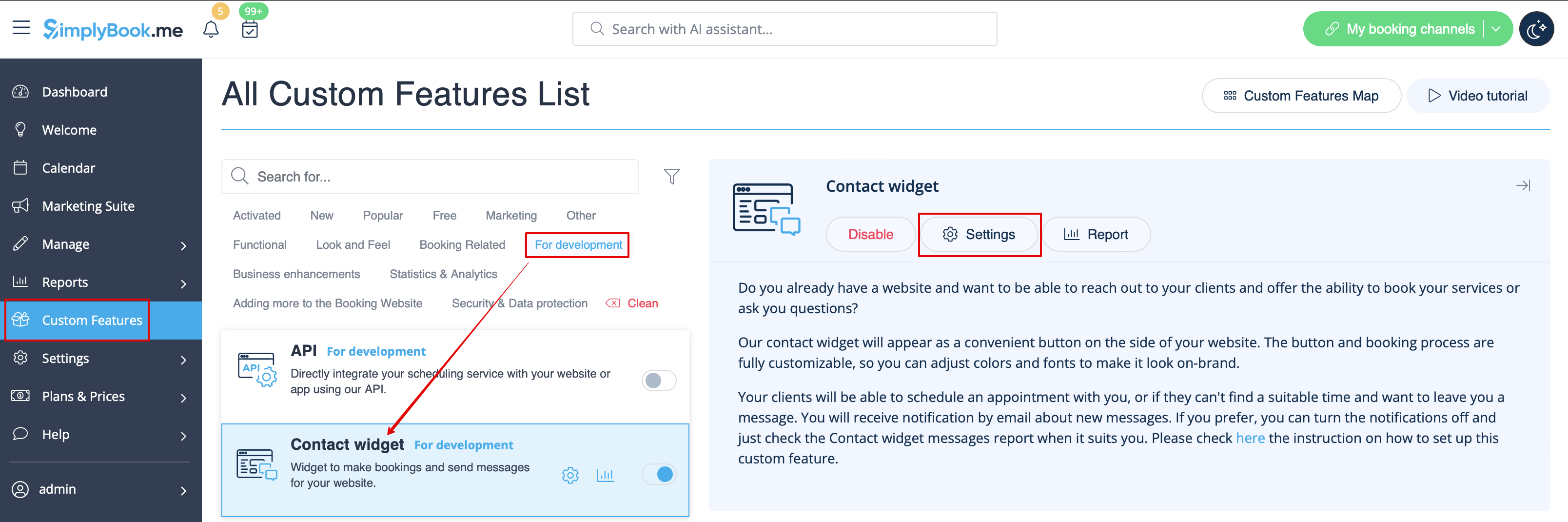
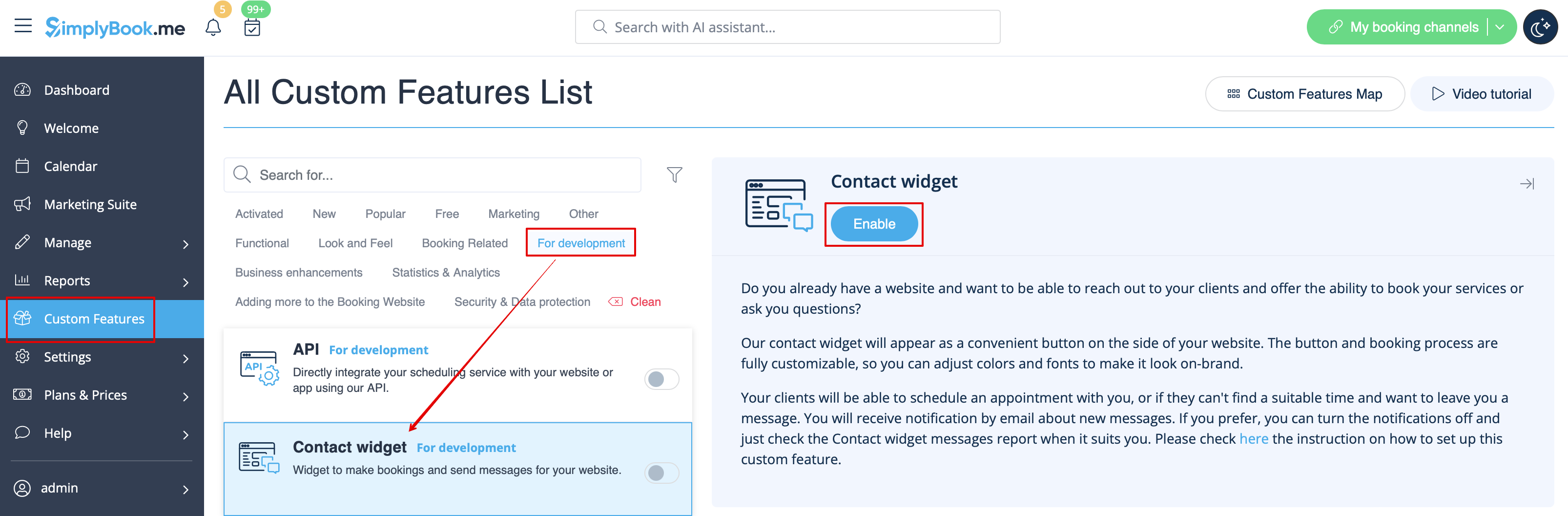
- 1. Schakel de contactwidget in via Aangepaste functies -> Voor ontwikkeling.
- 2. Neem de code van de boekingsknop van uw boekingspagina door naar Instellingen te gaan naast deze aangepaste functie of in Instellingen in het menu aan de linkerkant -> Boekingswidgetinstellingen -> Contactwidget -> Widgetcode ophalen.