From SimplyBook.me
Created page with ":Ви можете вибрати між:<br> :*<span style="background-color:#fef3de; padding:5px; border-radius:5px;">Така сама кількість, як</span> тип<span style="background-color:#fef3de; padding:5px; border-radius:5px;">клієнтів</span> — з цією групою всі ресурси, які ви прикріплюєте до послуги, будуть необхідні для кожного бронювання. Якщо кіль..." |
(No difference)
|
Latest revision as of 15:41, 19 May 2025
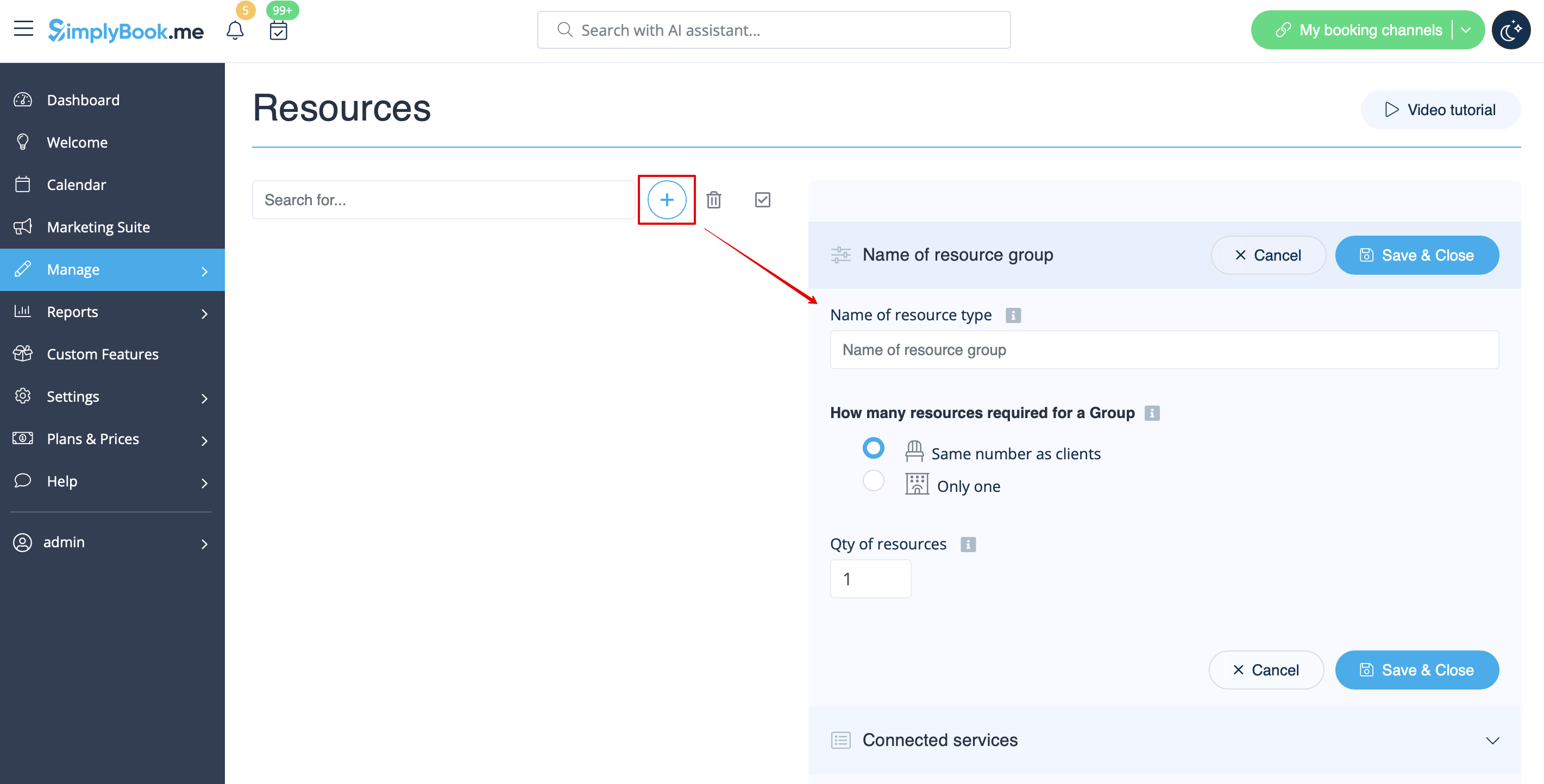
- Ви можете вибрати між:
- Така сама кількість, як типклієнтів — з цією групою всі ресурси, які ви прикріплюєте до послуги, будуть необхідні для кожного бронювання. Якщо кількість ресурсів недостатня для певного часового інтервалу, він не буде відображатися на сайті бронювання. Цей тип може бути корисним, коли для виконання послуги потрібно обмежене обладнання.
- Тільки один тип — з цією групою можна приймати кілька бронювань на один часовий проміжок (це залежатиме від кількості клієнтів, встановлених для кожного постачальника, та/або налаштувань функції обмеження бронювань ). Це можна використовувати для бронювання кімнати для занять, наприклад, якщо у вас є одна кімната, але два заняття, і одне заняття має стати недоступним, якщо інше заняття буде заброньовано. У цьому випадку клієнти продовжуватимуть бронювати це інше заняття відповідно до кількості місць, які ви вказали для нього.
- Зверніть увагу! Рекомендується використовувати функцію «Запис на фіксований час» з цим типом ресурсу, щоб часовий проміжок завжди відповідав заброньованому приміщенню/ресурсу тощо.
- Така сама кількість, як типклієнтів — з цією групою всі ресурси, які ви прикріплюєте до послуги, будуть необхідні для кожного бронювання. Якщо кількість ресурсів недостатня для певного часового інтервалу, він не буде відображатися на сайті бронювання. Цей тип може бути корисним, коли для виконання послуги потрібно обмежене обладнання.