From SimplyBook.me
Created page with "== Sådan konfigureres og bruges Microsoft Azure == <br> :1. Opret en konto hos <span style="background-color:#cdeffc; padding:5px; border-radius:5px;">[https://portal.azure.com/#home Microsoft Azure]</span>, hvis du ikke allerede har en. <br> :2. Aktivér <span style="background-color:#d4f8e5; padding:5px; border-radius:5px;">SSO: SAML</span> Custom-funktionen på siden <span style="background-color:#d4f8e5; padding:5px; border-radius:5px;">Custom features</span> (Tilpa..." |
(No difference)
|
Latest revision as of 16:13, 19 May 2025
Sådan konfigureres og bruges Microsoft Azure
- 1. Opret en konto hos Microsoft Azure, hvis du ikke allerede har en.
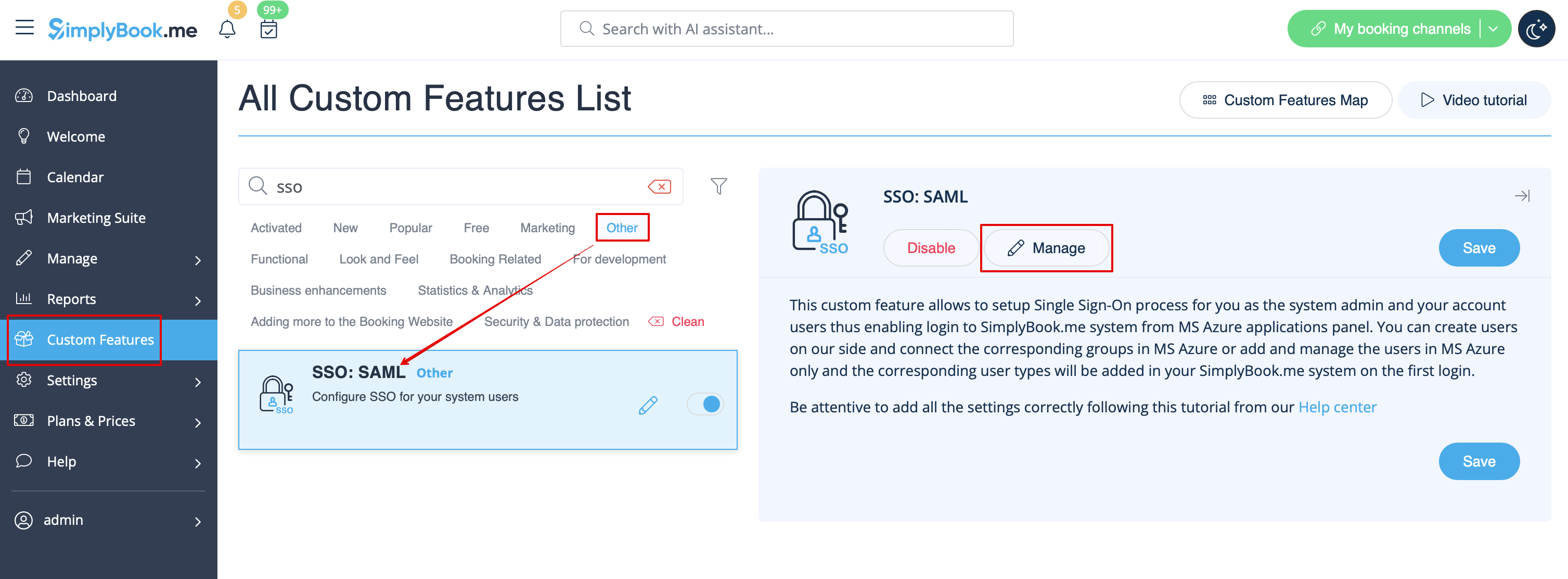
- 2. Aktivér SSO: SAML Custom-funktionen på siden Custom features (Tilpassede funktioner).
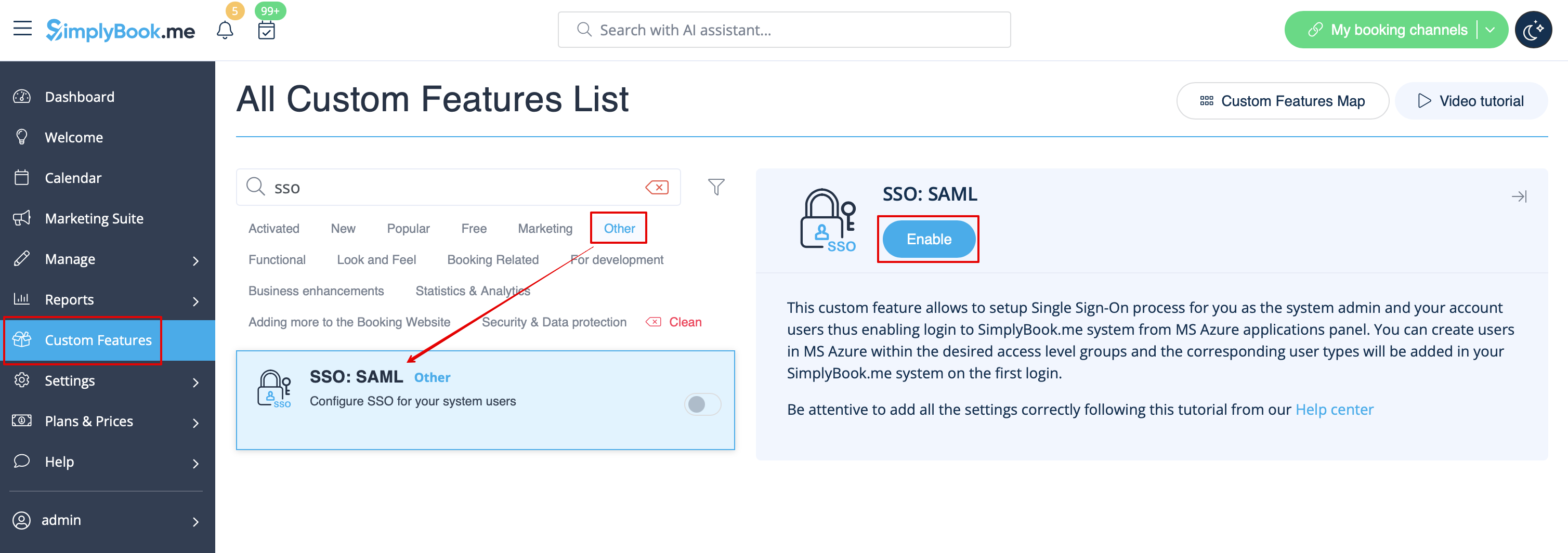
- 3. Gå til Manage (Administrer) for at redigere forbindelsesindstillingerne.