From SimplyBook.me
Importing a new version from external source |
Importing a new version from external source Tags: Mobile edit Mobile web edit |
||
| Line 1: | Line 1: | ||
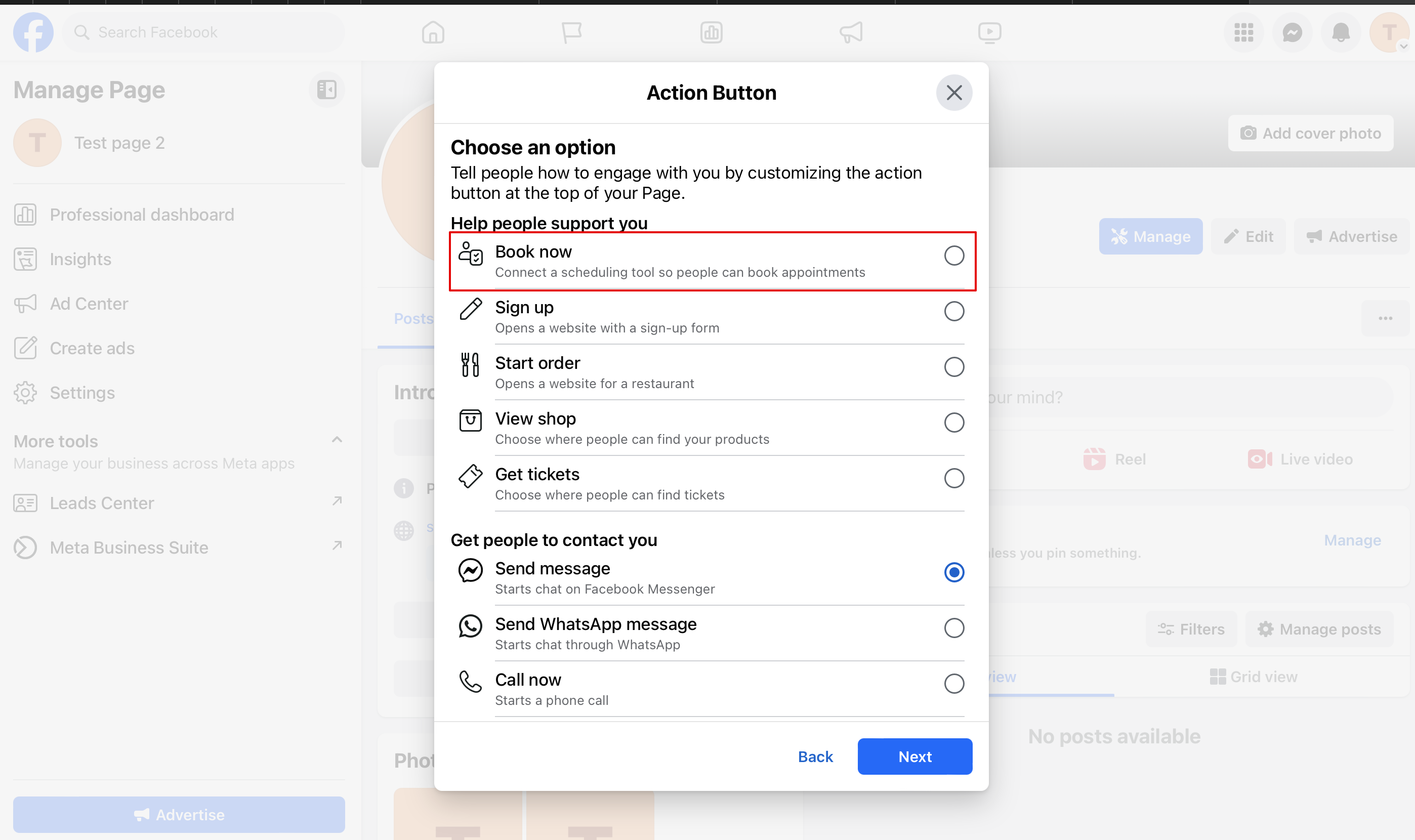
:2. You can choose "Book now" or "Reserve" options as a call-to-action and then choose [https://simplybook.me/en/ SimplyBook.me]. That way you will enable [[Facebook and Instagram Bookings]] custom feature | :2. You can choose "Book now" or "Reserve" options as a call-to-action and then choose [https://simplybook.me/en/ SimplyBook.me]. That way you will enable [[Special:MyLanguage/Facebook and Instagram Bookings]] custom feature | ||
[[File:Fb action button new book.png|1200px|center|link=https://help.simplybook.me/images/6/64/Fb_action_button_new_book.png]] | [[File:Fb action button new book.png|1200px|center|link=https://help.simplybook.me/images/6/64/Fb_action_button_new_book.png]] | ||
<br><br> | <br><br> | ||
Latest revision as of 12:20, 19 September 2025
- 2. You can choose "Book now" or "Reserve" options as a call-to-action and then choose SimplyBook.me. That way you will enable Special:MyLanguage/Facebook and Instagram Bookings custom feature
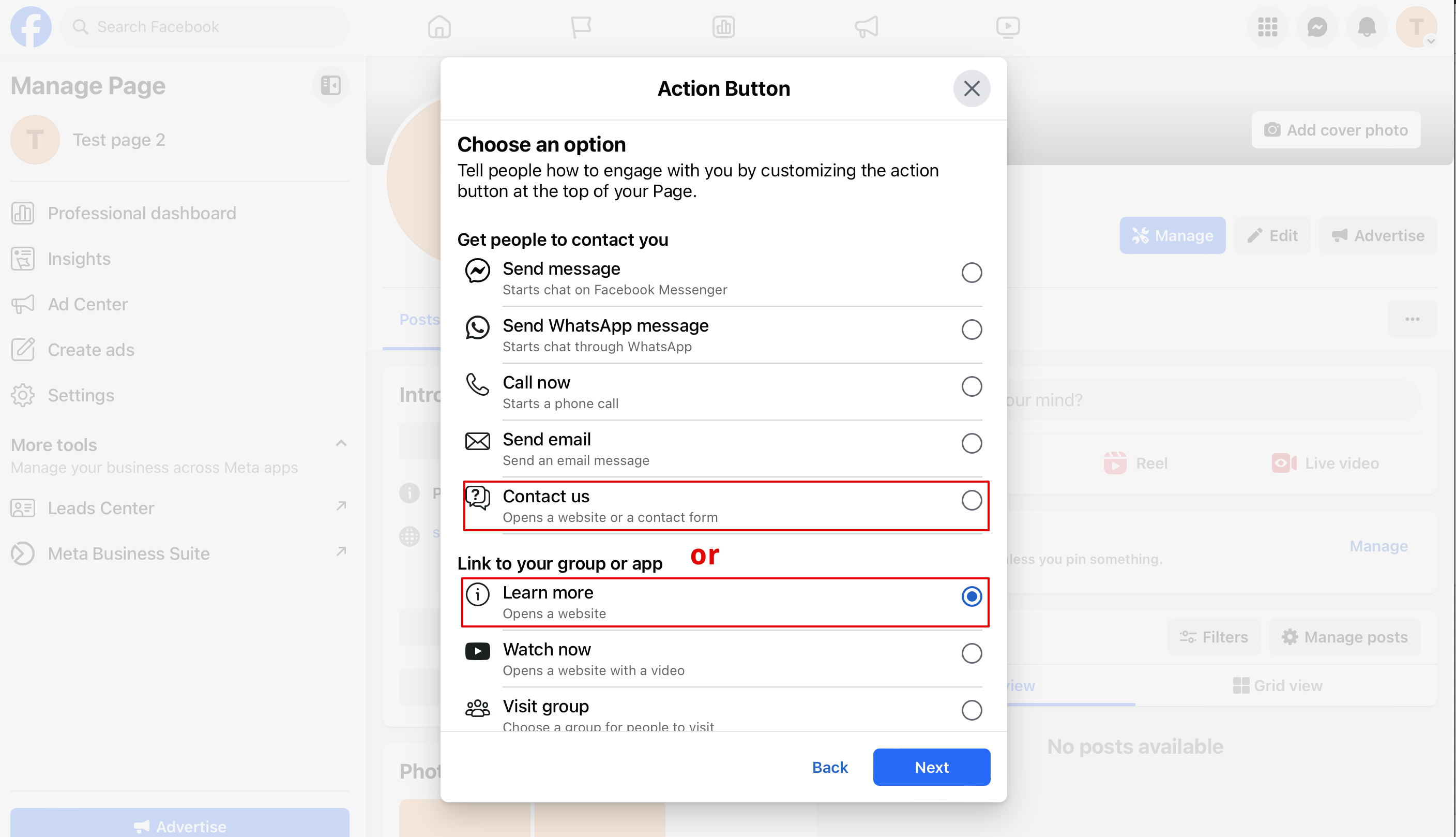
- 3. If you need to have a button leading to your booking website you can select "Contact us" or "Learn more" in that popup