From SimplyBook.me
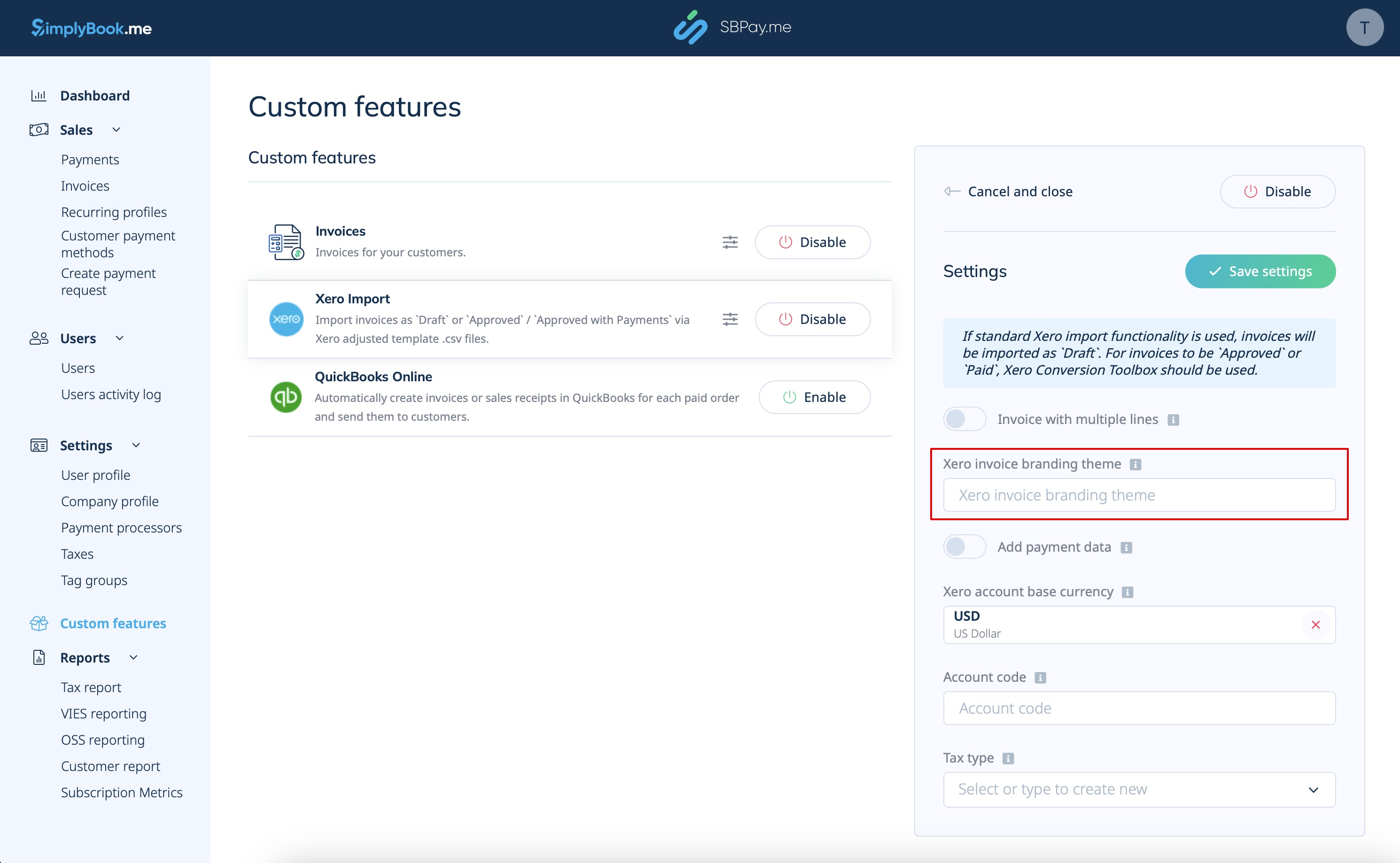
Created page with "3. Insérez <span style="background-color:#d4f8e5; padding:5px; border-radius:5px;">le nom du thème de personnalisation de facture Xero.</span> Dans Xero, le nom du thème de personnalisation correspond au nom du modèle de facture qui détermine la mise en page et le design de vos factures. 1200px|center|link=https://help.simplybook.me/images/6/6d/Xero_branding_theme_name.png" |
(No difference)
|
Latest revision as of 13:40, 15 October 2025
3. Insérez le nom du thème de personnalisation de facture Xero. Dans Xero, le nom du thème de personnalisation correspond au nom du modèle de facture qui détermine la mise en page et le design de vos factures.