From SimplyBook.me
No edit summary |
No edit summary |
||
| (One intermediate revision by the same user not shown) | |||
| Line 3: | Line 3: | ||
|title=HTML Description Field for Events custom feature - SimplyBook.me | |title=HTML Description Field for Events custom feature - SimplyBook.me | ||
<translate> | <translate> | ||
|description=Add | <!--T:3--> | ||
|description=Add HTML formatting to service descriptions. Use rich text: colors, bold, italics, links. Enhance service presentation with formatted descriptions. Free feat... | |||
</translate> | </translate> | ||
|titlemode=append | |titlemode=append | ||
Latest revision as of 12:59, 17 February 2026

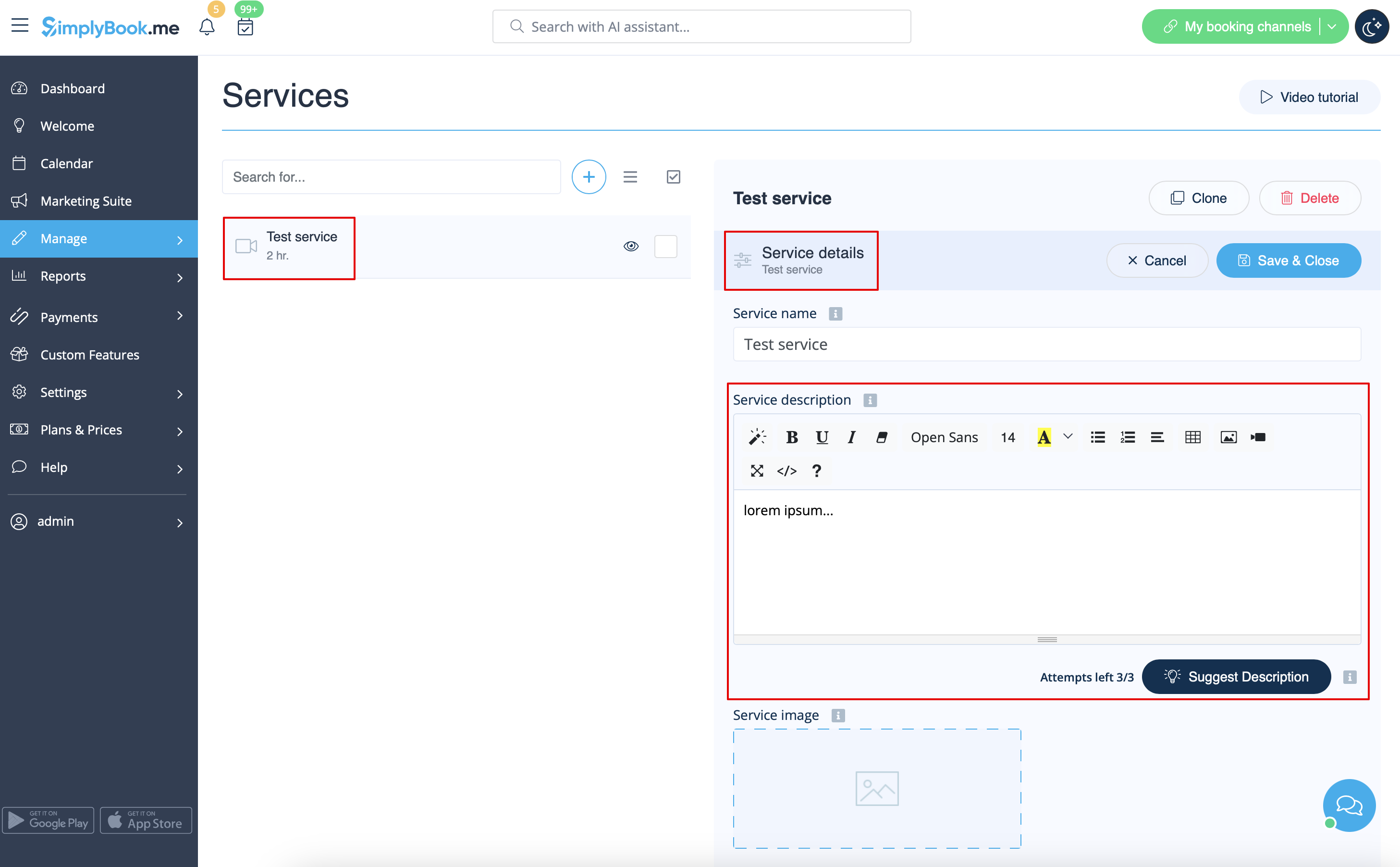
Allows inserting HTML formatting (background and font color, bold, italic, underline, alignment and other HTML elements) for Service, Service Providers, Locations and Categories description fields.
Free custom feature!
- How to use
- 1. Enable this functionalitty on your Custom Features page.
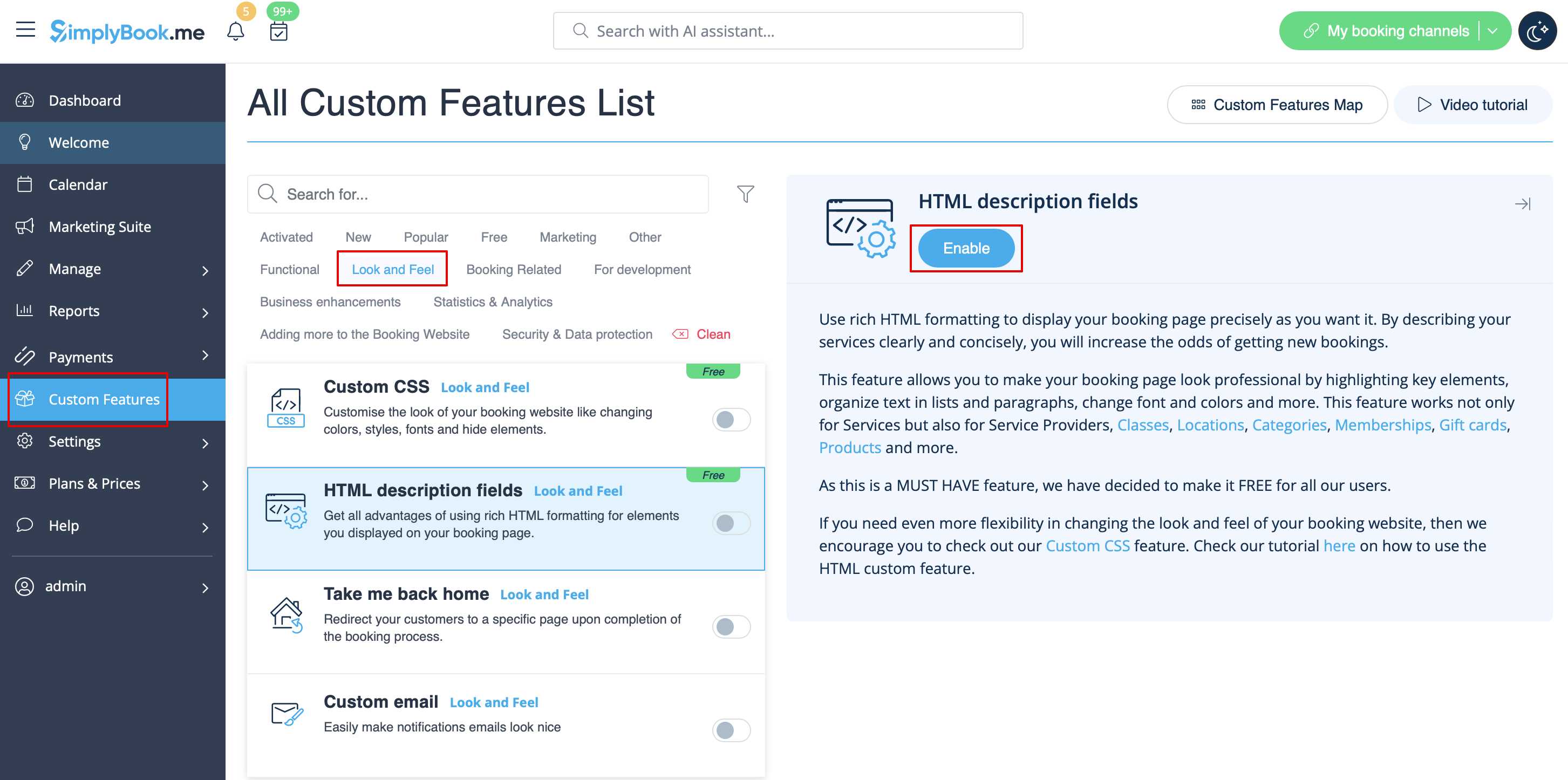
- 2. Go to Manage section using left-side menu and select Services/Providers/Classes/Memberships/Products for sale depending on which item do you wish to add/edit description to.
- Select the item and the first tab with name and details.
- Edit the description and save settings