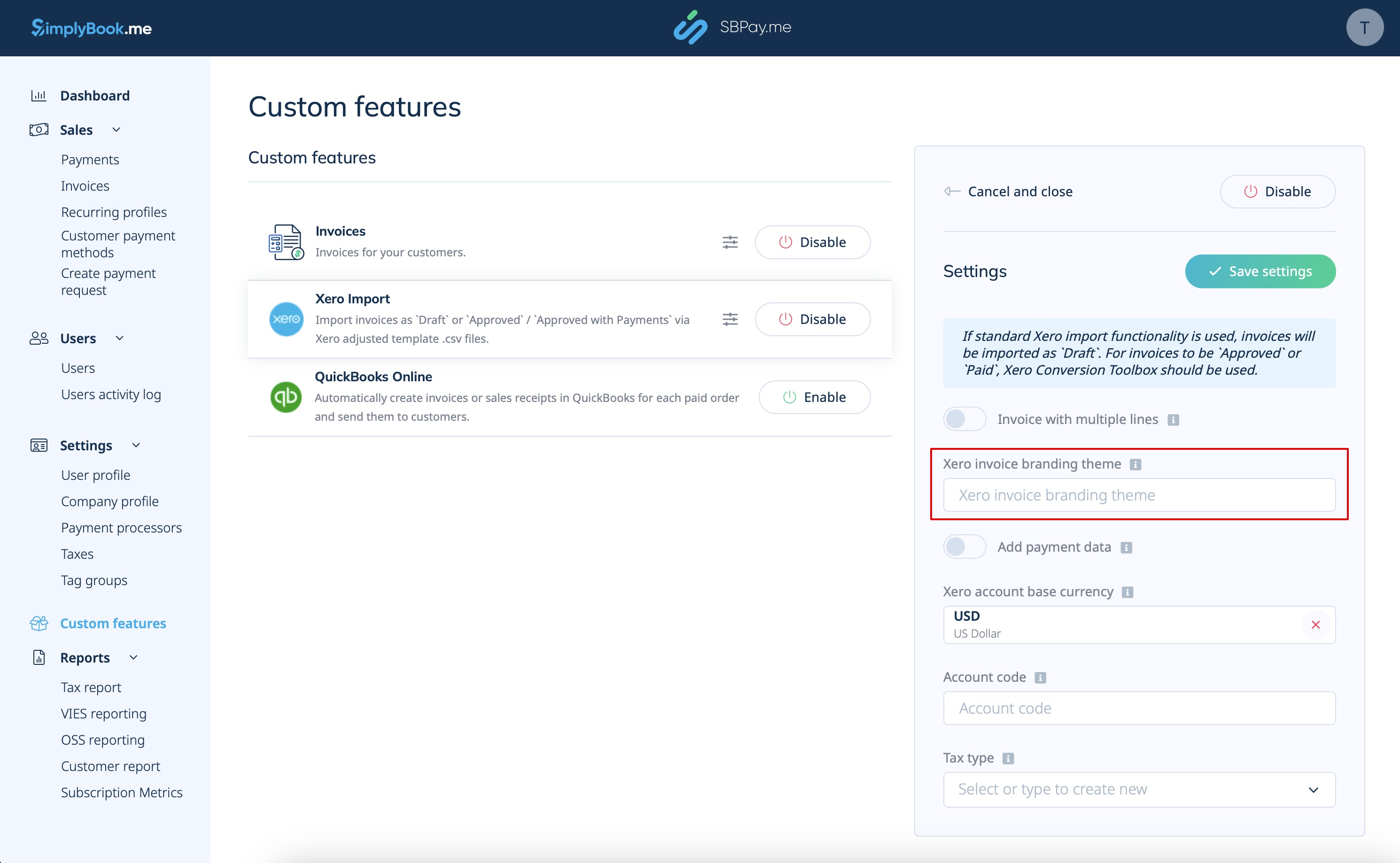
Created page with "3. Indsæt <span style="background-color:#d4f8e5; padding:5px; border-radius:5px;">Xero-fakturabranding-temaets navn.</span> I Xero er et branding-temaets navn navnet på den faktura-skabelon, der bestemmer layoutet og designet af dine fakturaer. 1200px|center|link=https://help.simplybook.me/images/6/6d/Xero_branding_theme_name.png" |
Created page with "5. Vælg <span style="background-color:#d4f8e5; padding:5px; border-radius:5px;">Xero-kontos basisvaluta.</span> I Xero er kontos basisvaluta den primære valuta, som dine finansielle poster føres i. Den fungerer som standardvaluta til regnskabs- og rapporteringsformål. Angiv den, hvis du accepterer betalinger i flere valutaer, eller hvis SBPay.me-fakturaernes valuta er forskellig fra Xero-kontos basisvaluta. File:Xero base currency.png|1200px|center|link=https://he..." |
||
| Line 35: | Line 35: | ||
[[File:Xero base currency.png|1200px|center|link=https://help.simplybook.me/images/6/6f/Xero_base_currency.png]] | [[File:Xero base currency.png|1200px|center|link=https://help.simplybook.me/images/6/6f/Xero_base_currency.png]] | ||
6. For betalte fakturaer skal du angive den relevante <span style="background-color:#d4f8e5; padding:5px; border-radius:5px;">indbetalingskontokode</span>, som den fremgår af kontoplanen i Xero. Dette sikrer, at transaktioner automatisk kategoriseres på den relevante konto i Xero. Du kan også lade feltet være tomt og angive kontokoden manuelt under importen af fakturaer. | |||
6. For | |||
[[File:Xero deposit account code.png|1200px|center|link=https://help.simplybook.me/images/e/ea/Xero_deposit_account_code.png]] | [[File:Xero deposit account code.png|1200px|center|link=https://help.simplybook.me/images/e/ea/Xero_deposit_account_code.png]] | ||
<div lang="en" dir="ltr" class="mw-content-ltr"> | <div lang="en" dir="ltr" class="mw-content-ltr"> | ||
Revision as of 17:37, 15 May 2025

Integration af SBPay.me med Xero gør det nemmere at overføre finansielle data mellem dit reservationssystem og dit regnskabsprogram. Integrationen giver dig mulighed for at eksportere fakturaer fra SBPay.me og importere dem direkte til din Xero-konto.
Video-vejledning 
Bemærk!
- Processen er ikke fuldautomatisk. Du skal eksportere fakturaerne fra siden SBPay.me Invoices og importere dem til Xero.
(vi har forberedt det specifikke filformat for at gøre det nemt)
- Hvis standard Xero-importfunktionen bruges, importeres fakturaer som kladder. For at fakturaer kan godkendes eller betales, skal Xero Conversion Toolbox bruges.
- Skattebeløbet eksporteres ikke, da Xero importerer de endelige beløb eksklusive skat. Skatter beregnes og tilføjes til de endelige beløb i selve Xero-platformen.
- Xero Custom Feature fungerer kun, hvis den tilpassede funktion for fakturaer er aktiveret i SBPay.me
- Hvordan indstilles og bruges det?
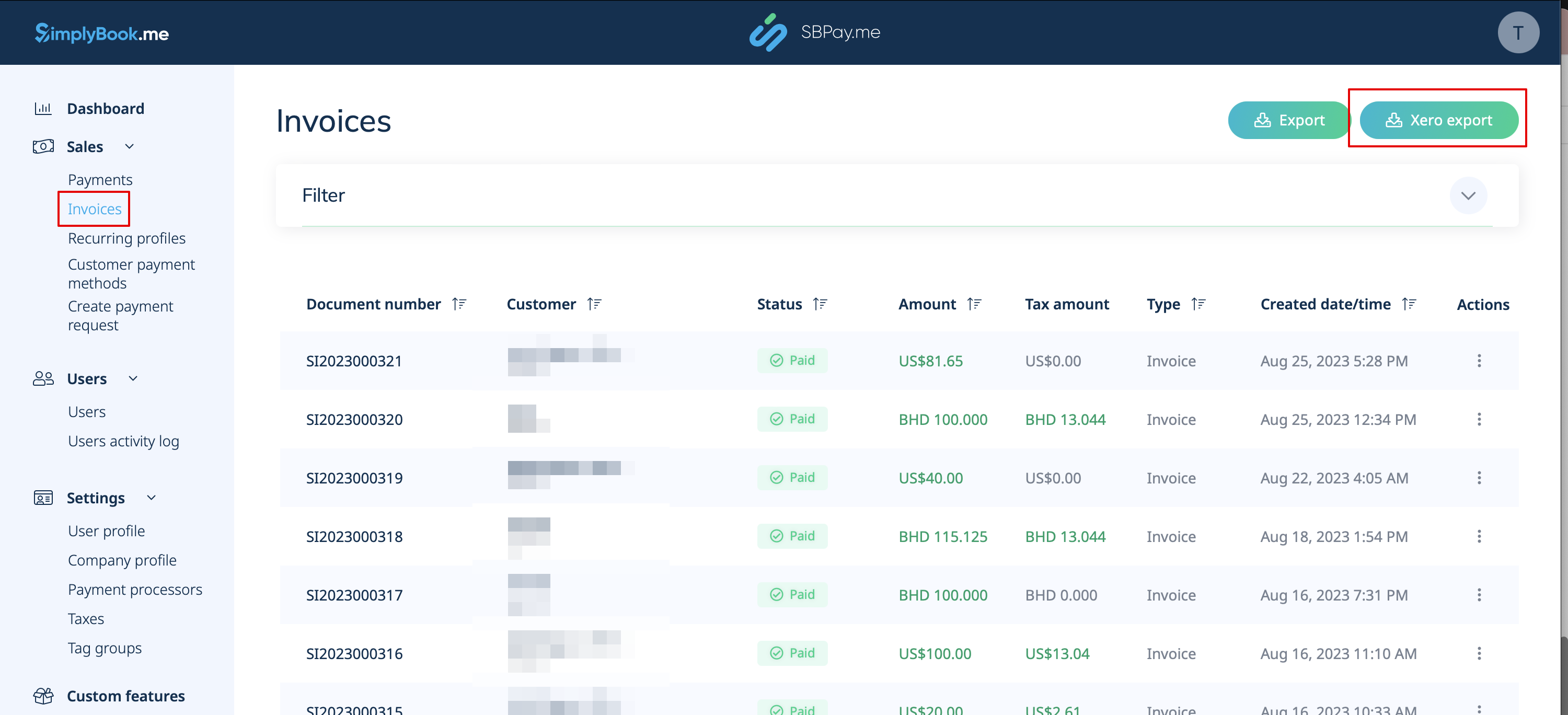
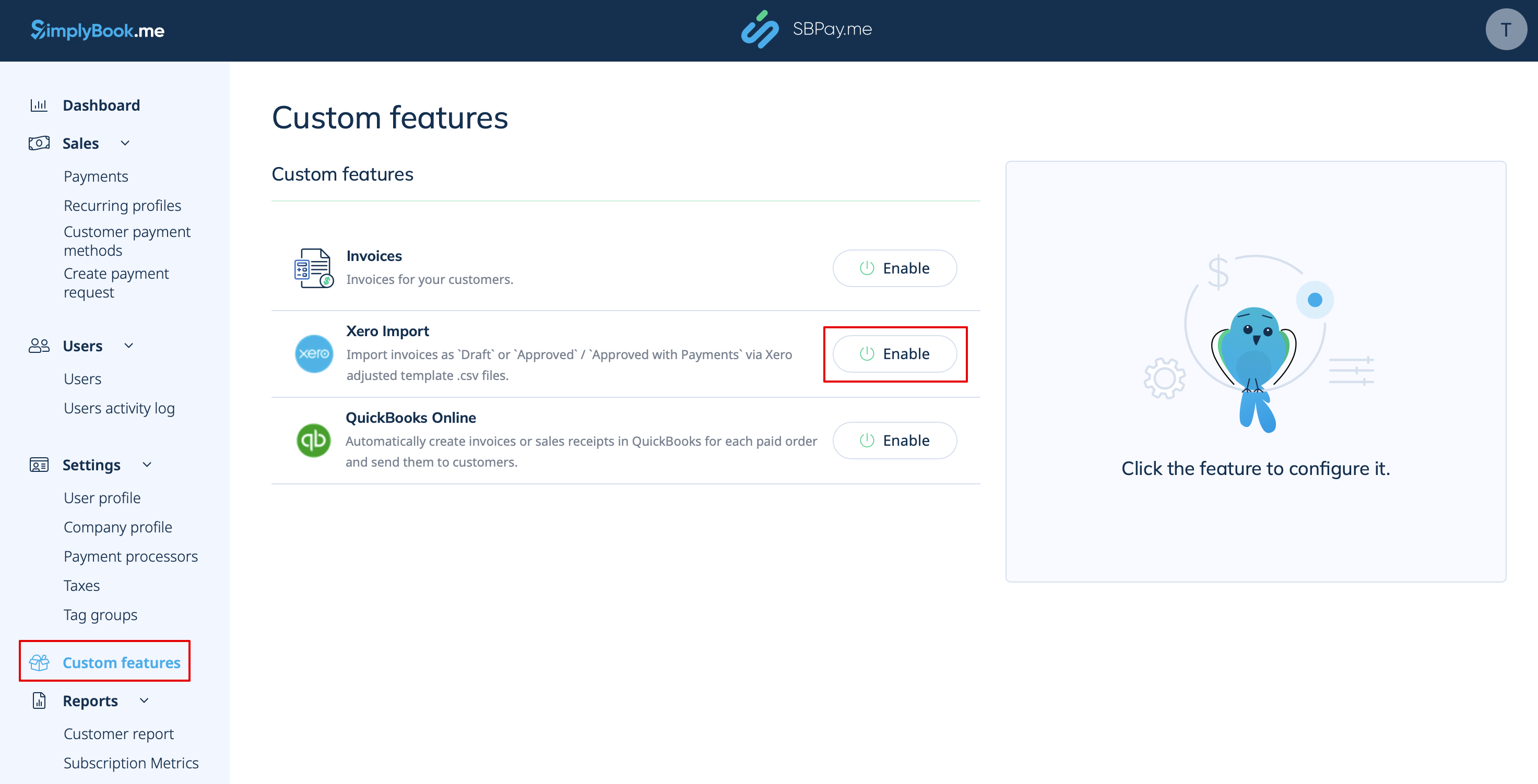
1. Gå til siden Custom Features (Tilpassede funktioner) i din SBPay.me-grænseflade, og klik på knappen Enable (Aktiver ) ved siden af Xero.
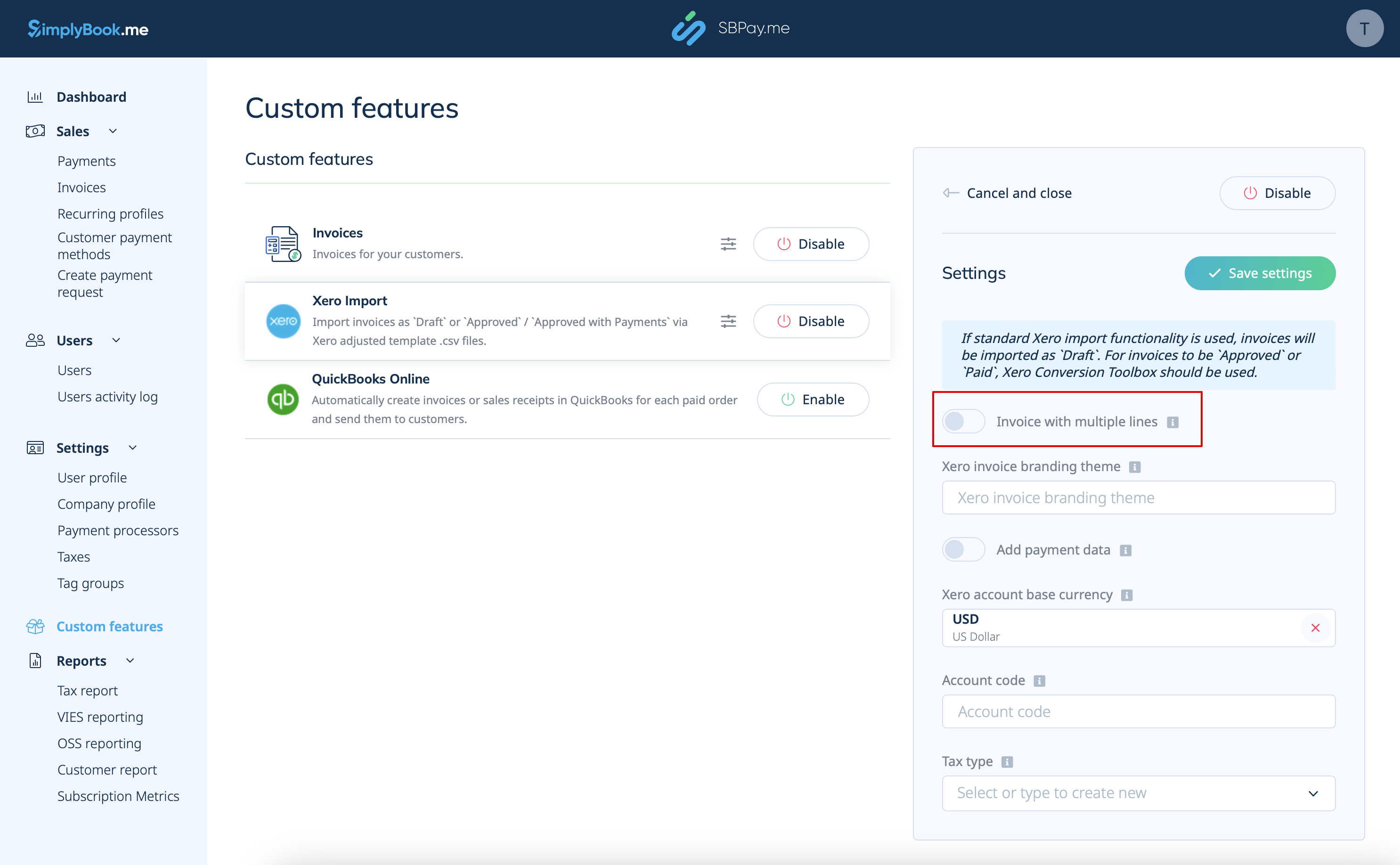
2. Vælg, om fakturaen skal importeres med flere linjer. Denne indstilling bestemmer, hvordan oplysningerne fra dine fakturaer struktureres, når de overføres fra SBPay.me til Xero.
Hvis denne indstilling er aktiveret, vil hver række i eksportfilen svare til en bestemt fakturapost. Det betyder, at detaljerede oplysninger om hver vare i en ordre organiseres i separate rækker i den resulterende .csv-fil.
Hvis denne indstilling er deaktiveret, kombineres alle fakturalinjer i en ordre til en enkelt linje. Dette resulterer i en kortfattet oversigt over fakturaen, hvor det samlede beløb vises i en linje i .csv-filen.
3. Indsæt Xero-fakturabranding-temaets navn. I Xero er et branding-temaets navn navnet på den faktura-skabelon, der bestemmer layoutet og designet af dine fakturaer.
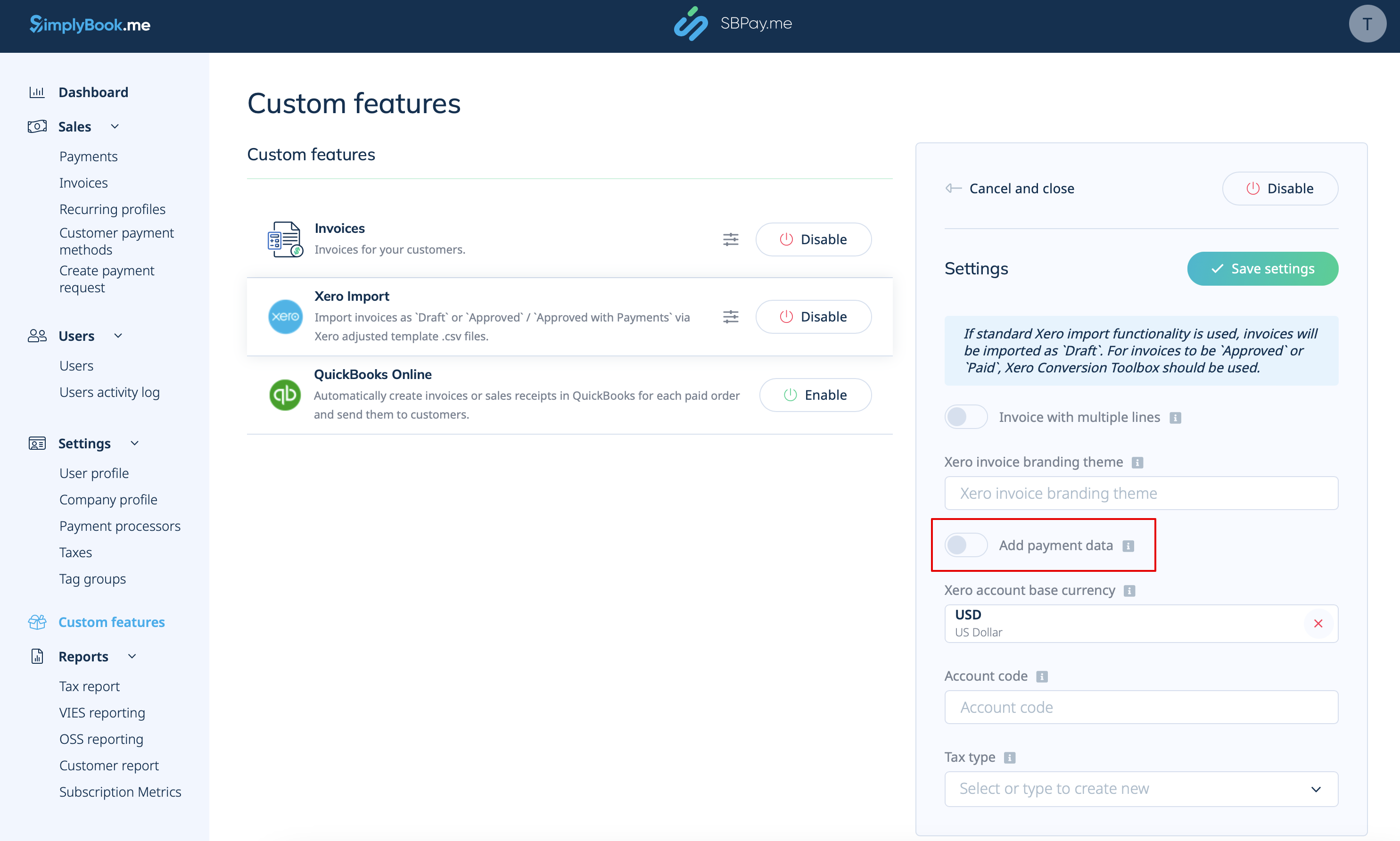
4. Tilføj betalingsdata. Hvis denne funktion er aktiveret, eksporteres yderligere betalingsdata, herunder det betalte beløb, Xero-kontokode, fakturaens betalingsdato og valutakurs, til .csv-filen.
Ved at medtage disse betalingsdata under eksportprocessen sikrer du, at Xero har alle de nødvendige oplysninger til at registrere betalinger korrekt i forhold til de tilhørende fakturaer.
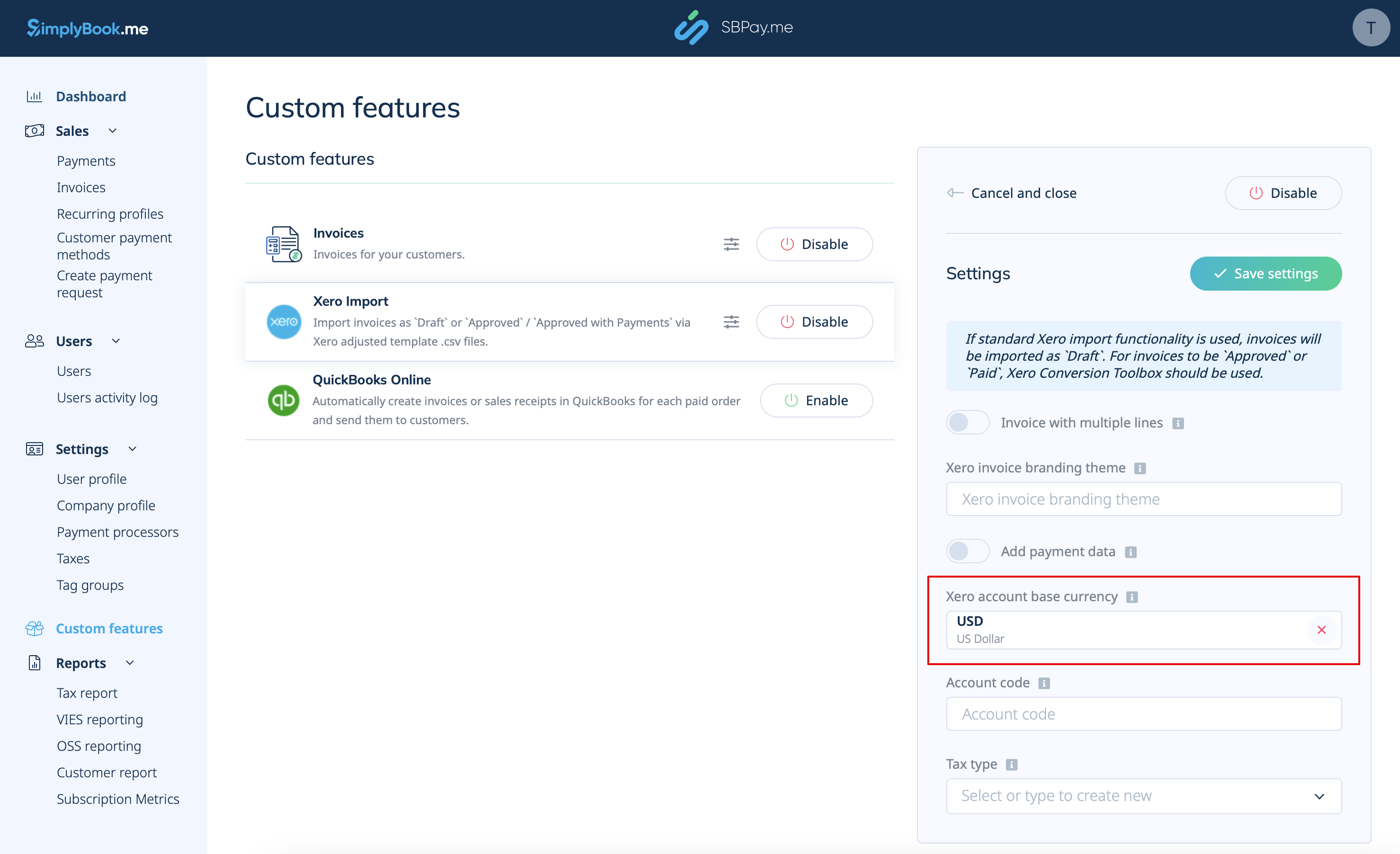
5. Vælg Xero-kontos basisvaluta. I Xero er kontos basisvaluta den primære valuta, som dine finansielle poster føres i. Den fungerer som standardvaluta til regnskabs- og rapporteringsformål. Angiv den, hvis du accepterer betalinger i flere valutaer, eller hvis SBPay.me-fakturaernes valuta er forskellig fra Xero-kontos basisvaluta.
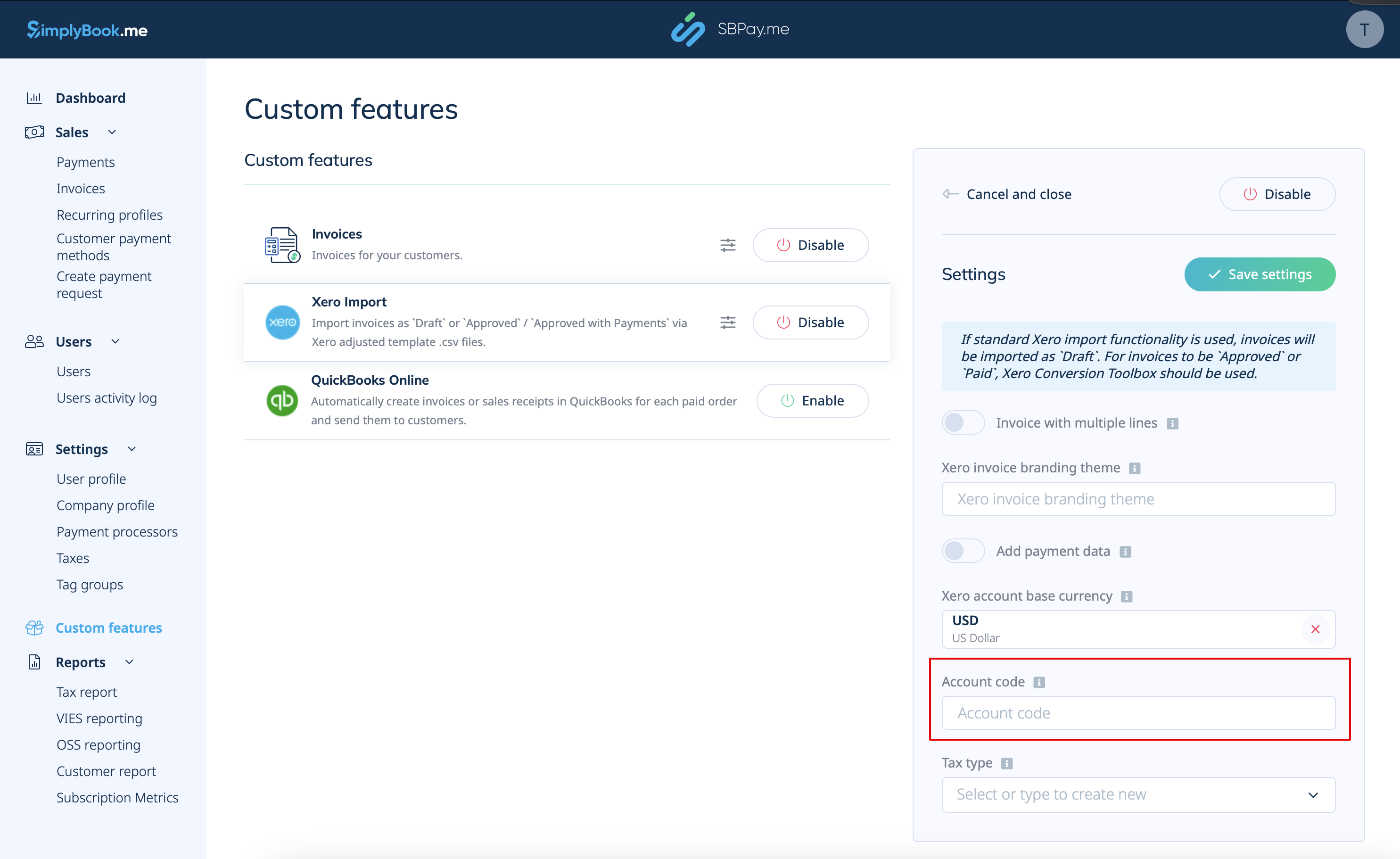
6. For betalte fakturaer skal du angive den relevante indbetalingskontokode, som den fremgår af kontoplanen i Xero. Dette sikrer, at transaktioner automatisk kategoriseres på den relevante konto i Xero. Du kan også lade feltet være tomt og angive kontokoden manuelt under importen af fakturaer.
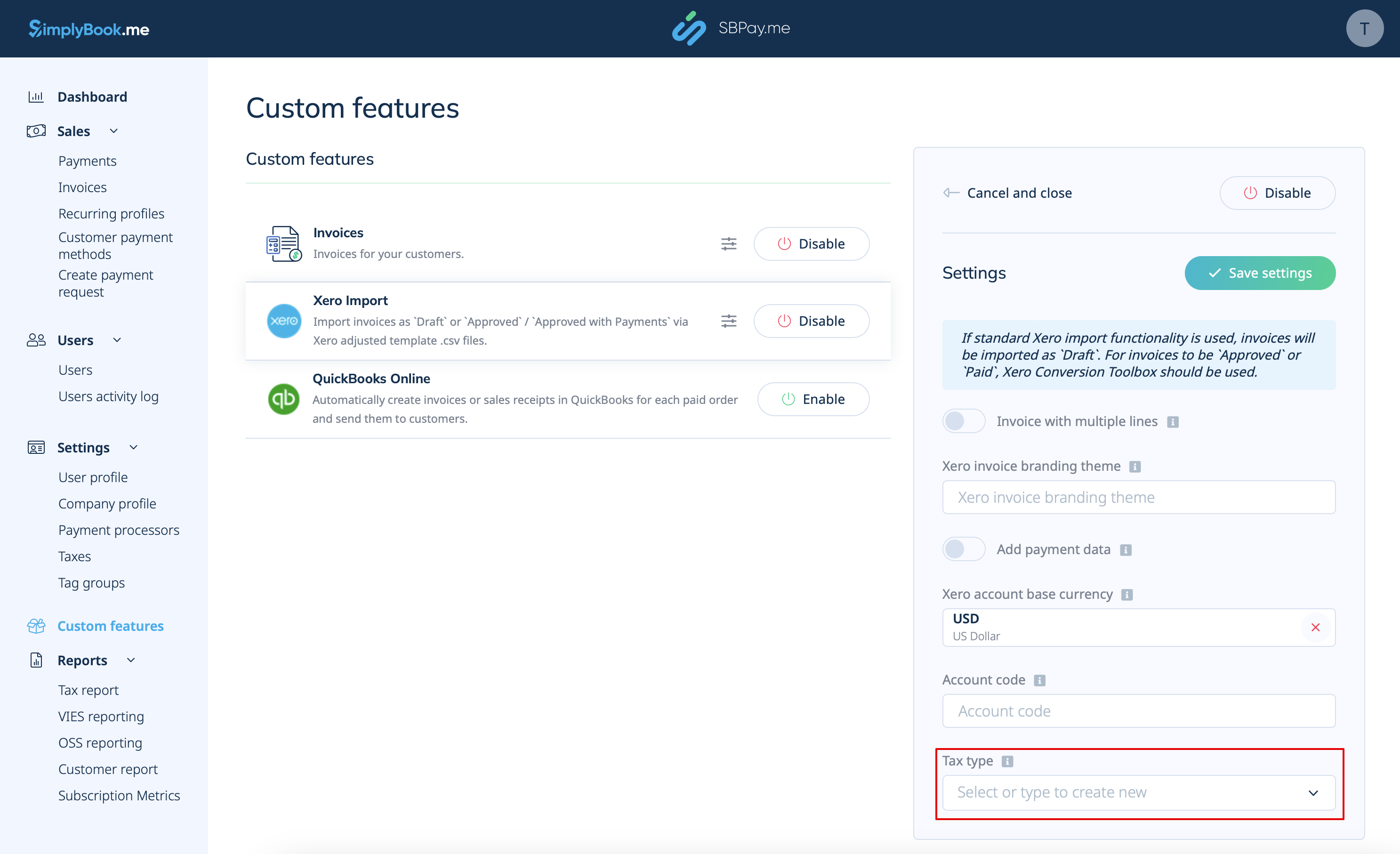
7. Select Tax Type. Enter the exact tax rate name from your Xero settings to ensure that each transaction is correctly linked to the corresponding tax rate.
8. After enabling and configuring the Xero Custom Feature, you can now go to Invoices in your SBPay account and click on the Xero Export button to generate the .csv file which can be imported on the Xero side.