Translations:Where to change my info/15/da: Difference between revisions

From SimplyBook.me
No edit summary
No edit summary
 
Line 1: Line 1:
=Company Contacts=
= Virksomhedens kontakter =
<br><br>
<br><br>
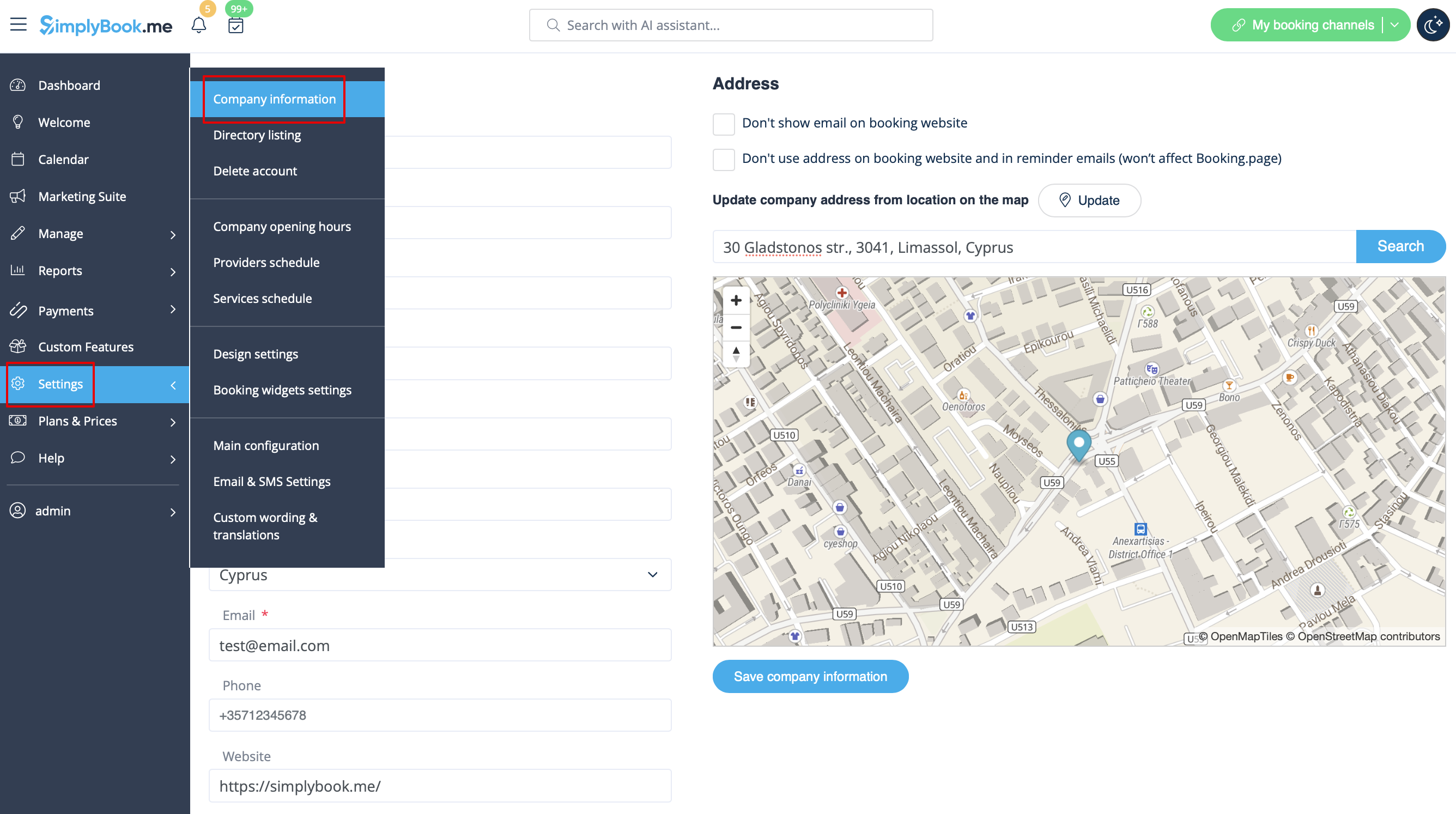
Du kan redigere dem i <span style="background-color:#d4f8e5; padding:5px; border-radius:5px;">Indstillinger</span> -&gt; <span style="background-color:#d4f8e5; padding:5px; border-radius:5px;">Virksomhedsoplysninger</span><br>

Latest revision as of 07:13, 15 May 2025

Information about message (contribute)
This message has no documentation. If you know where or how this message is used, you can help other translators by adding documentation to this message.
Message definition (Where to change my info)
=Company Contacts=
<br><br>
You can edit them in <span style="background-color:#d4f8e5; padding:5px; border-radius:5px;">Settings</span> -> <span style="background-color:#d4f8e5; padding:5px; border-radius:5px;">Company information</span><br>
[[File:Company information path redesigned.png|1200px| center |link=https://help.simplybook.me/images/d/da/Company_information_path_redesigned.png]]
<br><br>
The following details can be added/edited:
* Email address
* Phone number
* Website address
* WhatsApp phone
* Facebook profile url
* X.com (Twitter) page link
* Instagram page url 
* LinkedIn page
<br><br>
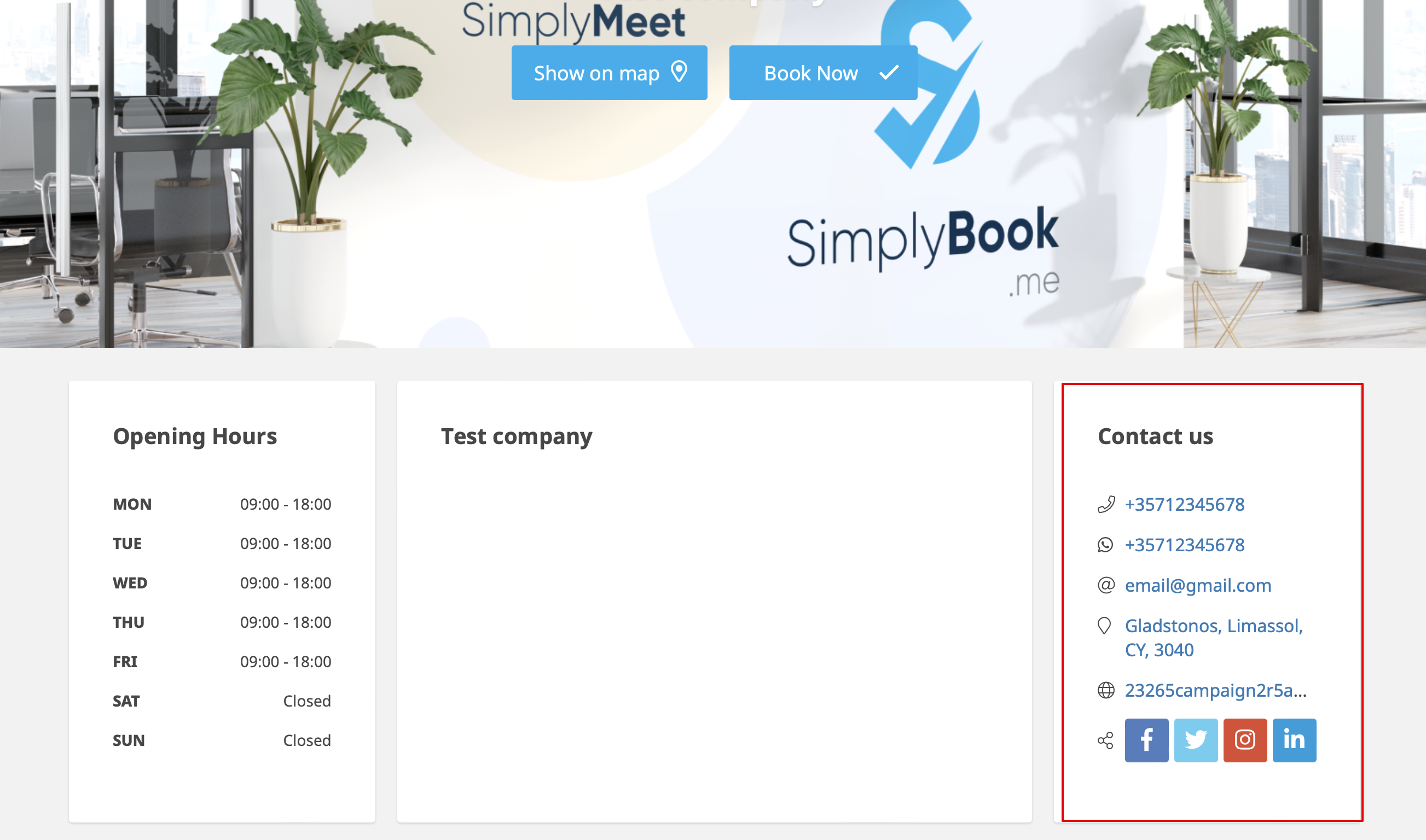
An example of the client side look.
[[File:Contact us client side new.png|1200px|center|link=https://help.simplybook.me/images/4/44/Contact_us_client_side_new.png]]
<br><br>
The clients will be able to, for example, click on WhatsApp number and be redirected to the WhatsApp messenger to easily contact you there.
<br><br><br><br>

Virksomhedens kontakter


Du kan redigere dem i Indstillinger -> Virksomhedsoplysninger


Følgende detaljer kan tilføjes/redigeres:

  • E-mailadresse
  • Telefonnummer
  • Hjemmesideadresse
  • WhatsApp-telefon
  • Facebook-profil url
  • X.com (Twitter) page link
  • Instagram page url
  • LinkedIn page


Et eksempel på udseendet på klientsiden.


Kunderne vil f.eks. kunne klikke på WhatsApp-nummeret og blive omdirigeret til WhatsApp messenger for nemt at kunne kontakte dig der.