From SimplyBook.me
No edit summary |
Marked this version for translation |
||
| Line 27: | Line 27: | ||
<br><br></translate> | <br><br></translate> | ||
<translate> | <translate> | ||
<!--T:6--> | |||
:'''4'''. Now you will be setting up actions step and as it is related to emails please find Gmail option using searchbox. | :'''4'''. Now you will be setting up actions step and as it is related to emails please find Gmail option using searchbox. | ||
[[File:Zapier redesigned gmail as action app.png|1200px|center|link=https://help.simplybook.me/images/0/01/Zapier_redesigned_gmail_as_action_app.png]] | [[File:Zapier redesigned gmail as action app.png|1200px|center|link=https://help.simplybook.me/images/0/01/Zapier_redesigned_gmail_as_action_app.png]] | ||
| Line 37: | Line 38: | ||
<br><br></translate> | <br><br></translate> | ||
<translate> | <translate> | ||
<!--T:7--> | |||
:'''7'''. Now you come to template step. | :'''7'''. Now you come to template step. | ||
:Please use available variables by clicking on the textbox ands selecting the necessary ones from the list.<br> | :Please use available variables by clicking on the textbox ands selecting the necessary ones from the list.<br> | ||
Revision as of 07:45, 1 July 2025
Sometimes you may need confirmation emails to be sent to more than one email address.
And you can use Zapier to achieve it.
How to set it up
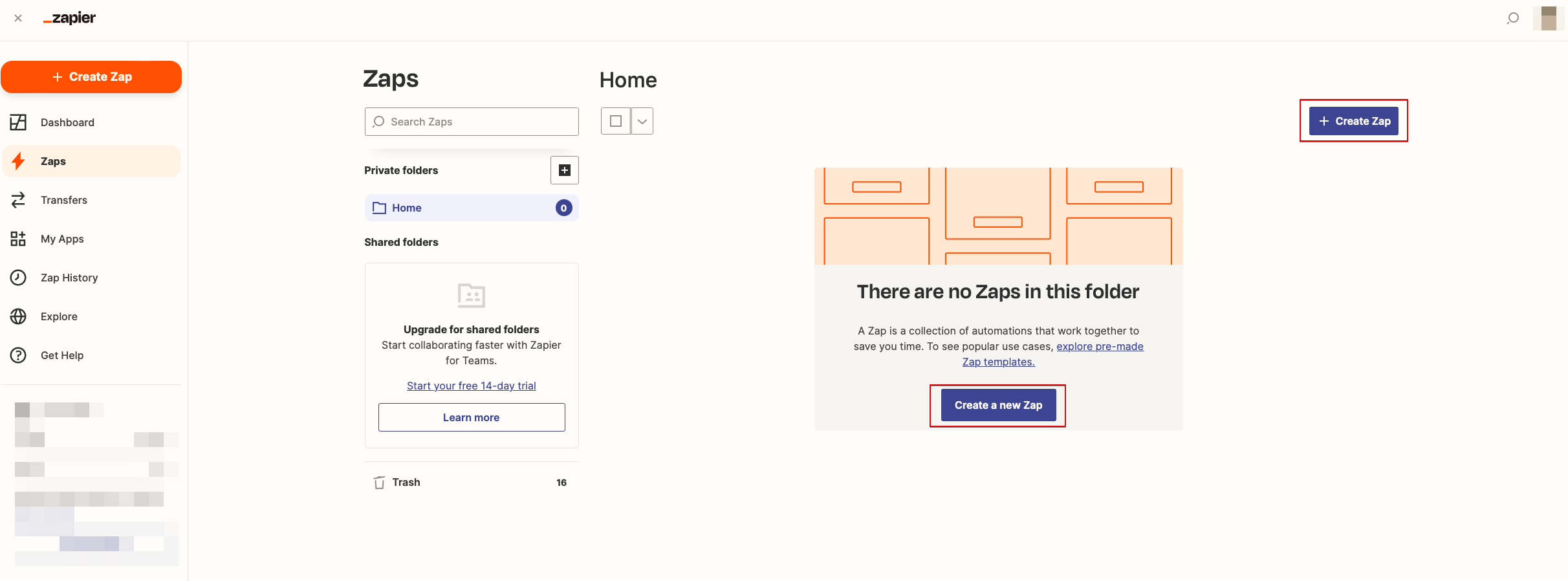
- 1. Log in into your Zapier account, go to "Zaps" page and click on "Make a Zap" or "Make a New Zap"
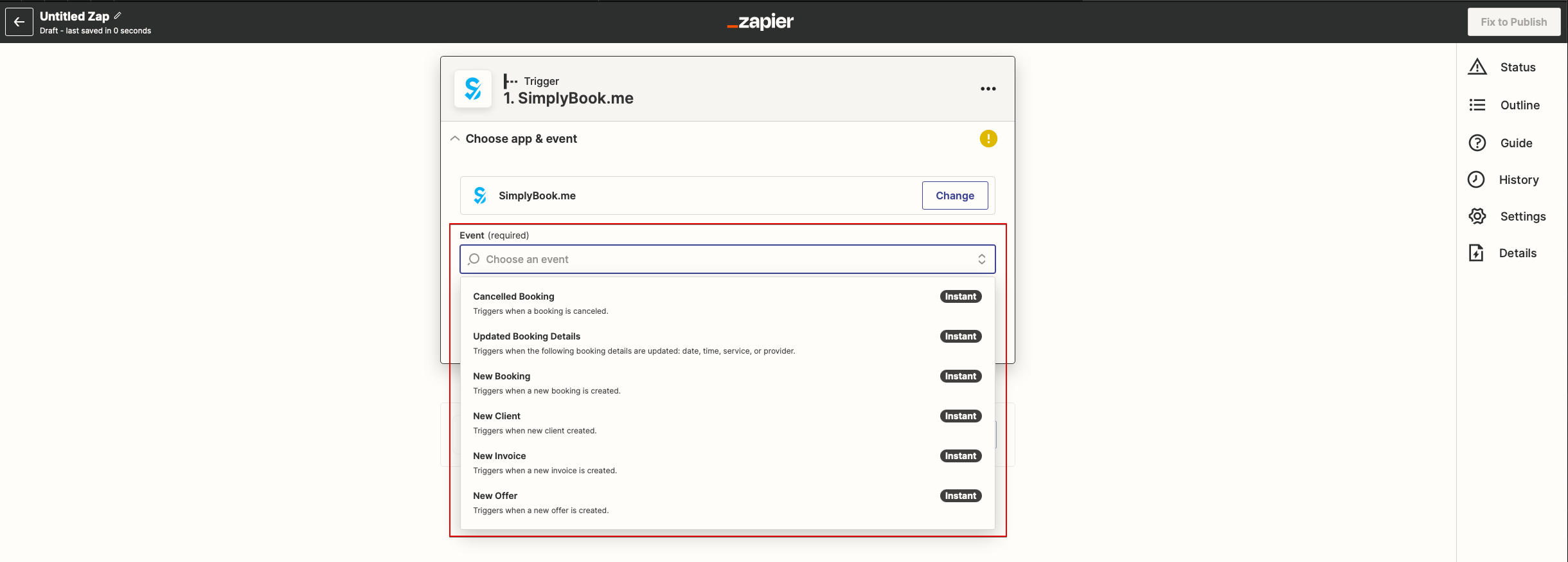
- 2. Now you will set up the trigger step. The trigger itself is new booking so please type "SimplyBook" in the search box and select this option. Save this step.
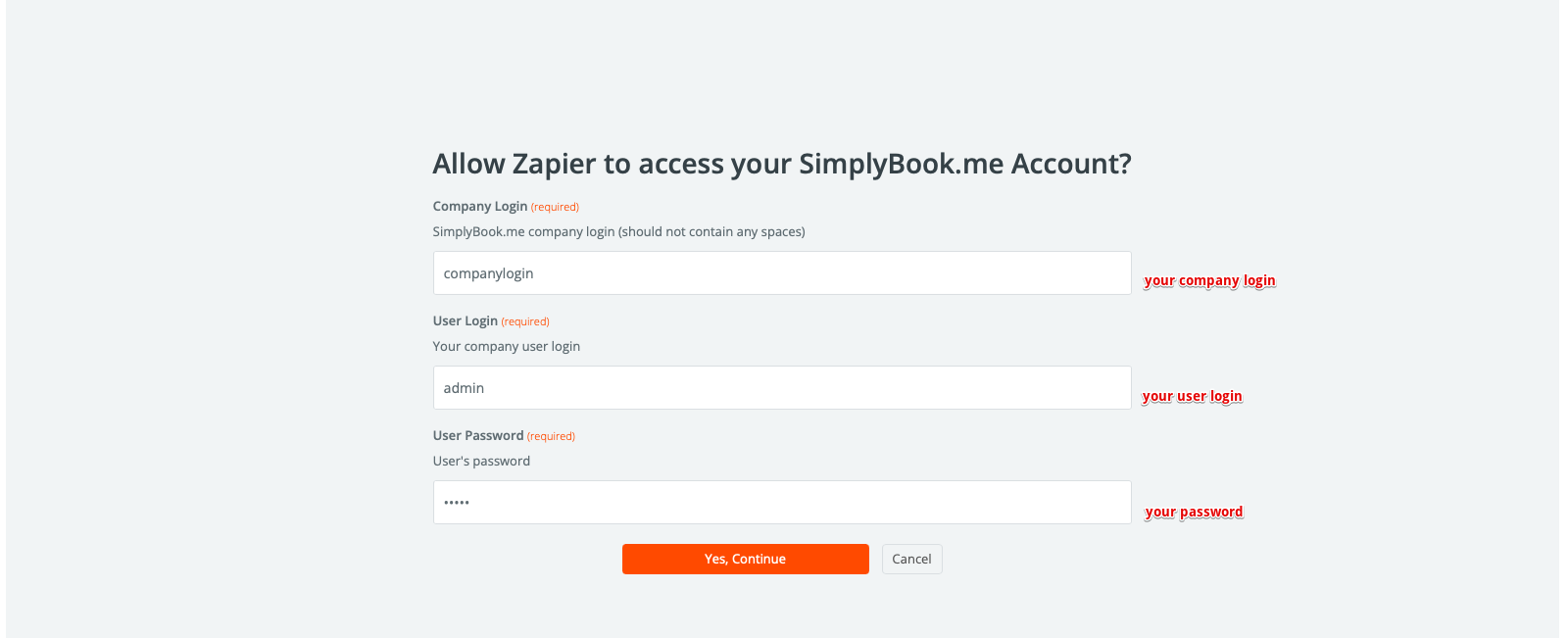
- 3. On the next step please connect your SimplyBook.me account. Enable Zapier connector custom feature. And on Zapier side use the same credentials as when you log in to your SimplyBook.me account. Save this step.
If Zapier shows an error "We could not find the booking" on test step don't worry, it may occur when your account is new or you have not got new bookings recently.
You can skip test step and continue with setup.
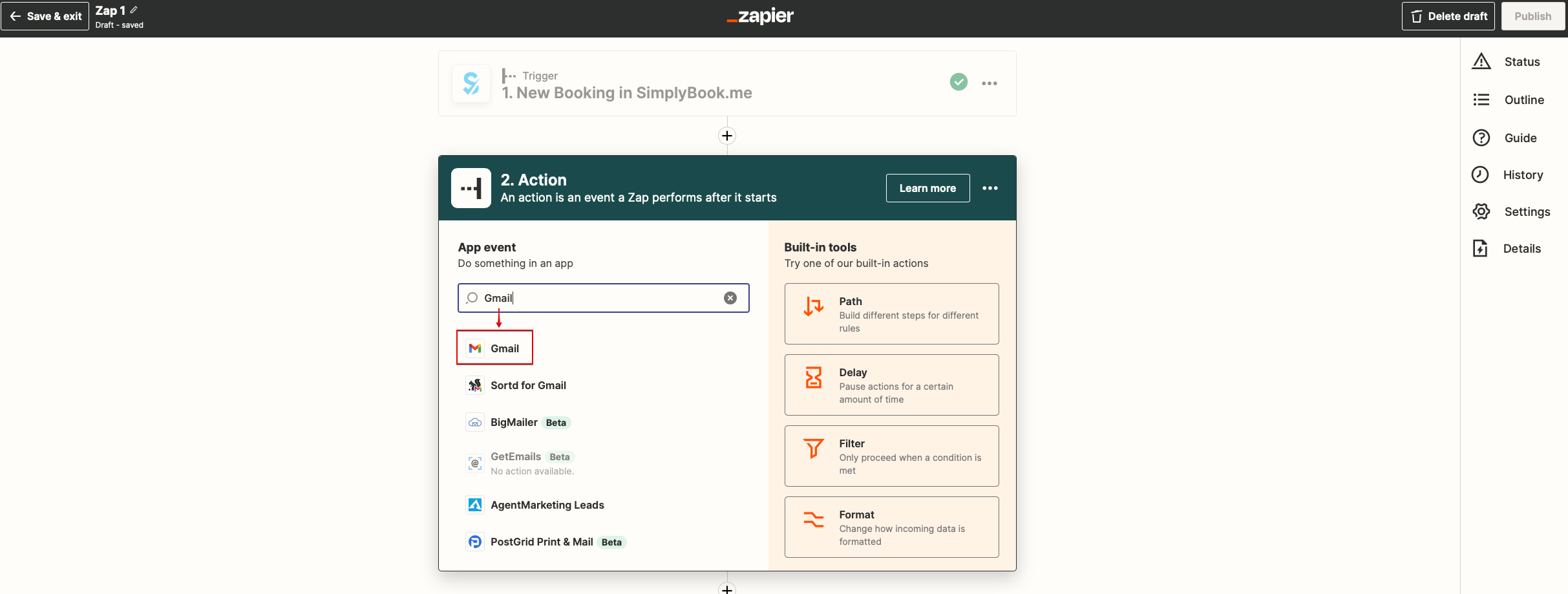
- 4. Now you will be setting up actions step and as it is related to emails please find Gmail option using searchbox.
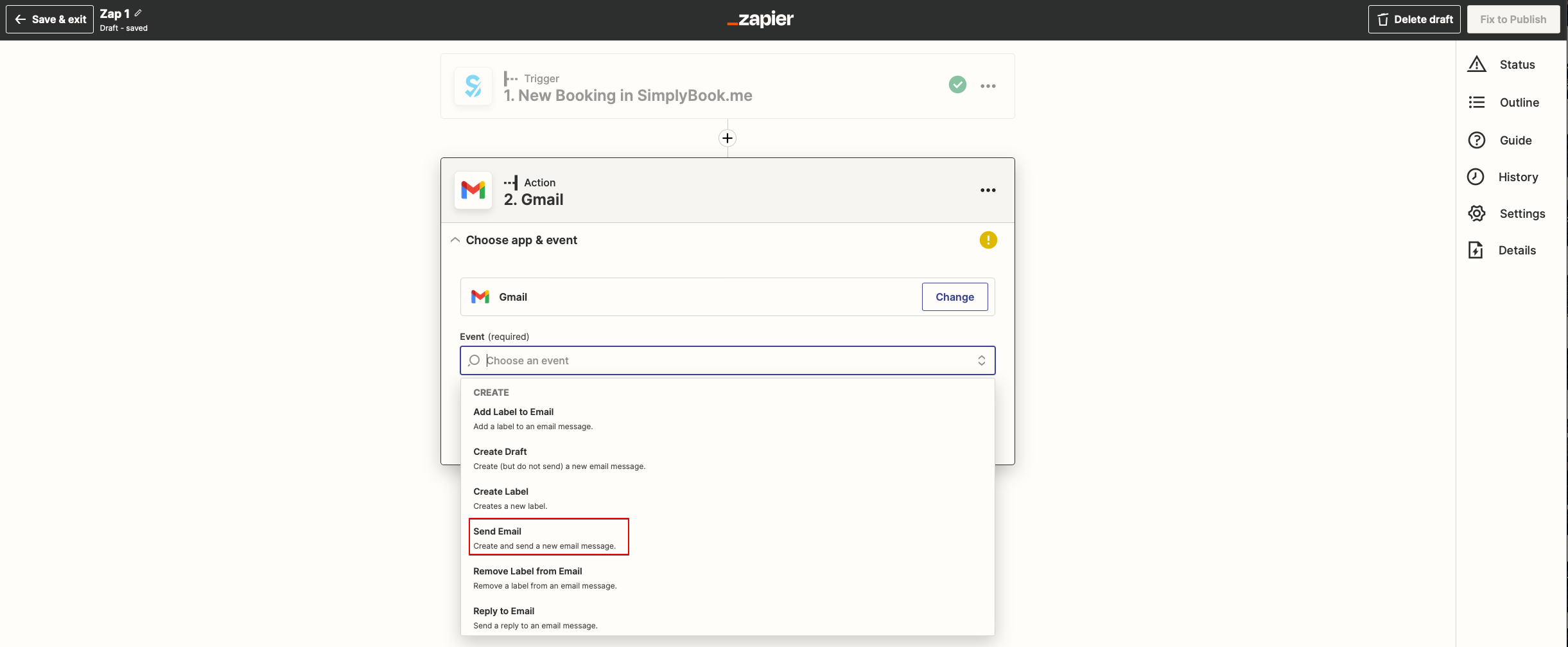
- 5. From the list of available actions please choose "Send email" and connect Gmail account that will be used for sending notifications.
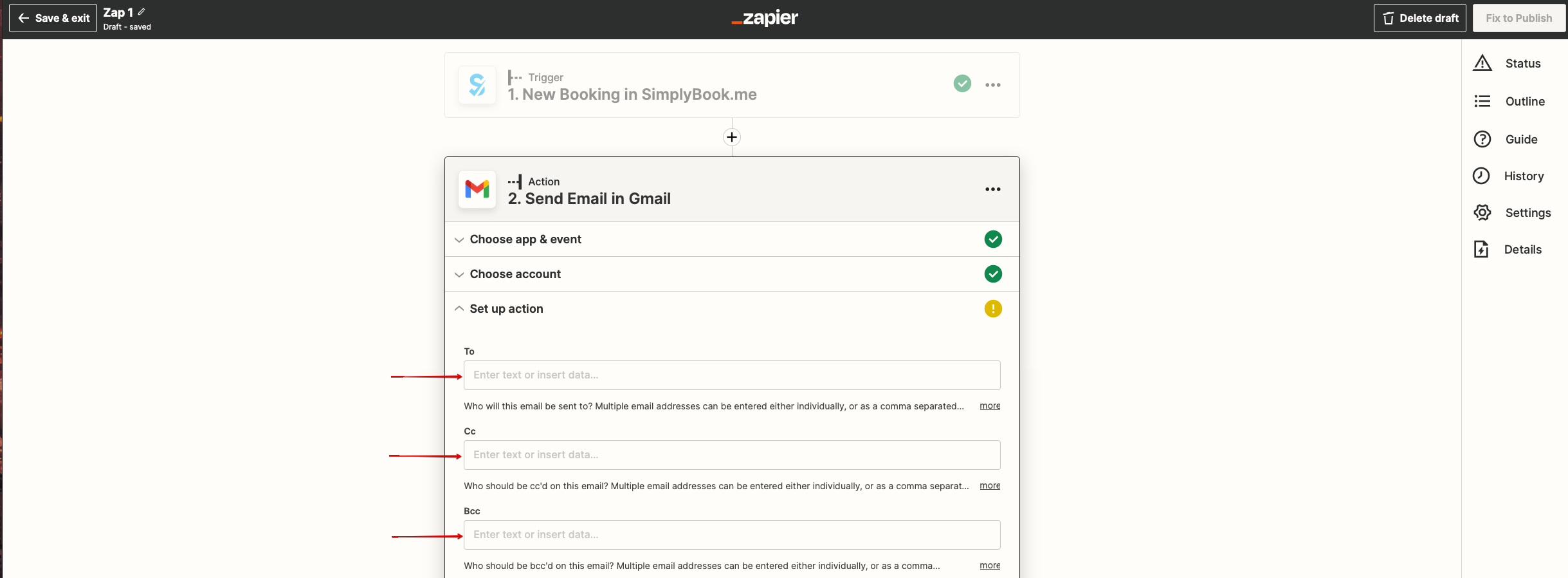
- 6. On the next step please add email address(es) that you wish notification to be sent to. You may add only one address in "To(required)" email box or add some more addresses with the help of "Cc" and "Bcc" options or by clicking on "+" icon to add another email box.
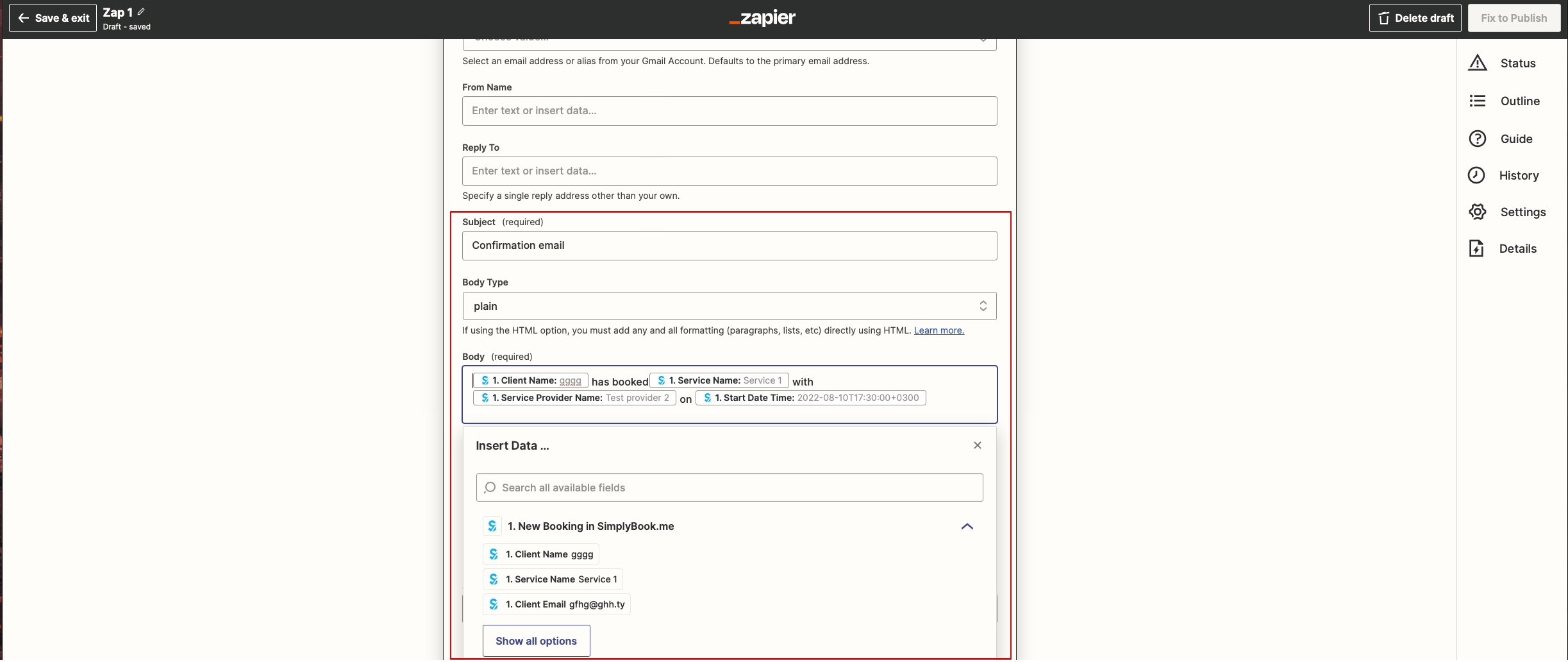
- 7. Now you come to template step.
- Please use available variables by clicking on the textbox ands selecting the necessary ones from the list.
- Here you can see the example how notification template can be set up.
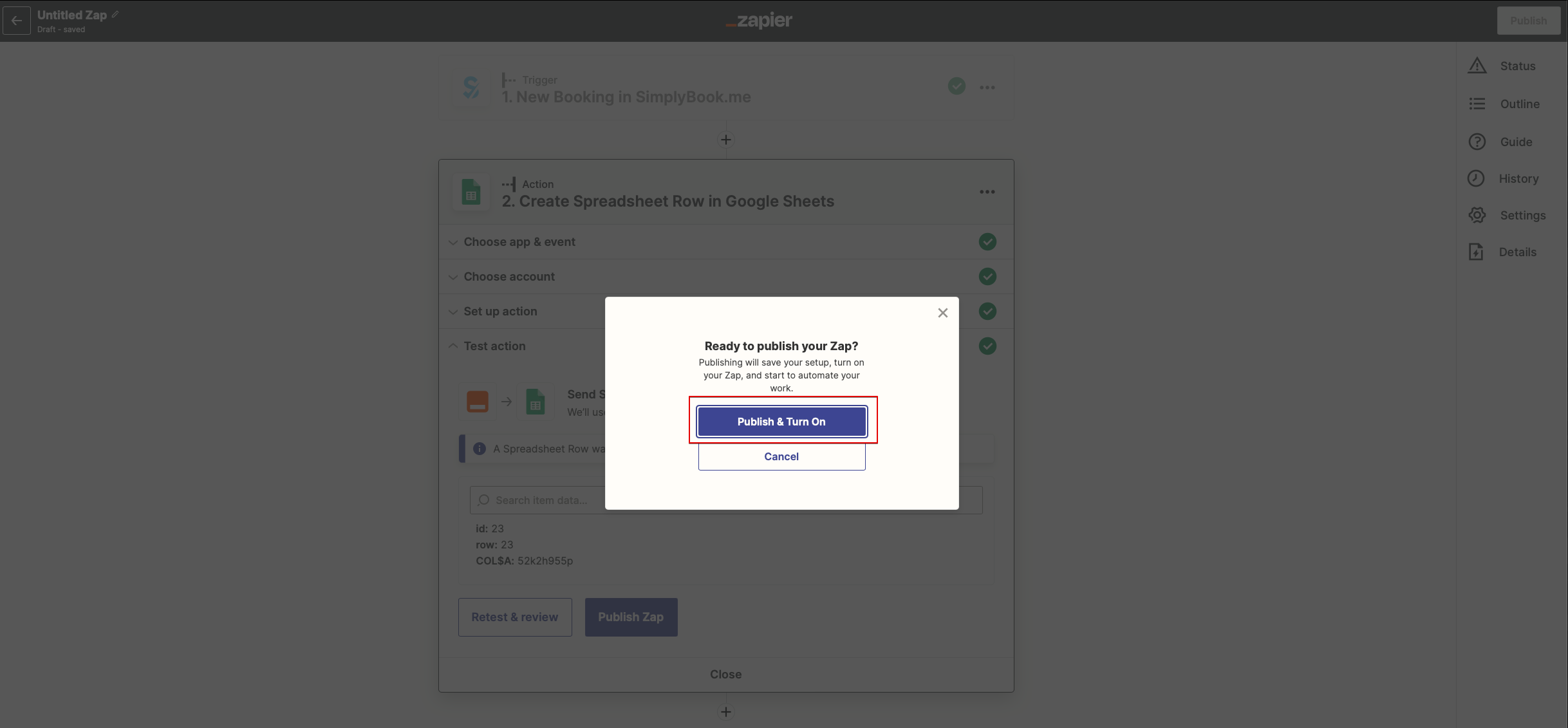
- 8. Now you can turn your Zap on. It will send emails automatically to the indicated addresses when new booking is received by SimplyBook.me system.