Translations:Adjusting notifications/4/en
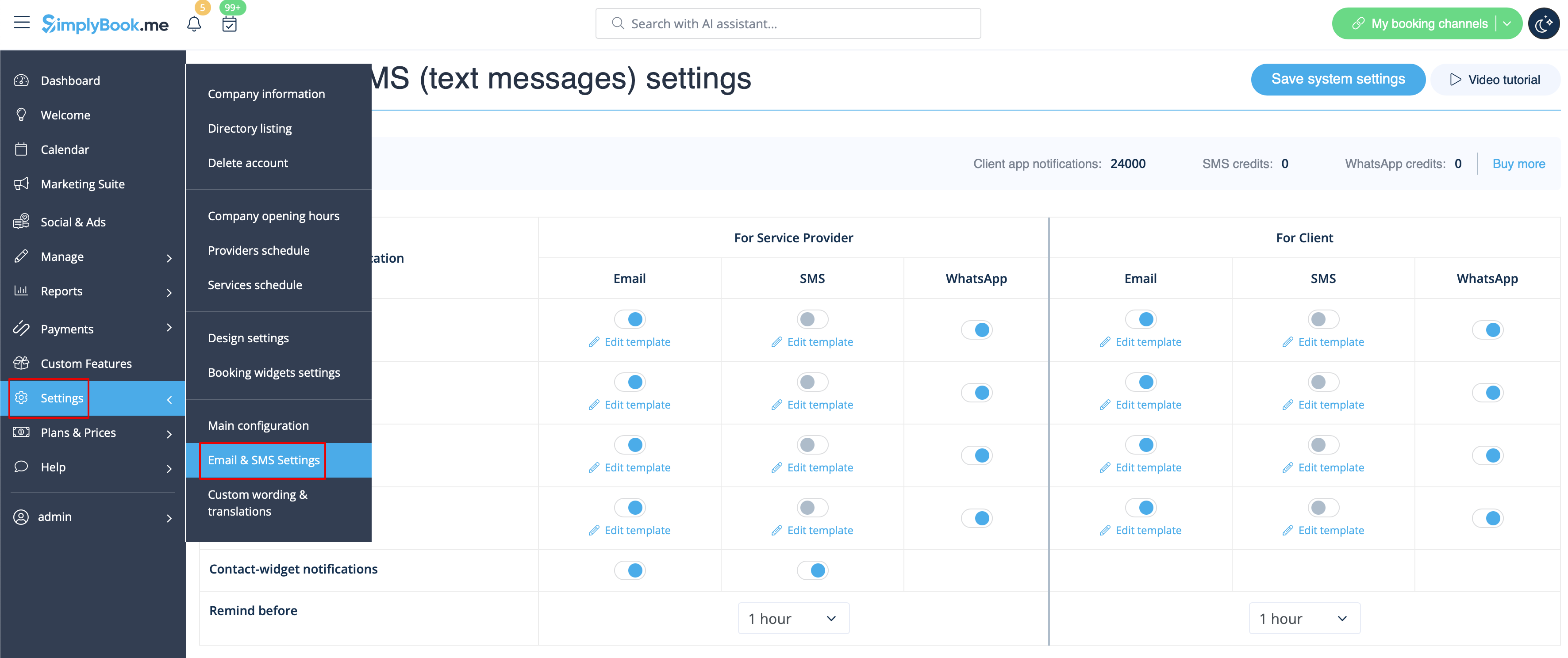
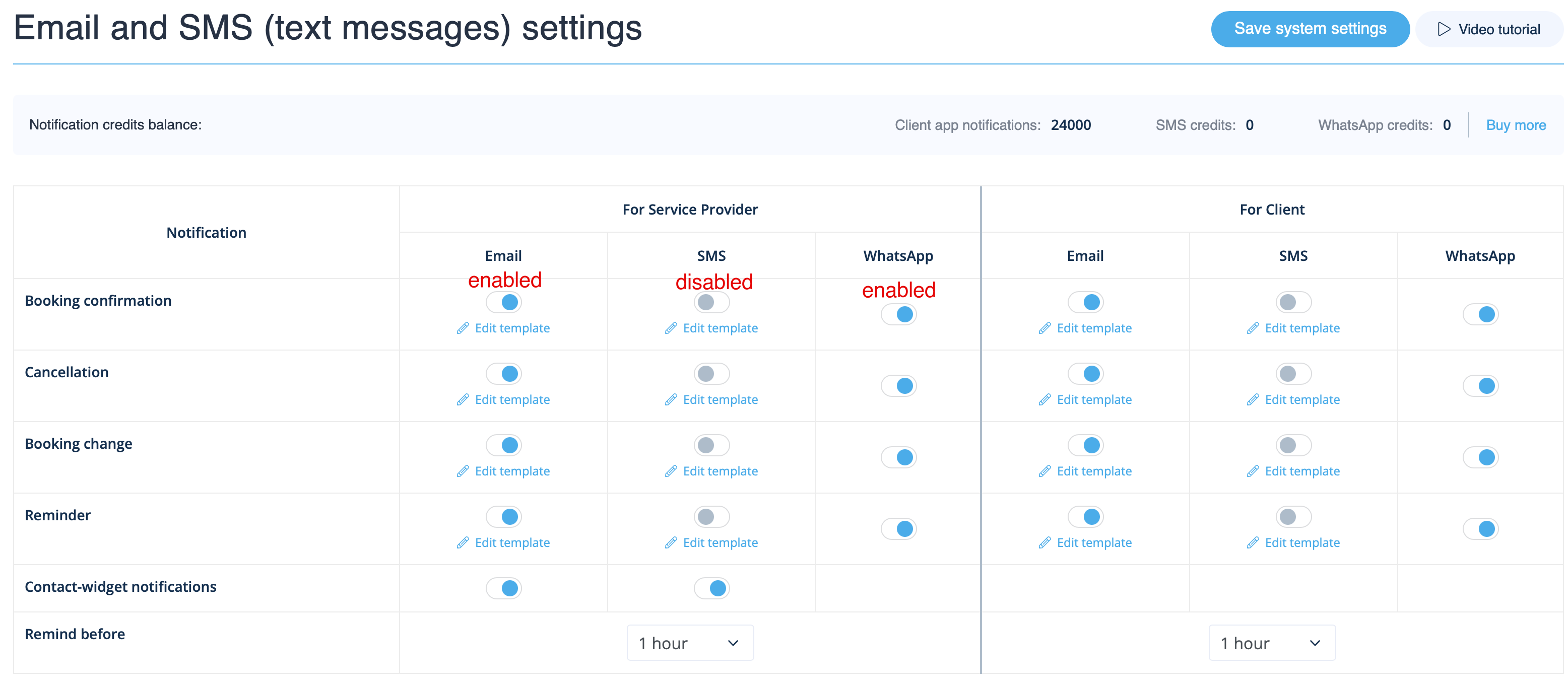
Go to Settings -> Email and SMS settings and check/uncheck the corresponding boxes to send/not send notifications. You can change the texts of notifications to better suit your needs by clicking edit template, making changes and saving system settings.
As well you can set up to three reminders for both your clients and employees - just set the timing and the system will automatically send them according to the template texts for set for reminder notification type.