Як розблокувати обліковий запис
Ваш обліковий запис Simplybook.me може бути заблоковано через непоновлення безкоштовного тарифу або ручне видалення облікового запису в розділі «Налаштування» -> «Видалити обліковий запис ». Заблокований обліковий запис можна поновити до його остаточного видалення.
Please note! If you encounter a 404 error, it indicates that the free account expired more than 3 months ago and was automatically deleted by the system, or the account you deleted manually was deleted completely after being in the blocked status. In such cases, it's not possible to regain access to the account or create a new account with the same company login. You'll need to sign up for a new account using a different company login.
- Steps to unblock the account
1. If you recall your company login, open the link in your browser in the following format: https://yourcompanylogin.secure.simplybook.me/ (replace "yourcompanylogin" with your actual company login). If you don't remember your company login, find it here: using your company email address.
If the company can be reactivated, you'll see a page suggesting sending an unblock email to the default admin user email address shown in the partially hidden format.
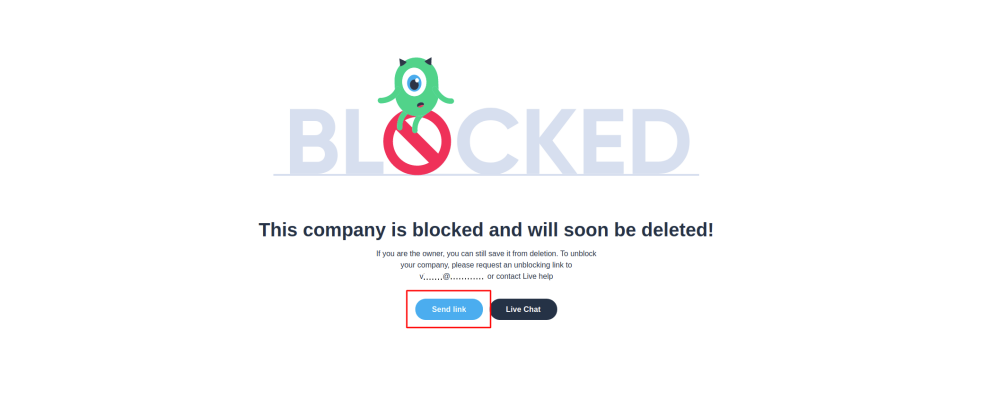
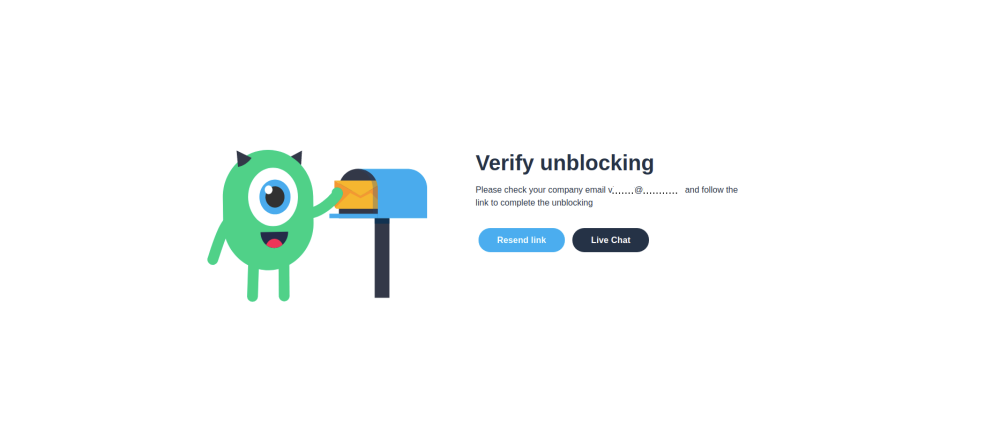
2. Click on the Send link button and go to the corresponding email box.
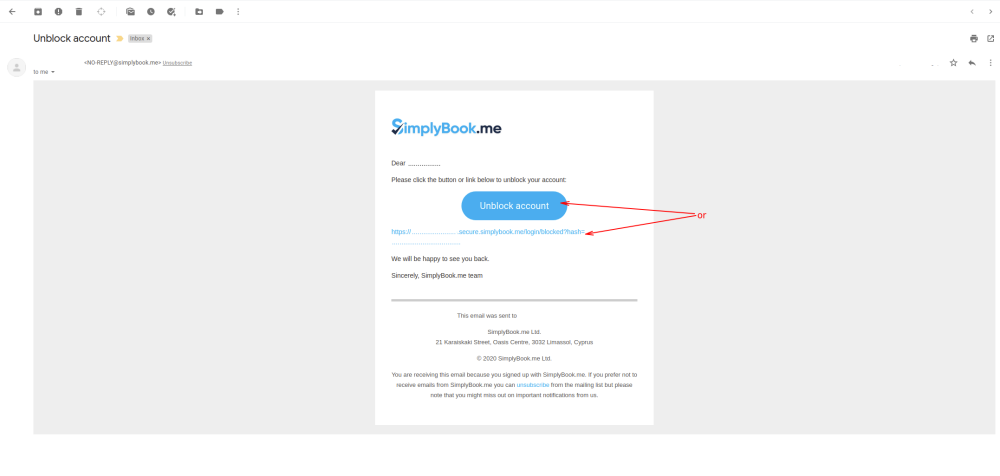
3. In the email, find an unblocking button or link. Click on either of them to reactivate the account.
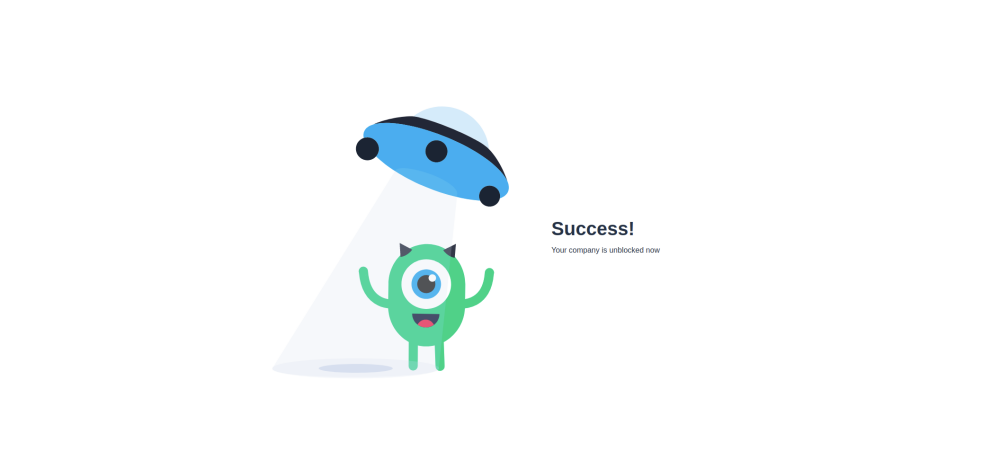
4. You'll see a successful reactivation page as a result.
If the Resend link button is not available, click on Live Chat button, and our support team will assist you in unblocking the account.