SBPay.me - Sådan opretter du en konto
SBPay.me har i øjeblikket ikke en separat registreringsside.
Du får altså en konto direkte fra SimplyBook.me- eller SimplyMeet.me-systemerne, når du aktiverer onlinebetalinger for dine tjenester/møder.
SimplyBook.me
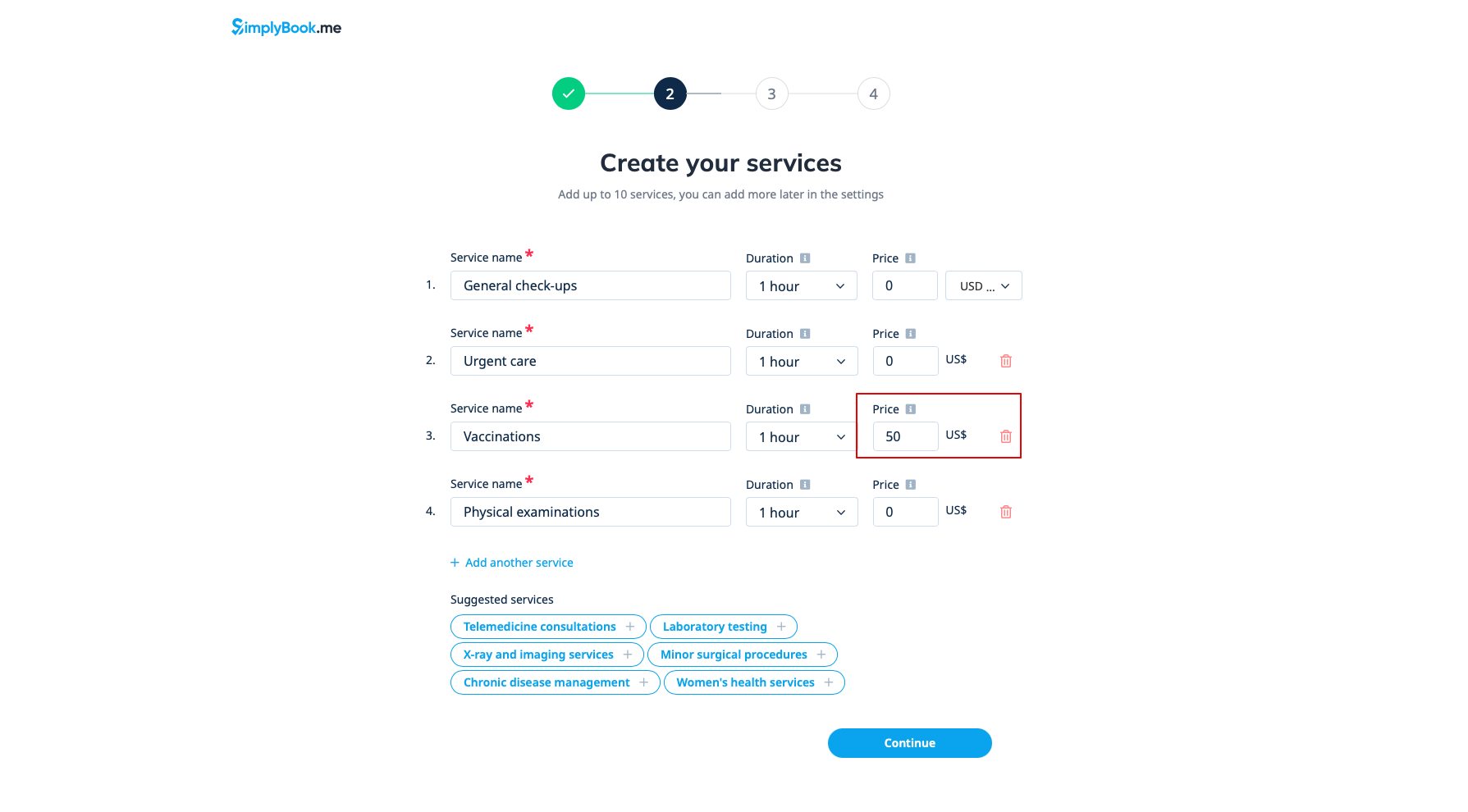
Når du opretter en konto i SimplyBook.me og angiver serviceprisen under registreringen, oprettes der automatisk en SBPay.me-konto til dig, som du kan få adgang til fra navigationsmenuen til venstre.
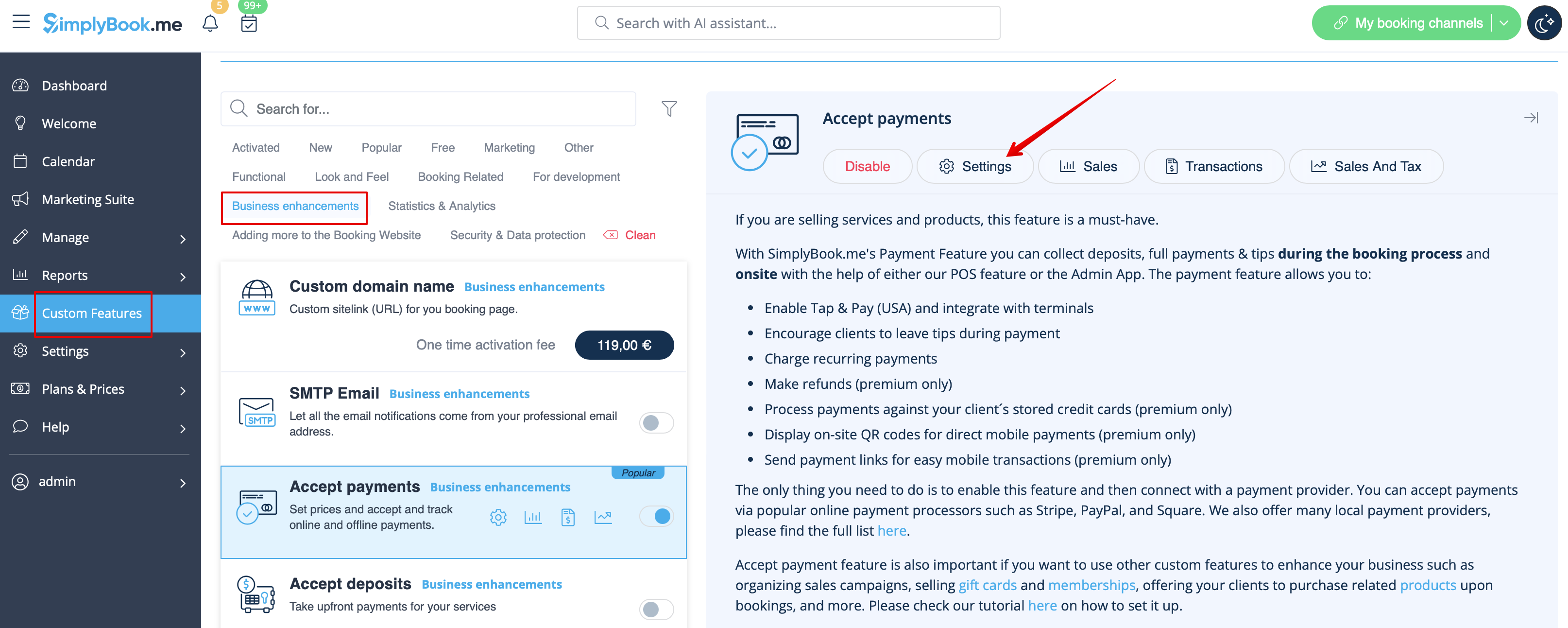
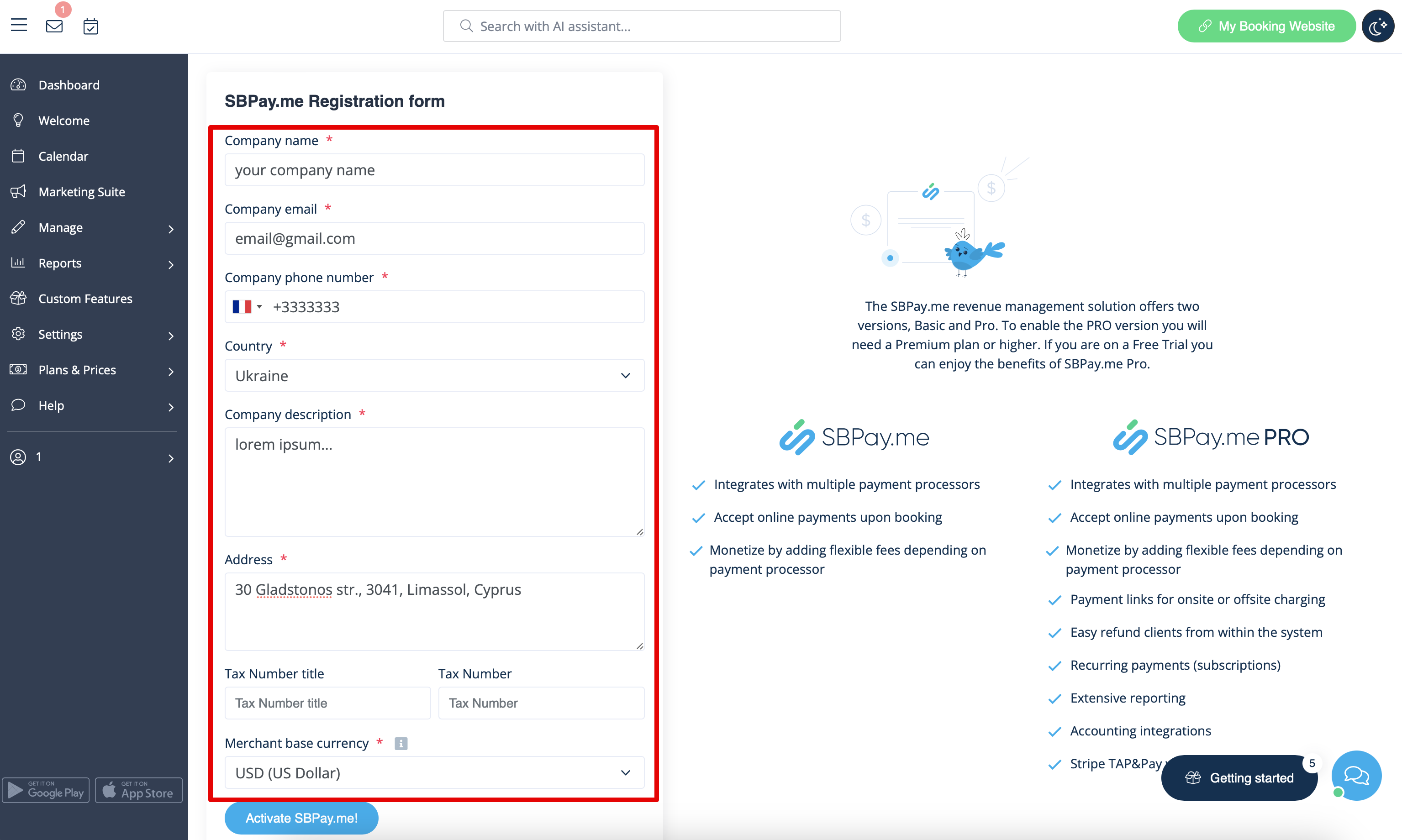
If you want to enable online payments for the already existing SimplyBook.me account, after enabling Accept payments custom feature you will have to fill in the form about your company and select the base currency.
After it is submitted, just in a few seconds the account will be created for you.
SimplyMeet.me
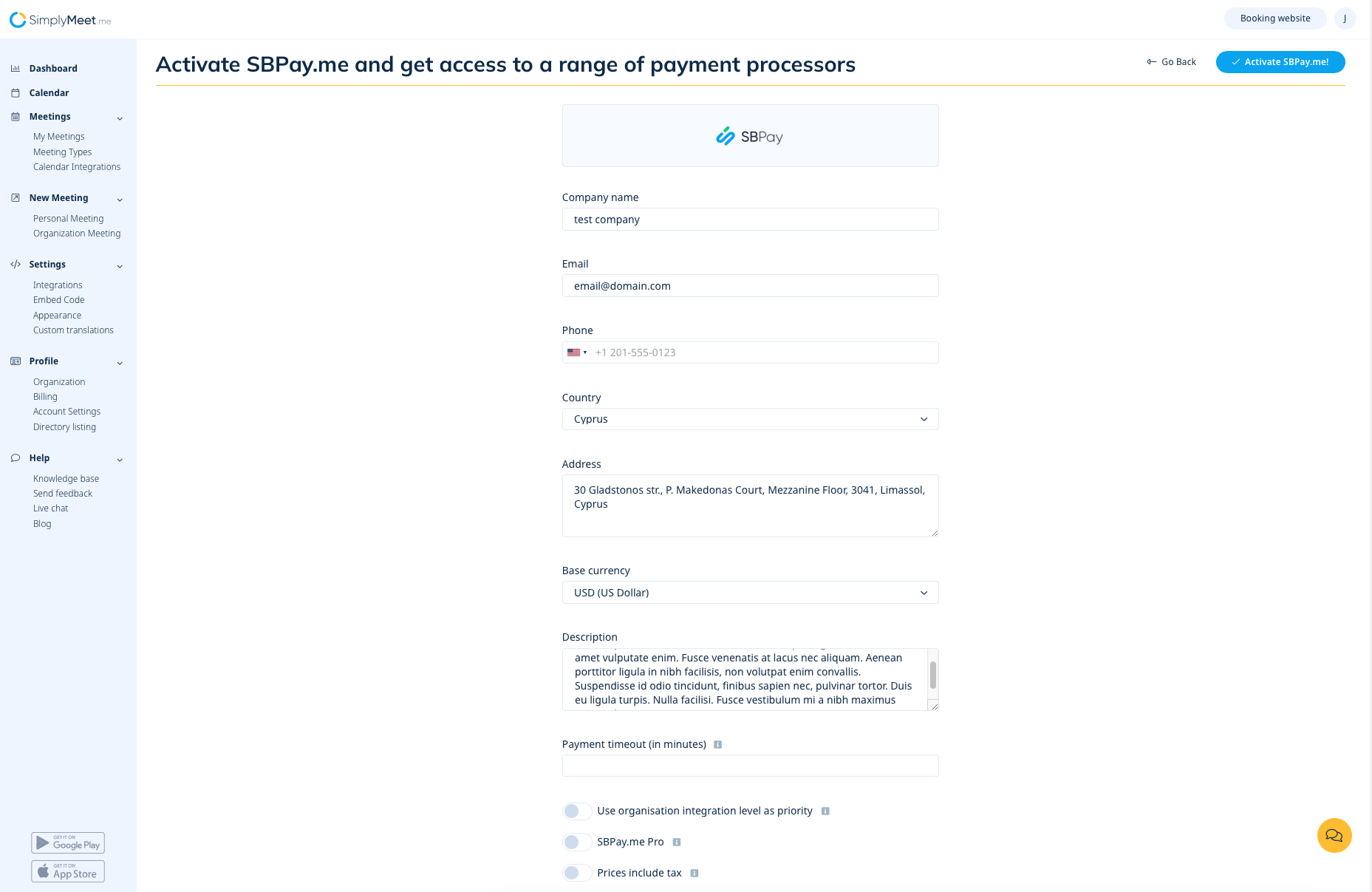
If you are a SimplyMeet.me user, you can simply go to your Integrations page and enable SBPay.me option there on user and/or organisation(for paid subscriptions) level.
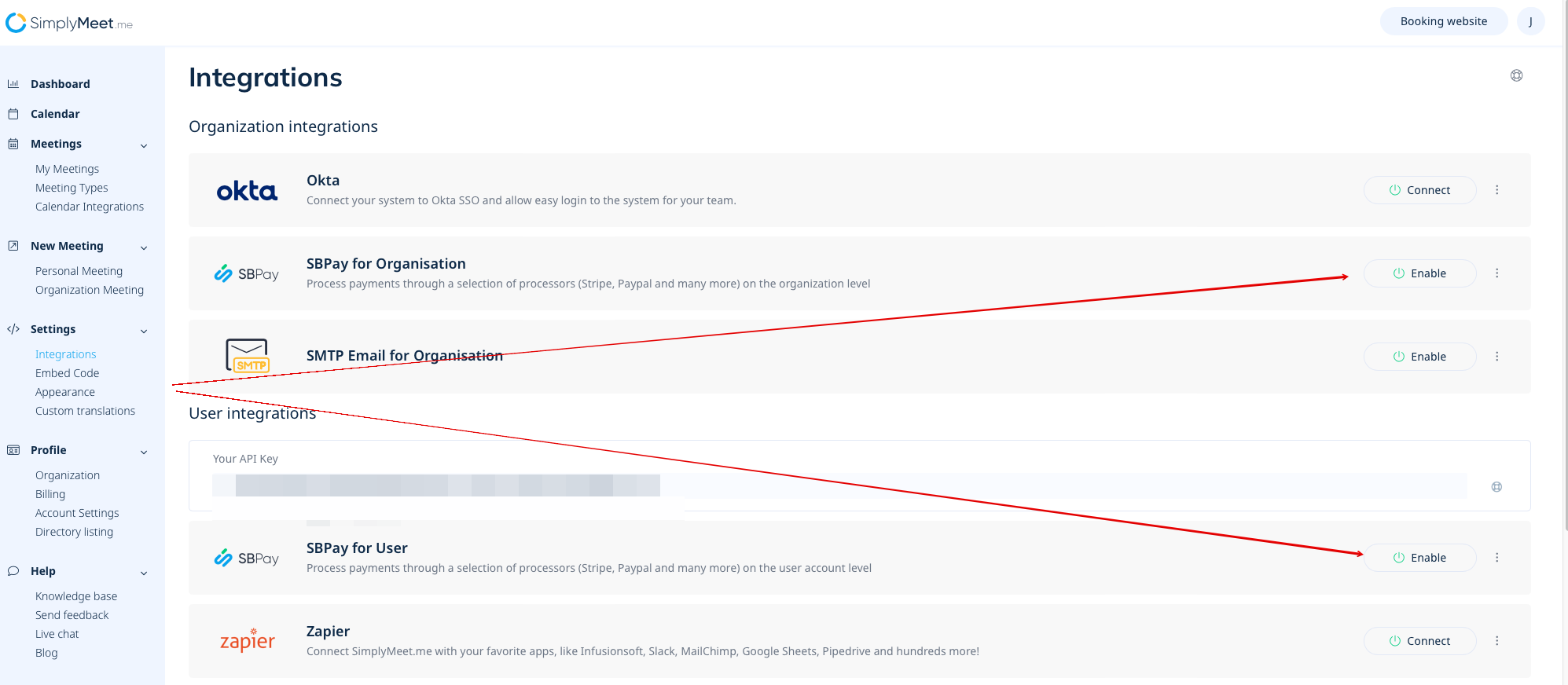
Fill in the form about the company and just in a few steps SBPay.me account is ready.