Duda-integration

Om du bygger din webbplats på Duda och vill erbjuda en smidig och professionell bokningsupplevelse är SimplyBook.me den perfekta lösningen. Med bara några enkla steg kan du bädda in din bokningswidget direkt på din Duda-webbplats. Alla tjänster, priser, tillgänglighet och inställningar hanteras i SimplyBook.me:s adminpanel, medan widgeten är helt anpassningsbar för att matcha din webbplats design. Låt oss komma igång!
- Så här ställer du in det
- How to set
1. Log into your Duda dashboard.
2. Create a new website or open the existing one where you want to embed the booking widget.
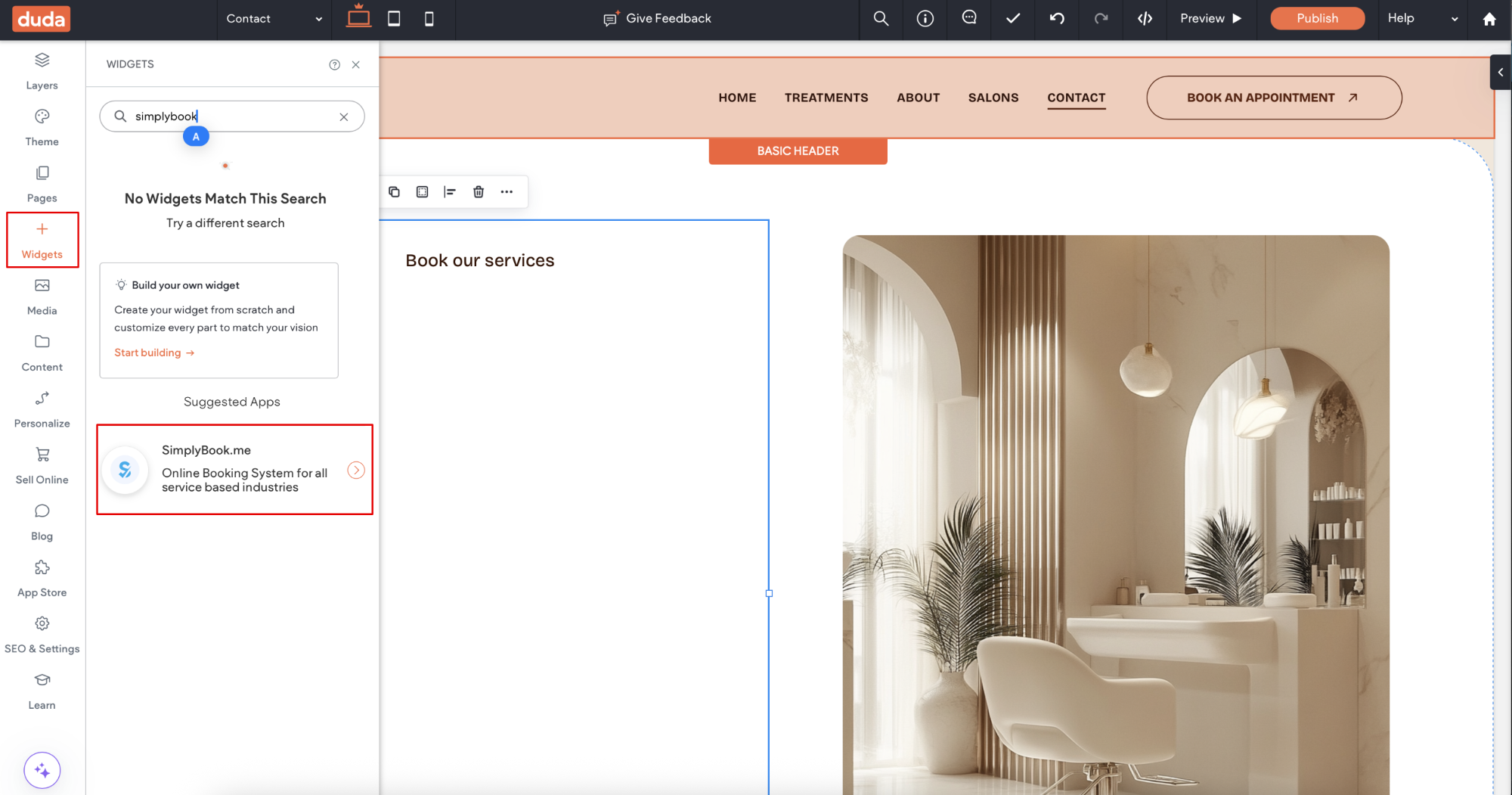
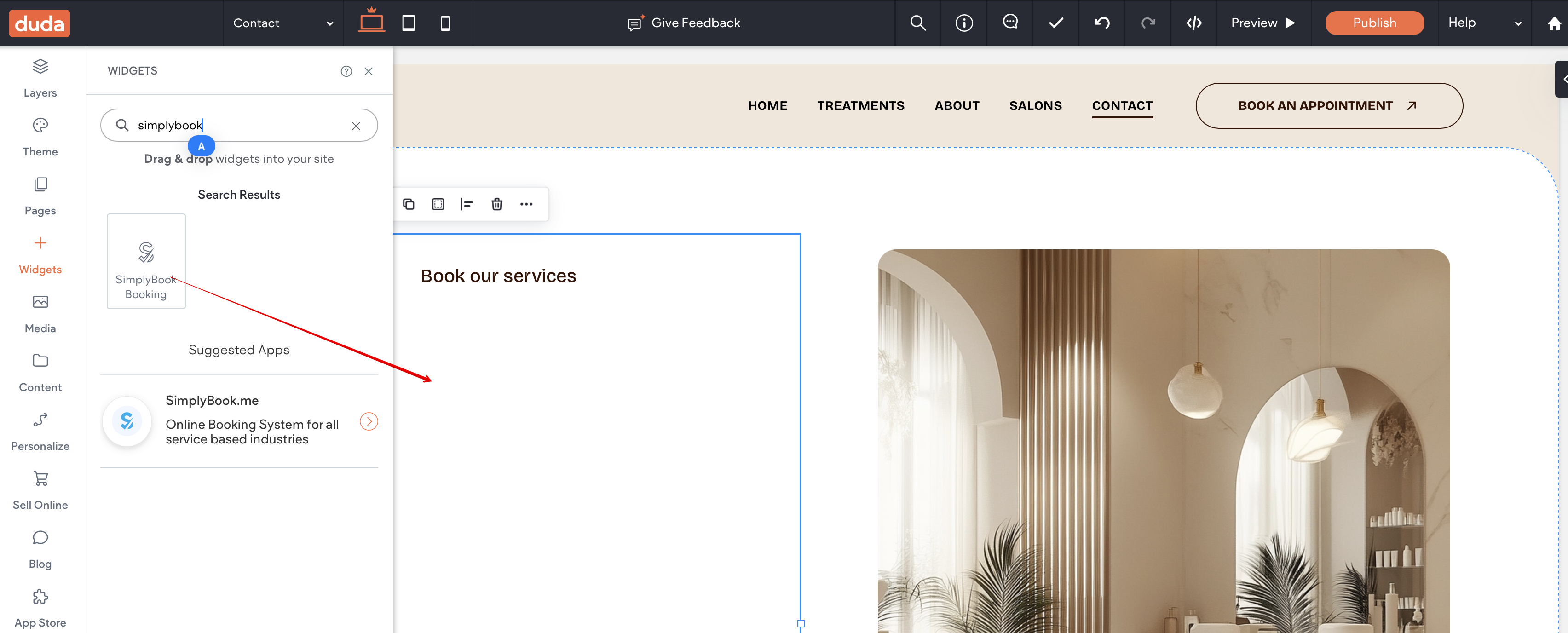
3. Click on Widgets in the left-side menu.
4. Search for 'SimplyBook and install it.
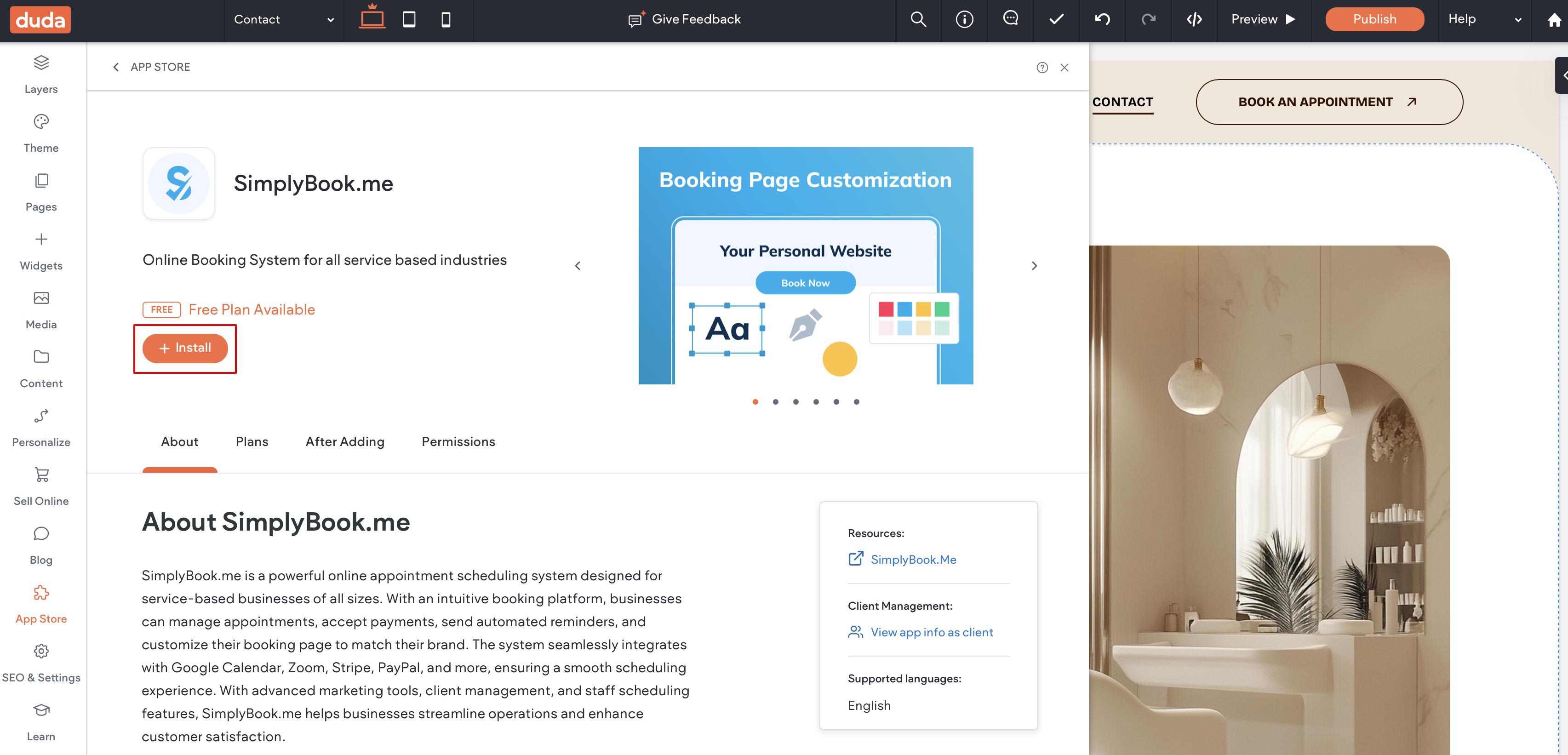
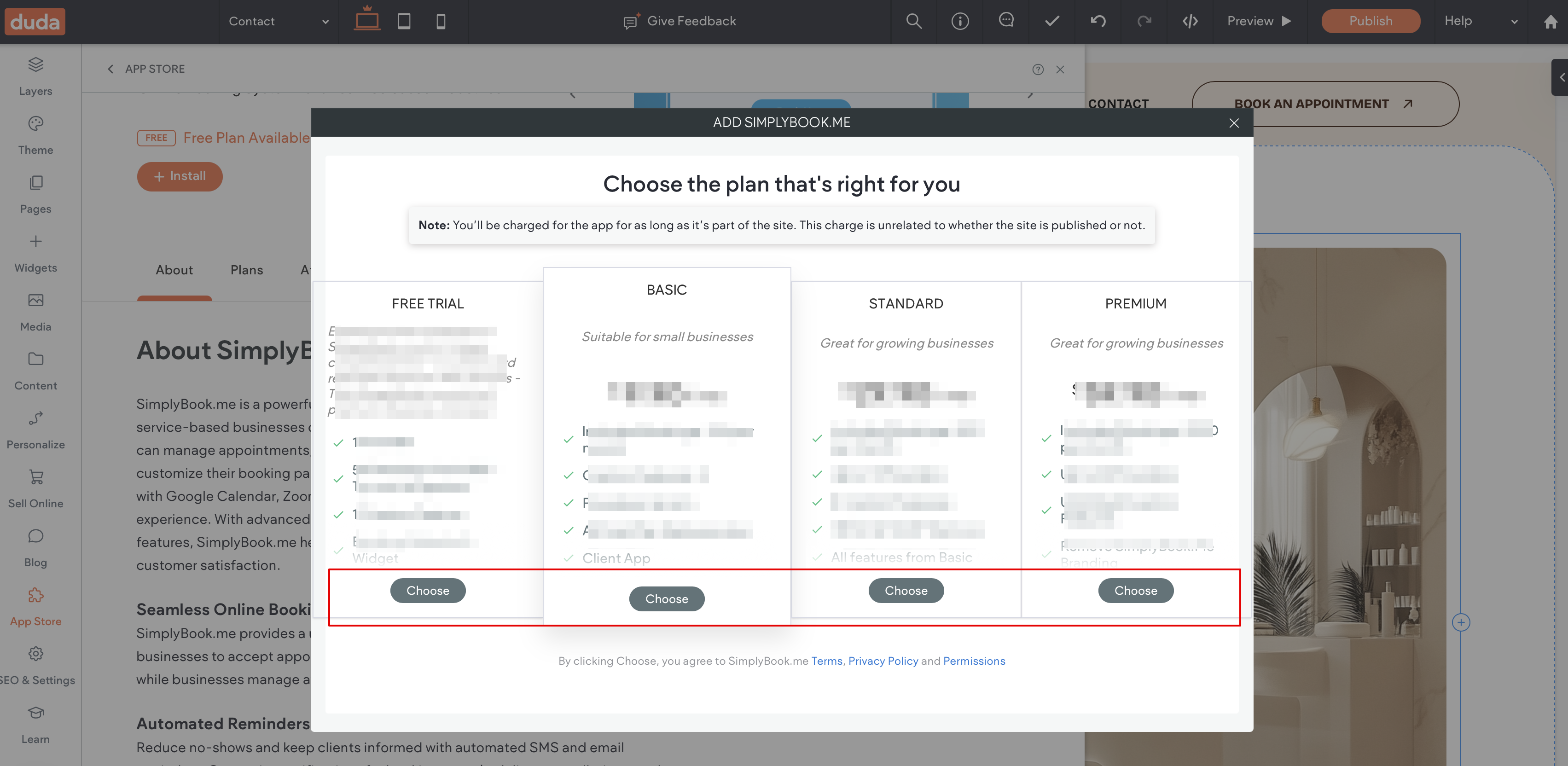
5. Choose the applicable subscription to be applied to your system.
6. Choose a place on the page where the booking tool should appear.
7. Click on Widgets again and select the 'Simplybook booking to drag it to the page.
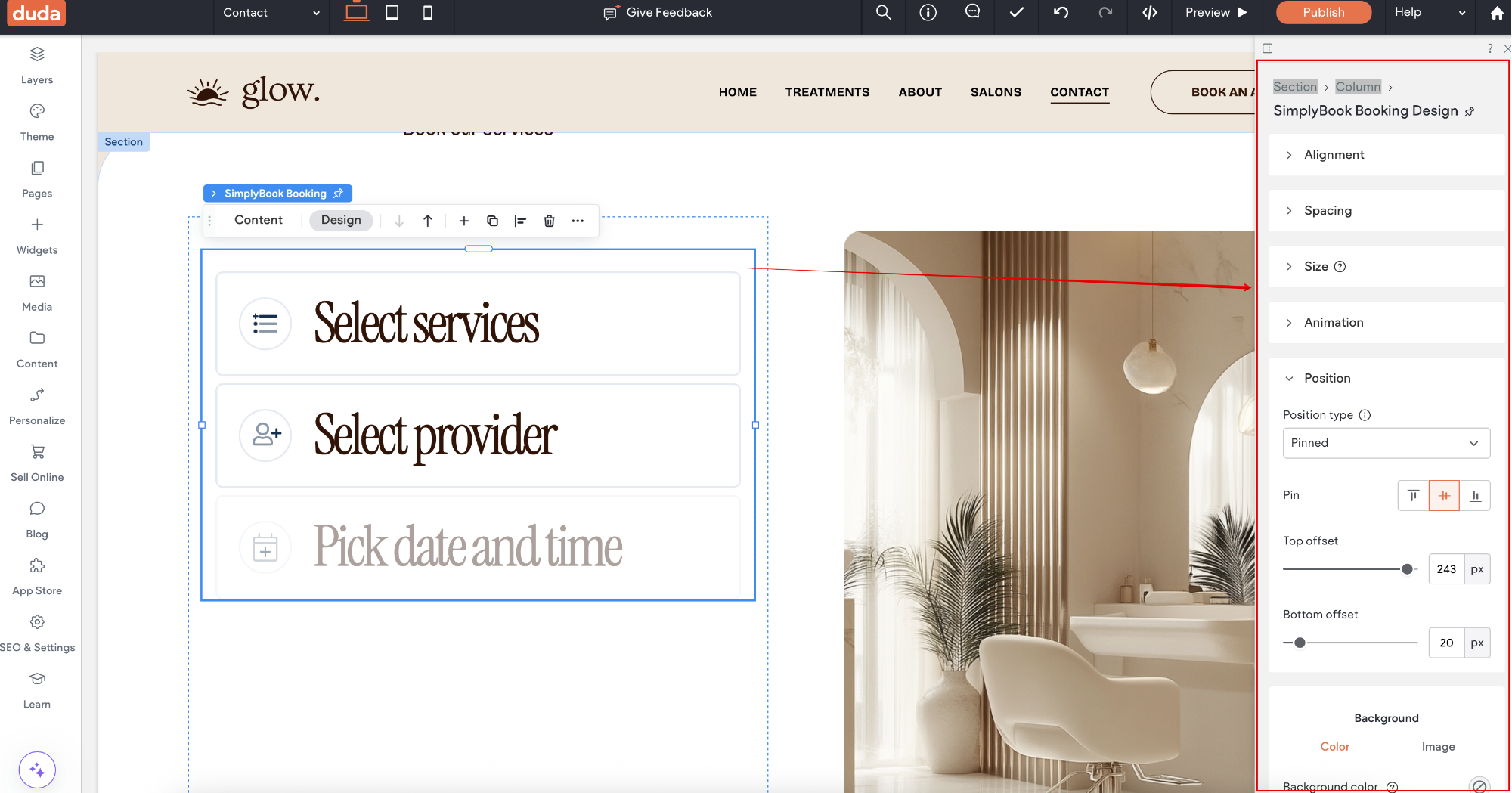
That's it, the widget is added.
8. To adjust the design please use the built-in editing options, the widget will adjust to your website styles.
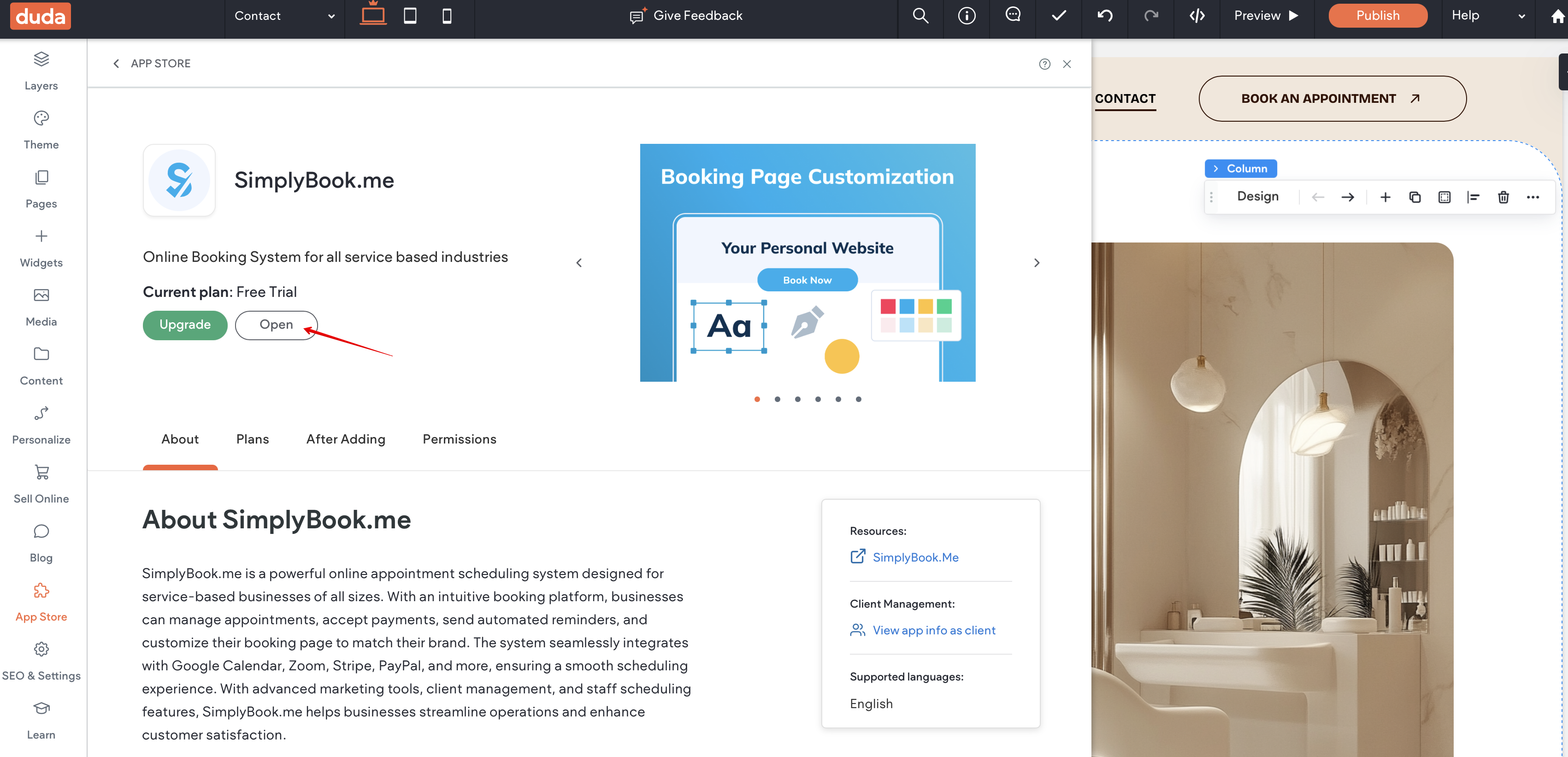
9. To add or edit your services, set prices, etc. please navigate to SimplyBook.me admin interface by clicking on Open button in the installed app.