Importing the list of clients/da
Sådan importeres kunder
Gratis tilpasset funktion!
- OBS! Det er forbudt at importere en kundeliste med e-mails og kundeoplysninger, hvor kunderne ikke specifikt har givet dig tilladelse til det.
- Bemærk, at denne funktion kun er tilgængelig med Standard- og Premium-abonnementer (tidligere Advanced, Gold og Platinum).
- Som standard er det kun muligt at importere 500 kunder. Hvis du har brug for at importere flere, skal du kontakte support for at få flere oplysninger.
Sådan bruges denne indstilling:
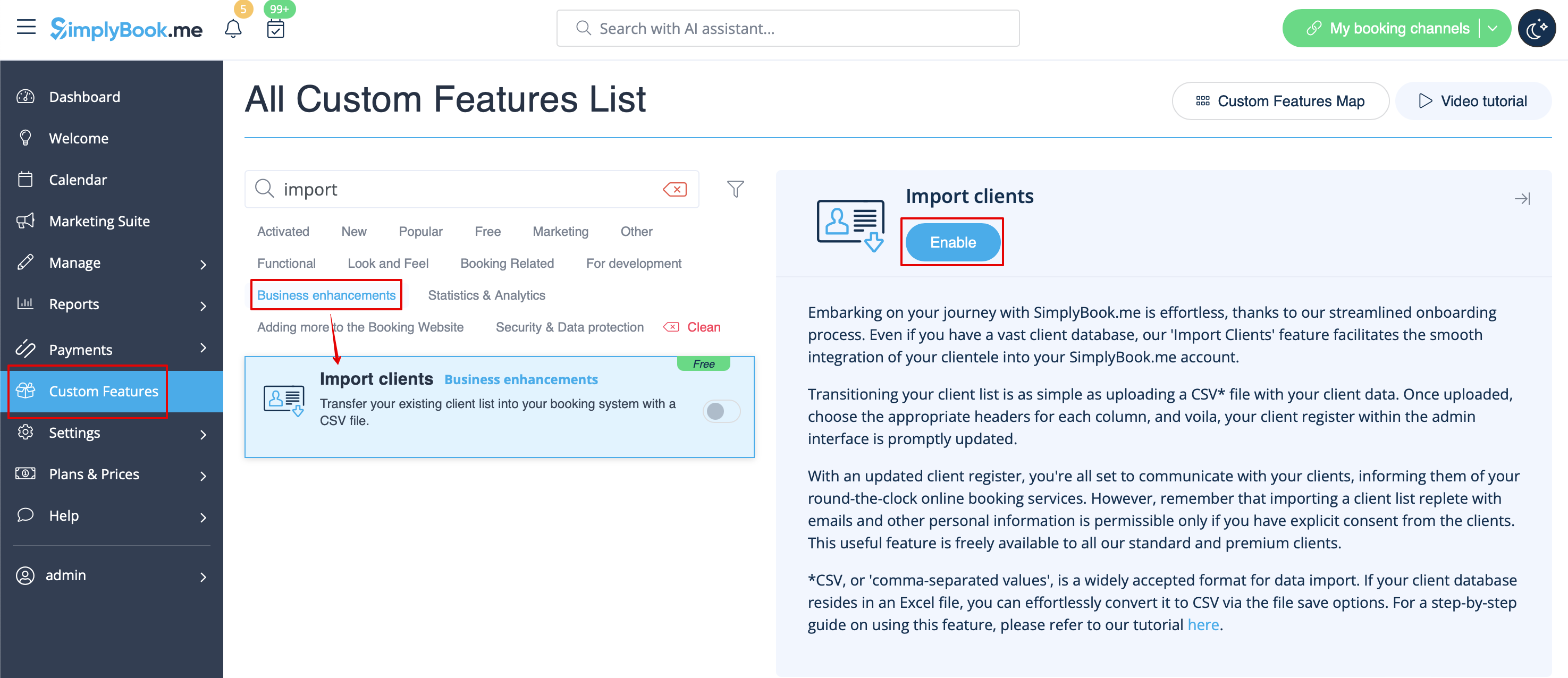
- 1. Aktivér den tilpassede funktion "Importér kunder" på siden Tilpassede funktioner:
- 2. Prepare your Excel file.
- - No text above the list of clients should be written
- - Make sure all cells are correctly displayed
- - Save file in .csv format with comma separation.
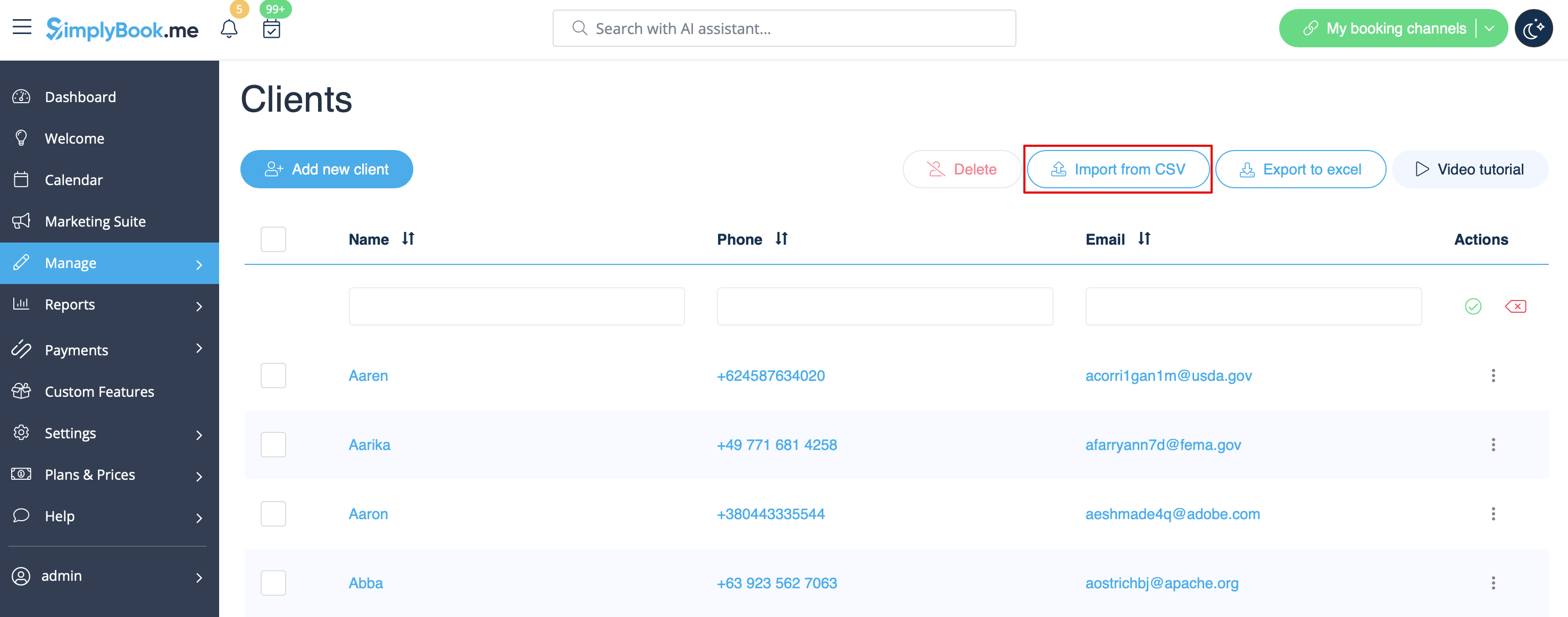
- 3. Go to Manage//Clients//Import from CSV or simply click on "Settings" near this custom feature.
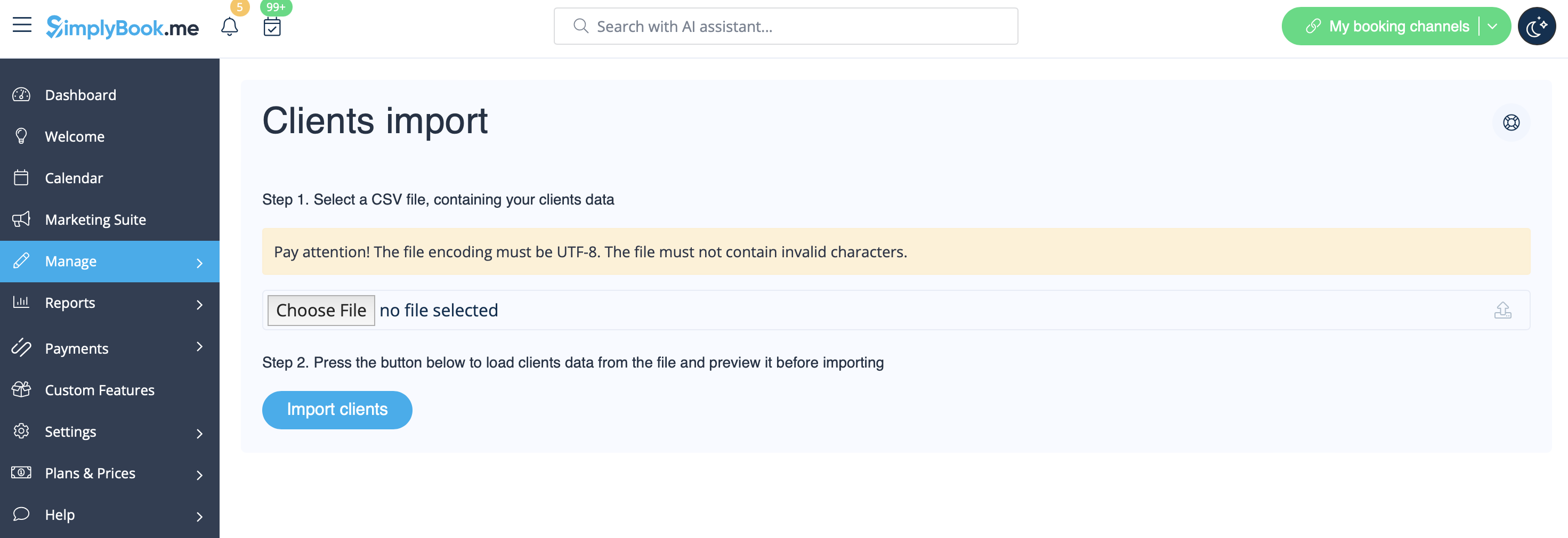
- 4. Press "Choose file" and select the prepared file.
- 5. Assign values to the columns from drop-down lists in the upper bar (above each column, marked with black arrows). Assign "name", "email" and "phone".
- (if you are using Client Fields Custom Feature you can also import some of the forms values)
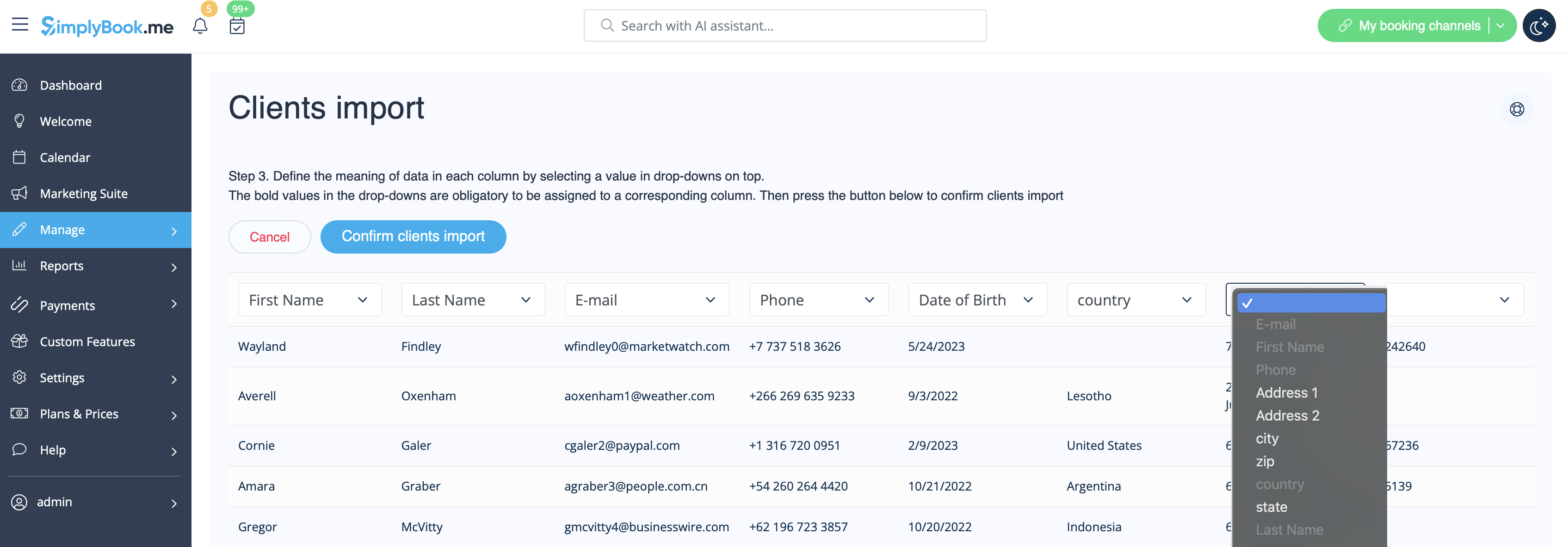
- 6. Press "Confirm clients import".
- Please note that only 10 clients will be shown in preview, but after you import, all clients will be shown.
- If you can't import clients, please check the possible reasons
- 1. Format of .csv file is incorrect. It should be saved in .csv with comma or tab separation.
- 2. There is some text above the data or unnecessary columns that prevent successful import. Please delete the text.
- 3. Values are not assigned. Use drop-down menus above the columns to assign values "name", "email", "phone", etc.