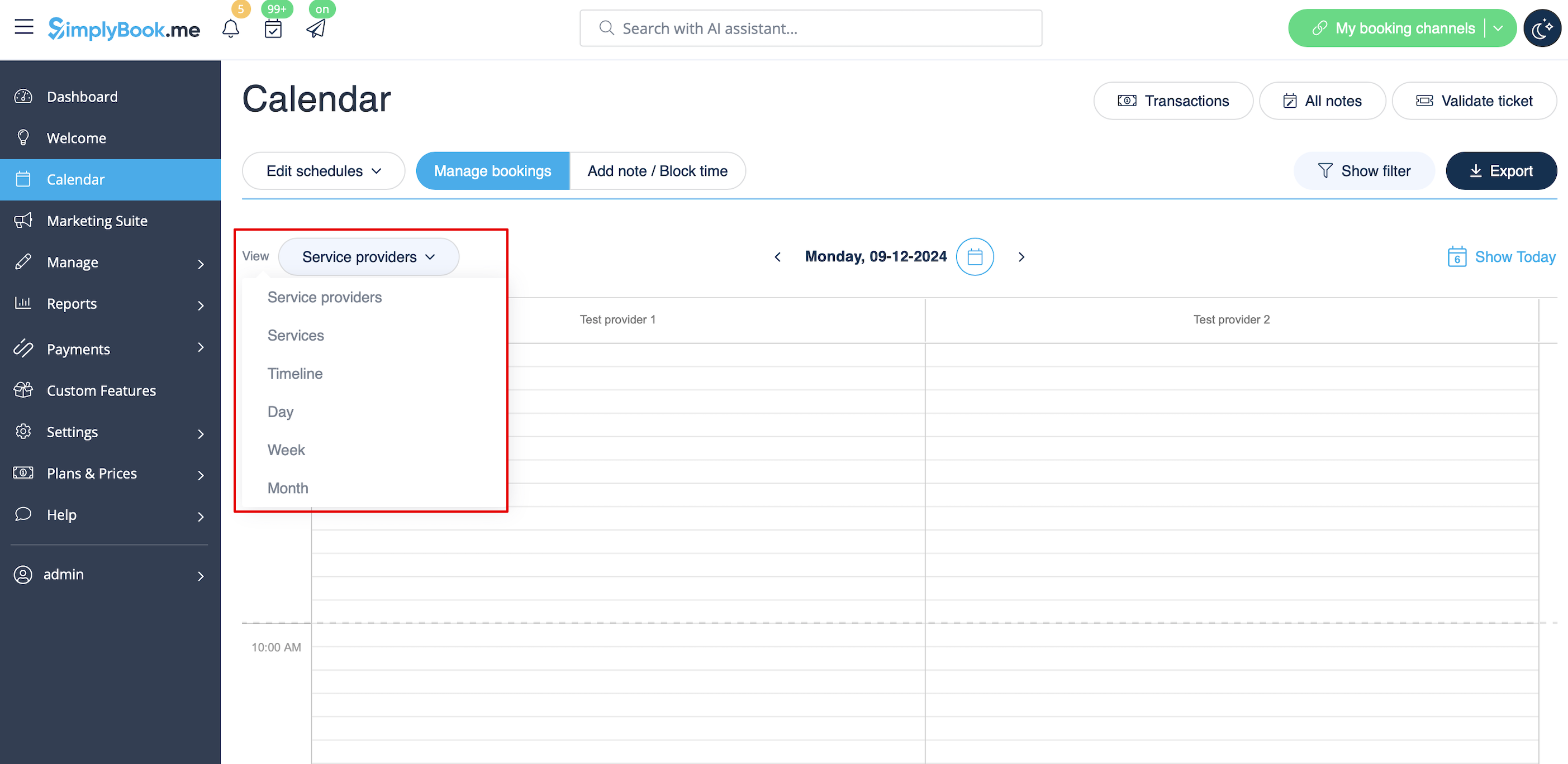
Ansichten des Kalenders
From SimplyBook.me
- Service providers. Shows columns with service providers and bookings/notes assigned to each service provider in the corresponding column.
- Services. Shows columns with services and bookings/notes assigned to each service in the corresponding column.
- Timeline. same as Service providers, but in horizontal view. Easier when there are multiple service providers.
- Day. Shows bookings/notes for all service providers for current day, schedule is built according to times in company's opening hours (use arrows to navigate to previous/next day). To easily distinguish bookings by different providers you can use Provider's Color Coding Custom Feature
- Week. Shows bookings/notes for all service providers for current week, schedule is built according to times in company's opening hours (use arrows to navigate to previous/next week). To easily distinguish bookings by different providers you can use Provider's Color Coding Custom Feature
- Month. Shows bookings/notes for all service providers for current month (use arrows to navigate to previous/next month).