Revision as of 12:18, 16 May 2025 by Admin (talk | contribs) (Created page with "{{#seo: |title=Sådan sletter du din SimplyBook.me-konto - SimplyBook.me |description=Find ud af, hvordan du sletter din SimplyBook.me-konto på en sikker måde. Følg trinene til fjernelse af konto her. |titlemode=tilføj |keywords=faq, ofte stillede spørgsmål, reservationssoftware, spørgsmål om aftalesystem, onlineaftaler, kalendersoftware, reservationssystem, reservationskalender, planlægningssoftware, online aftaleplanlægning, online planlægning, plugins, tilp...")

Sådan slettes en konto

From SimplyBook.me


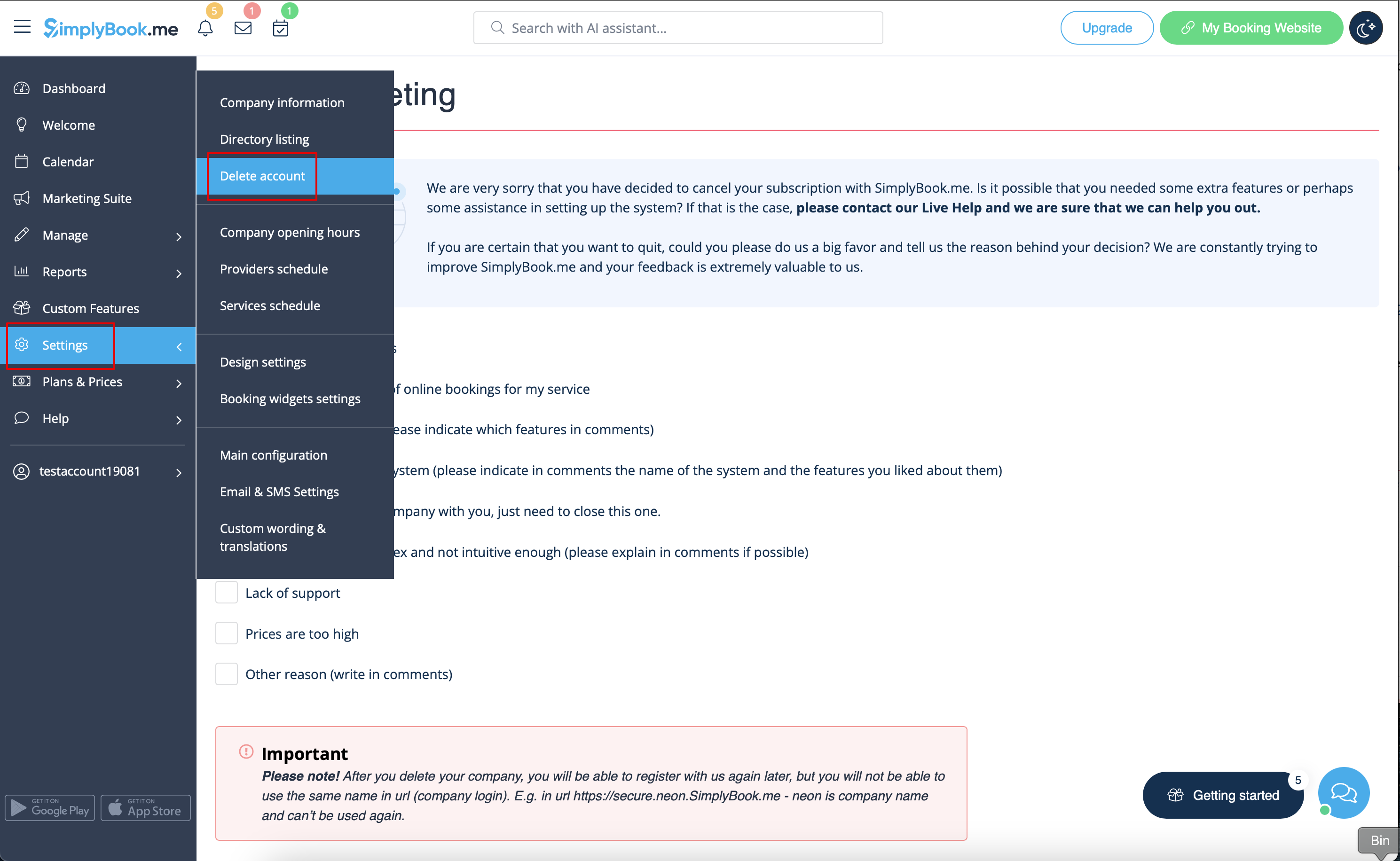
You can delete your account in Settings -> Delete account.
Please indicate the reason why you have decided to delete your company and keep in mind that it can't be restored. If you register a new company in the future, your old company name in url can't be used.


If you need to restore the account that you have previously deleted please follow this tutorial.