Translations:Booking reports/13/en
From SimplyBook.me
Message report
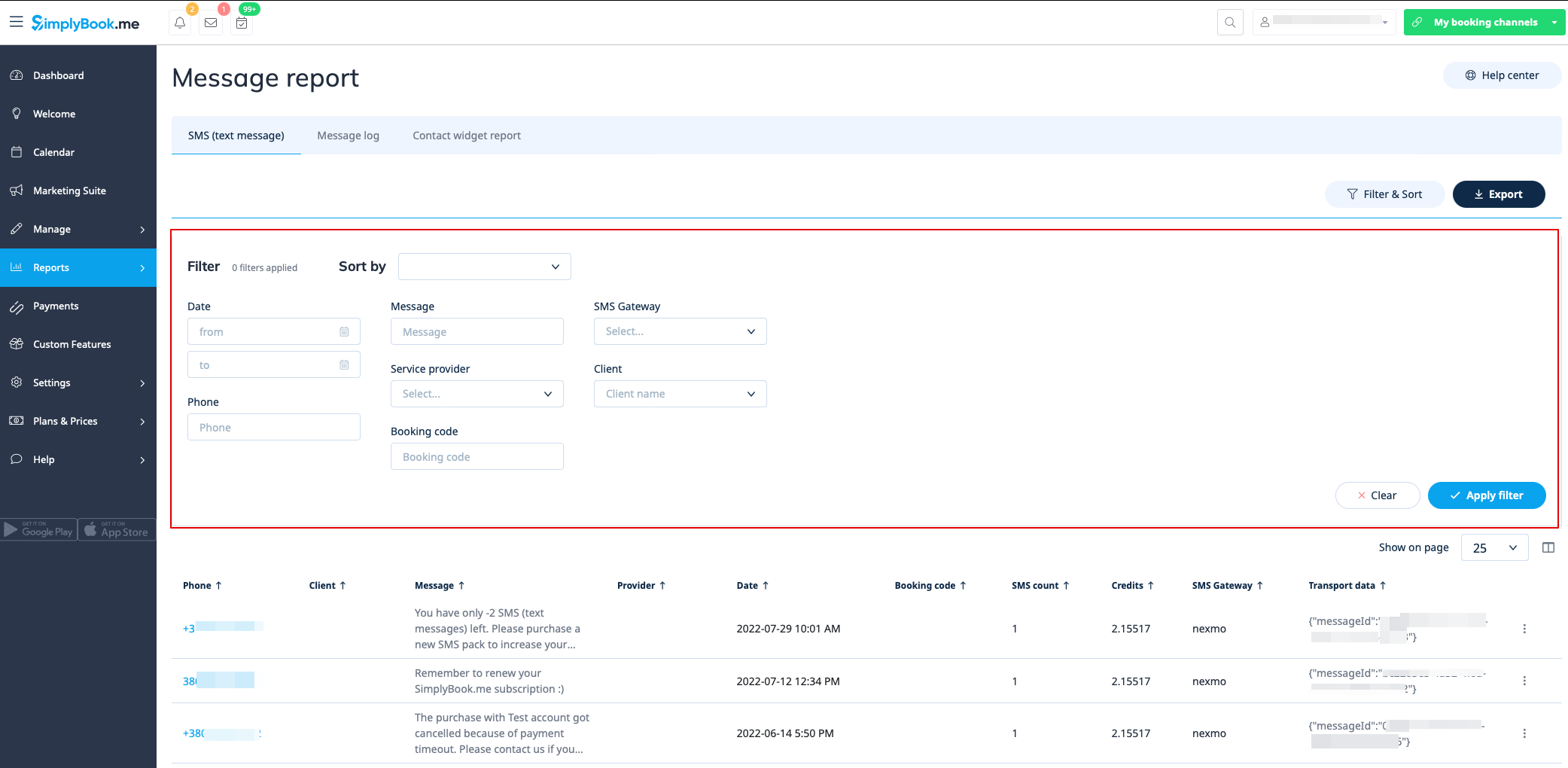
You can find the list of all your sms messages that were sent from the system in Reports//SMS (text messages) report in the first tab.
In this report you can:
- filter messages by:
- date the message was sent;
- phone number;
- client name;
- provider name;
- booking code;
- SMS gateway;
- message text.
- export messages to Excel or .csv (use the filters if necessary and choose which columns to export);
- see how many credits were used for sending a particular message;
- see how many sms did the message take(if special symbols and/or long texts were used).