Translations:Widgets for your own website/19/en
From SimplyBook.me
Booking and Contact Button Widget
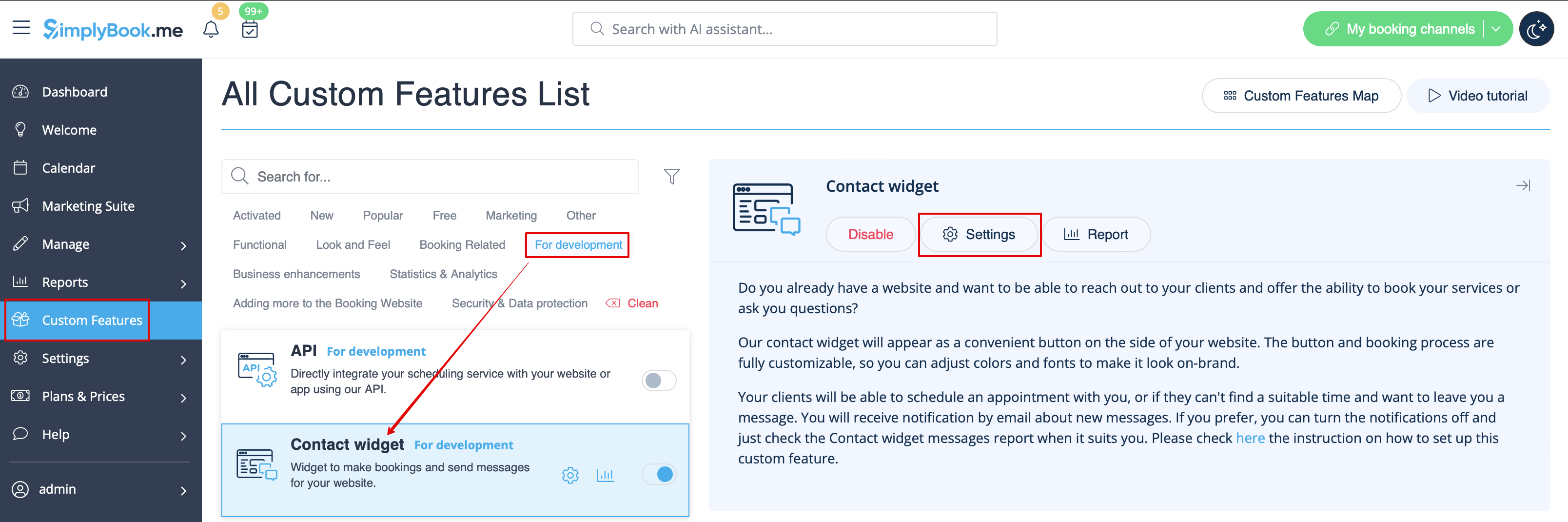
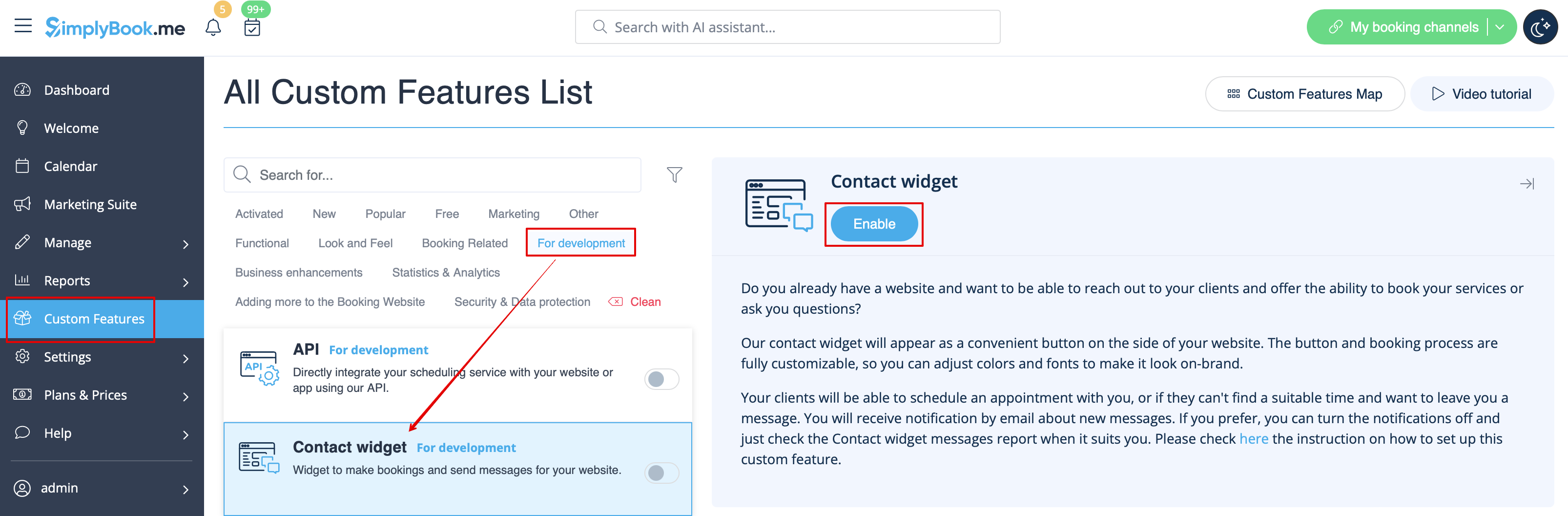
- 1. Enable Contact Widget in Custom Features -> For Development.
- 2. Take the booking button code of your booking page by navigating to Settings near this custom feature or in Settings in the left-side menu -> Booking widgets settings -> Contact widget -> Get widget code.