Duda-integration

Hvis du bygger din hjemmeside med Duda og ønsker at tilbyde en elegant og professionel bookingoplevelse, er SimplyBook.me den perfekte løsning. Med blot nogle få enkle trin kan du integrere din booking-widget direkte på din Duda-side. Alle ydelser, priser, tilgængelighed og indstillinger administreres i din SimplyBook.me-administration, mens widgetten er fuldt tilpasselig til at matche din hjemmesides design. Lad os komme i gang!
- How to set
1. Log into your Duda dashboard.
2. Create a new website or open the existing one where you want to embed the booking widget.
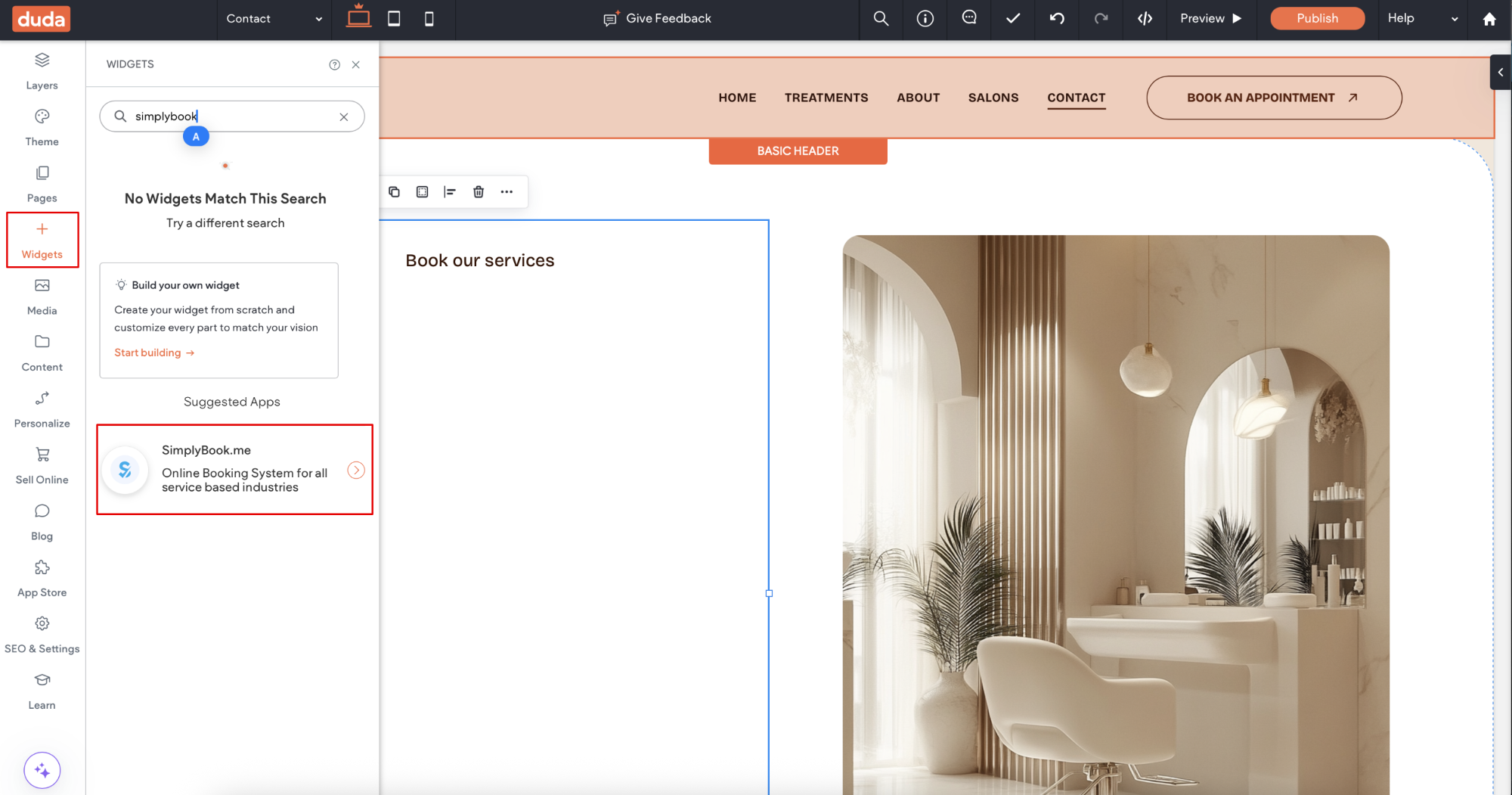
3. Click on Widgets in the left-side menu.
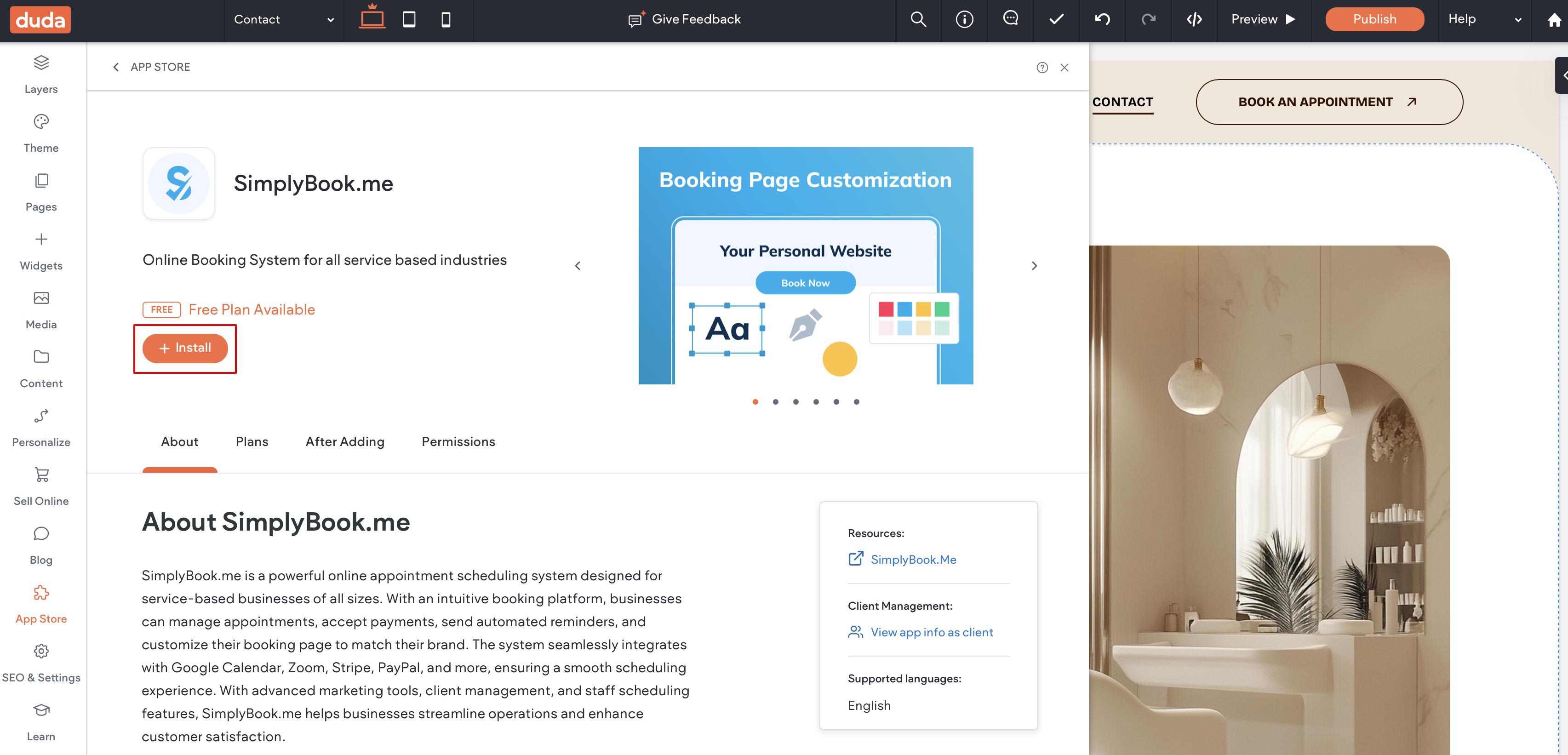
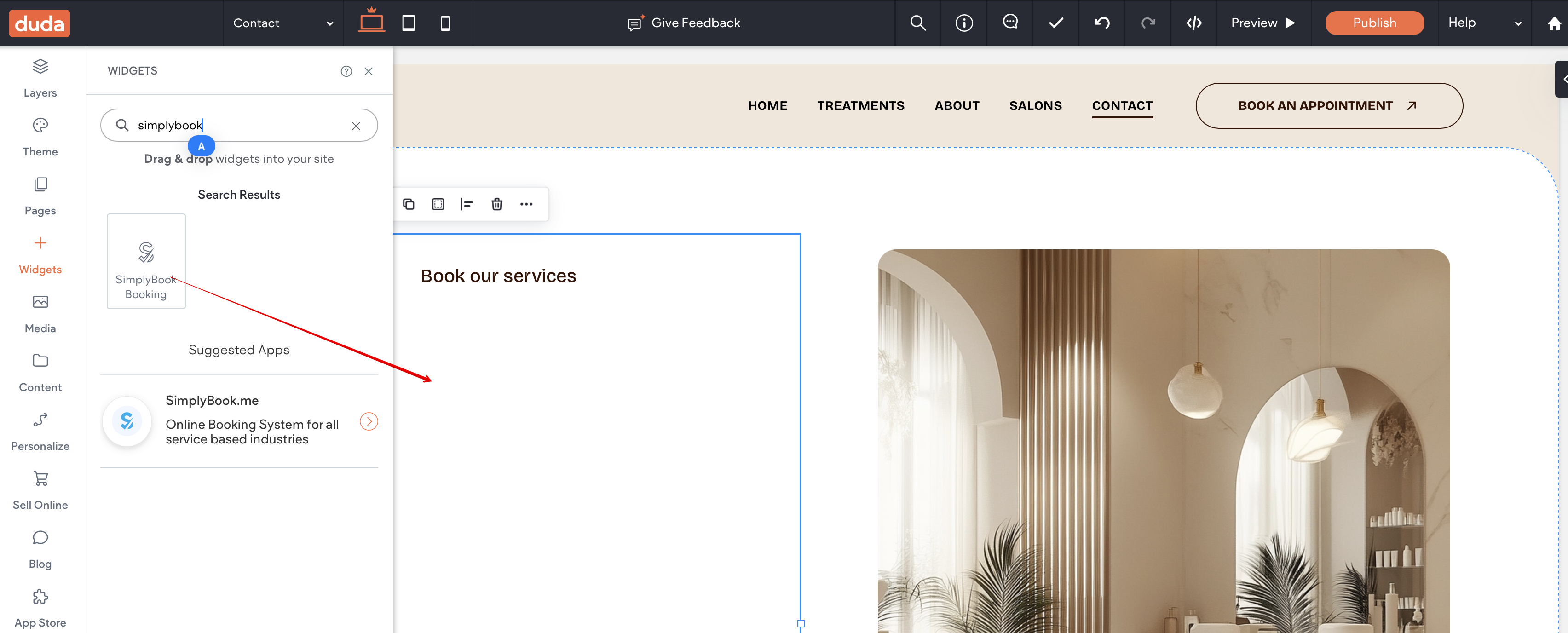
4. Search for 'SimplyBook and install it.
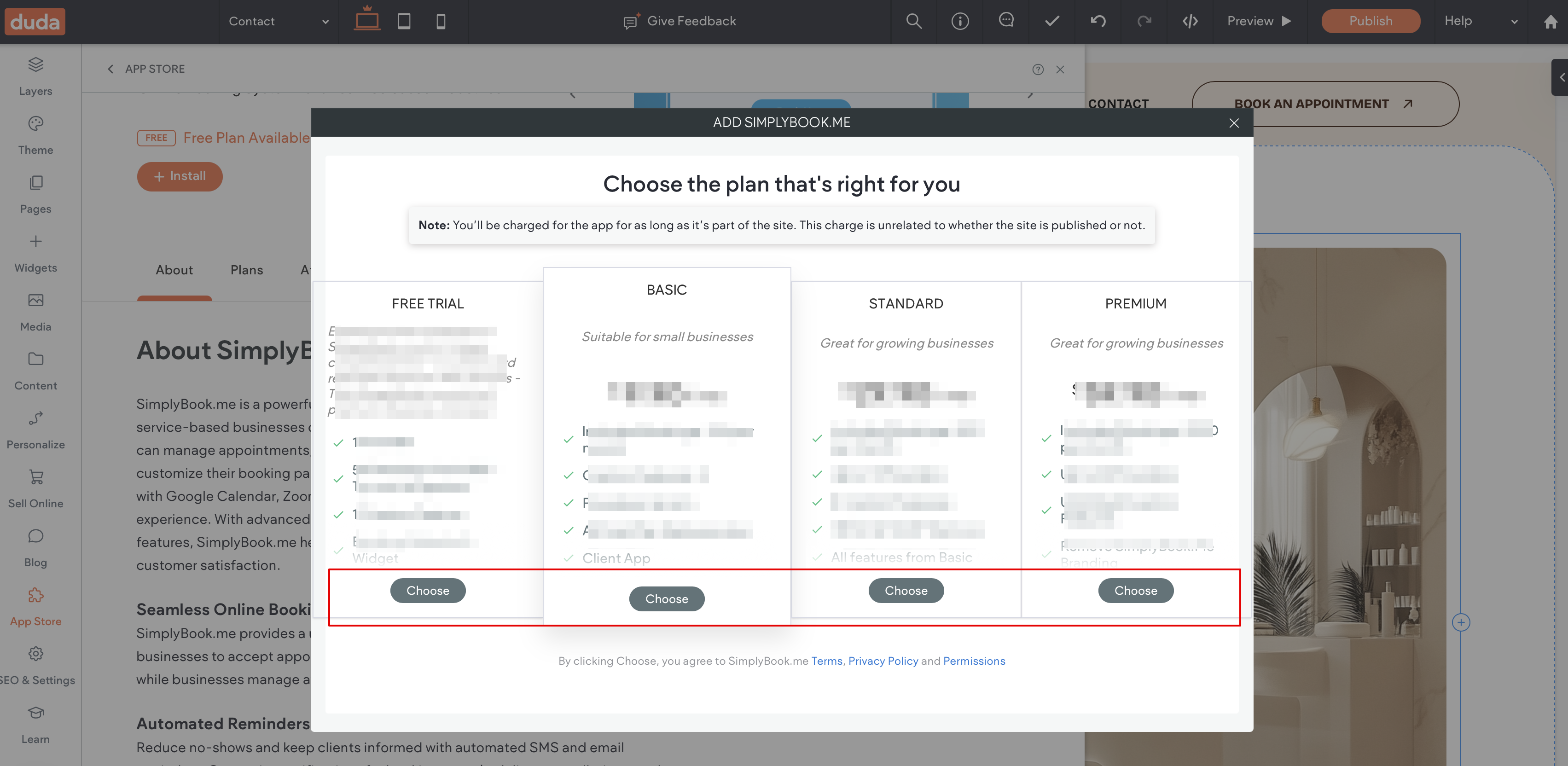
5. Choose the applicable subscription to be applied to your system.
6. Choose a place on the page where the booking tool should appear.
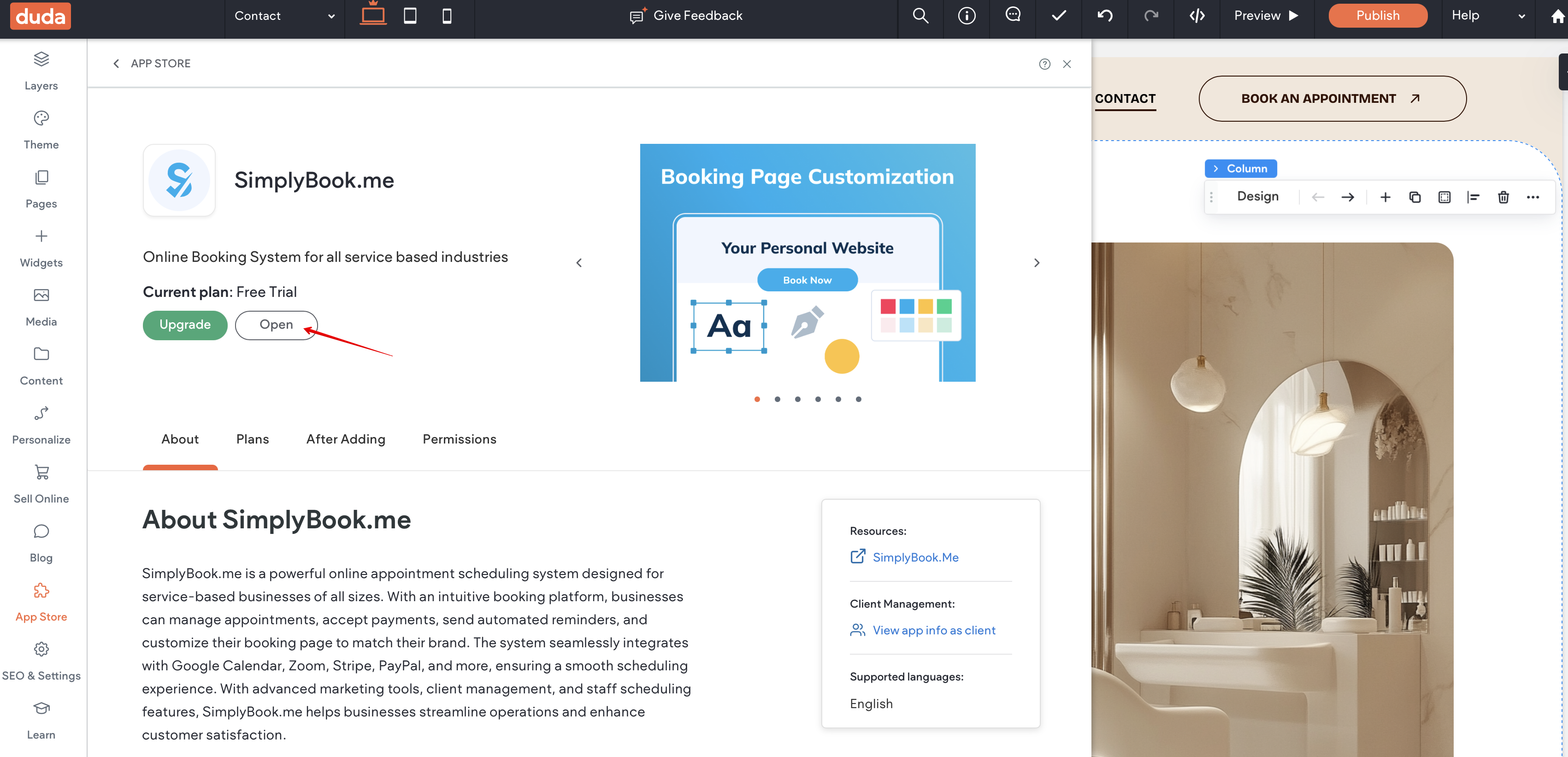
7. Click on Widgets again and select the 'Simplybook booking to drag it to the page.
That's it, the widget is added.
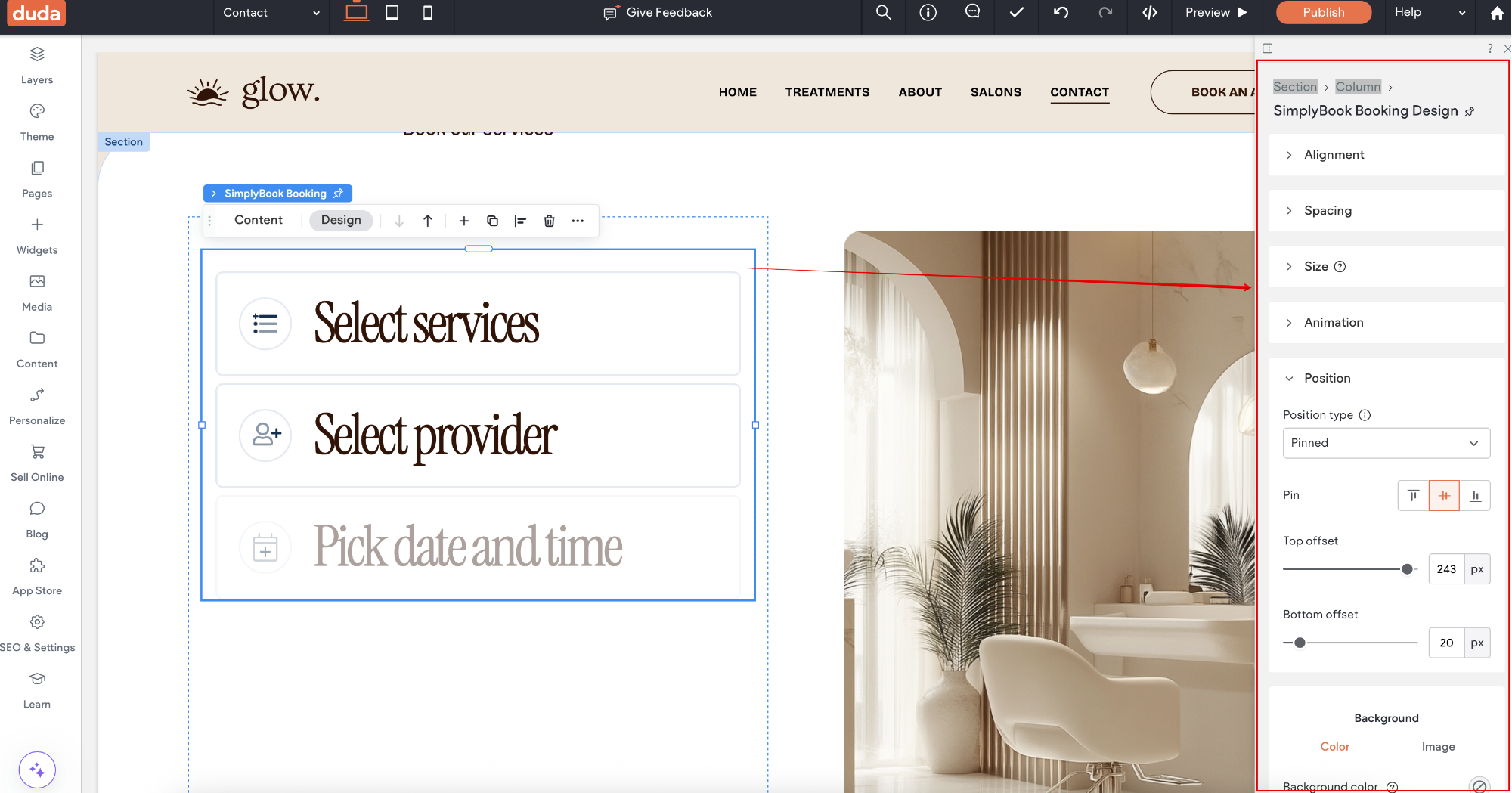
8. To adjust the design please use the built-in editing options, the widget will adjust to your website styles.
9. To add or edit your services, set prices, etc. please navigate to SimplyBook.me admin interface by clicking on Open button in the installed app.