Translations:Integration with Mailchimp/2/en
From SimplyBook.me
You can now add various functionality to the bookings that you receive in SimplyBook.me through the use of Zapier.com.
Here follows the detailed instruction on how to create a new zap that connects SimplyBook.me bookings to your email list at MailChimp.com.
- 1. First of all, make sure you have an account at MailChimp.com.
- 2. Create an account at Zapier.com, it only takes 1 minute.
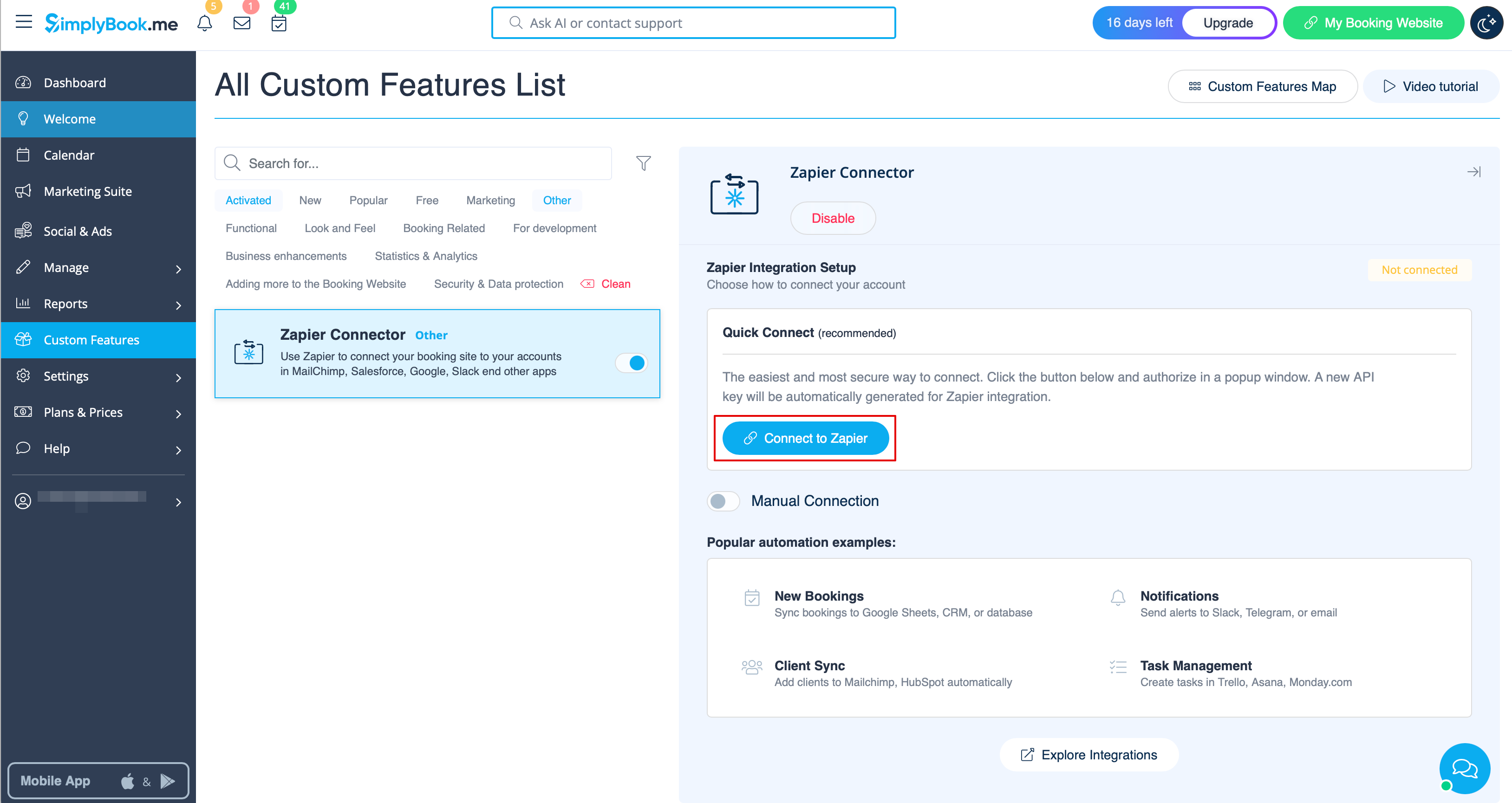
- 3. Enable Zapier connector custom feature on your Custom features page on SimplyBook.me side.

- 4. Connect to your Zapier account using the ‘’’Quick connect’’’ option