Translations:Adjust your terminology/language/5/en
From SimplyBook.me
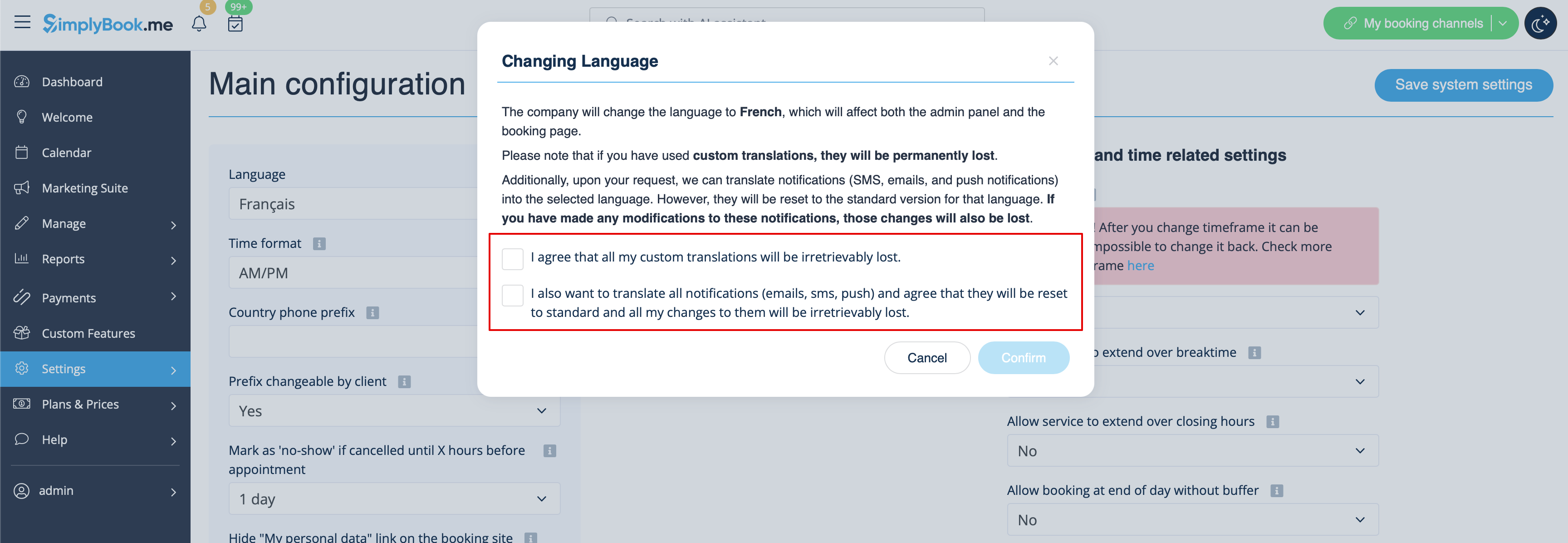
- Select the desired language from the drop-down menu.
- Confirm the selections (and whether you also need to change the language for the notifications templates)
Please note! If you have used custom translations/custom emails/sms templates texts, they will be permanently lost. You will need to add custom wording in Settings -> Custom translations after the new language has been applied.