Translations:Importing the list of clients/5/en
From SimplyBook.me
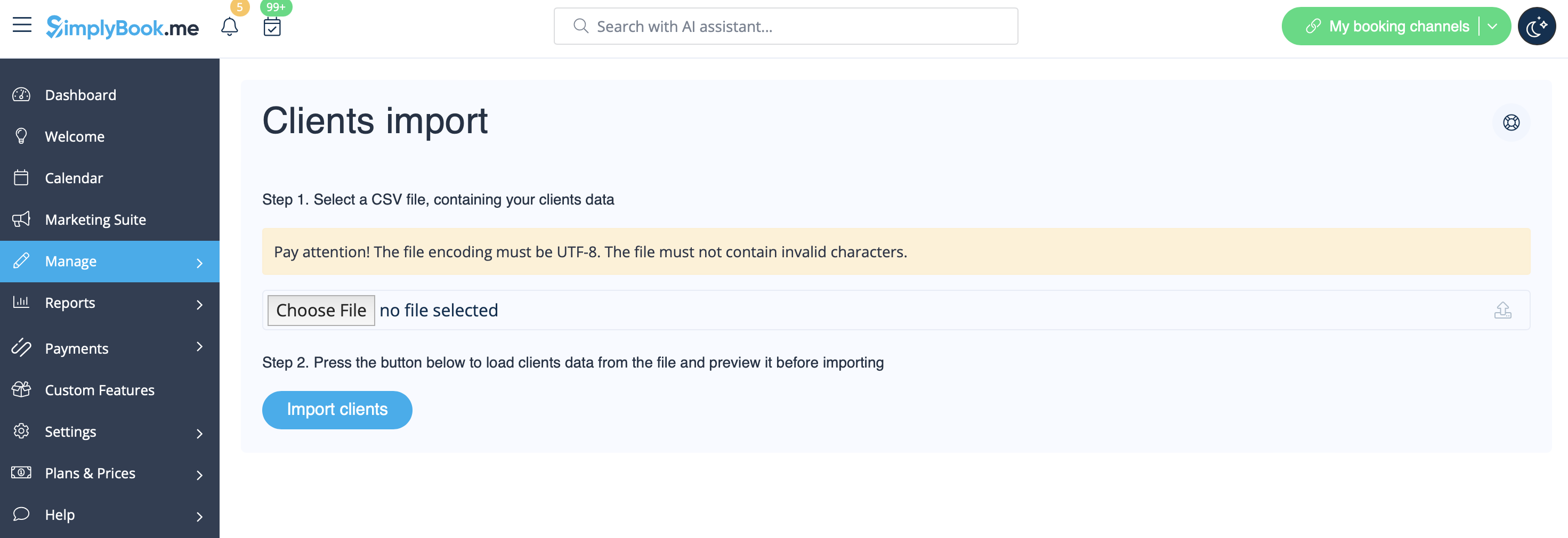
- 4. Press "Choose file" and select the prepared file.
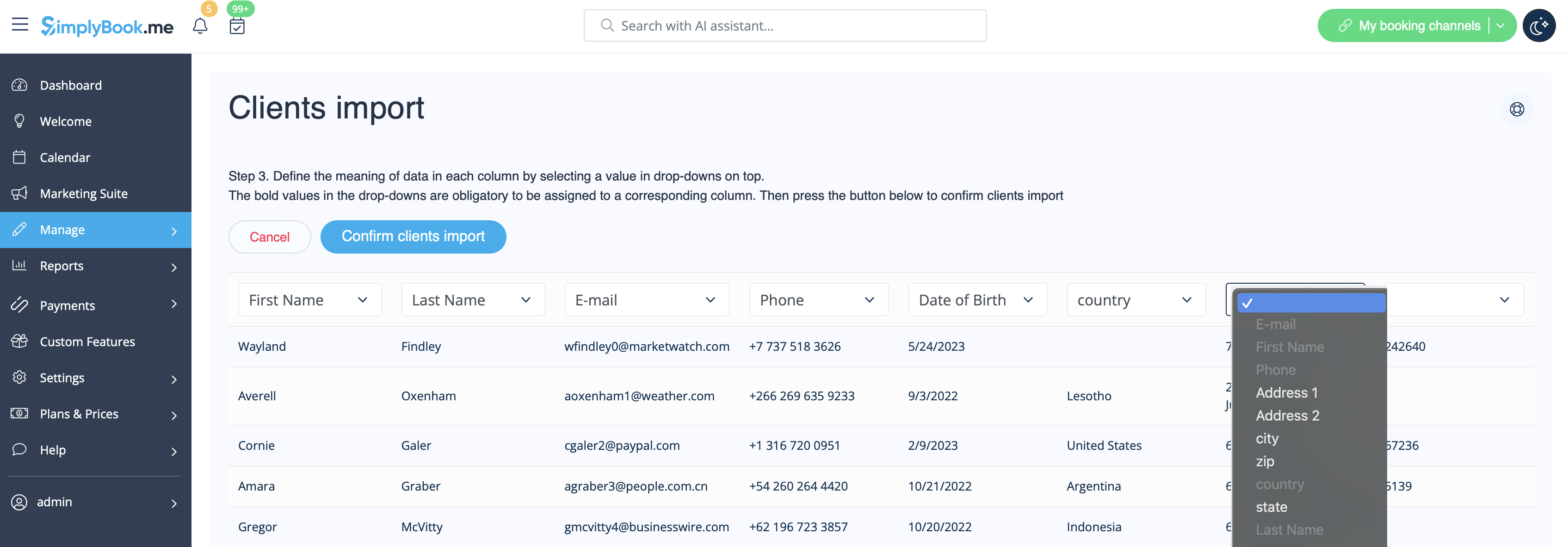
- 5. Assign values to the columns from drop-down lists in the upper bar (above each column, marked with black arrows). Assign "name", "email" and "phone".
- (if you are using Client Fields Custom Feature you can also import some of the forms values)