Translations:Online Video Meetings Custom Feature/17/en
From SimplyBook.me
How the meeting process works
- 1. After everything is set up and the client books the online meetings related service/class both the client and the provider (or company, depending on your settings) will get the links to the meeting.
- Either from email notifications if you have added the corresponding variables to the templates.

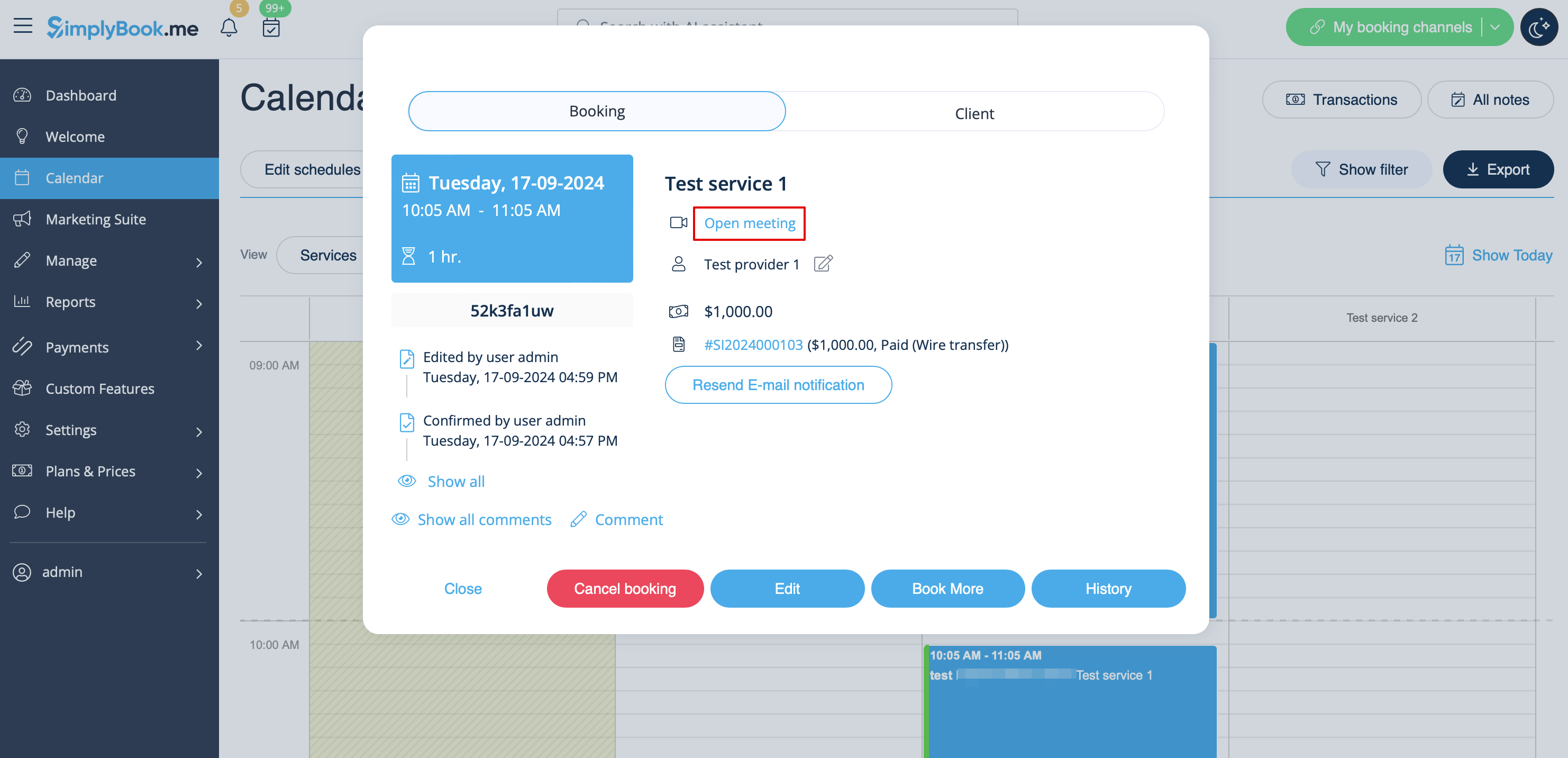
- Or the provider can get to the meeting page right from the booking on Calendar while the client from "My bookings" tab of the booking site.

- 2. By default the meeting starts automatically for the both sides when the booked time comes.

- 3. As well the provider can manually start the meeting if necessary using the corresponding button.

- 4. After this the redirect to Zoom or Microsoft Teams(depending on your settings) software takes place and all the participants can join.
- (It is not mandatory for the customers to have MS Teams account. To join they will only need to fill in their name after opening the meeting url in their browser)

