Translations:WordPress integration/4/en
From SimplyBook.me
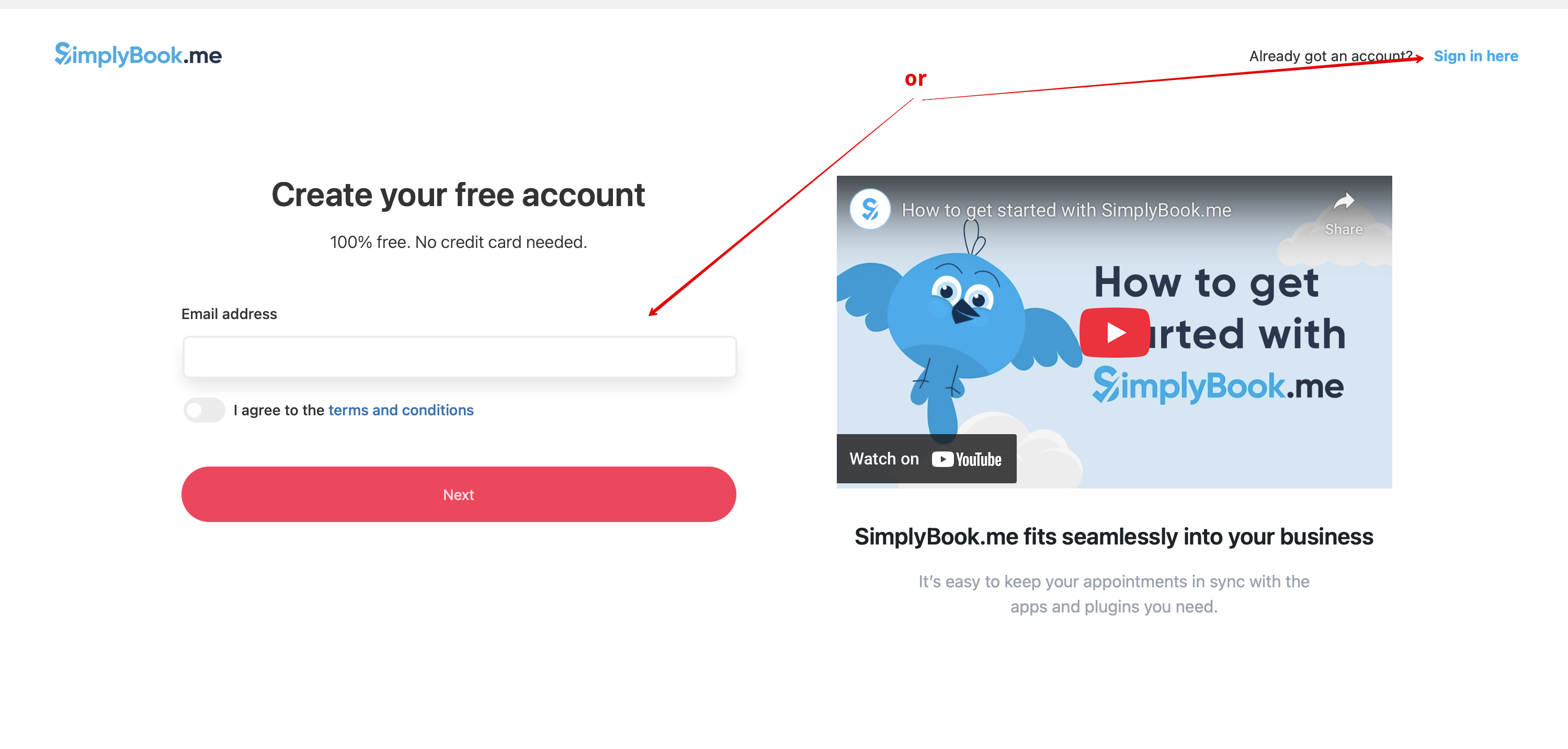
- 3. If you already have an account with SimplyBook.me please choose the Sign in here option there.
- If you have not created it yet, simply follow the Create free account steps.
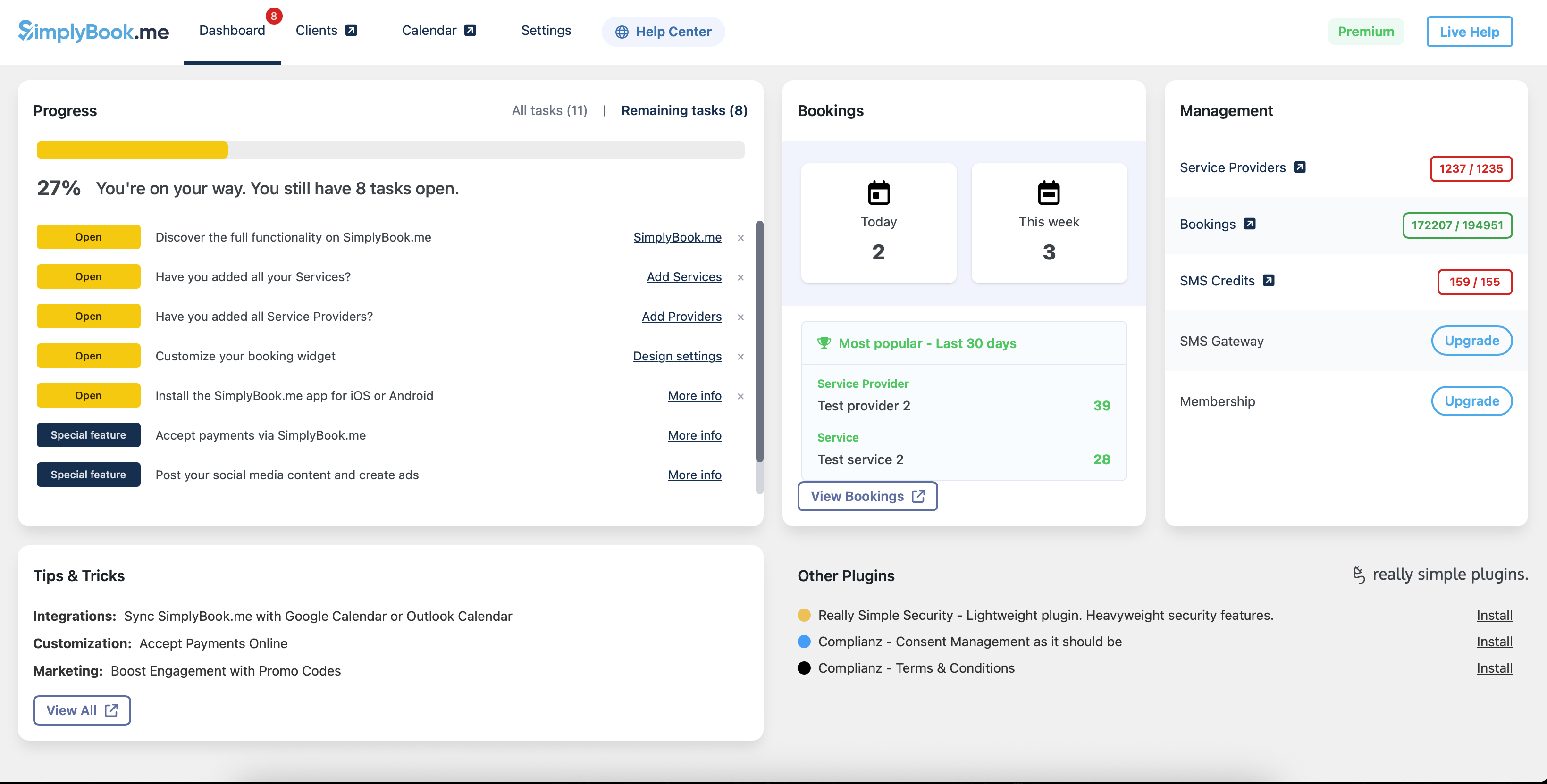
- 4. After short registration/login process you will get to your Dashboard overview.
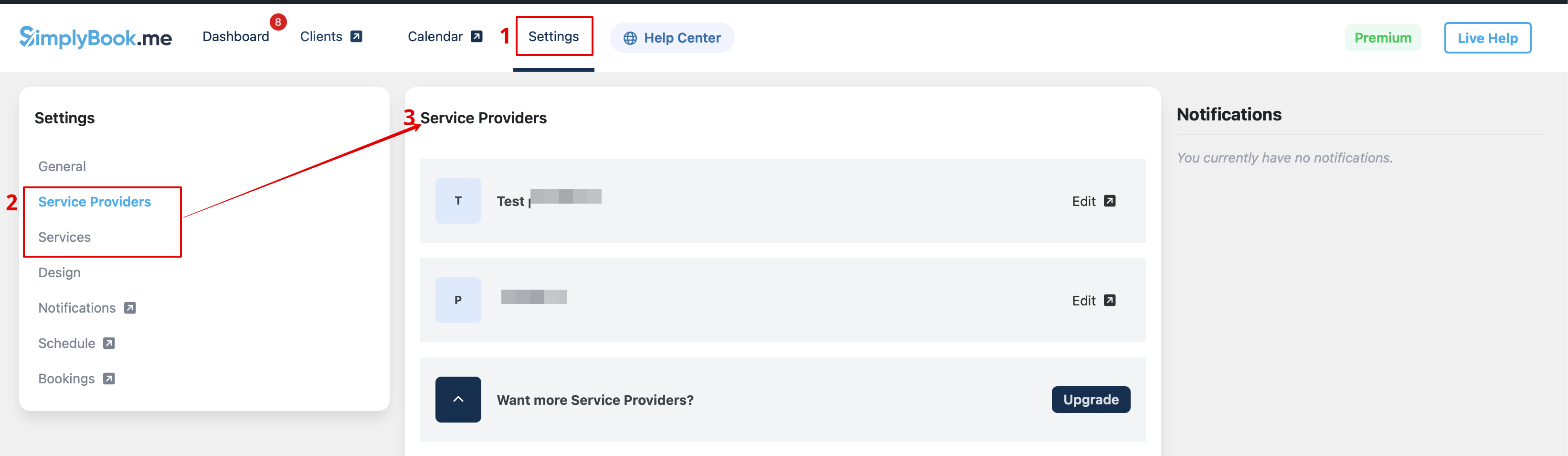
- 5. Navigate to Settings tab and choose "Services" or "Providers" tab to see the list of existing ones in your account and easily navigate to manage them or add more.