Translations:Add elements to booking page/3/en
Pictures
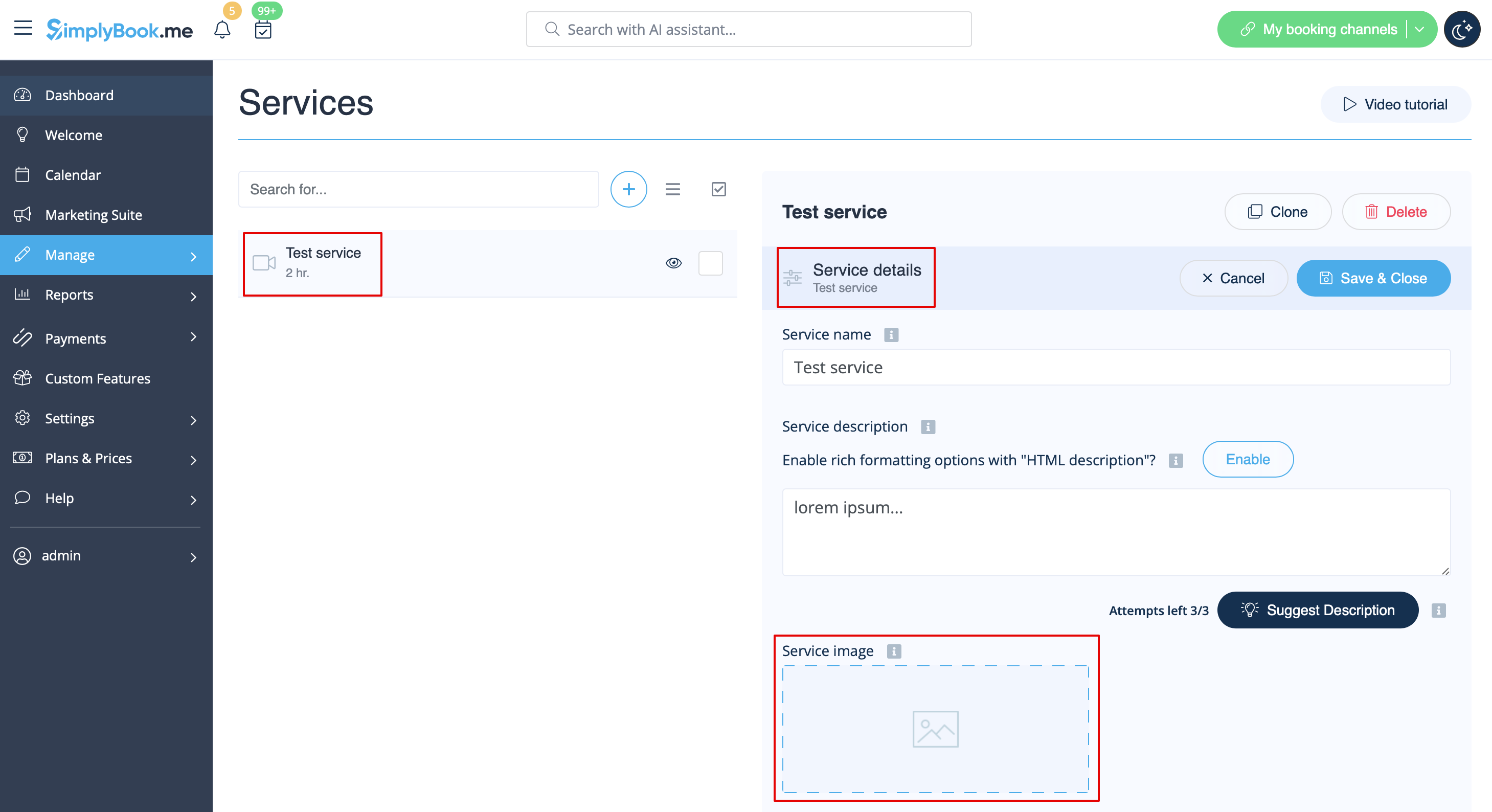
You can add pictures to your services, providers, categories and locations, etc. in Manage -> Services/Service Providers -> Service details or Service provider details tab -> click on the photo icon in Service image or Service provider image box and browse the photo.