Translations:Xero integration/7/en
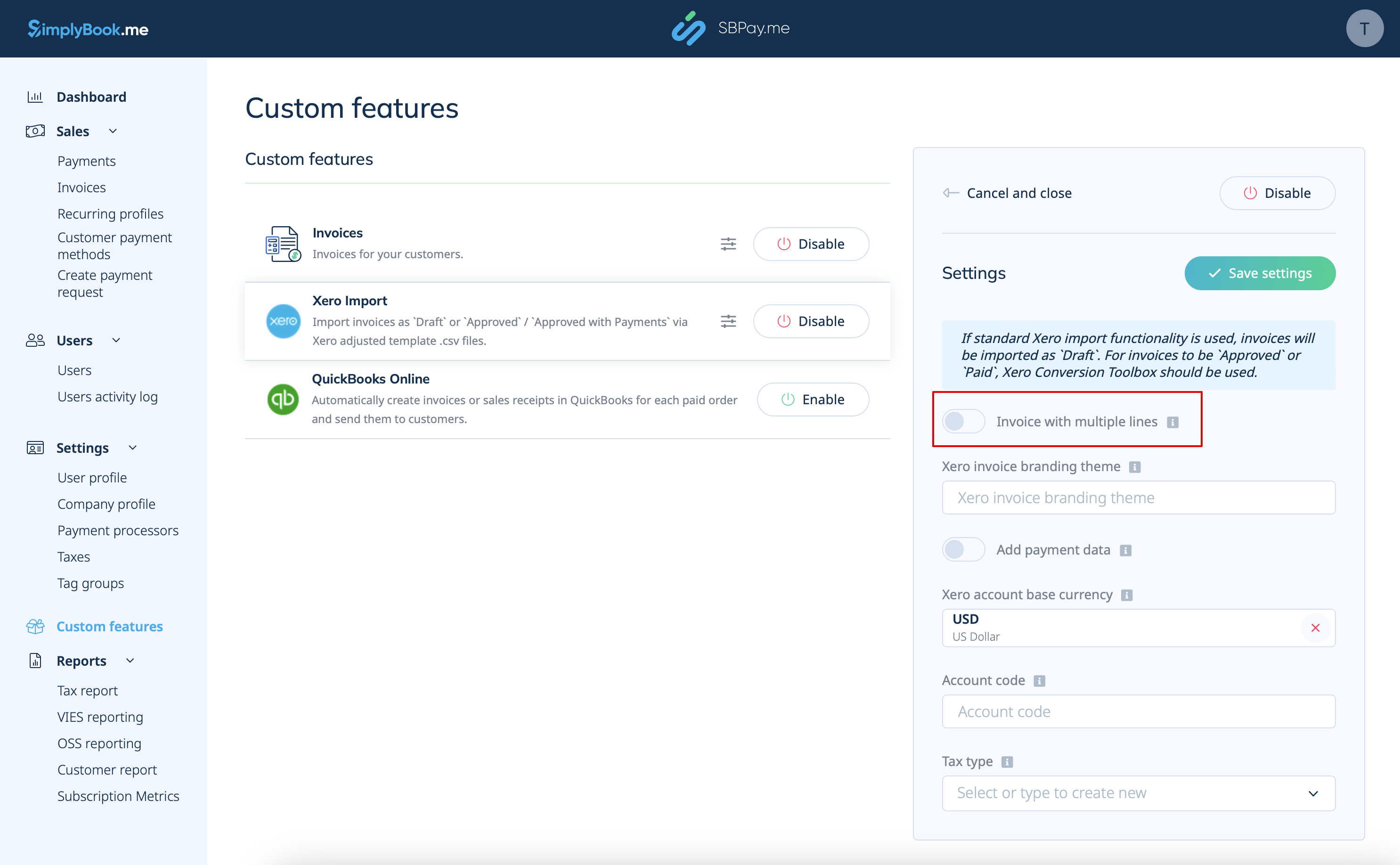
2. Choose if the invoice should be imported with multiple lines. This option determines how the information from your invoices is structured when transferred from SBPay.me to Xero.
If enabled, each row in the export file will correspond to a specific invoice line item. This means that detailed information about each item within an order is organized in separate rows of the resulting .csv file.
If disabled, all invoice line items within an order are combined into a single line. This results in a concise summary of the invoice with the total amount displayed in one row of the .csv file.