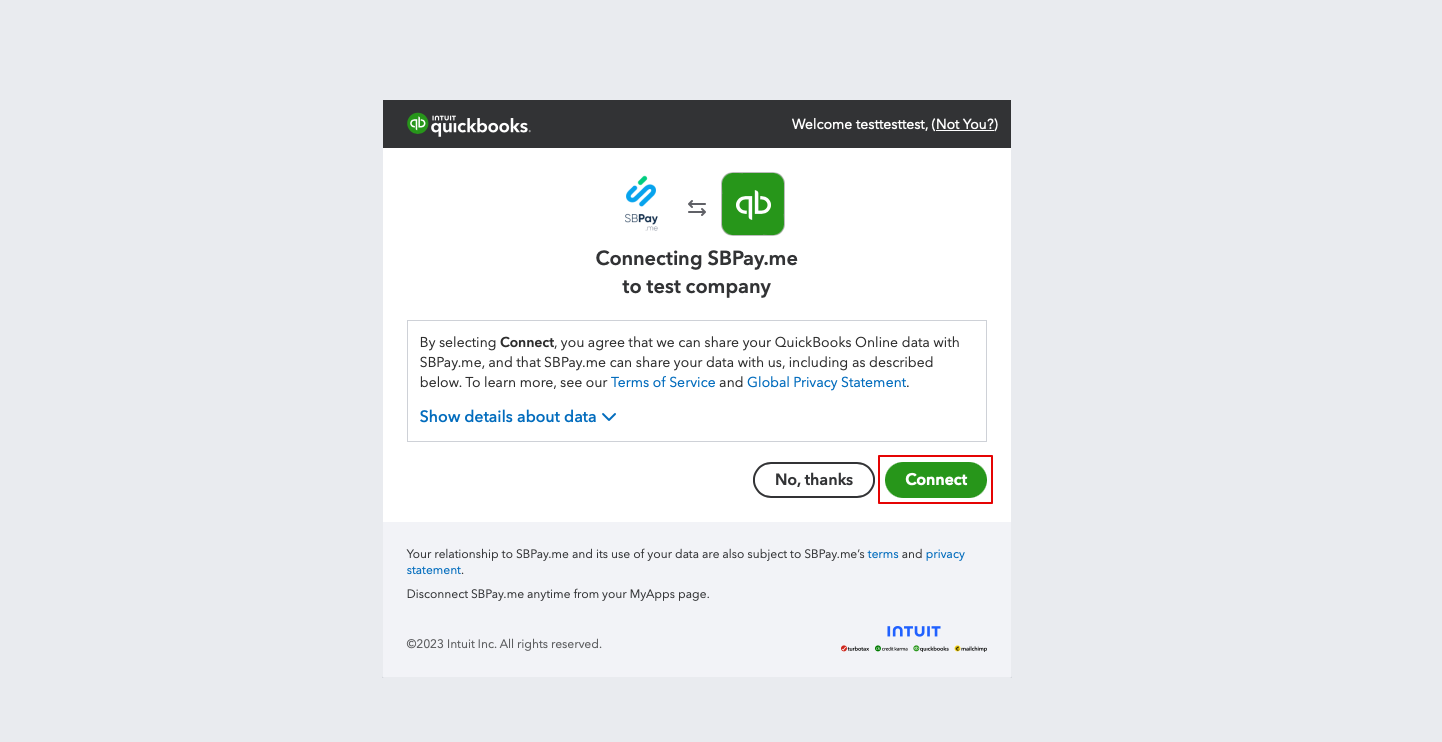
Revision as of 17:35, 15 May 2025 by Admin(talk | contribs)(Created page with "3. U wordt gevraagd om <span style="background-color:#d4f8e5; padding:5px; border-radius:5px;">in te loggen op</span> uw Quickbooks-account om verbinding te maken. Als u al bent ingelogd in uw browser, wordt de verbinding automatisch tot stand gebracht na bevestiging. U ziet ook SBPay.me in het gedeelte <span style="background-color:#d4f8e5; padding:5px; border-radius:5px;">Apps</span> -> <span style="background-color:#d4f8e5; padding:5px; border-radius:5px;">Mijn app...")
3. U wordt gevraagd om in te loggen op uw Quickbooks-account om verbinding te maken. Als u al bent ingelogd in uw browser, wordt de verbinding automatisch tot stand gebracht na bevestiging. U ziet ook SBPay.me in het gedeelte Apps -> Mijn apps van QuickBooks.