Sådan slettes en konto

Revision as of 12:18, 16 May 2025 by Admin (talk | contribs) (Created page with "{{#seo: |title=Sådan sletter du din SimplyBook.me-konto - SimplyBook.me |description=Find ud af, hvordan du sletter din SimplyBook.me-konto på en sikker måde. Følg trinene til fjernelse af konto her. |titlemode=tilføj |keywords=faq, ofte stillede spørgsmål, reservationssoftware, spørgsmål om aftalesystem, onlineaftaler, kalendersoftware, reservationssystem, reservationskalender, planlægningssoftware, online aftaleplanlægning, online planlægning, plugins, tilp...")


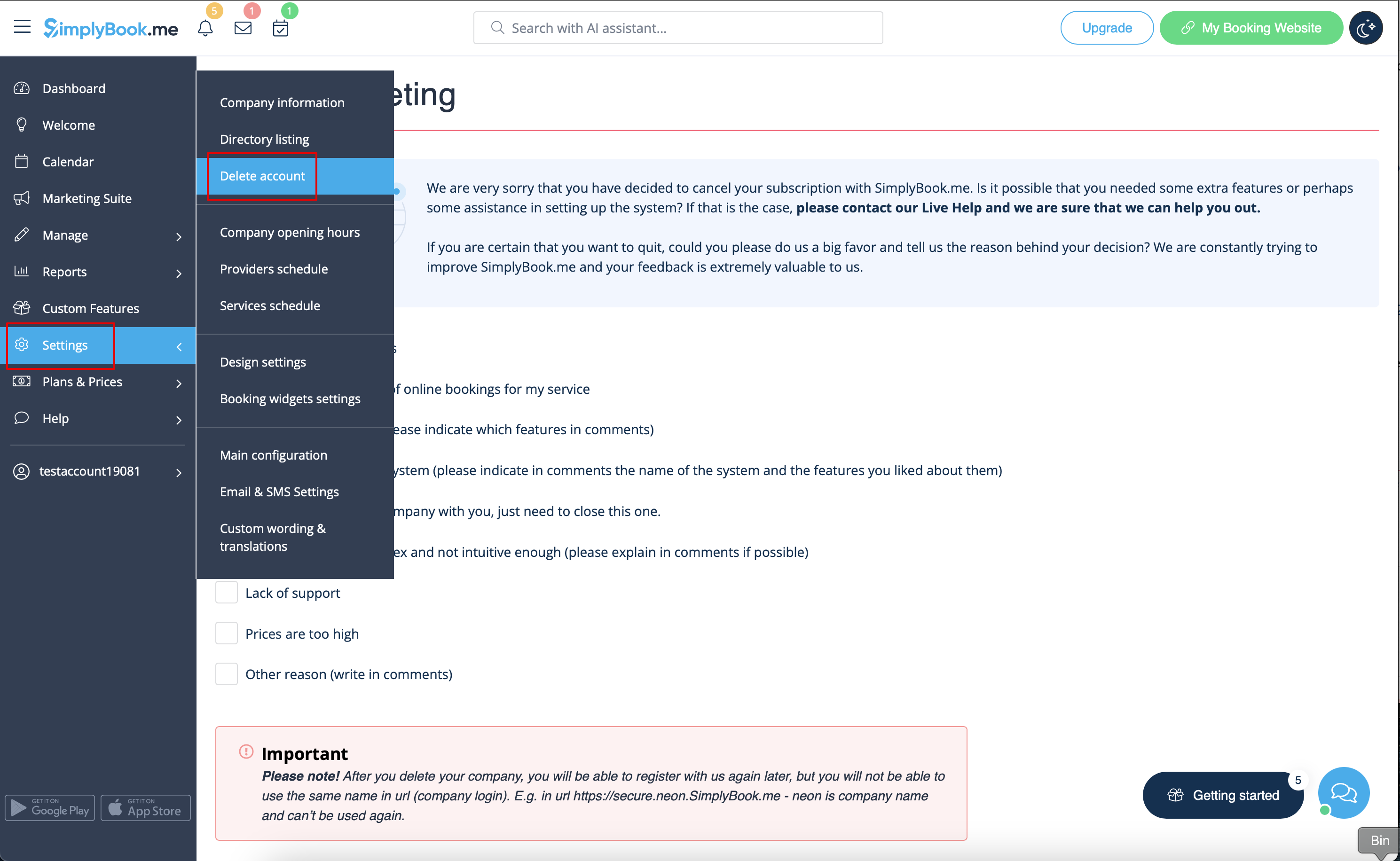
You can delete your account in Settings -> Delete account.
Please indicate the reason why you have decided to delete your company and keep in mind that it can't be restored. If you register a new company in the future, your old company name in url can't be used.


If you need to restore the account that you have previously deleted please follow this tutorial.