Translations:Terms and Conditions custom feature/5/en
Terms & Conditions
- How to use
- 1. Enable this feature on your Custom Features page.
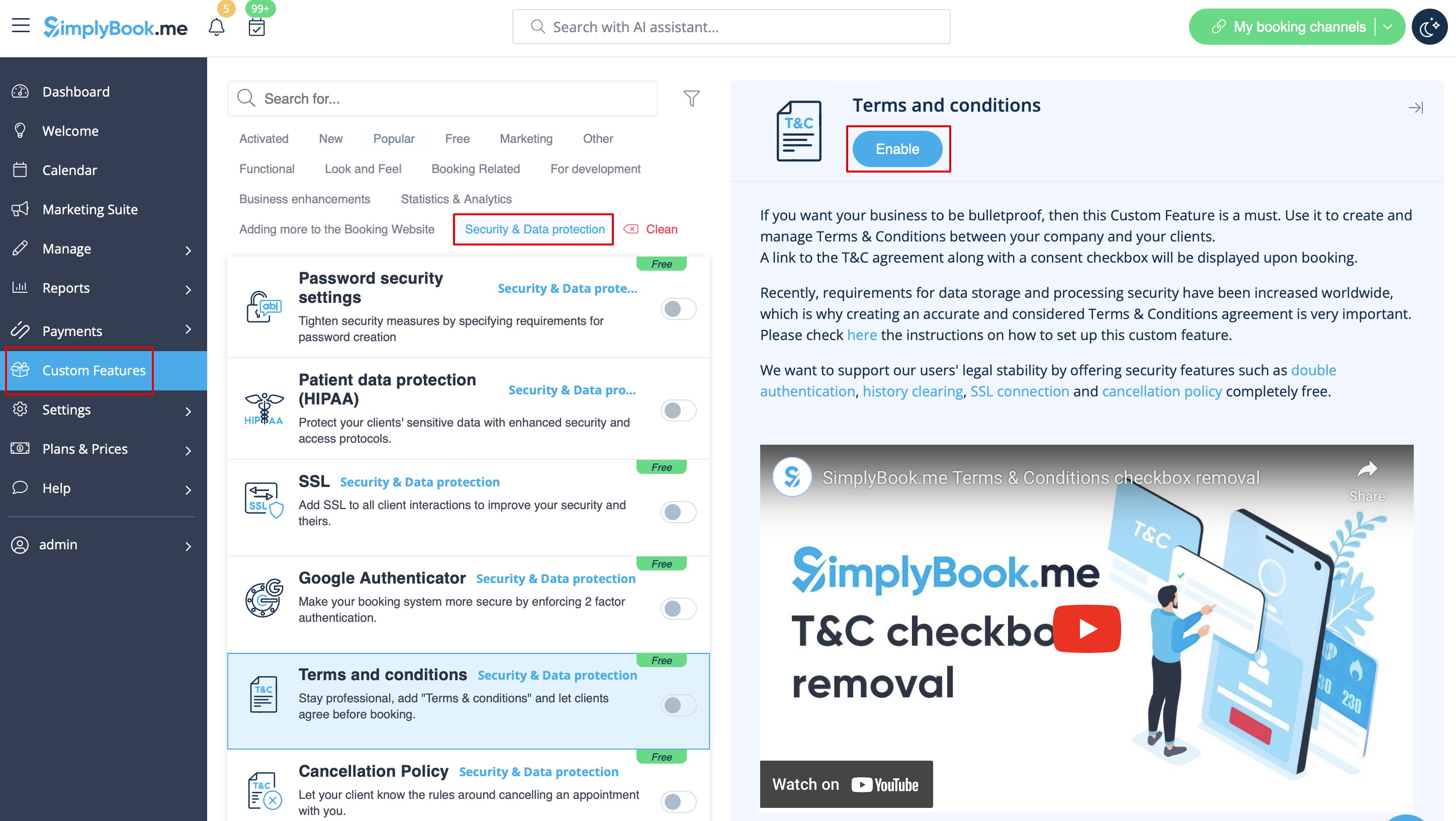
- 2. Go to its settings on the right to manage your Terms and Conditions.
- 3. Add the text. You can use HTML formatting there to adjust the look.
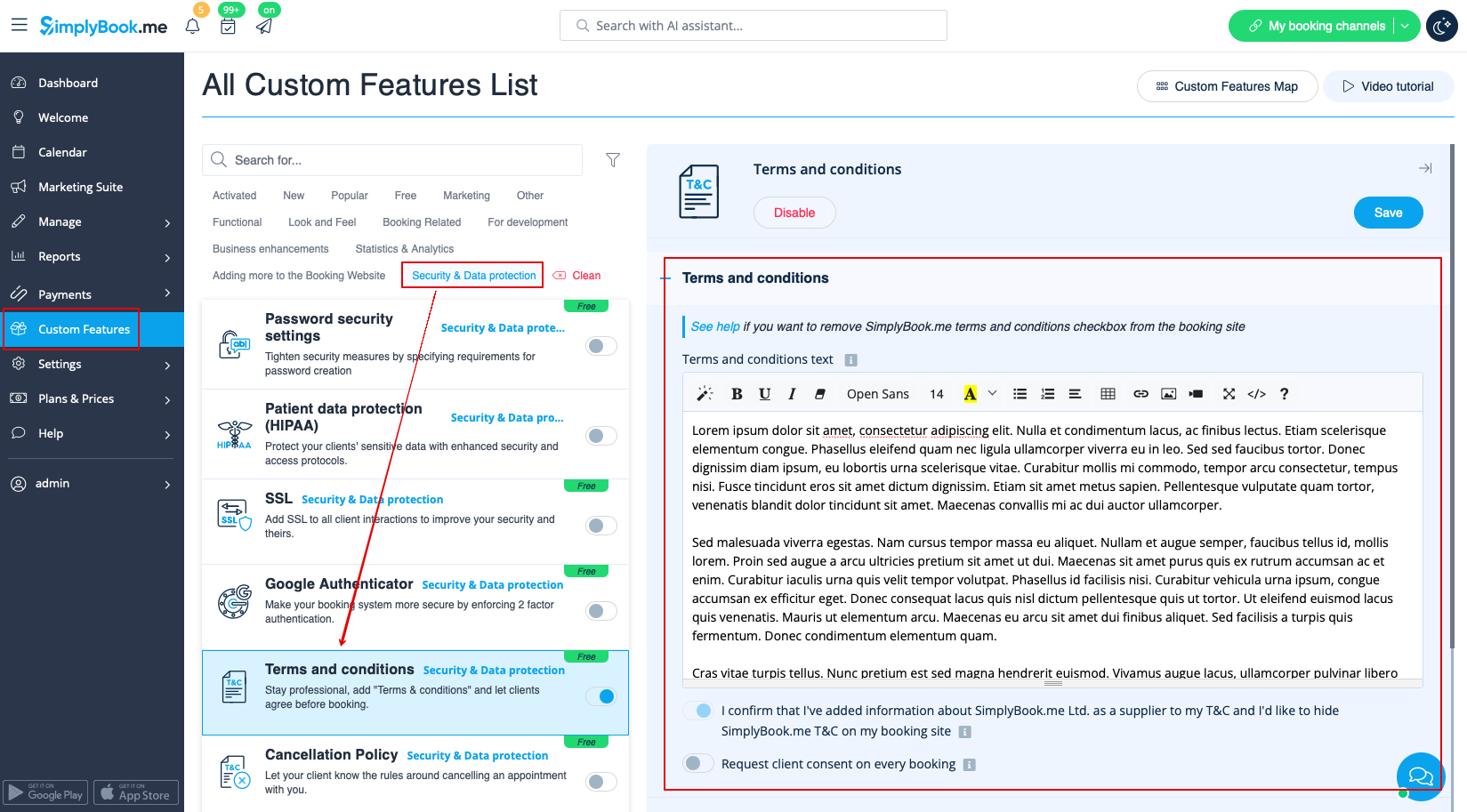
- 4. (optional) Make it required to agree to your terms with each booking if you need a consent even if the same client books the services from time to time.