Duda-Integration
Wenn du deine Website mit Duda erstellst und ein elegantes, professionelles Buchungserlebnis anbieten möchtest, ist SimplyBook.me die perfekte Lösung. Mit nur wenigen einfachen Schritten kannst du dein Buchungs-Widget direkt in deine Duda-Website einbetten. Alle Dienste, Preise, Verfügbarkeiten und Einstellungen werden in deinem SimplyBook.me-Adminbereich verwaltet, während das Widget vollständig an das Design deiner Website angepasst werden kann. Los geht’s!

- How to set
1. Log into your Duda dashboard.
2. Create a new website or open the existing one where you want to embed the booking widget.
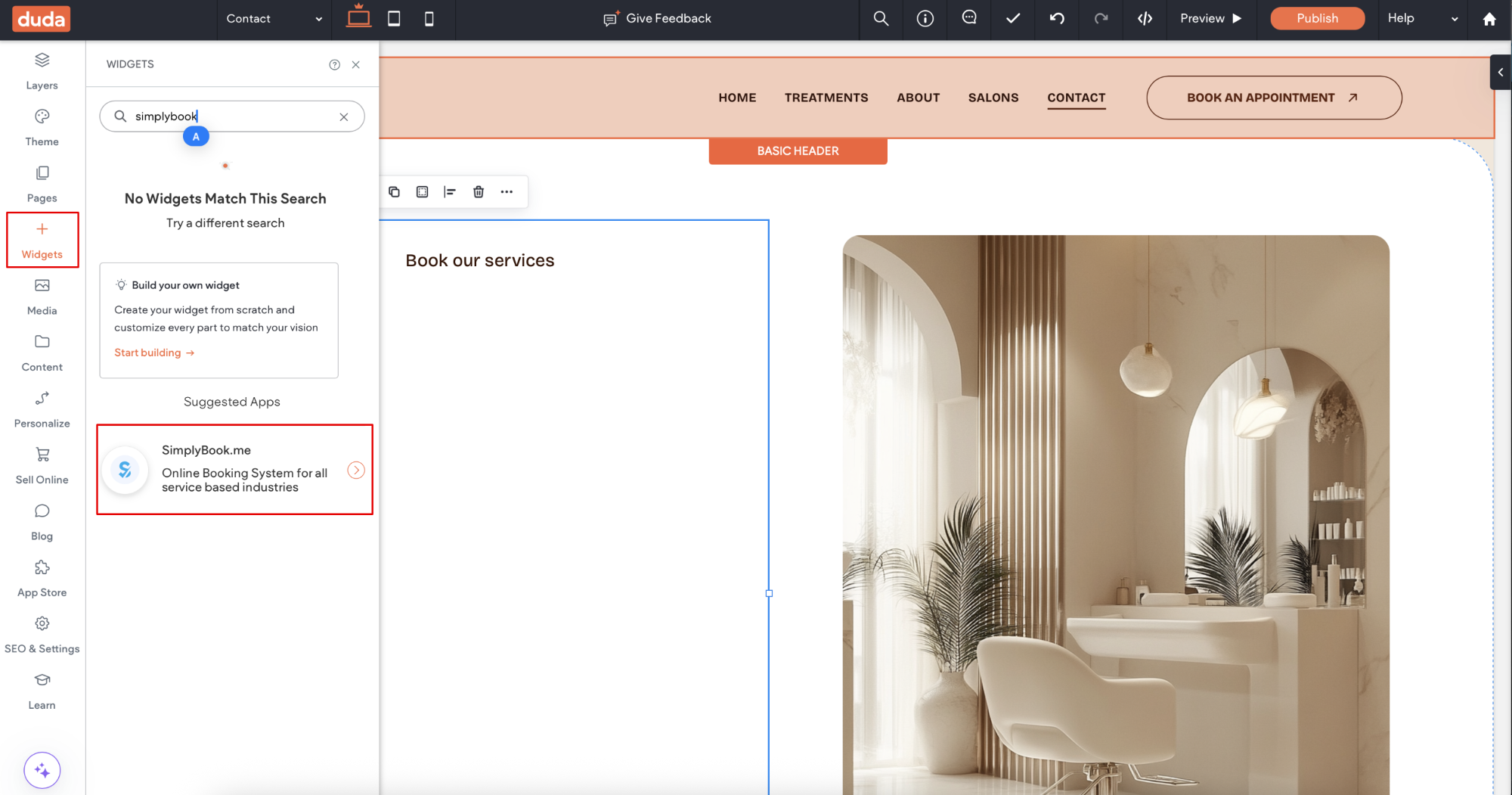
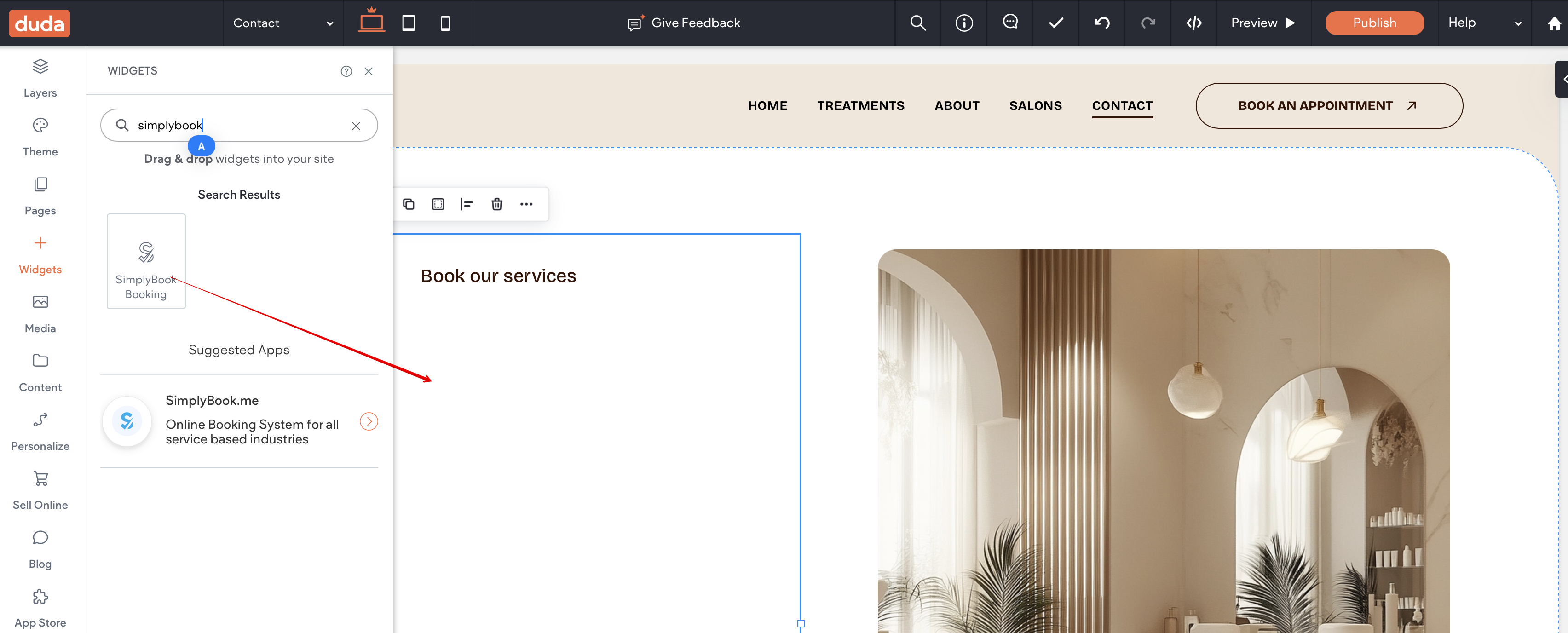
3. Click on Widgets in the left-side menu.
4. Search for 'SimplyBook and install it.
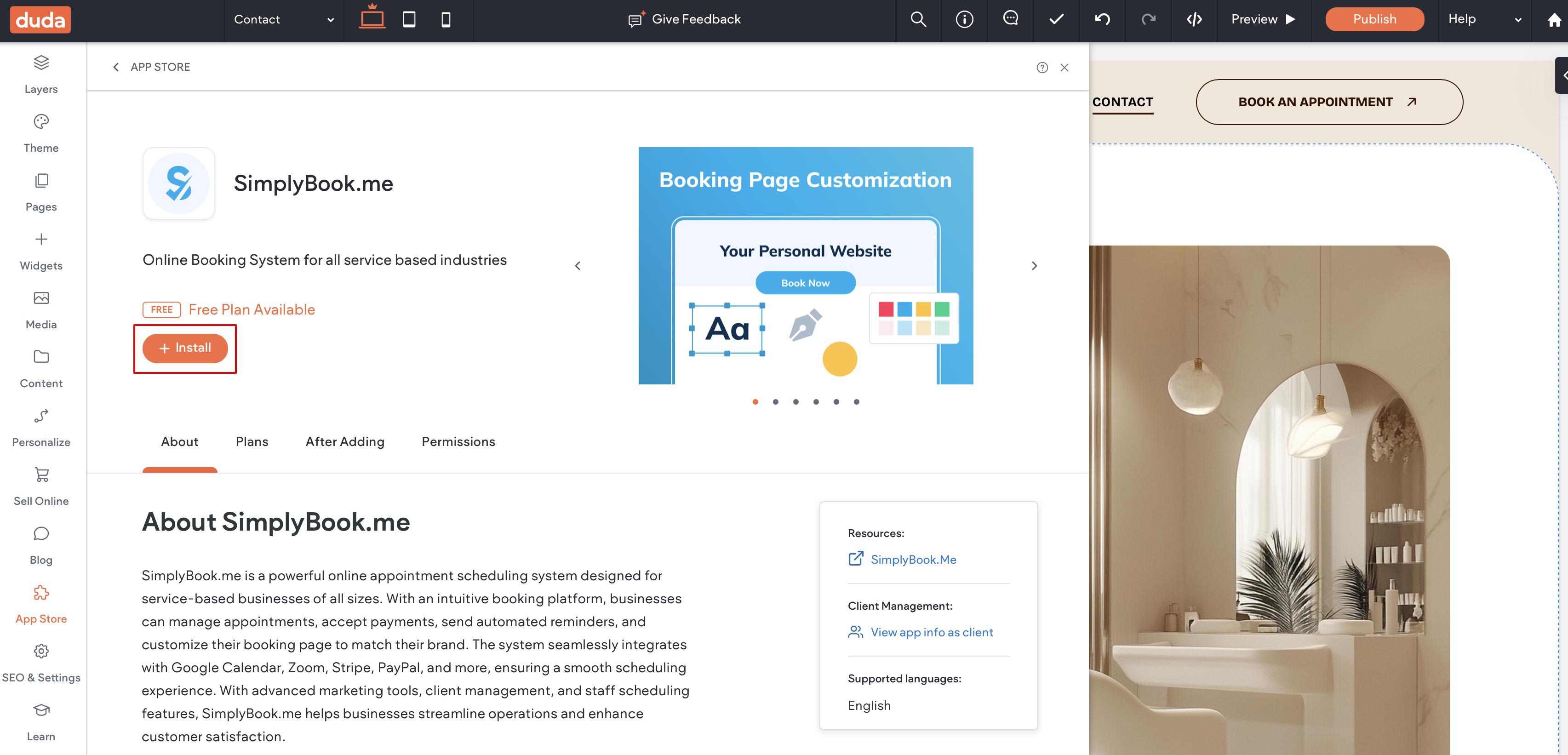
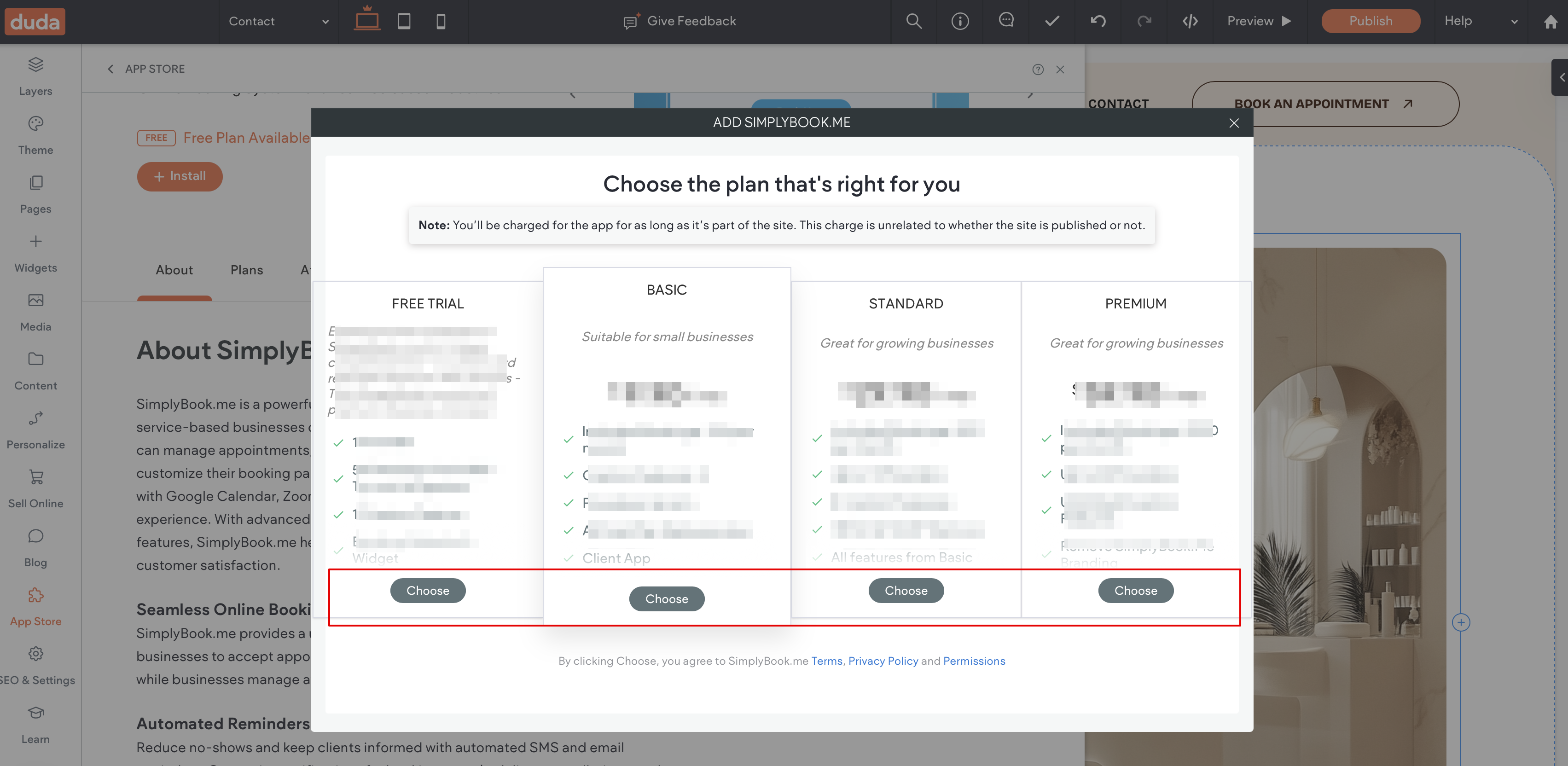
5. Choose the applicable subscription to be applied to your system.
6. Choose a place on the page where the booking tool should appear.
7. Click on Widgets again and select the 'Simplybook booking to drag it to the page.
That's it, the widget is added.
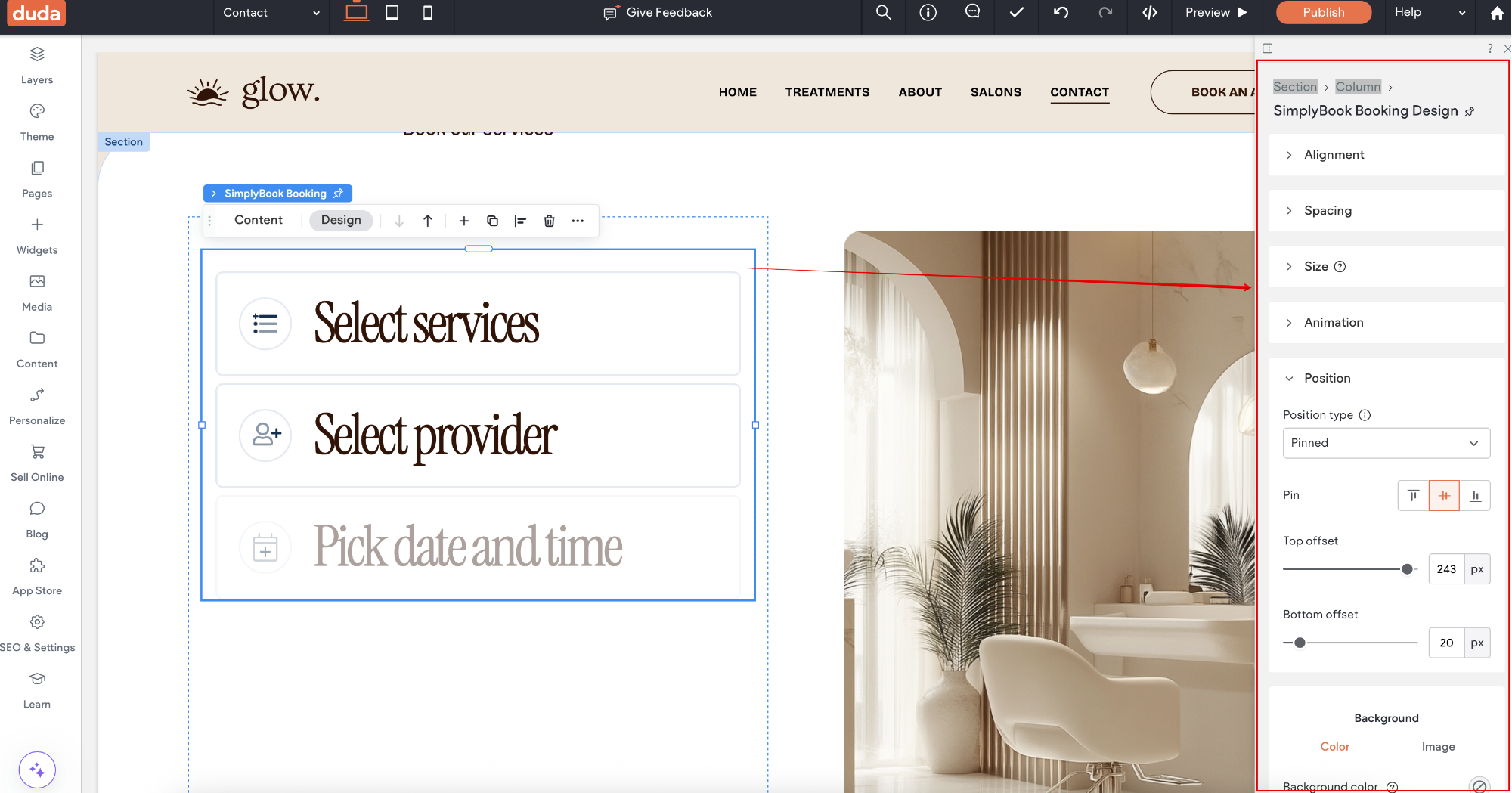
8. To adjust the design please use the built-in editing options, the widget will adjust to your website styles.
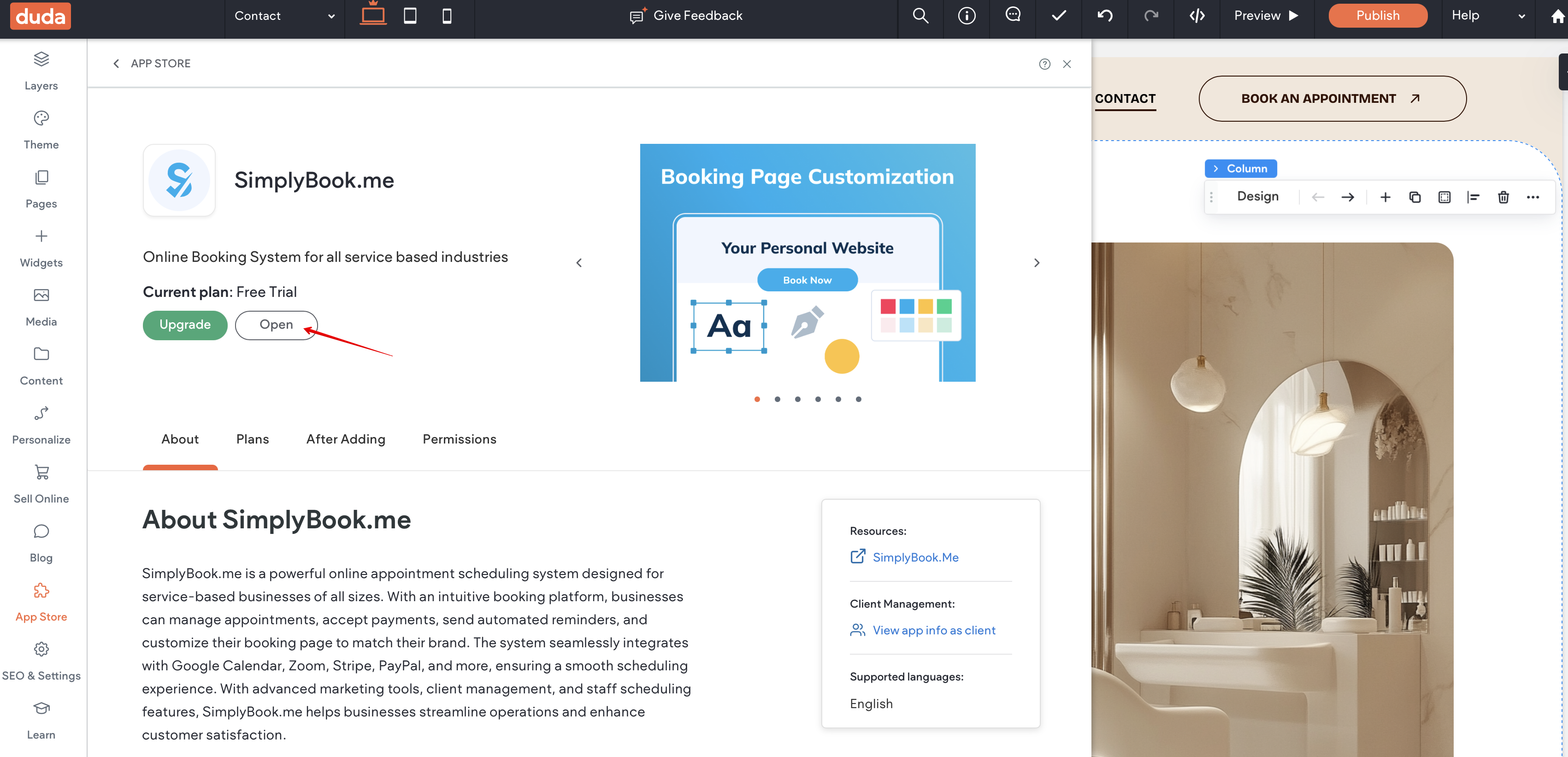
9. To add or edit your services, set prices, etc. please navigate to SimplyBook.me admin interface by clicking on Open button in the installed app.