Translations:Campaign custom feature/6/en
2. After clicking the “Save & Close” button, this campaign appears on the left in the list with the status “New”.
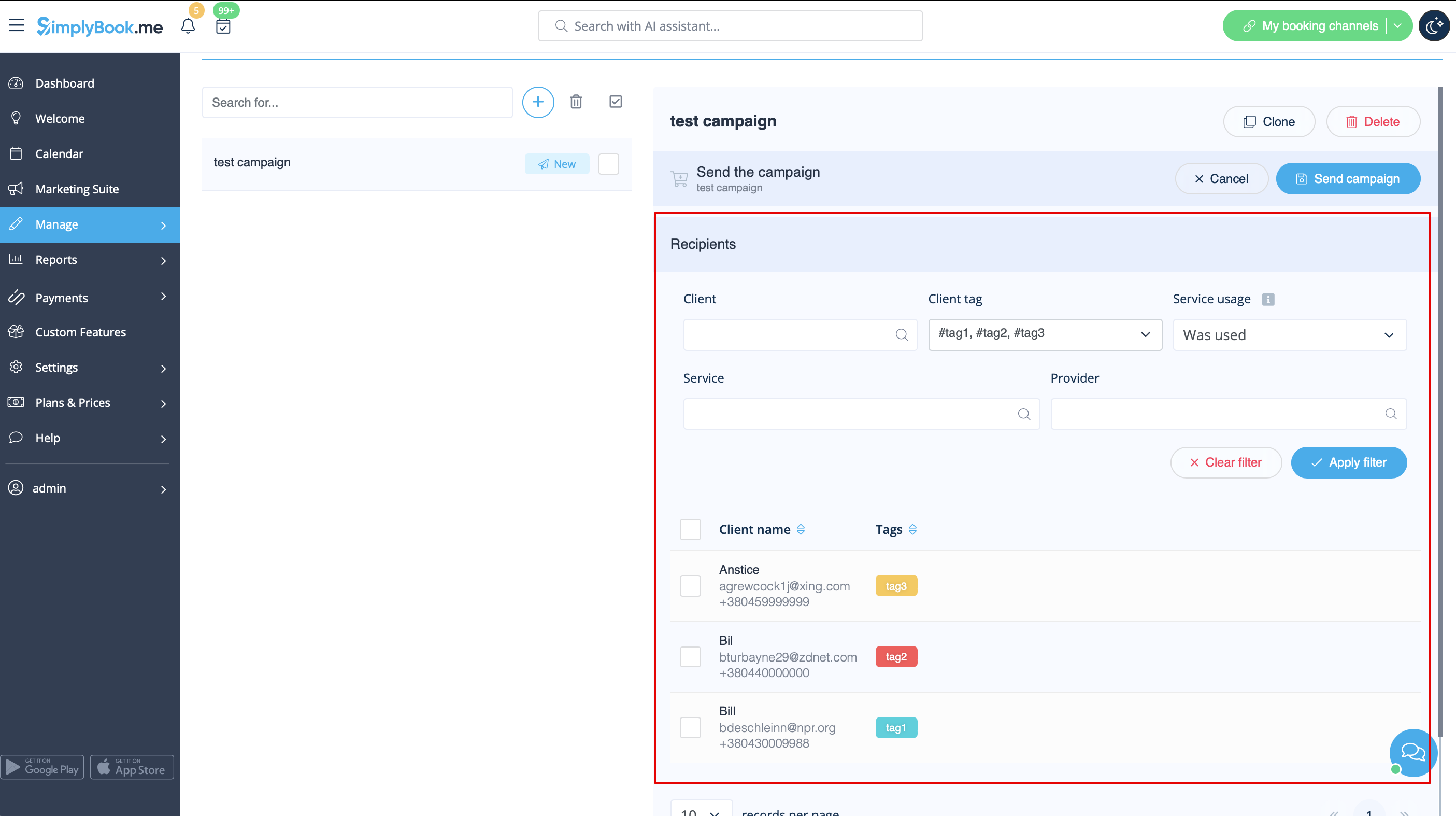
Selecting Recipients and Launching Your Campaign:
1. After all preparation is done, click on the " Save & send campaign" button to select the list of clients and send your campaign.
2. You can manually select clients one by one, use filters, choose all clients at once, or send the campaign message to clients under specific tags if you're using the Tags feature.