Translations:Adjust your terminology/language/2/en
Changing texts for client side only
If you need to adjust any texts on your booking page (for example change Employee to Therapist, Coach or Room), you can do it in Settings -> Custom wording & translations.
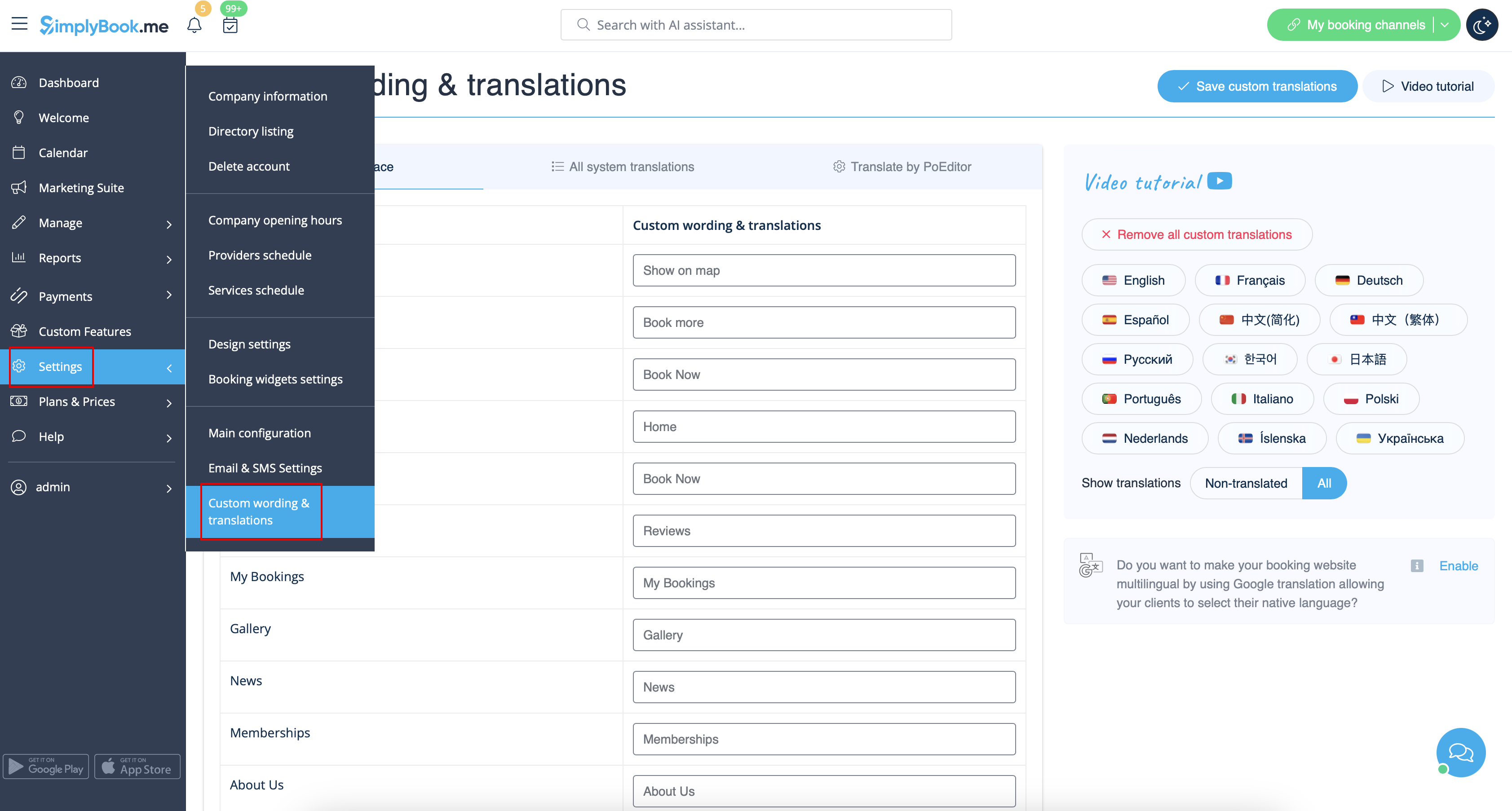
There, you can also change the language of your booking page by clicking on the corresponding button on the right side and pressing Save custom translations. If your language is not in the list you can translate the system yourself.
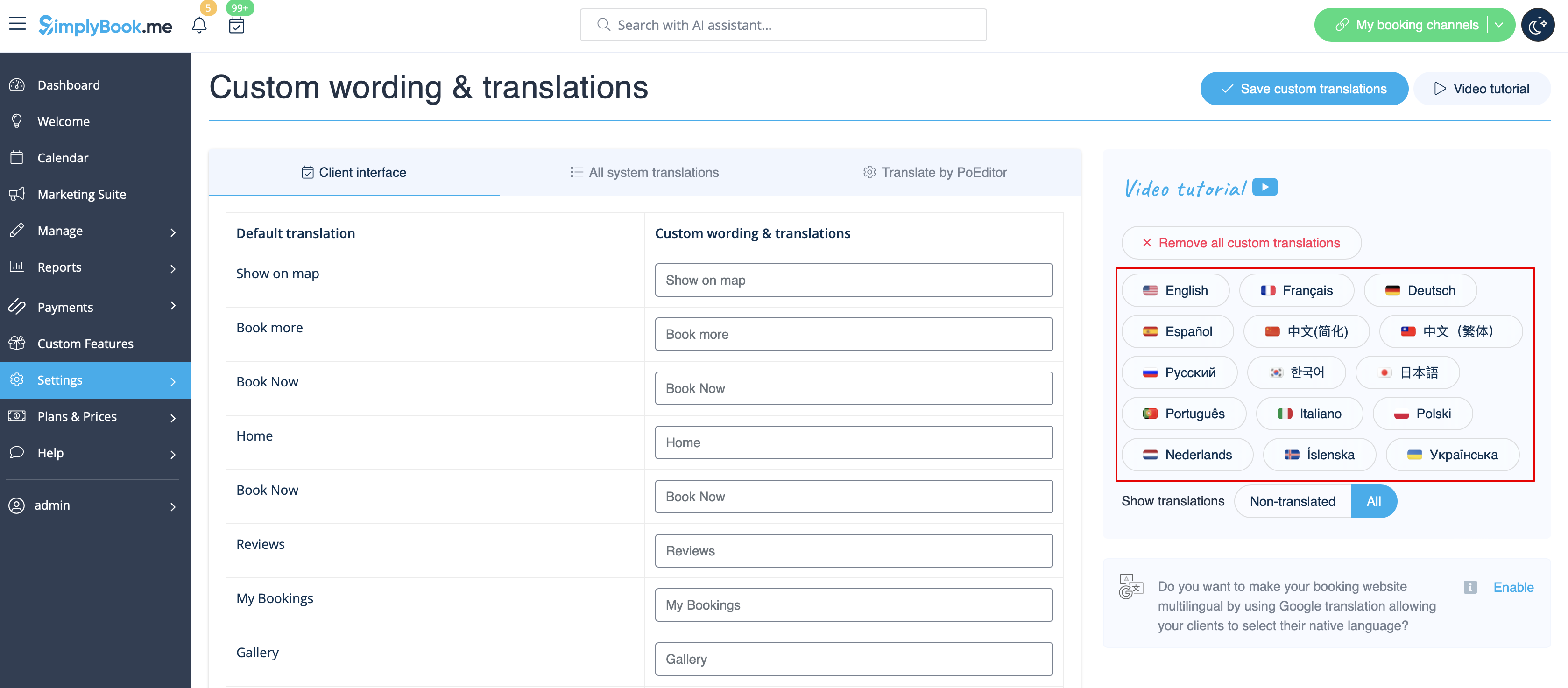
If you need to show the booking site in several languages you can use Google Translate custom feature.