Translations:SOAP with Encryption custom feature/3/en
How to use
- 1. Make sure that you have old SOAP custom feature disabled(as they are not compatible)
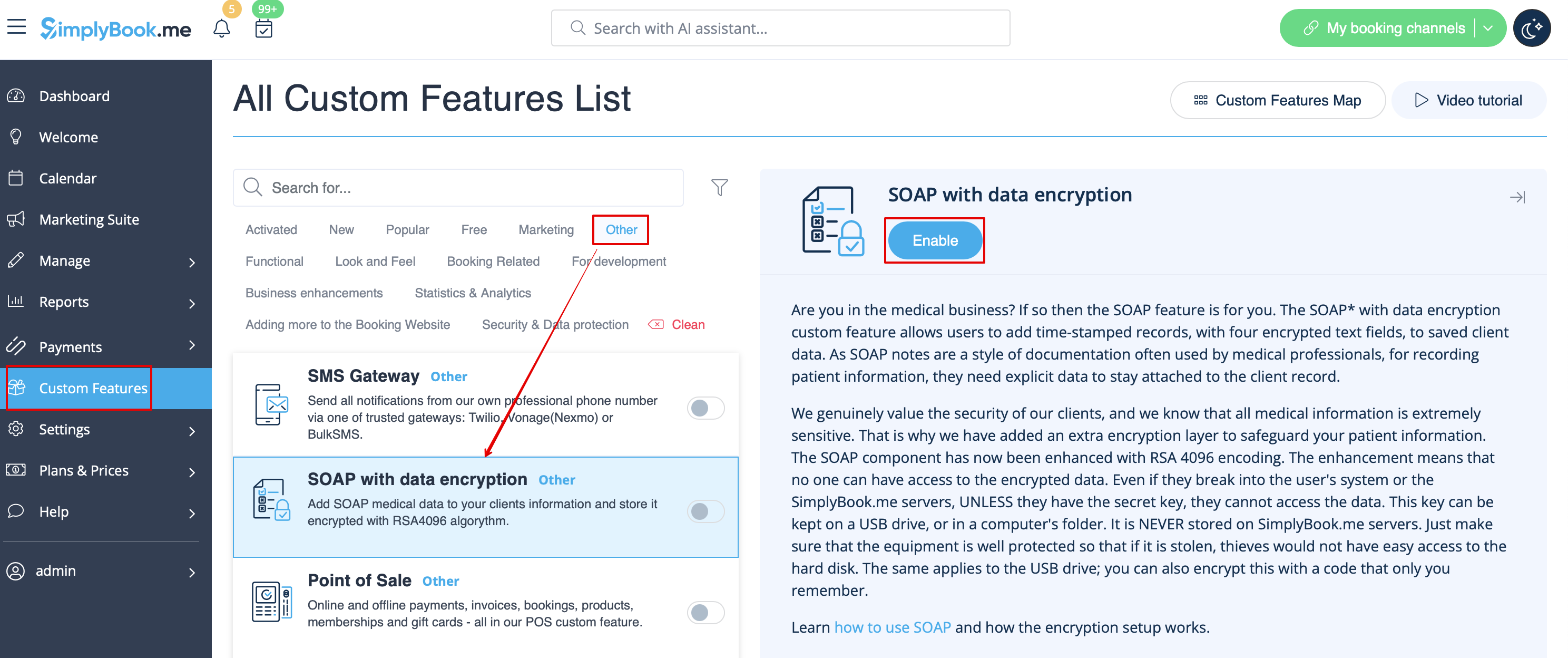
- 2. Then please go to Custom features page using the left-side menu of your admin interface, use searchbox at the top or choose “Other” category.
- And click on “Enable” near “SOAP with data encryption” option.
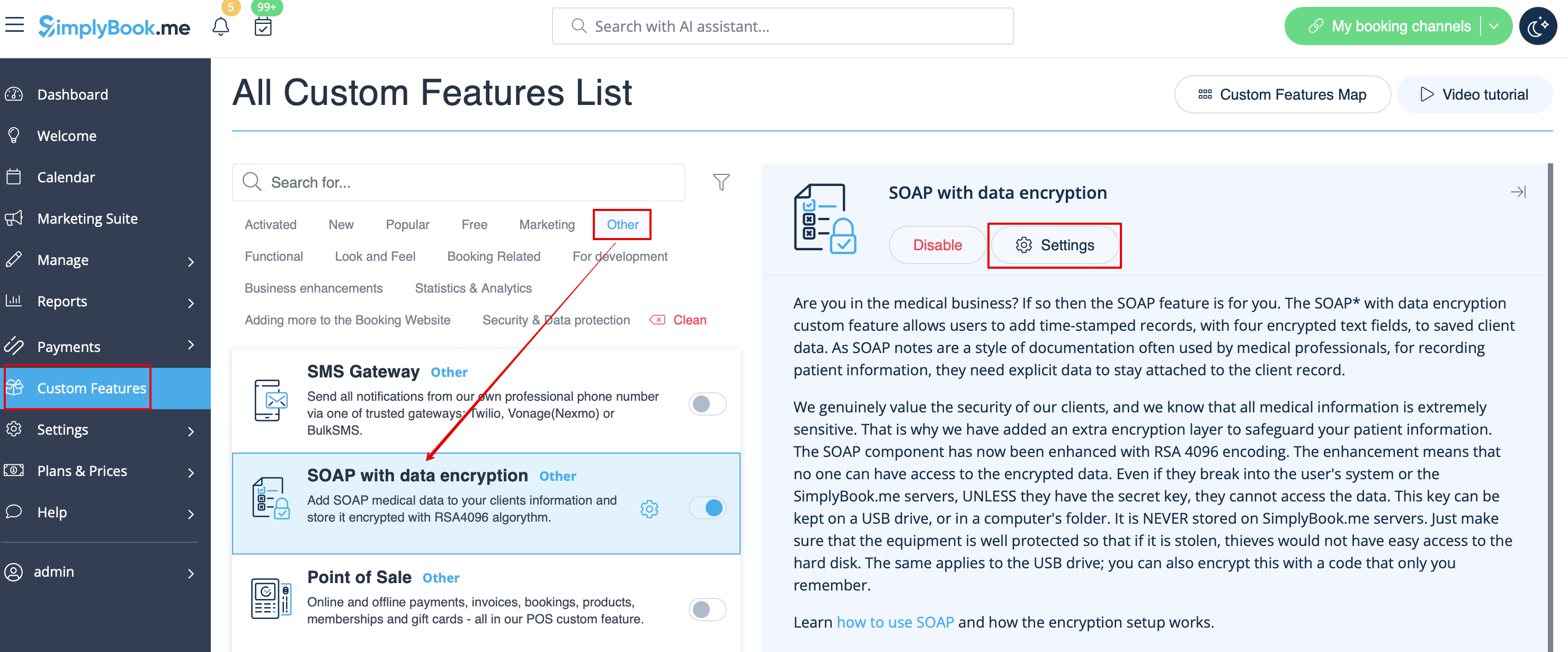
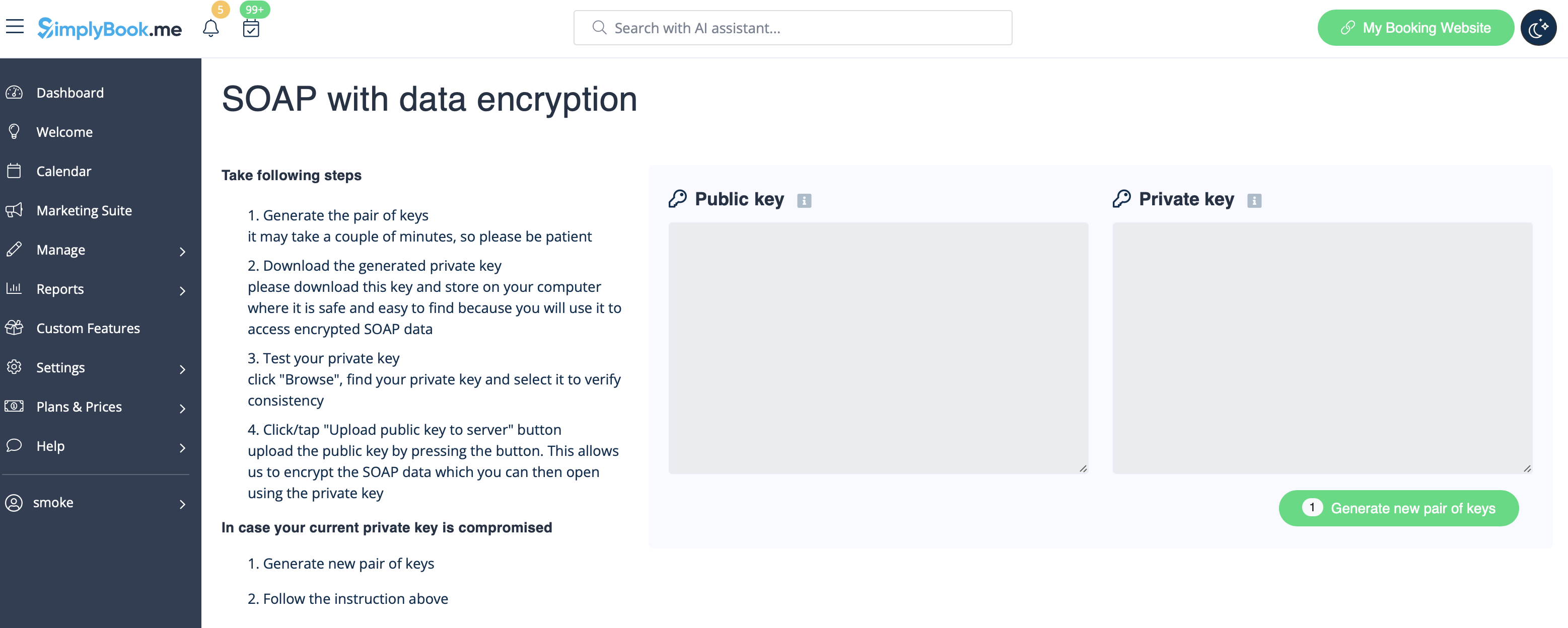
- 3. Please choose “Settings” near it to generate the keys and setup encryption.
Usage cases
Case 1. Just SOAP-with-encryption enabled.
1. Generate a pair of keys.
2. Download private key on your computer.
3. Upload public key to the server.
4. Use these keys to encrypt and decrypt SOAP data