Translations:Ticket's QR Code/6/en
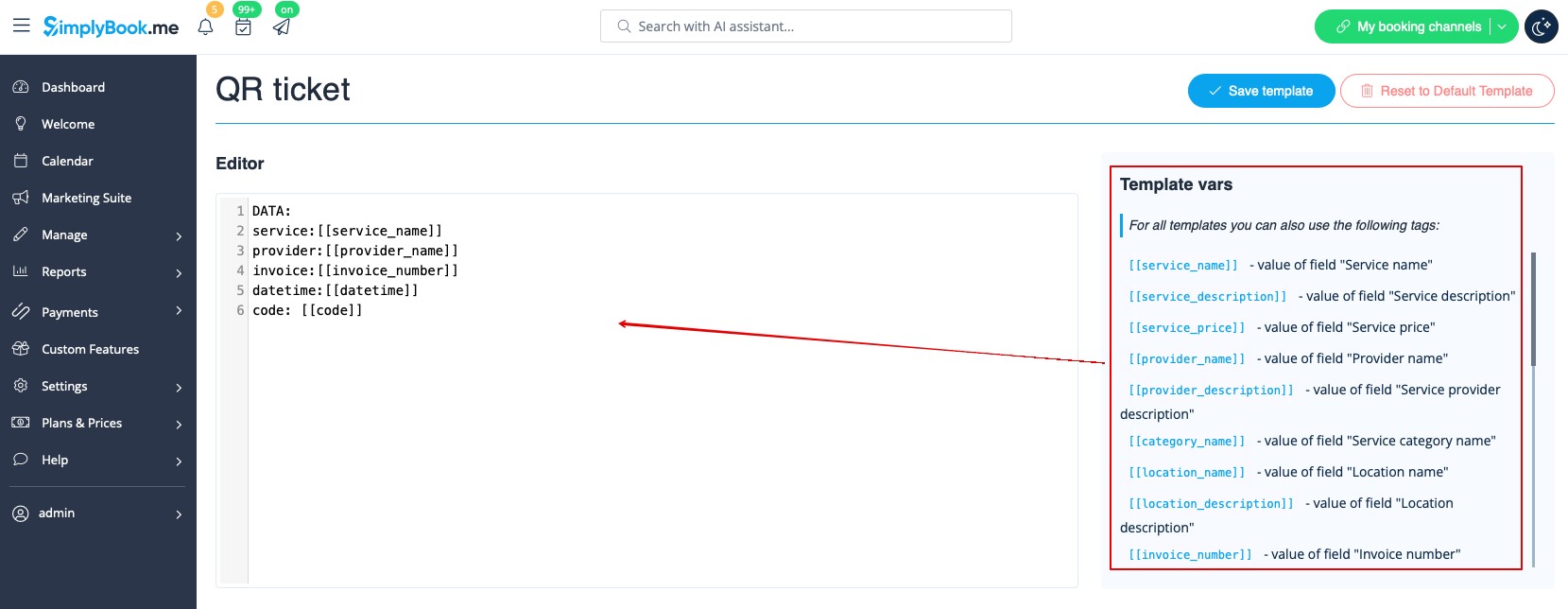
- 4. Adjust the template to your needs using the Editor and the available variables on the right.
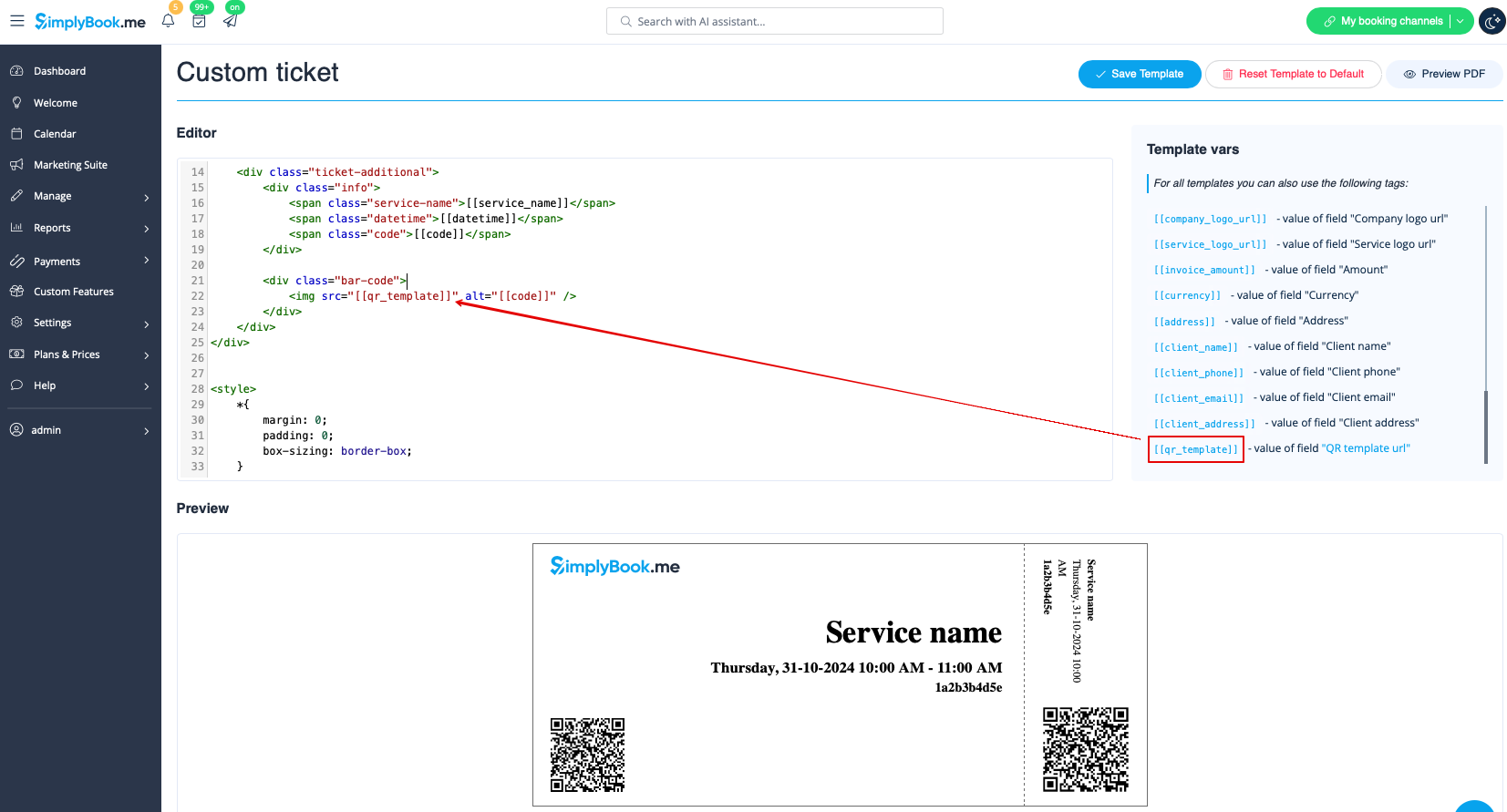
- 5. Add QR template url variable to the ticket template in Custom features -> Tickets -> Custom ticket.
- (please also make sure that you have custom ticket attached to necessary services in Manage -> Services -> select the necessary service -> Tickets)