Translations:Widgets for your own website/10/en
- 2. You will see a pop-up window with the code, click on the bottom part to get client code details.
- Please copy the main code, add bottom part to it(to predefined section) and replace Predefined client name, Predefined client email, Predefined client phone with the necessary client details.
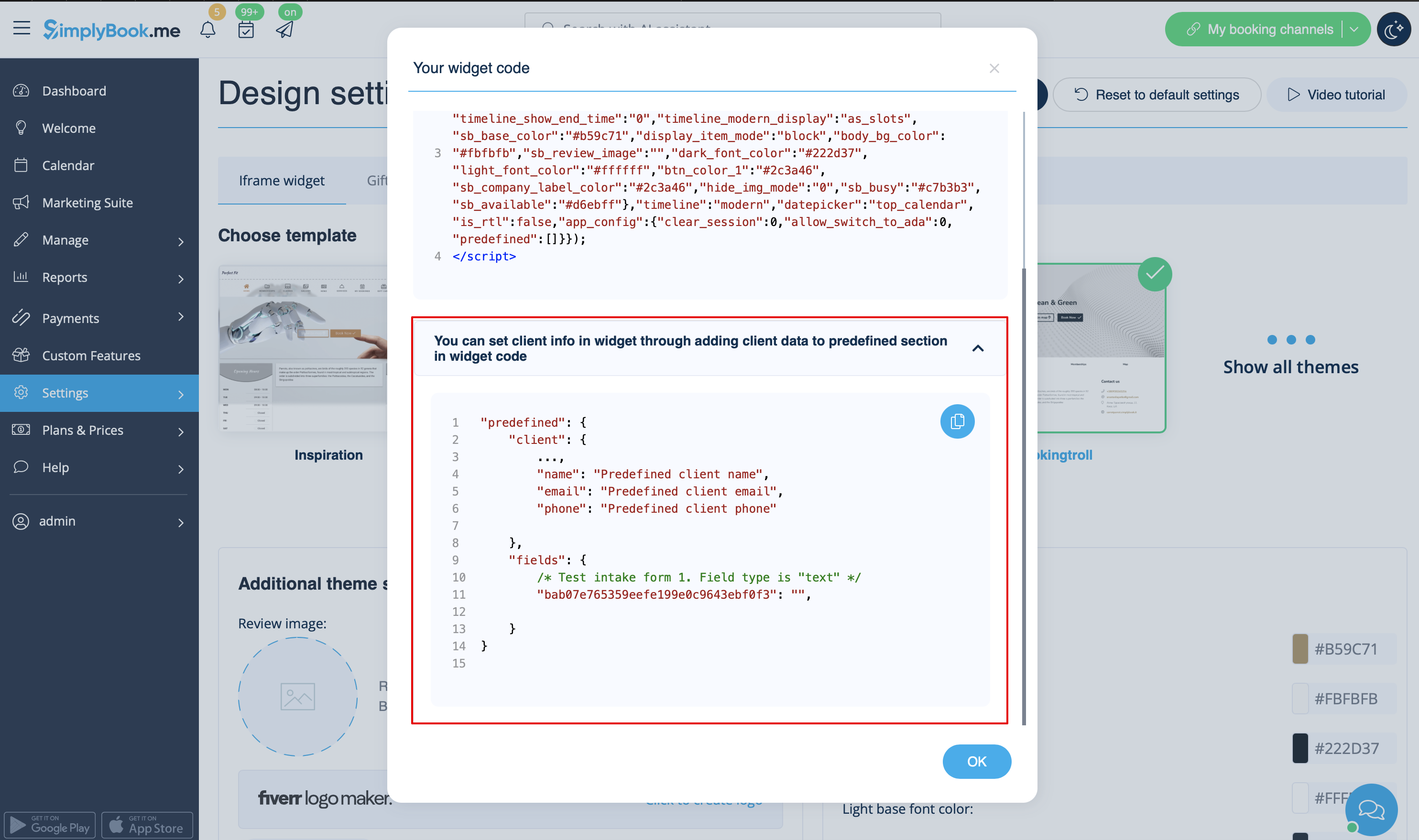
- 3. You will get the code like this:
<script src="//simplybook.me/v2/widget/widget.js"></script>
<script>var widget = new SimplybookWidget({"widget_type":"iframe","url":"https:\/\/companyname.simplybook.me","theme":"belle","theme_settings":{"sb_base_color":"#FF6969","body_bg_color":"#ffffff","dark_font_color":"#494949","light_font_color":"#ffffff","sb_busy":"#dad2ce","sb_available":"#d3e0f1"},"timeline":"flexible","datepicker":"top_calendar","is_rtl":false,"app_config":{"predefined": {"client": {

"name": "Mary",

"email": "mary@gmail.com",

"phone": "+1234567890"

}}
}});</script>