Translations:Flexible Notifications custom feature/4/en
- How to use
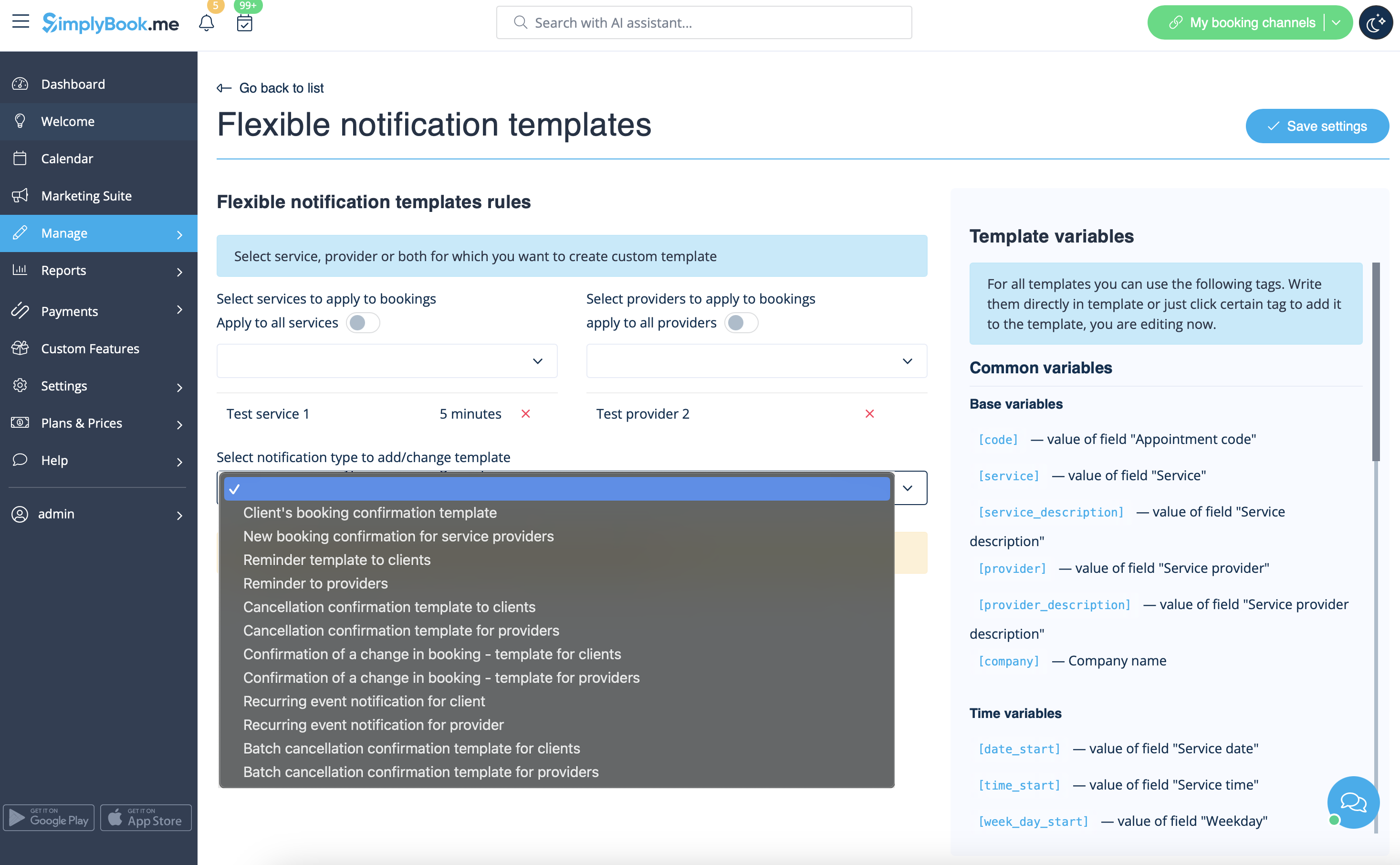
- 1. Go to Custom Features//Booking related section, find Flexible Notifications Custom Feature and press "Enable".
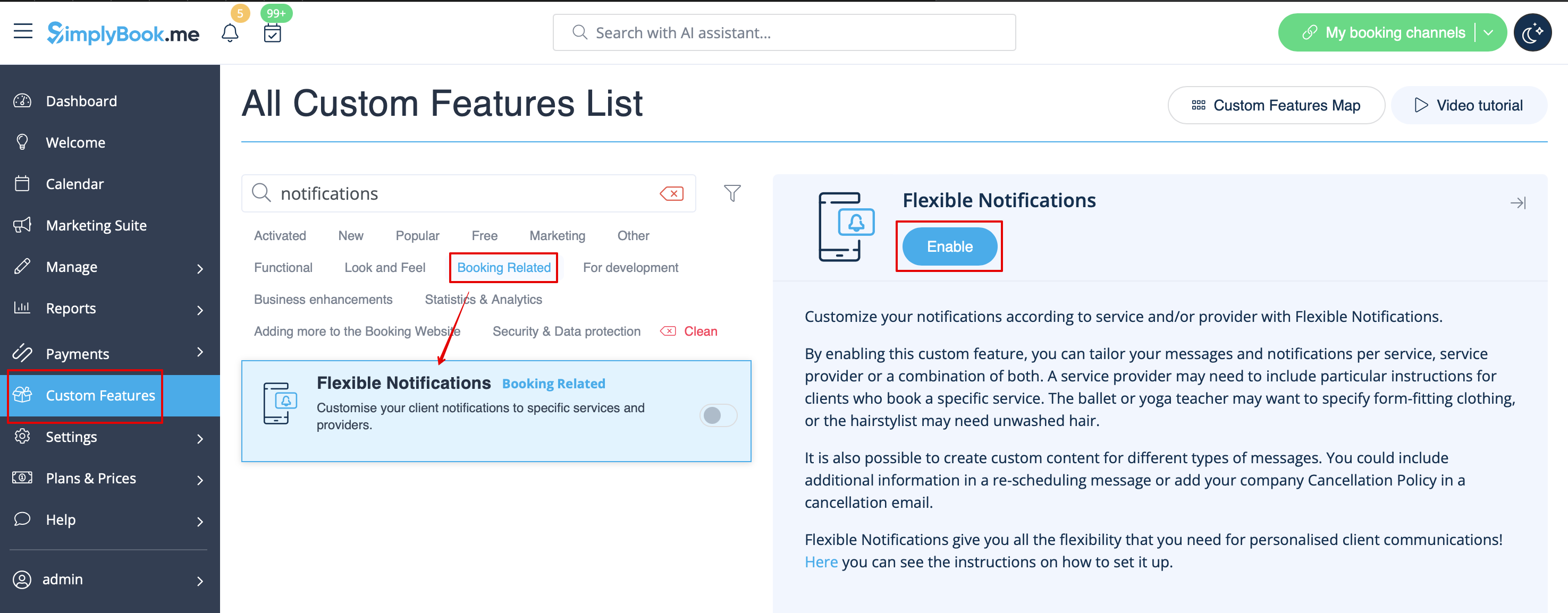
- 2. Click on "Manage" near this feature.
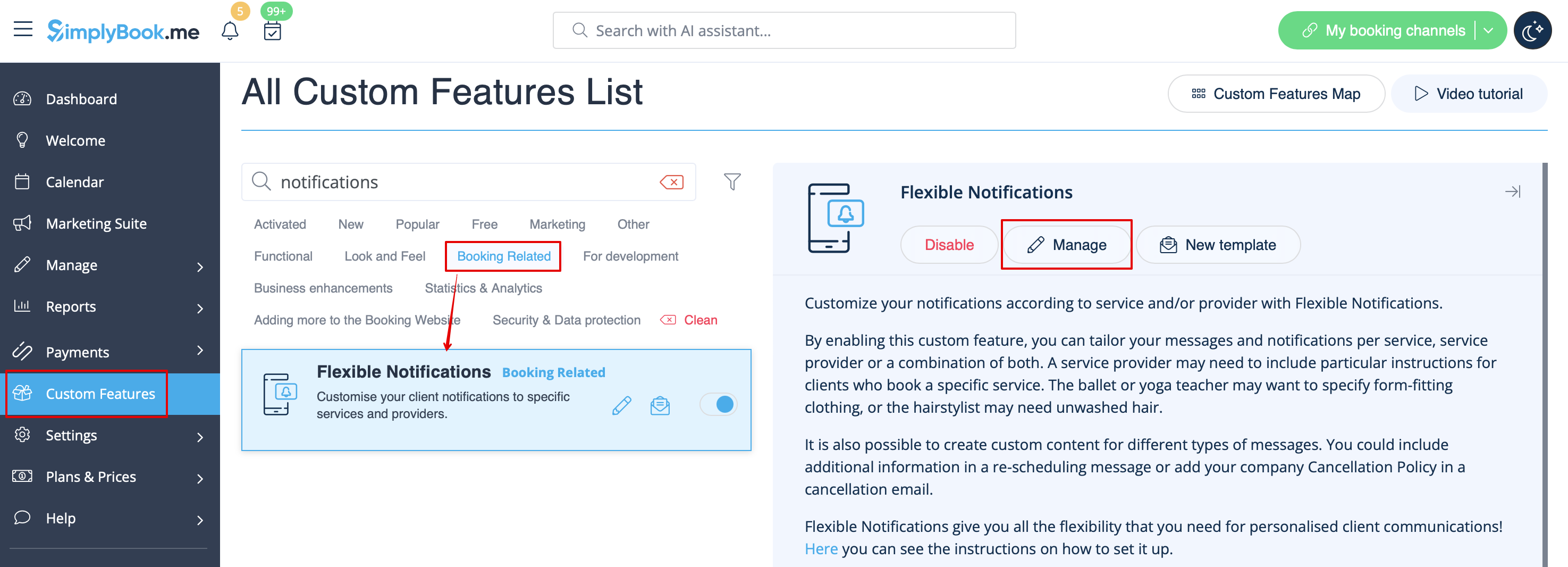
- 3. On the page you see press "New flexible template settings".
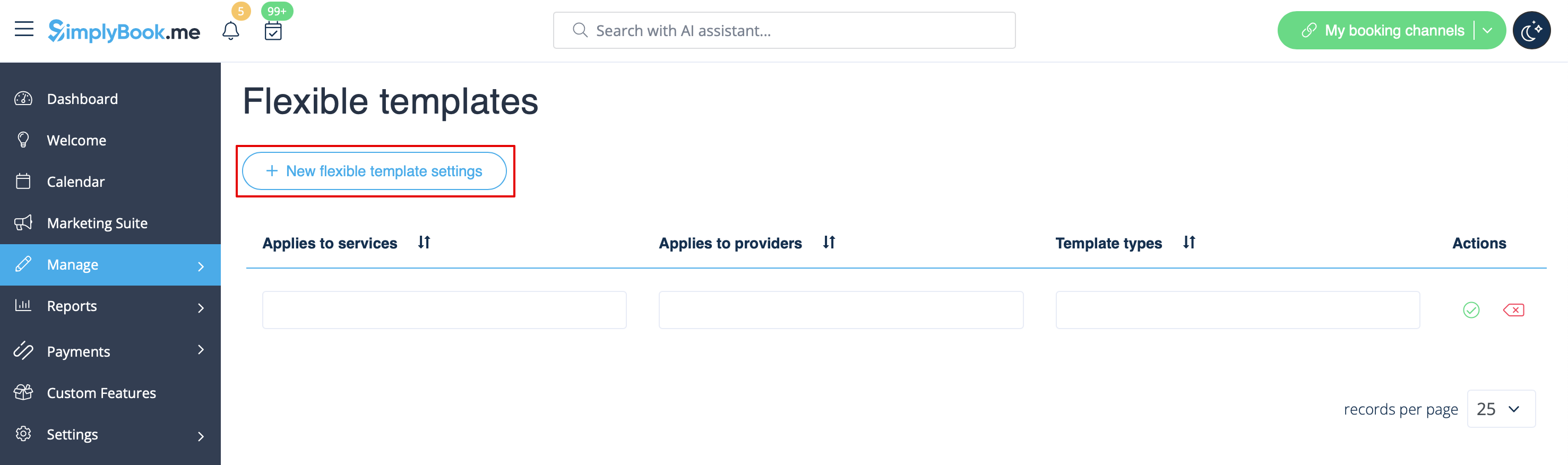
- 4. In the new template select services and/or select providers that the customized templates will be applied to. Then select the notification type to add/change template and edit the text. Please use variables on the right to include to your templates if necessary.