Revision as of 10:16, 15 May 2025 by Admin(talk | contribs)(Created page with "= Images = <br><br> Vous pouvez ajouter des images à vos services, fournisseurs, catégories et lieux, etc. dans <span style="background-color:#d4f8e5; padding:5px; border-radius:5px;">Manage</span> -> <span style="background-color:#d4f8e5; padding:5px; border-radius:5px;">Services/Service Providers</span> -> <span style="background-color:#d4f8e5; padding:5px; border-radius:5px;">Service details</span> ou <span style="background-color:#d4f8e5; padding:5px; border-...")
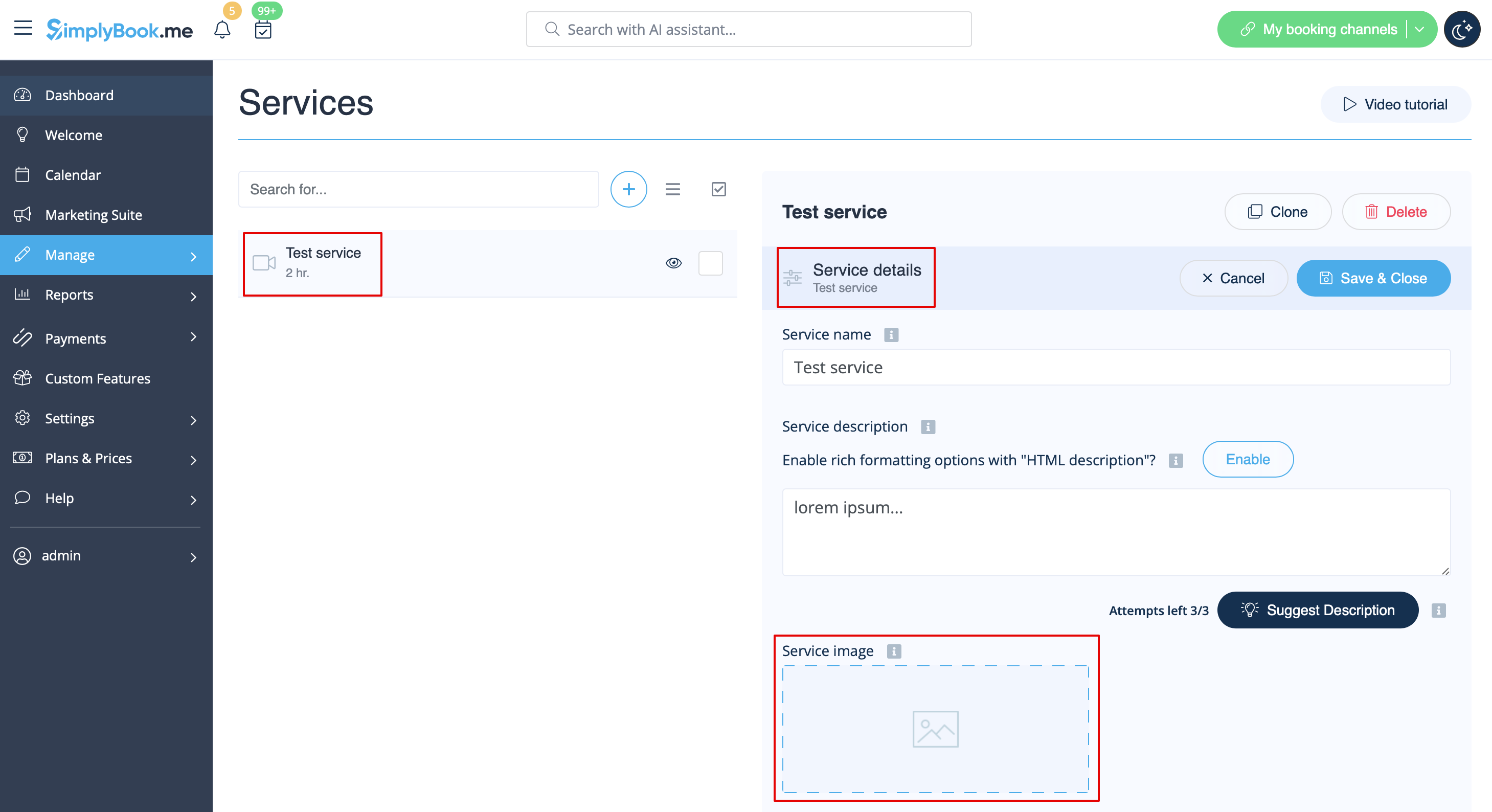
Vous pouvez ajouter des images à vos services, fournisseurs, catégories et lieux, etc. dans Manage -> Services/Service Providers -> Service details ou Service provider details tab -> click on the photo icon in Service image or Service provider image box and browse the photo.