Translations:How to manage bookings/4/en
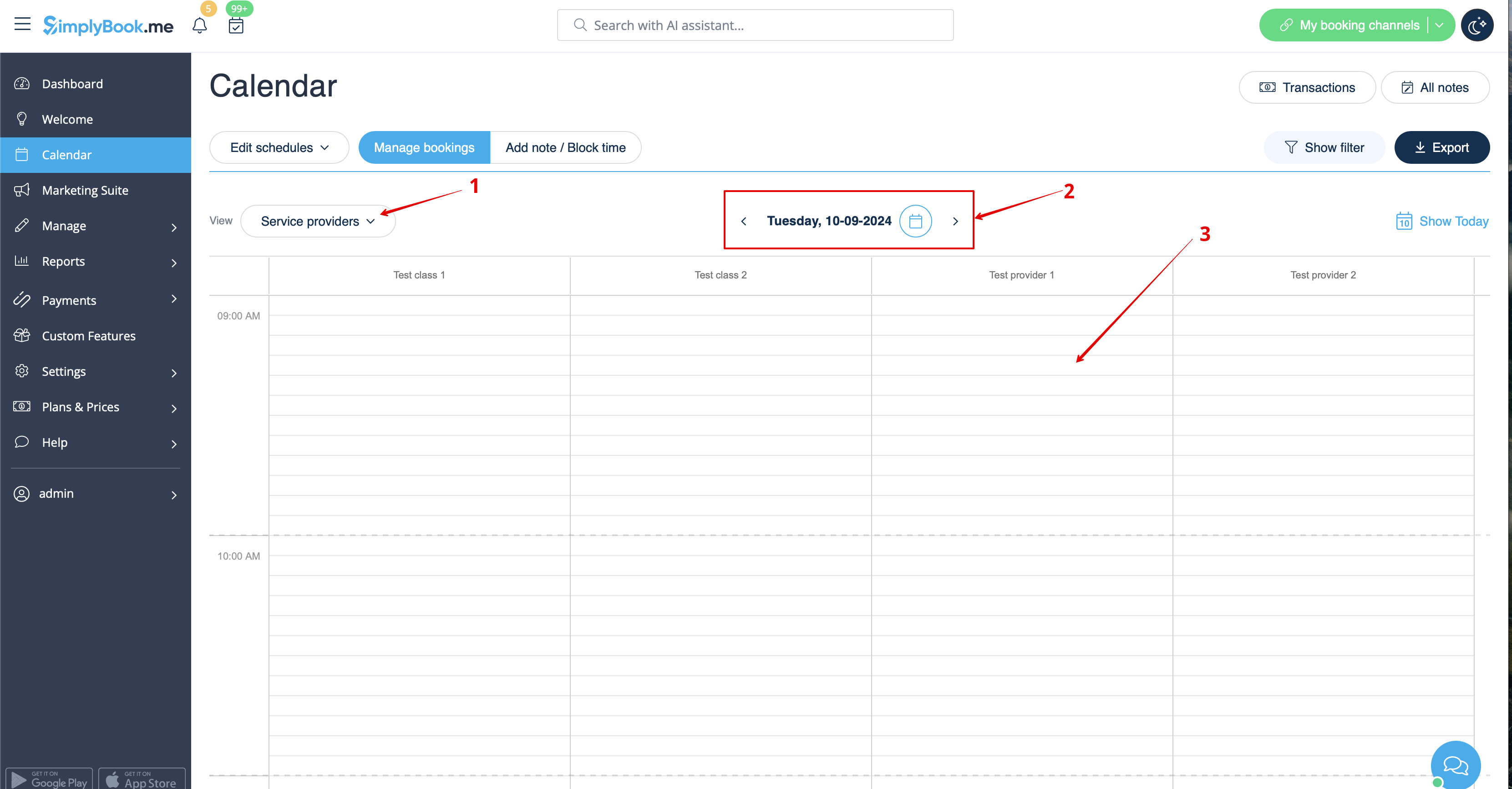
1. In Calendar (item in the left-side menu) select the desirable view, the date you need to add the booking to (you may also use the filters at the top for convenience) and either simply click on free space or select the necessary time period by dragging.