Translations:Adjusting notifications/7/en
From SimplyBook.me
How to disable Feedbacks
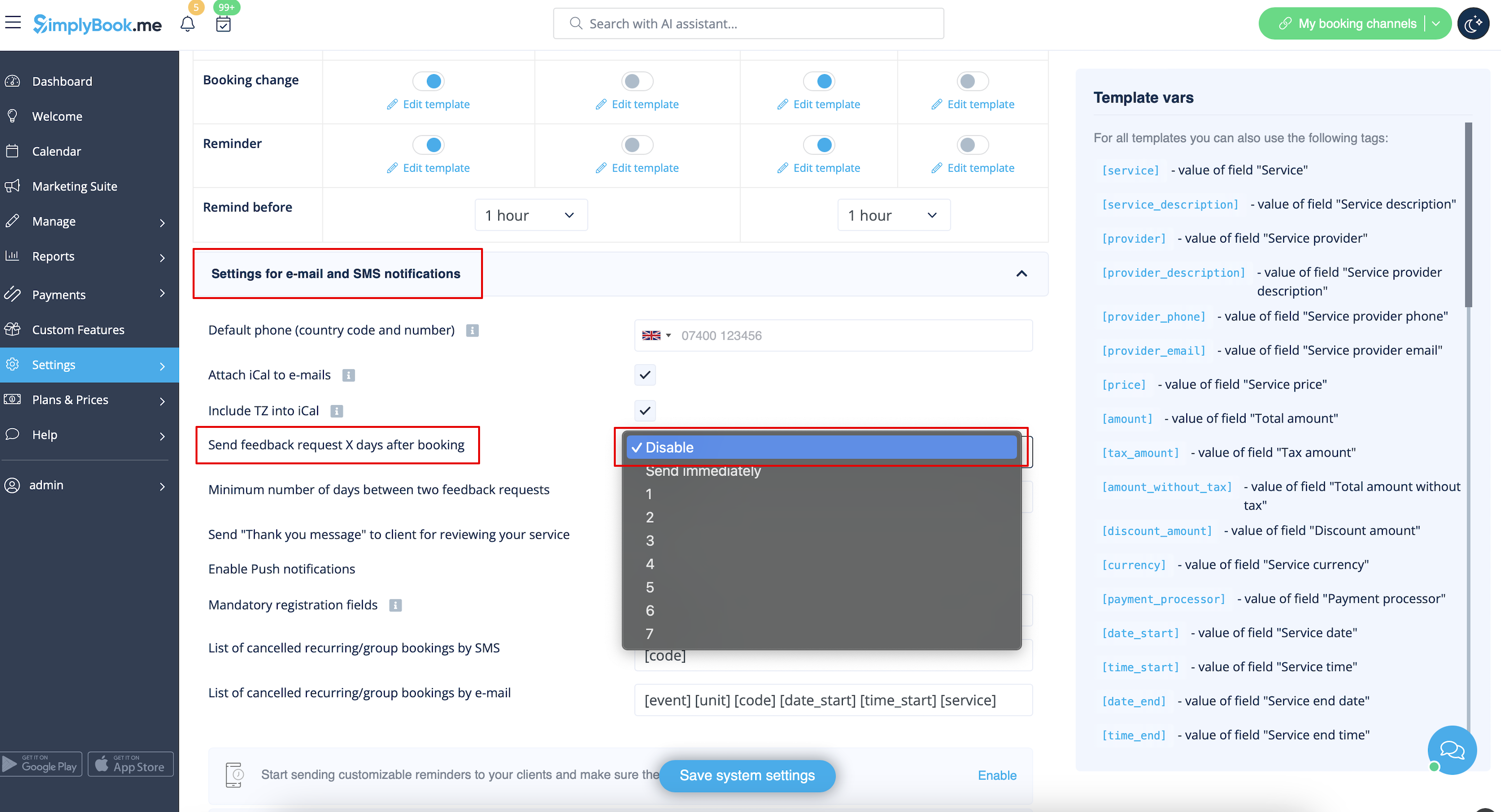
You can view all your reviews in the Reports -> Reviews tab in left-side menu, delete or reply to them. If you wish to remove the option to leave a review and do not send feedback request in Settings -> Email and SMS settings -> Settings for e-mail and SMS notifications -> set Number of days until feedback request is sent to client to Disable.