Sådan får du en faktura
From SimplyBook.me
Generelt sendes alle fakturaer vedrørende dine abonnementsbetalinger enten til din virksomheds e-mailadresse, der er angivet i Indstillinger -> Virksomhedsoplysninger -> E-mail
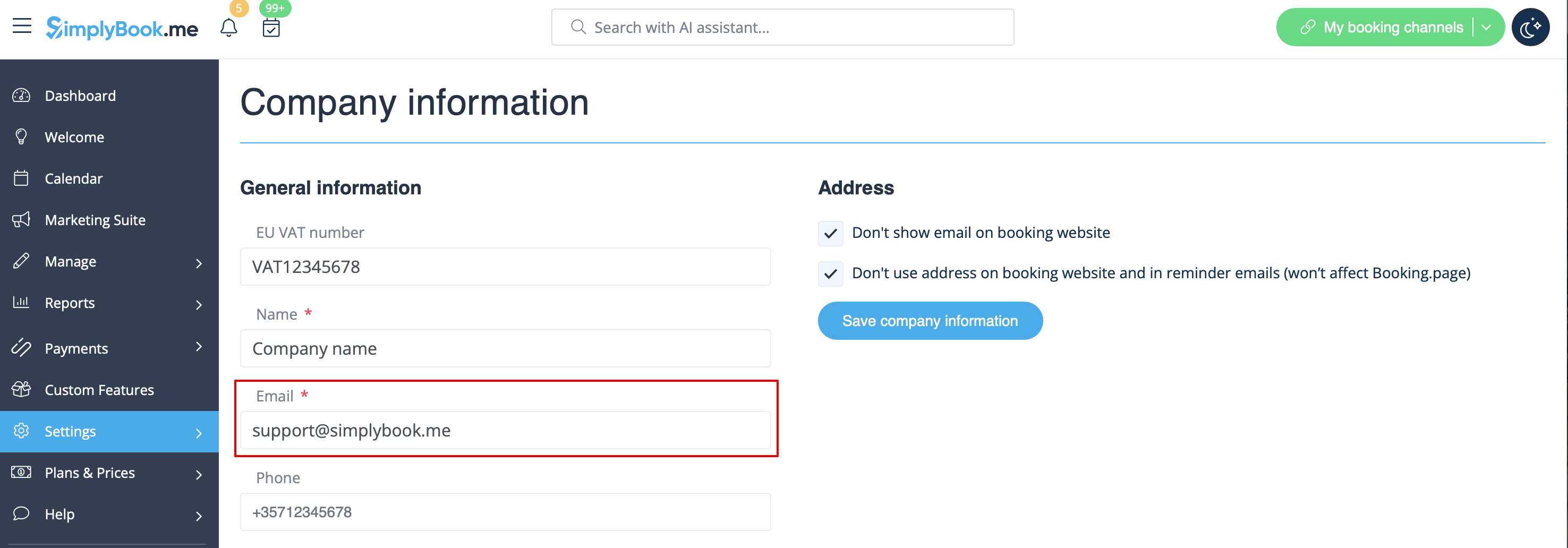
eller til den e-mailadresse, du har angivet i feltet "Faktura-e-mail".
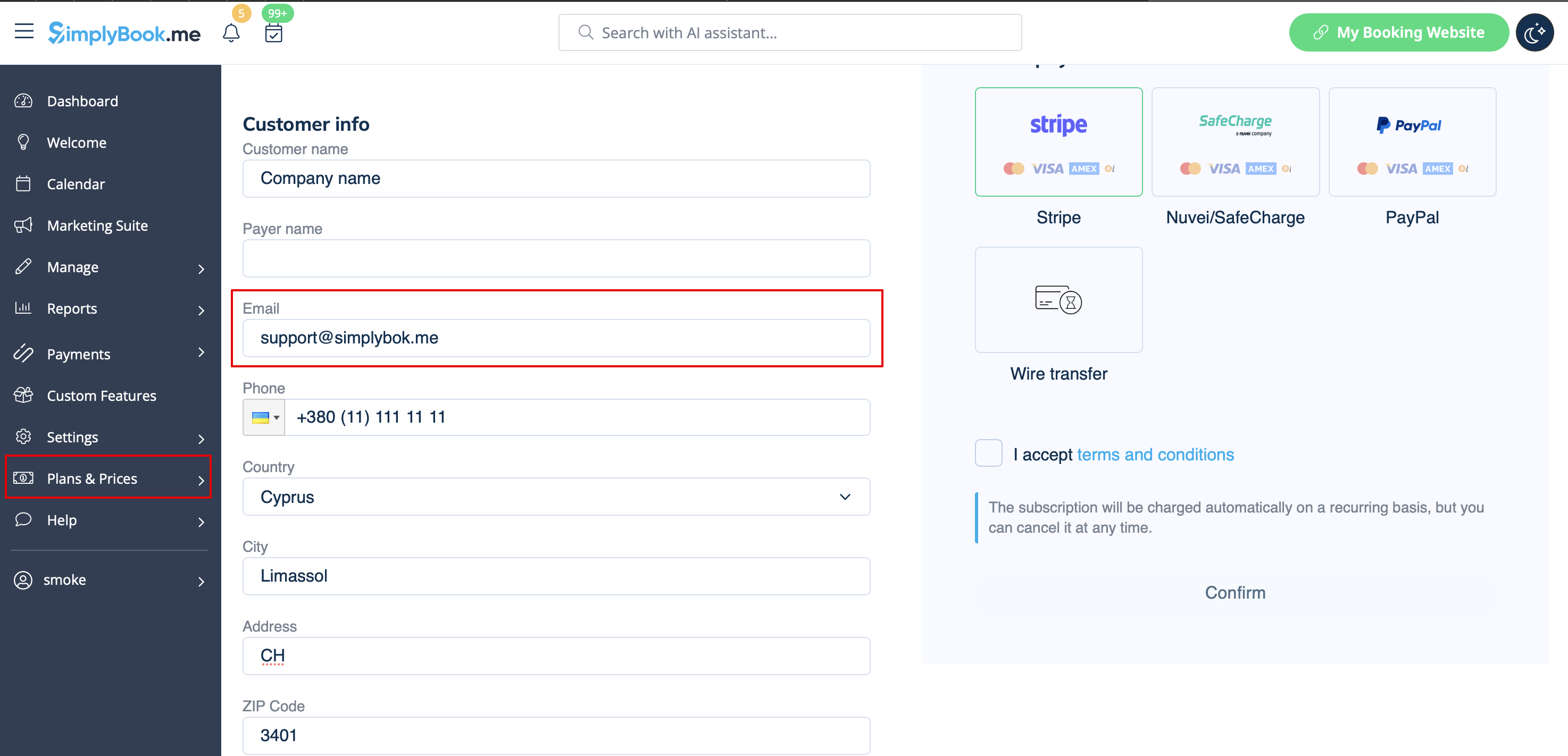
It may happen that you need a copy of the invoice for accounting or reporting purposes and now you can easily download them. Please go to Plans&Prices -> Payment history. In the first block "History" in the last column you will be able to see "Download invoice" button for the payments where it is available.
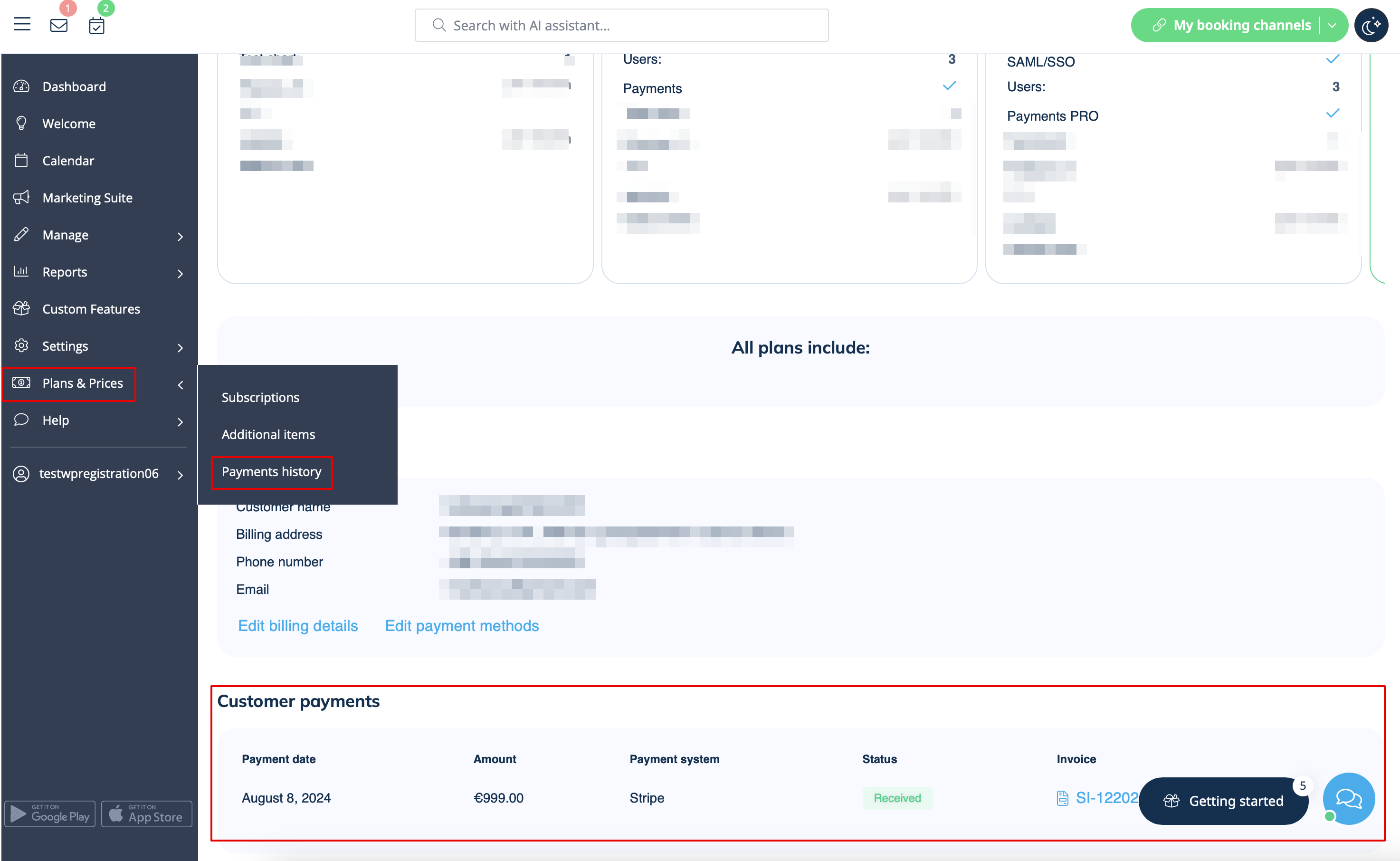
If you need invoices for old payments or for the ones where such button does not appear please contact support.

