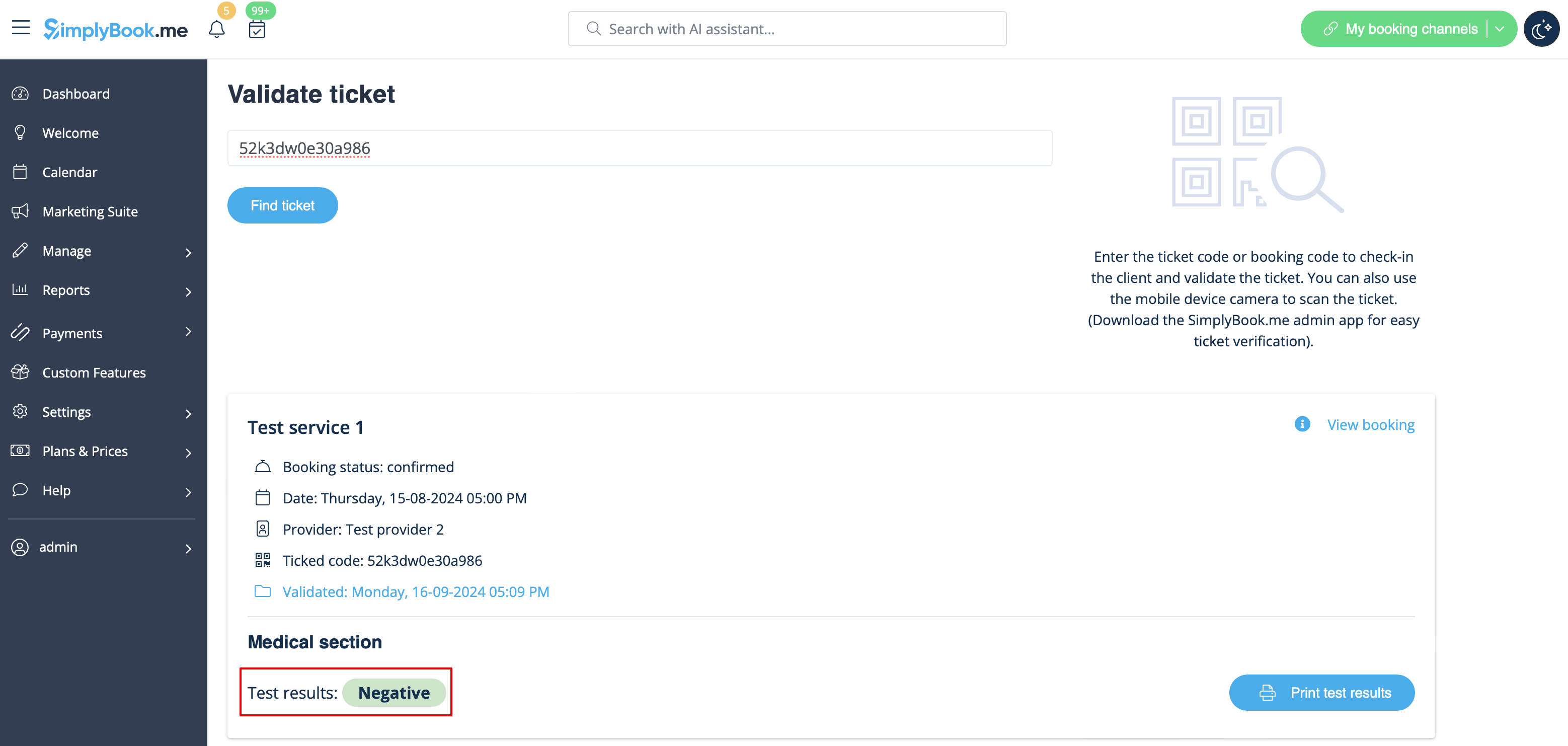
Translations:Medical test custom feature/9/en
From SimplyBook.me
- 8. When you receive the results, open this interface again, scan the QR from the test tube label to find the appointment.
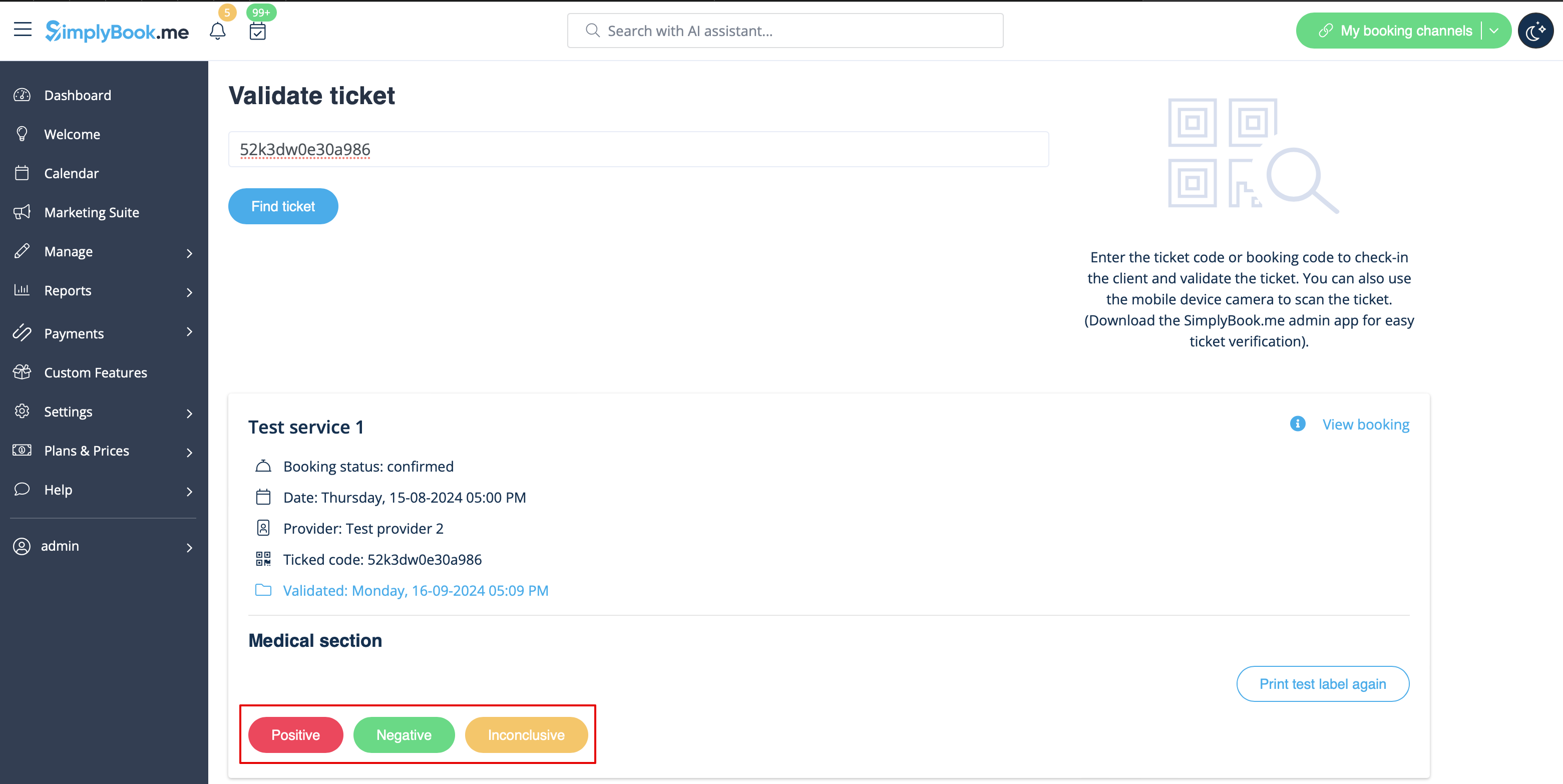
- 9. Select one of the three result options.
- As the result, the appointment status will be updated according to your selection.
- At this point the client will get the notification that the results are ready if you have it enabled in #3.