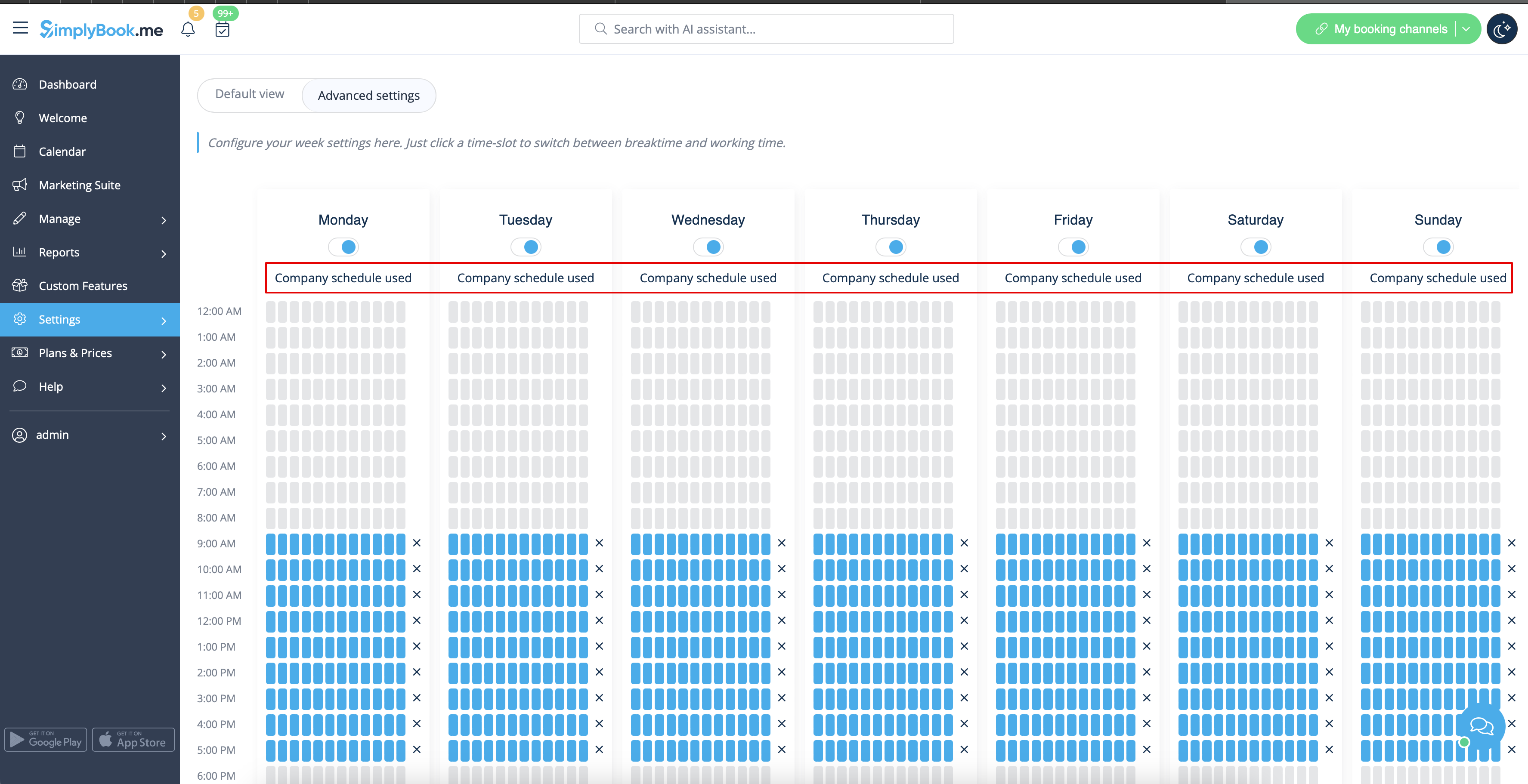
Translations:Adding services, providers and availability(new interface)/9/en
From SimplyBook.me
How to set specific schedule for service
In Manage -> Services -> select the service -> Service schedule tab move the sliders to set
open times for this service if it differs from usual company schedule.
Or click on Show advanced settings if using the slots view is more convenient for you.
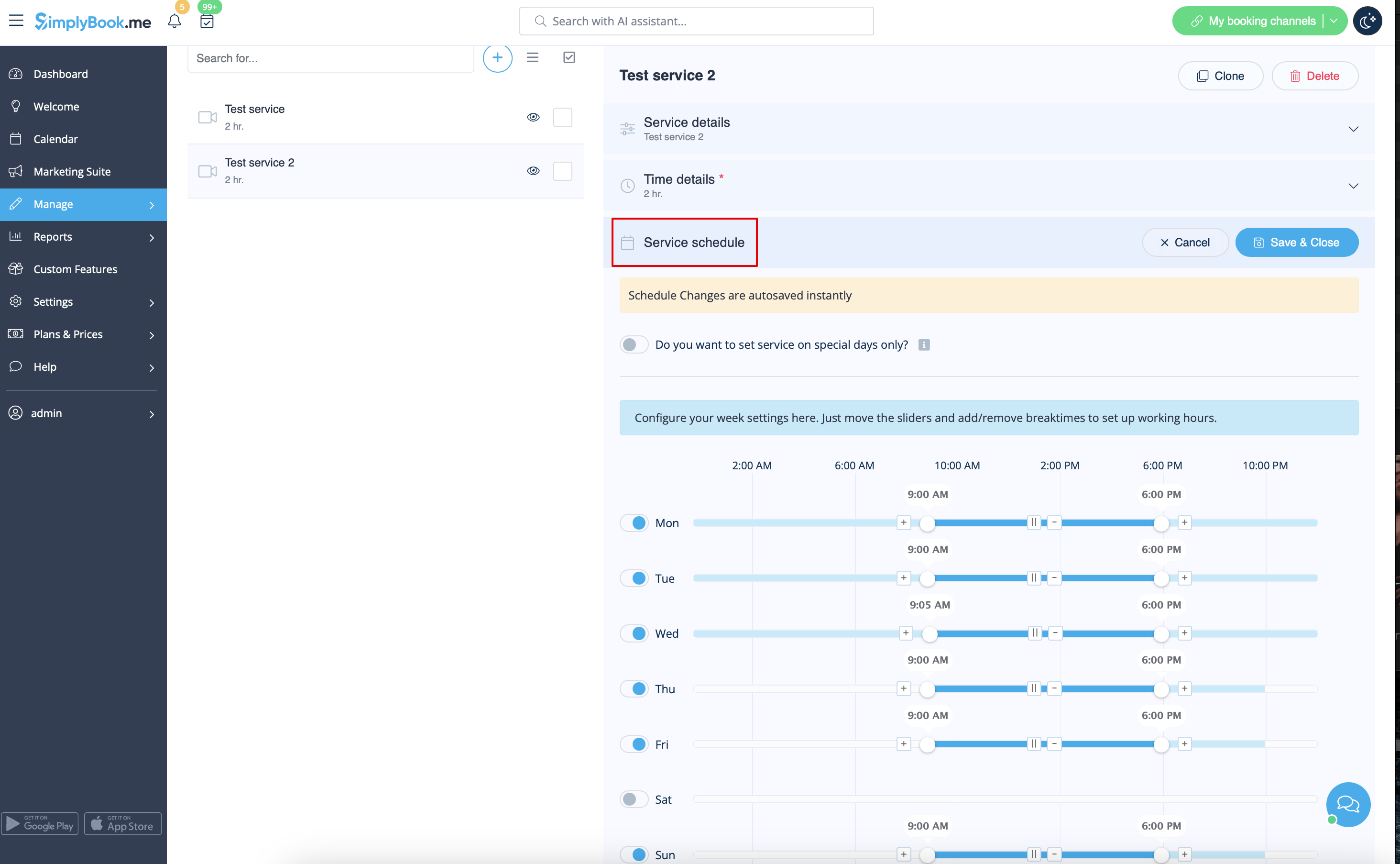
If the service has the same schedule as company you do not need to change anything there, it will be applied automatically.
You will be able to check it on Advanced schedule page.