Translations:Booking reports/14/en
From SimplyBook.me
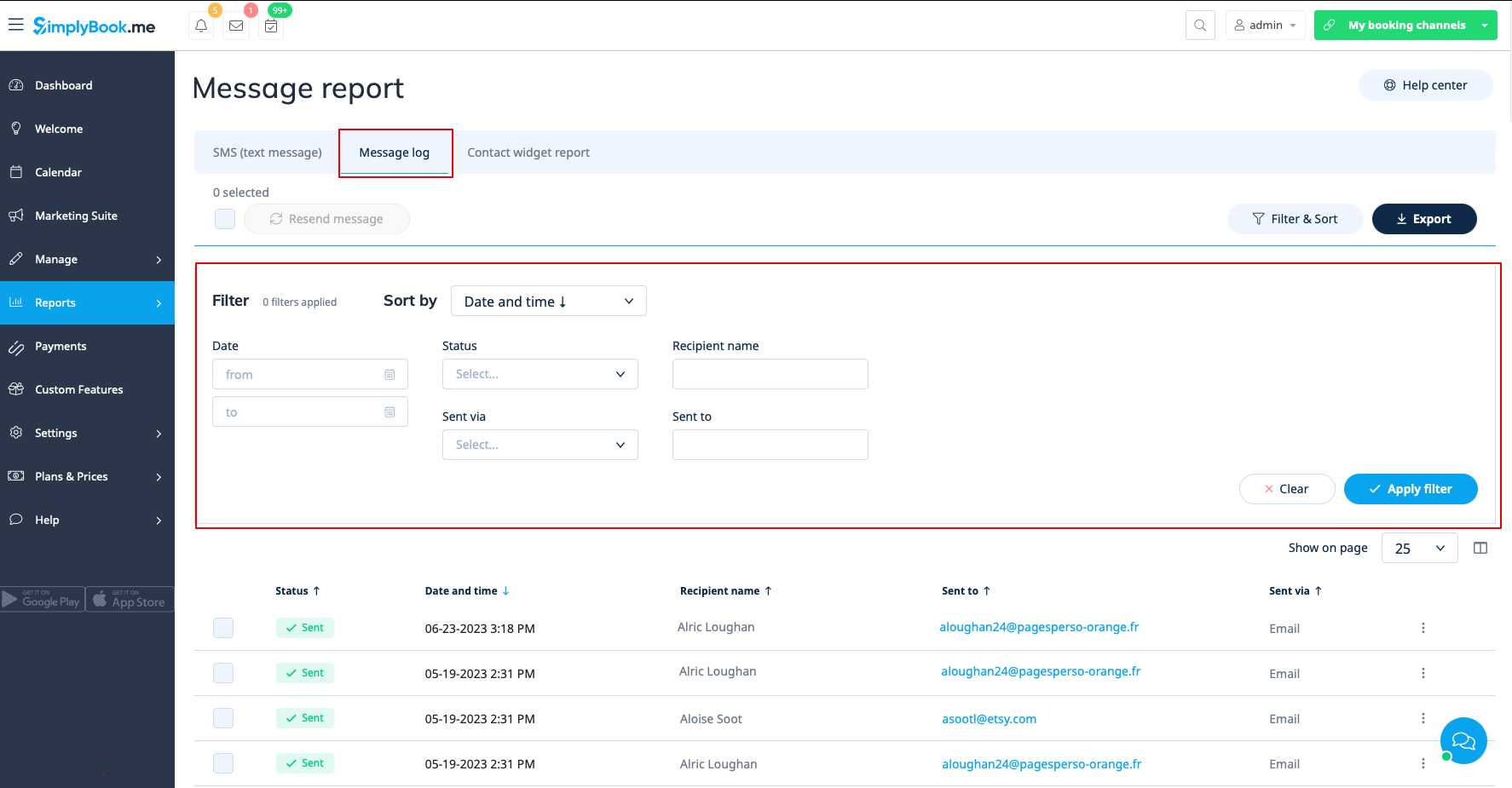
In the second tab, Message log you can:
- view promotional message log and messages statuses(sent, retry, new, sending, error);
- filter messages by:
- date range;
- status;
- recipient name;
- sent via email or sms;
- email address or phone number depending on the gateway.
- retry sending the messages to customers;
- export data to Excel or .csv (using the filters if needed).
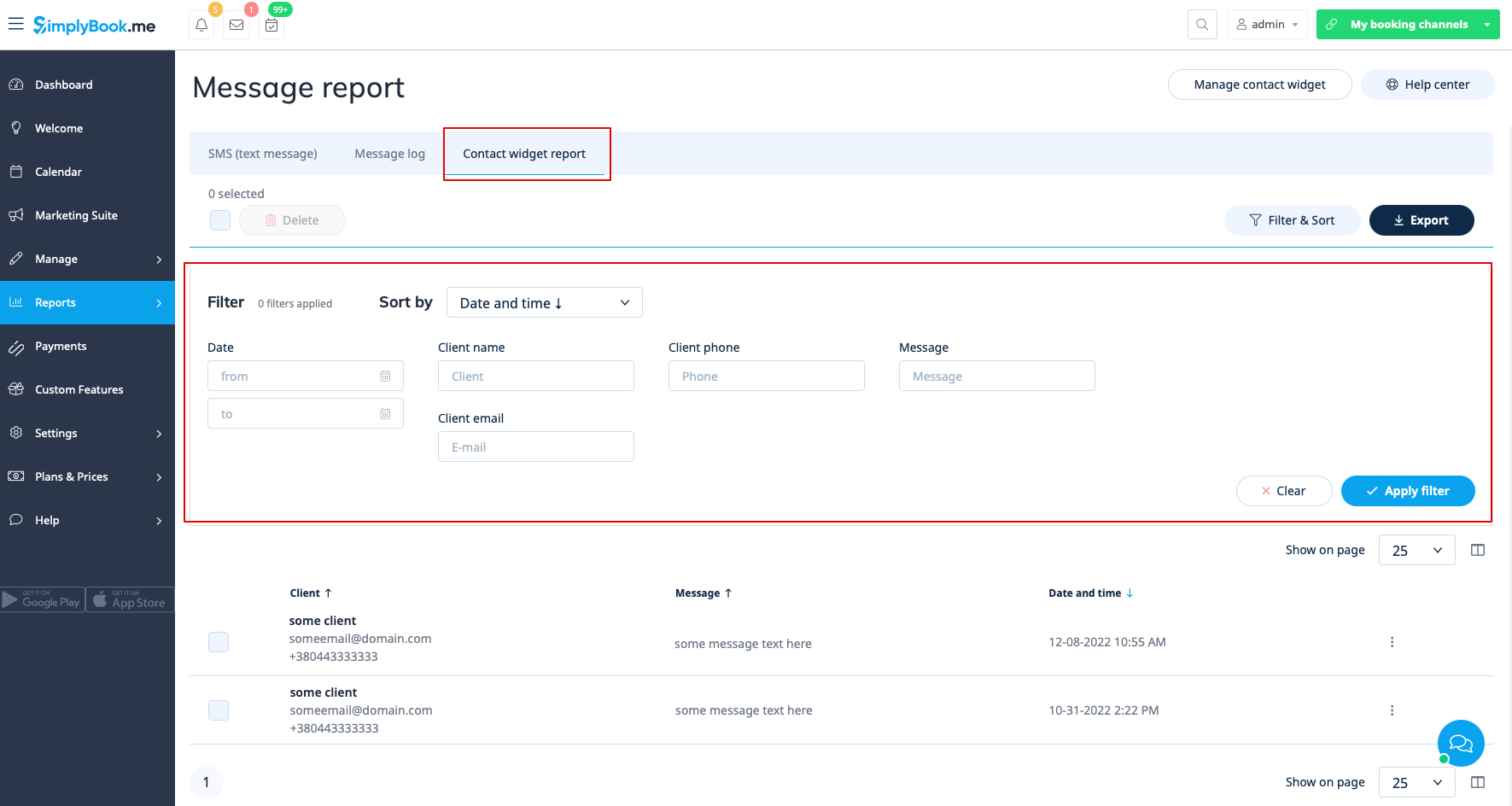
The third tab, Contact widget report can be used when contact widget custom feature is enabled and allows to:
- view the list of messages left by clients or potential clients on the booking website and respond to them;
- filter messages by:
- date range;
- client name;
- client phone;
- client email;
- message text.
- export data to Excel or .csv (using the filters if needed).