Translations:Custom Domain custom feature/9/en
From SimplyBook.me
How to set domain with Simply.com
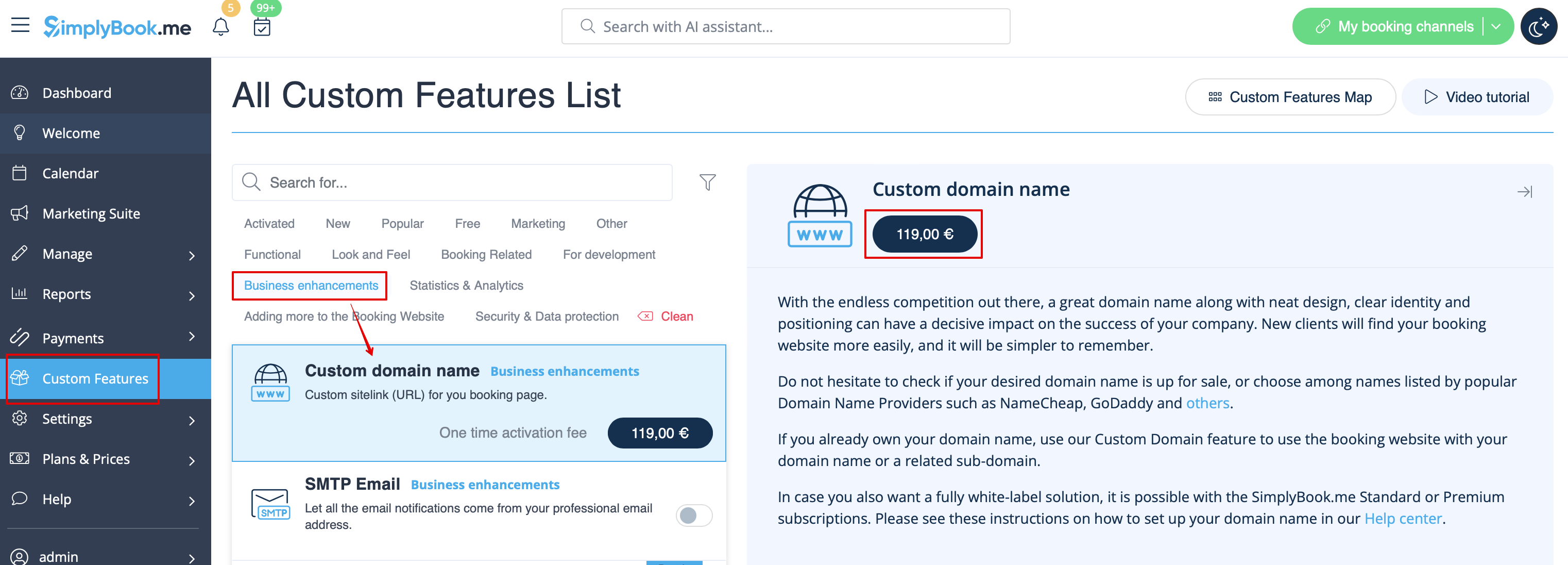
- 1. Enable Custom Domain feature per one-time payment(you will see the exact price in your account) on your Custom features page.
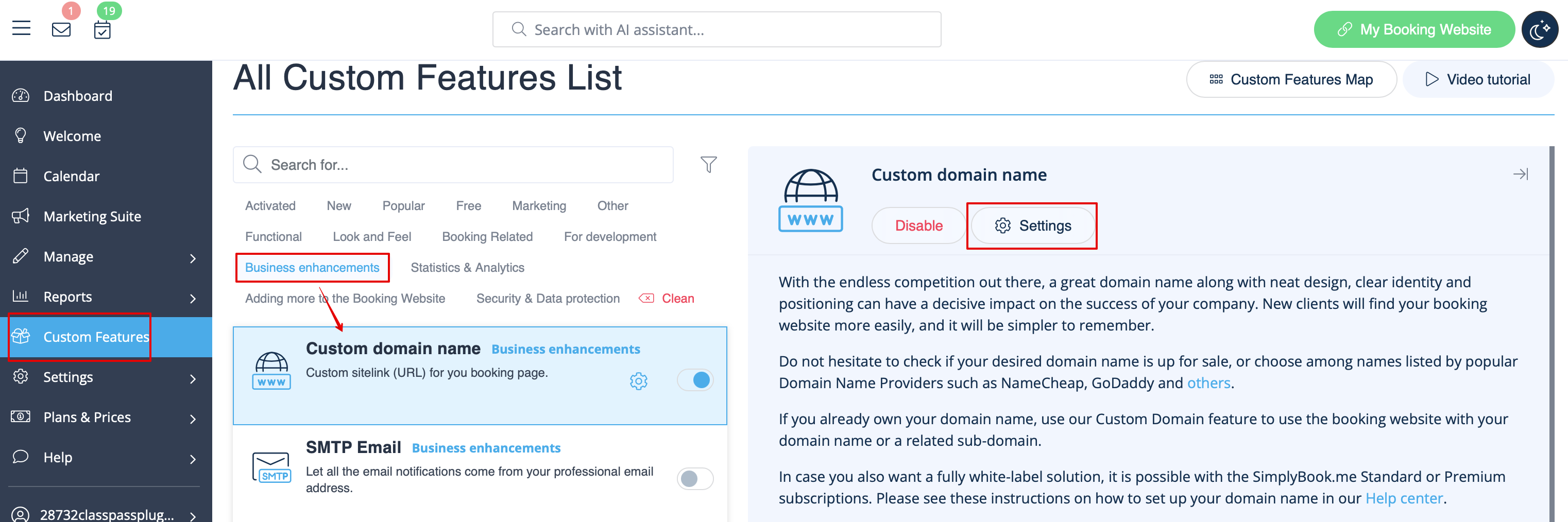
- 2. Go to its "Settings" by selecting the corresponding option on the right side of the page.
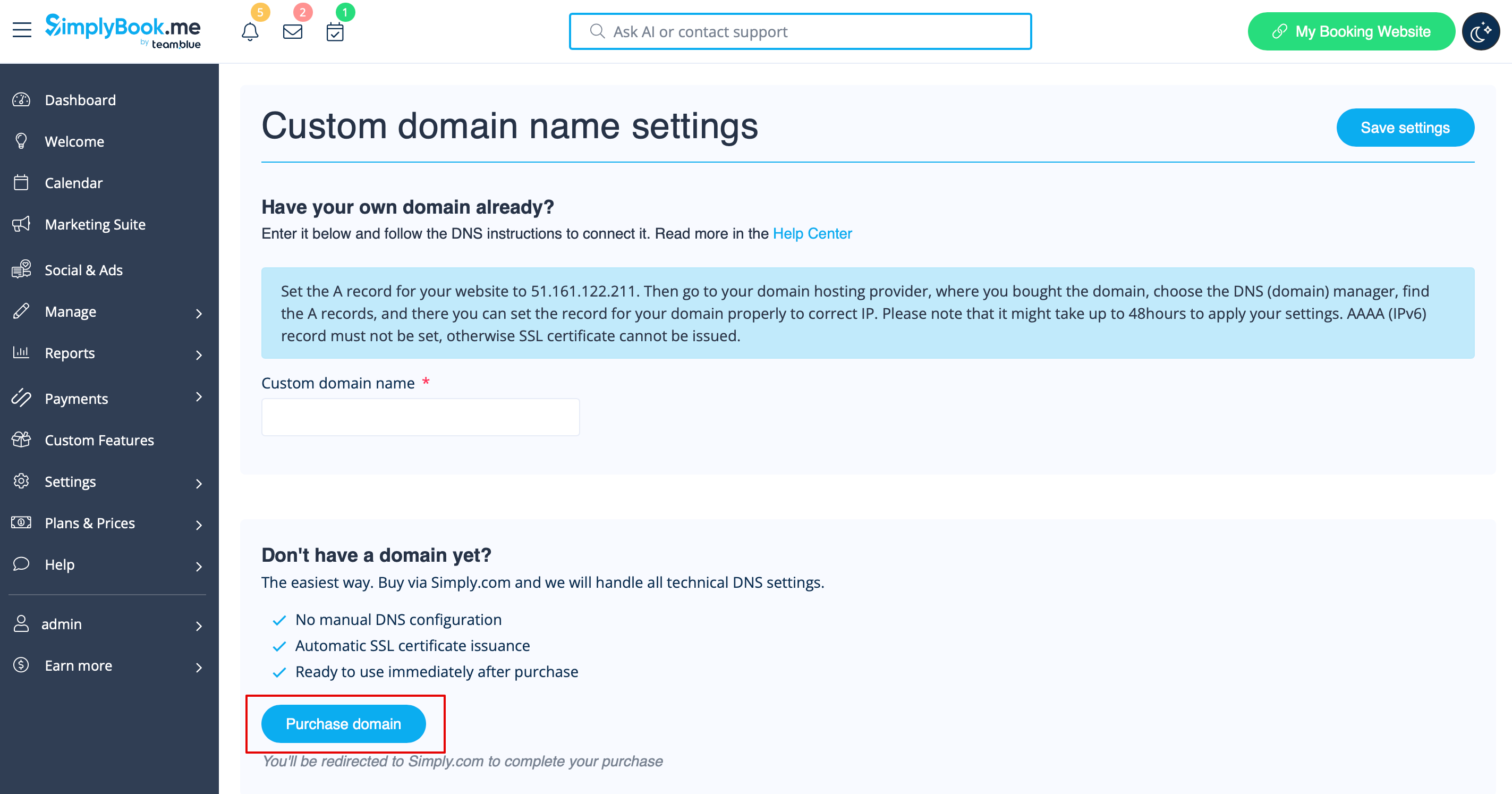
- 3. Click “Purchase domain”
- This opens Simply.com in a new browser tab with your session pre-configured.
- 4. Choose and buy your domain at Simply.com:
- Search for your desired domain name
- Select a suitable option and complete checkout on Simply.com
- 5. Wait for automatic configuration
- After purchase, Simply.com points DNS to our servers and sends us a confirmation. No manual action is needed for default setups.
- 6. Return to Custom Domain settings. The status should change to Connected. An SSL certificate is issued automatically shortly after connection.
